Protecting your Wi-Fi Network with Encryption
As we increasingly rely on wireless internet, protecting our Wi-Fi network has become more crucial than ever. One of the most effective ways to safeguard your network is through encryption. In this article, we will discuss the importance of protecting your Wi-Fi network with encryption and provide you with expert tips on how to do it.Why Encryption is Essential for Your Wi-Fi Network
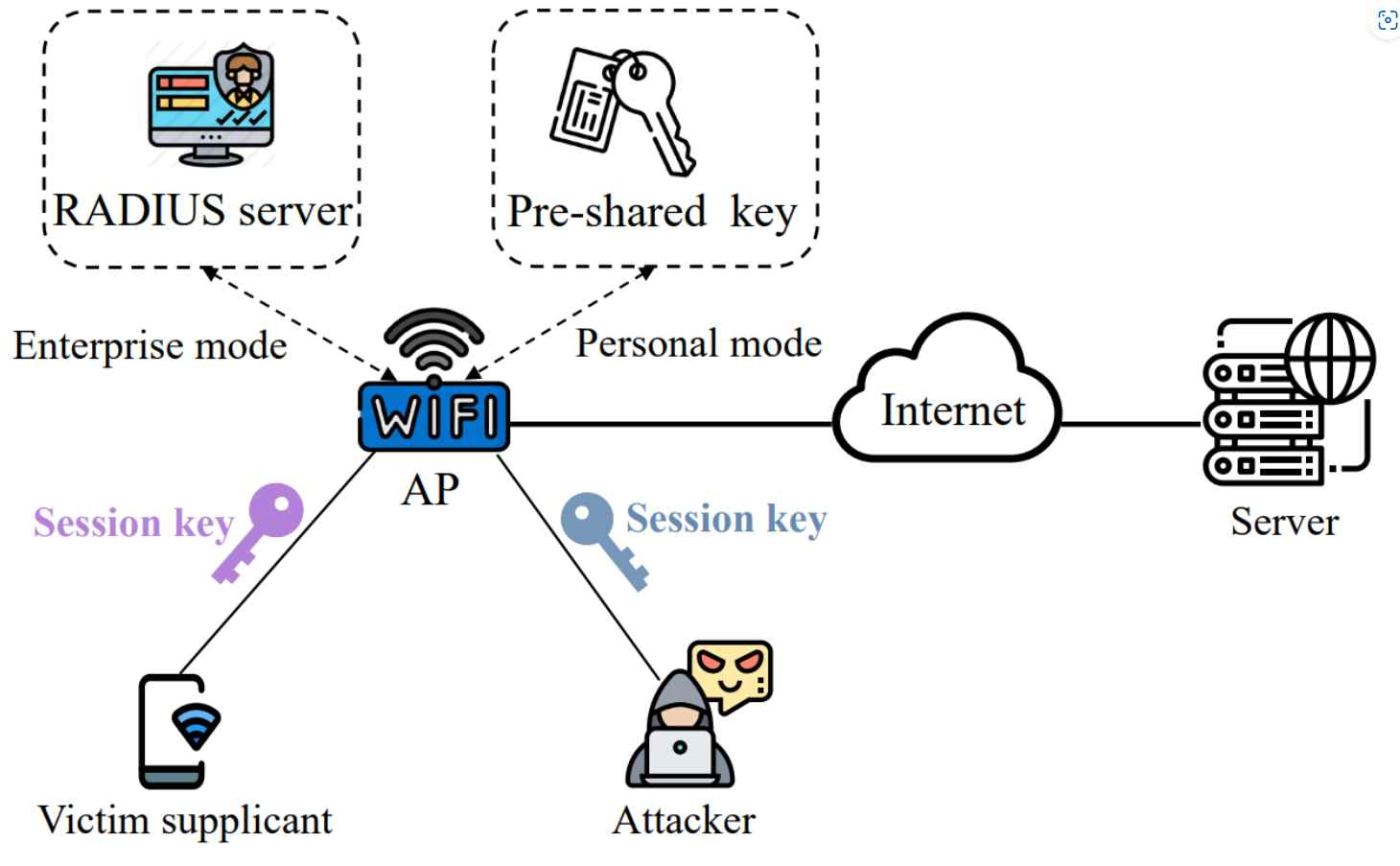
Encryption is a cybersecurity measure that encrypts your data, making it unreadable to unauthorized users. This ensures that even if a hacker intercepts your data, they won't be able to access its content. Without encryption, your network can be vulnerable to various cyber threats, including eavesdropping, data theft, and unauthorized access.The Difference Between WEP, WPA, WPA2, and WPA3
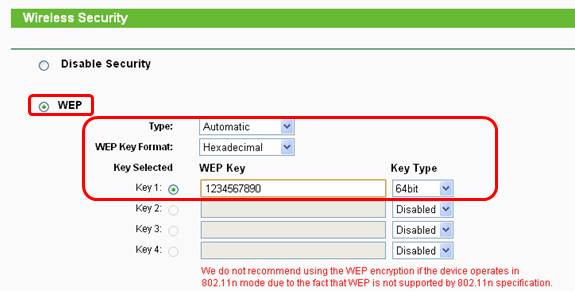
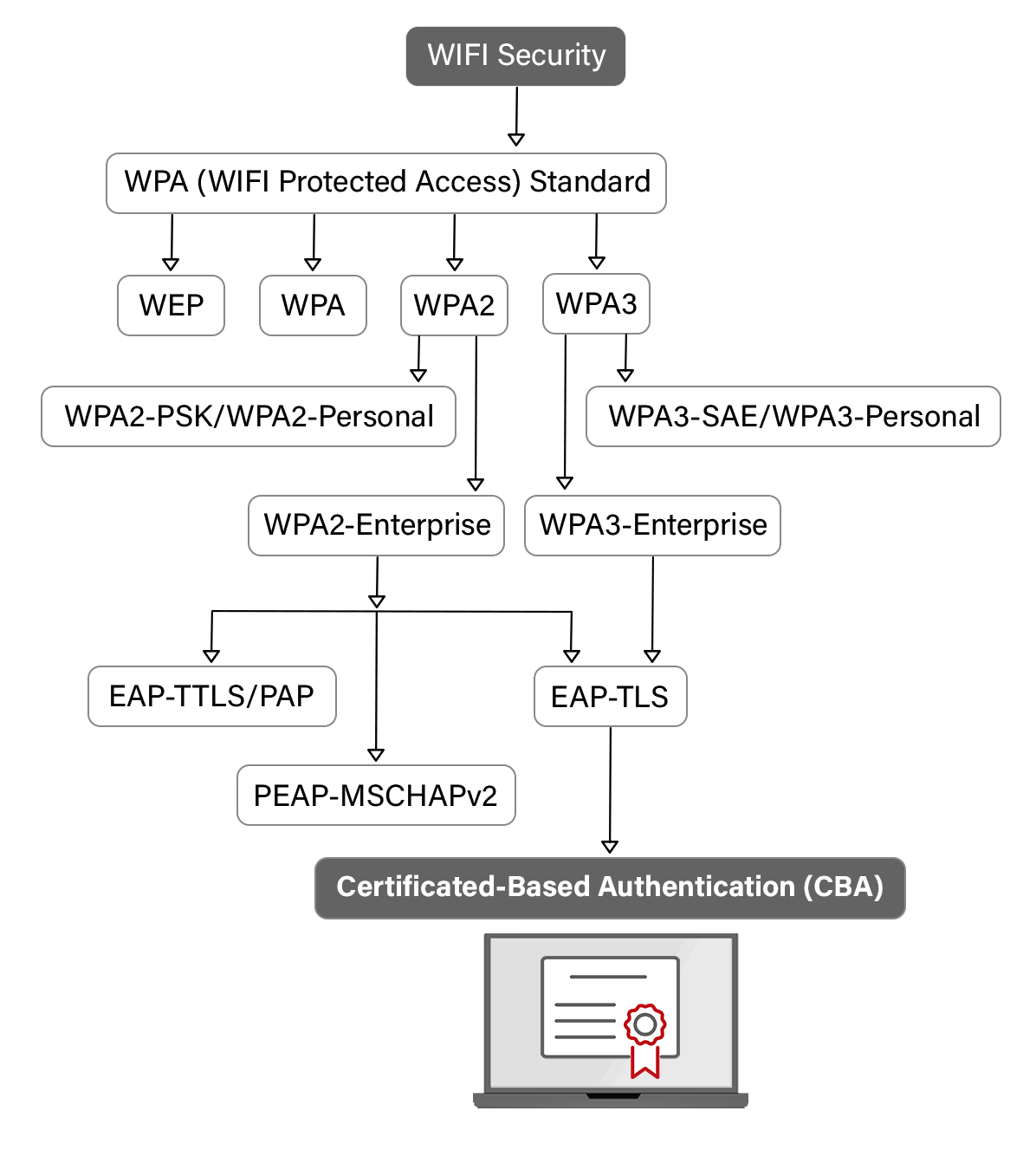
Wi-Fi routers come with various encryption options, including WEP, WPA, WPA2, and WPA3. While they all serve the same purpose, they differ in terms of security level and implementation. Here's a quick comparison:- WEP (Wired Equivalent Privacy): This is the oldest encryption protocol, introduced in 1997. It is easily bypassed by hackers and not recommended for use today.
- WPA (Wi-Fi Protected Access): This was introduced in 2003 as a replacement for WEP. While it's more secure than WEP, it is still vulnerable to attacks.
- WPA2 (Wi-Fi Protected Access 2): This is the most commonly used encryption protocol today. However, it has known security flaws, such as the KRACK attack in 2017.
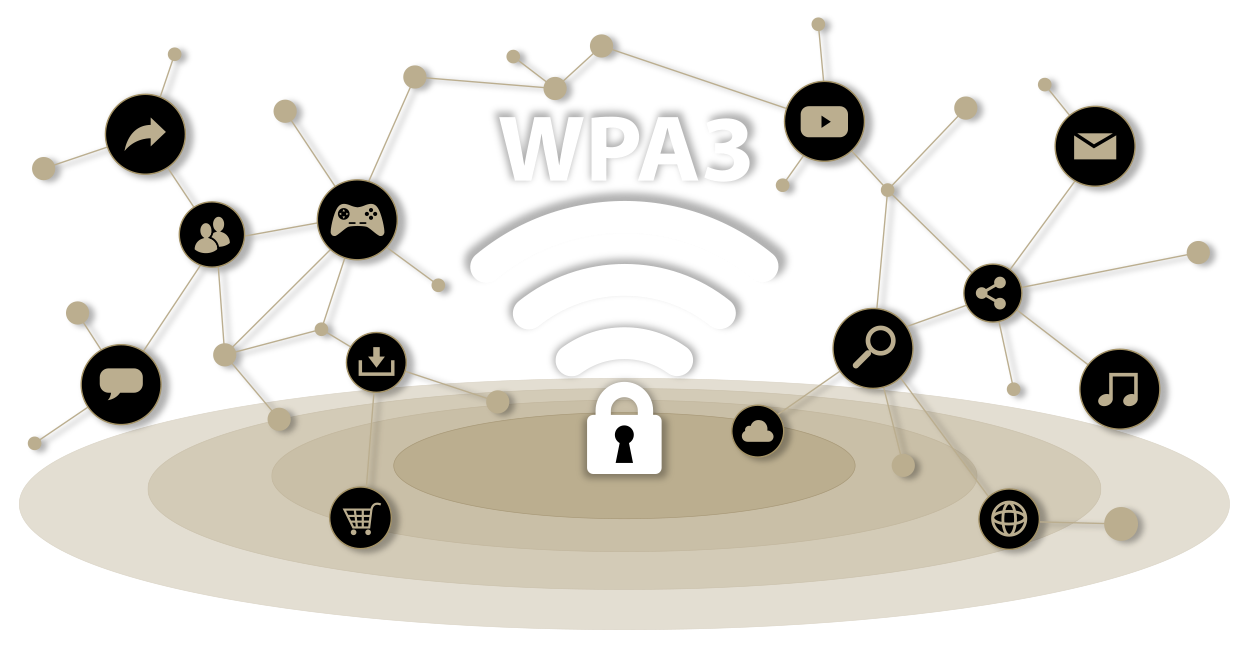
- WPA3 (Wi-Fi Protected Access 3): The latest encryption protocol offers improved security, including protection against KRACK attacks and other vulnerabilities.
How to Enable Wi-Fi Encryption
- Check your router's manual or manufacturer's website to see if it has a built-in Wi-Fi encryption option.
- Look for the security or encryption option in your router's web interface and set it to WPA3 if available.
- If WPA3 is not available, use WPA2-AES as a secure alternative.
- Change your network's name (SSID) and password regularly to prevent unauthorized access.
Additional Security Measures to Secure Your Wi-Fi Network
Encrypting your Wi-Fi network is just one part of securing it. Here are some additional measures to consider:- Use a guest network to isolate visitors' devices from your main network.
- Disable WPS (Wi-Fi Protected Setup), which can compromise your network's security.
- Change your router's default login credentials and password.
- Regularly update your router's firmware to ensure you have the latest security patches.
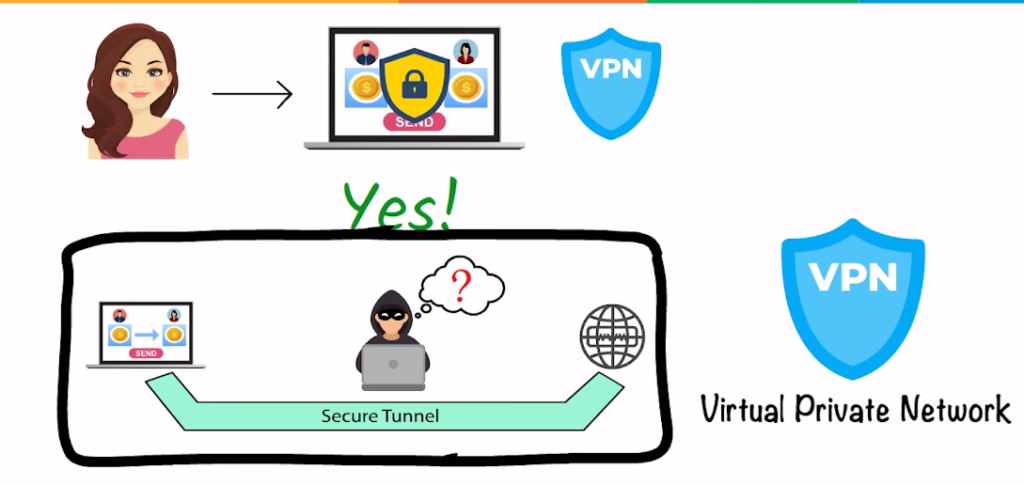
- Use a VPN (Virtual Private Network) to encrypt your internet traffic when using public networks.