Unlock the Power of Your Router: Configuring USB Ports for Expandable Networking
When considering upgrading your home network, it's essential to explore the often-overlooked features of your router, specifically the USB ports. In this article, we'll delve into the uses and configurations of these valuable ports, exposing the hidden potential of your router to expand its functionality and offer various cost-effective benefits.
The Forgotten Feature: Router USB Ports
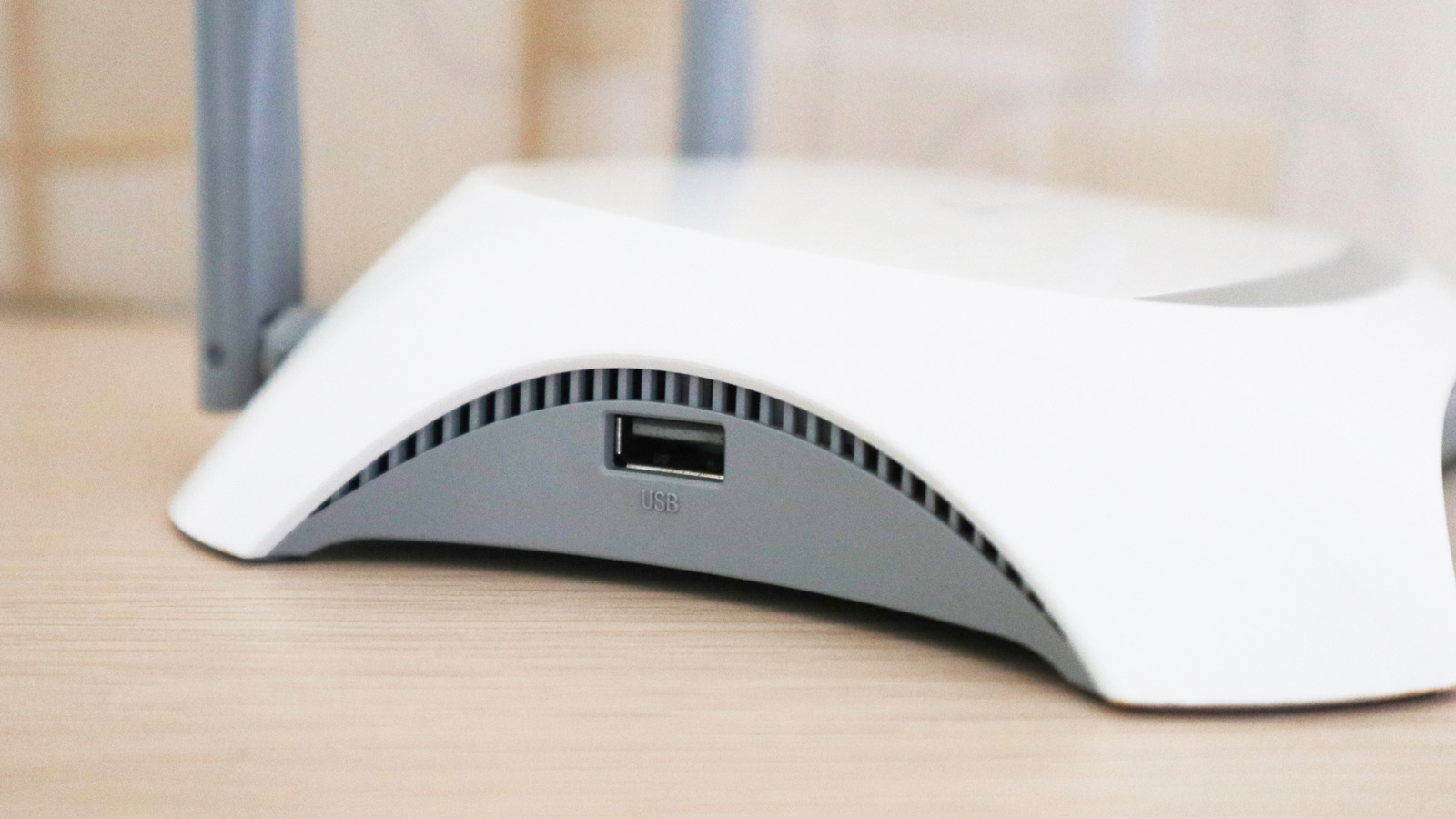
The majority of modern routers feature at least one USB port, but many users fail to utilize this feature. However, this forgotten feature holds considerable potential, allowing you to expand the use cases of your router beyond basic Wi-Fi setup.
Unlocking the Power of USB Ports on Your Router
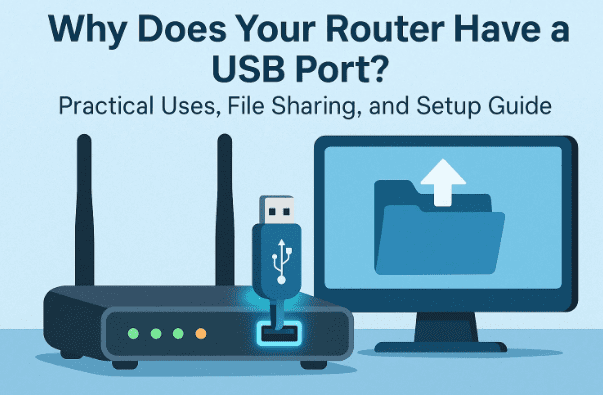
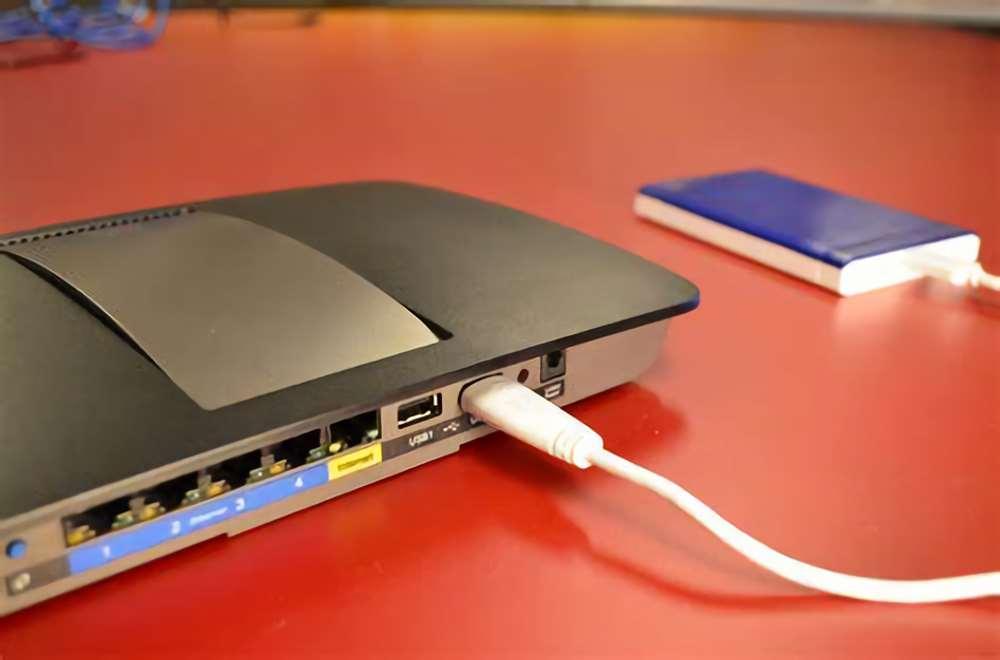
One of the most practical applications of a USB port on your router is transforming an external storage drive into a network-attached storage (NAS) device. By connecting a USB drive and configuring the settings within your router's admin panel, you can create a centralized hub for file sharing across your network.
What Can You Do with a USB Port on Your Router?
- Turn an external hard drive into a shared network drive
- Enable wireless backups, wireless printing, and file sharing
- Power small gadgets and devices
- Connect and configure a wireless printer
- Set up a backup internet connection
Step-by-Step Guide to Configuring USB File Sharing on Your Router
Configuring your router's USB settings is a straightforward process. Here's a step-by-step guide to get you started:
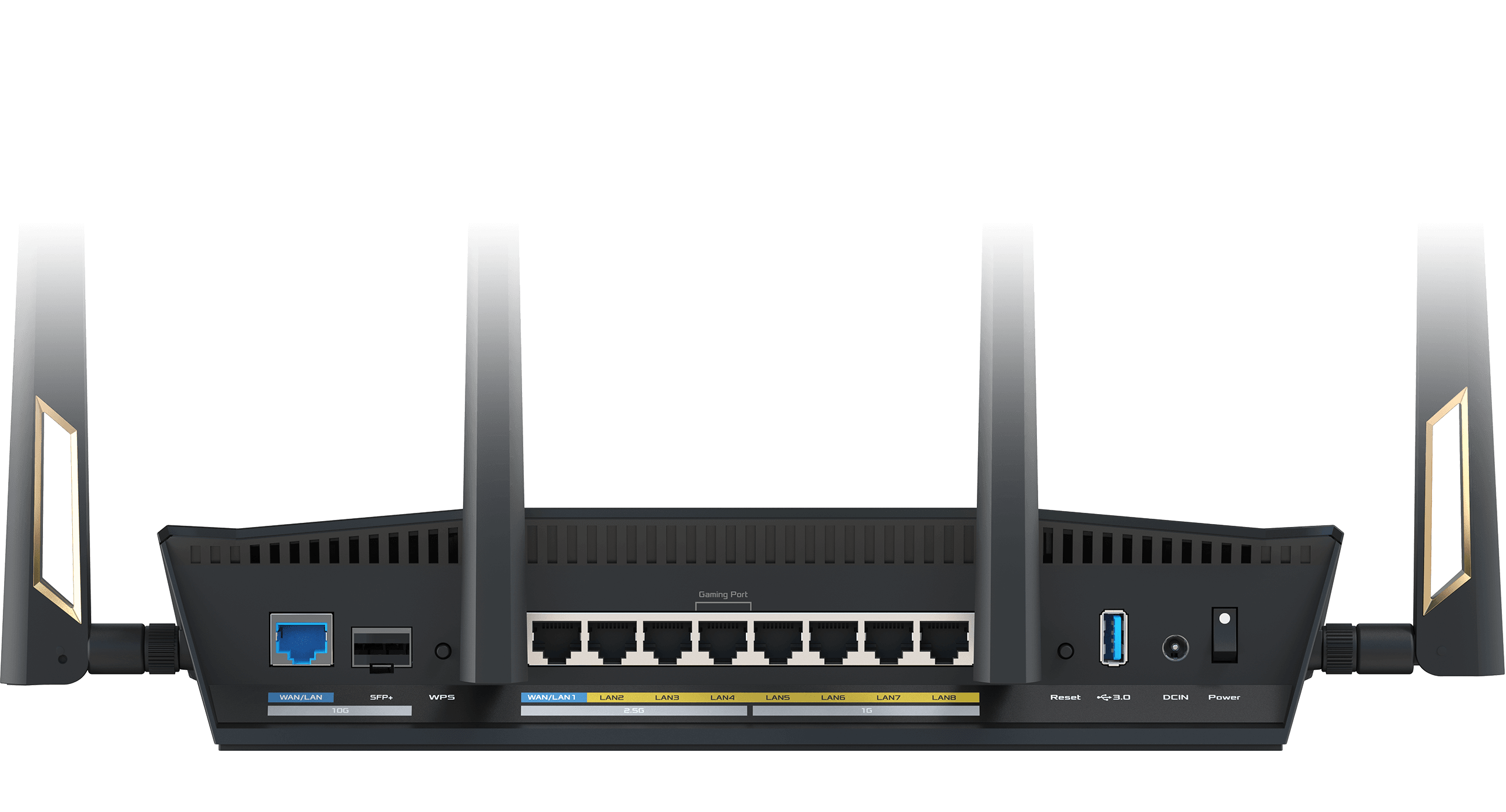
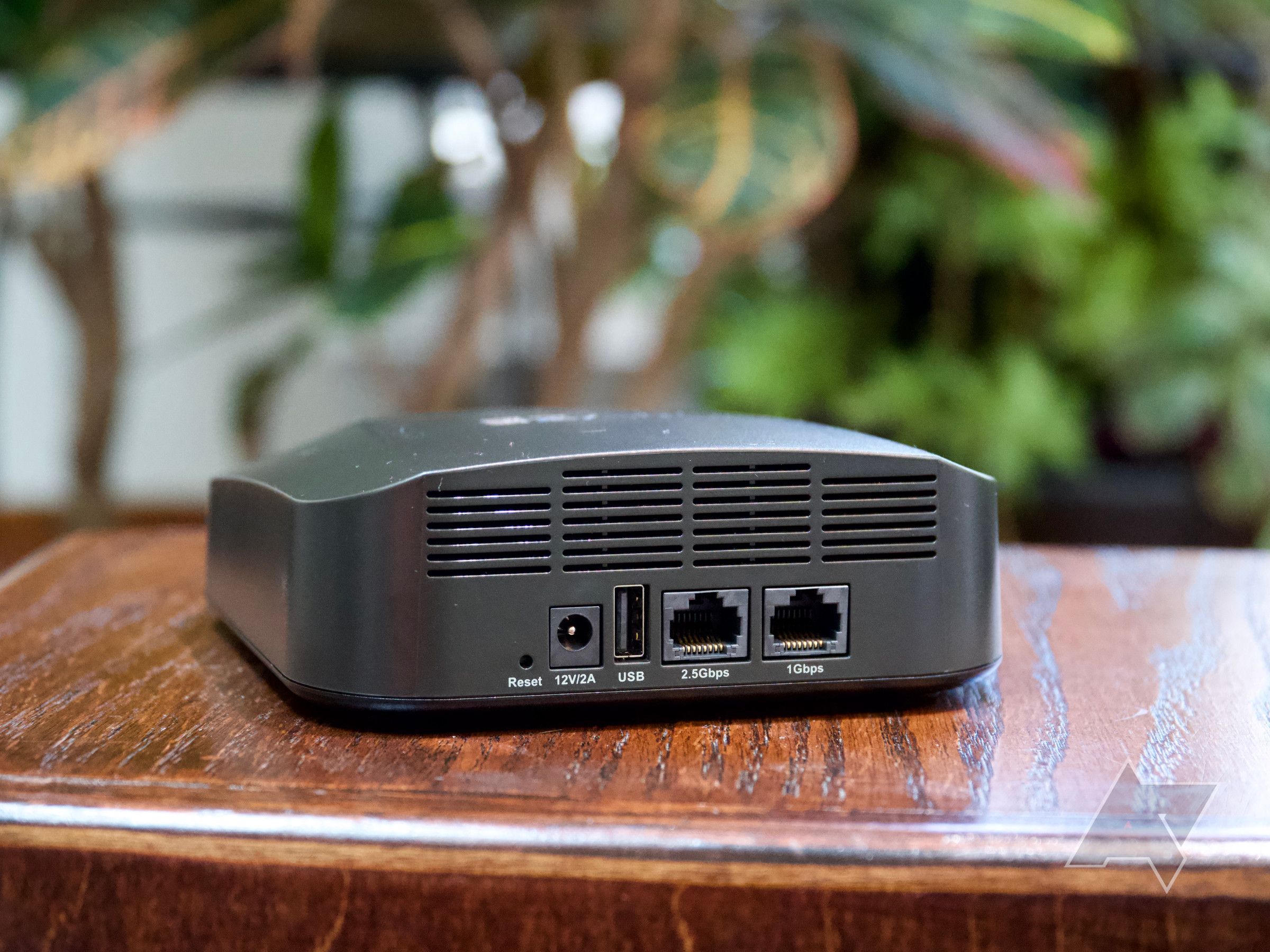
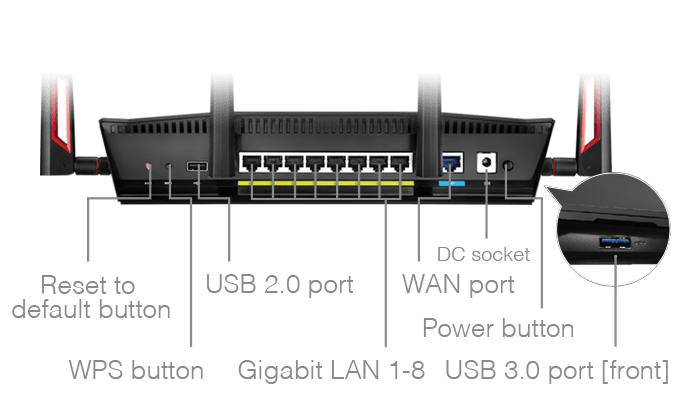
- Identify the available ports on your router and ensure there's a free USB port.
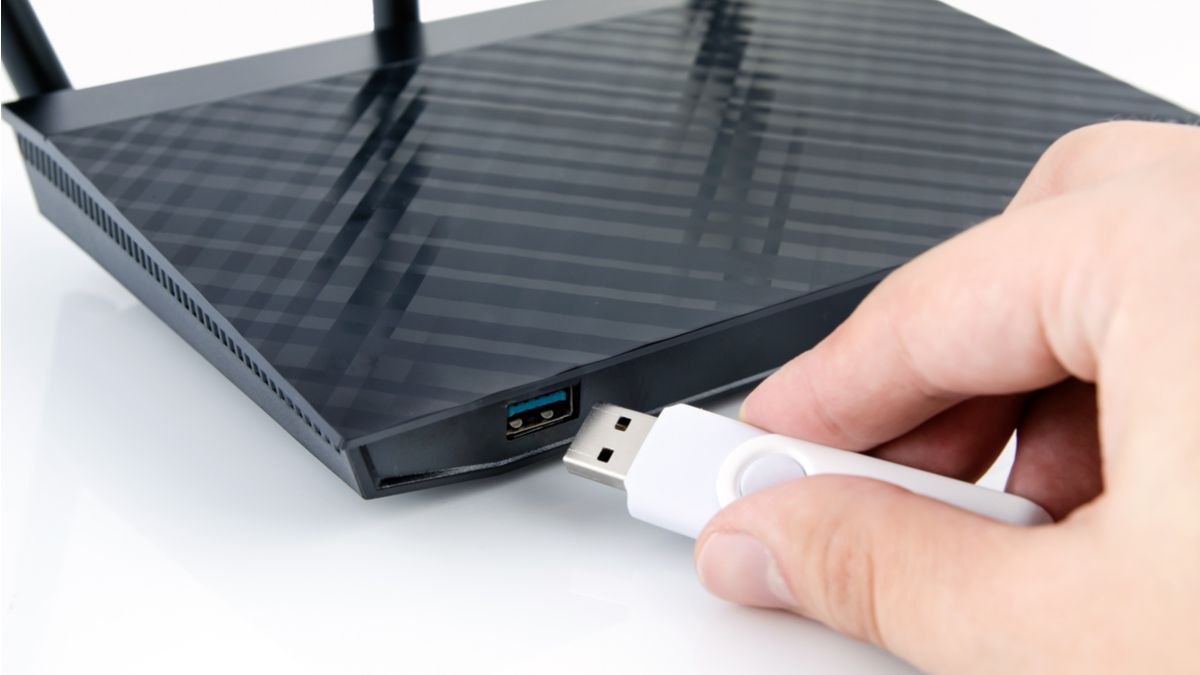
- Connect the USB drive or device to the USB port on your router.
- Turn on your router and the connected device.
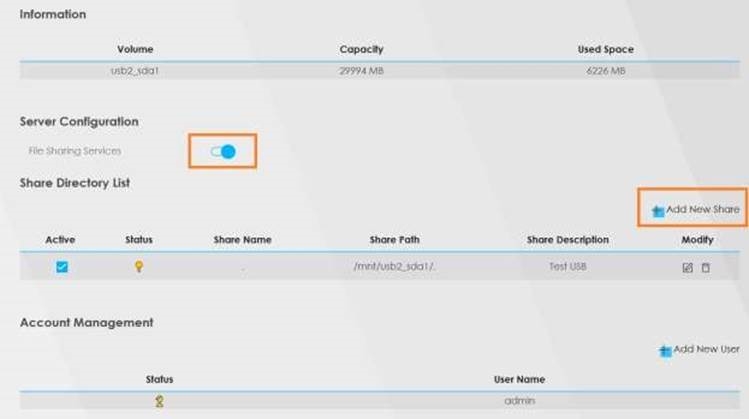
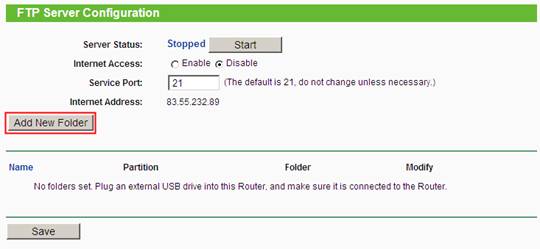
- Access the admin panel of your router and navigate to the USB settings or file sharing section.
- Configure the settings to enable file sharing and access the shared files from connected devices on your network.
Pros and Cons of Configuring USB File Sharing on Your Router
While configuring USB file sharing on your router offers numerous benefits, including cost-effective expansion of your network and convenient access to shared files, there are also some limitations to consider:
Pros:
- Easy setup and configuration
- Cost-effective expansion of your network
- Convenient access to shared files across your network
- Wireless sharing capabilities
Cons:
- Dependent on router model and USB port availability
- Limited capacity and storage options
- Security concerns if not properly configured
Alternatives to Configuring USB File Sharing on Your Router
While configuring USB file sharing on your router offers numerous benefits, there are alternative solutions to consider depending on your specific needs and requirements:
- Cloud storage solutions (e.g., Dropbox, Google Drive)
- Network-attached storage (NAS) devices
- Cloud file-sharing services (e.g., Google Drive, Microsoft OneDrive)
In conclusion, the USB port on your router is a valuable feature waiting to be utilized. By configuring USB file sharing on your router, you can expand the use cases of your network, access shared files conveniently, and enjoy cost-effective benefits. However, it's essential to weigh the pros and cons and consider alternative solutions depending on your specific needs.