Unlock the Power of Video Editing: A Step-by-Step Guide on How to Edit Videos
In today's digital age, creating high-quality videos has become a crucial aspect of marketing, content creation, and social media presence. However, video editing can be a daunting task, especially for those who are new to the field. In this comprehensive guide, we'll walk you through the basics of video editing and provide you with valuable tips and tricks to help you create stunning videos like a pro.
Getting Started with Video Editing
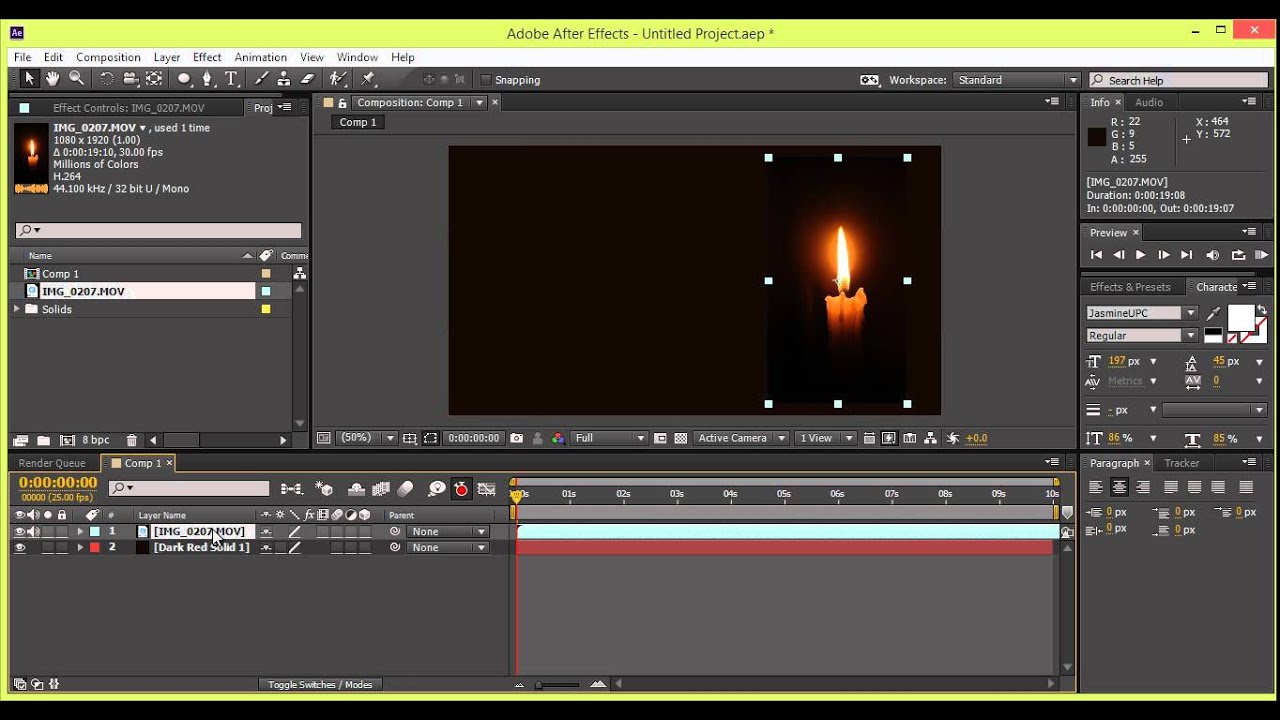
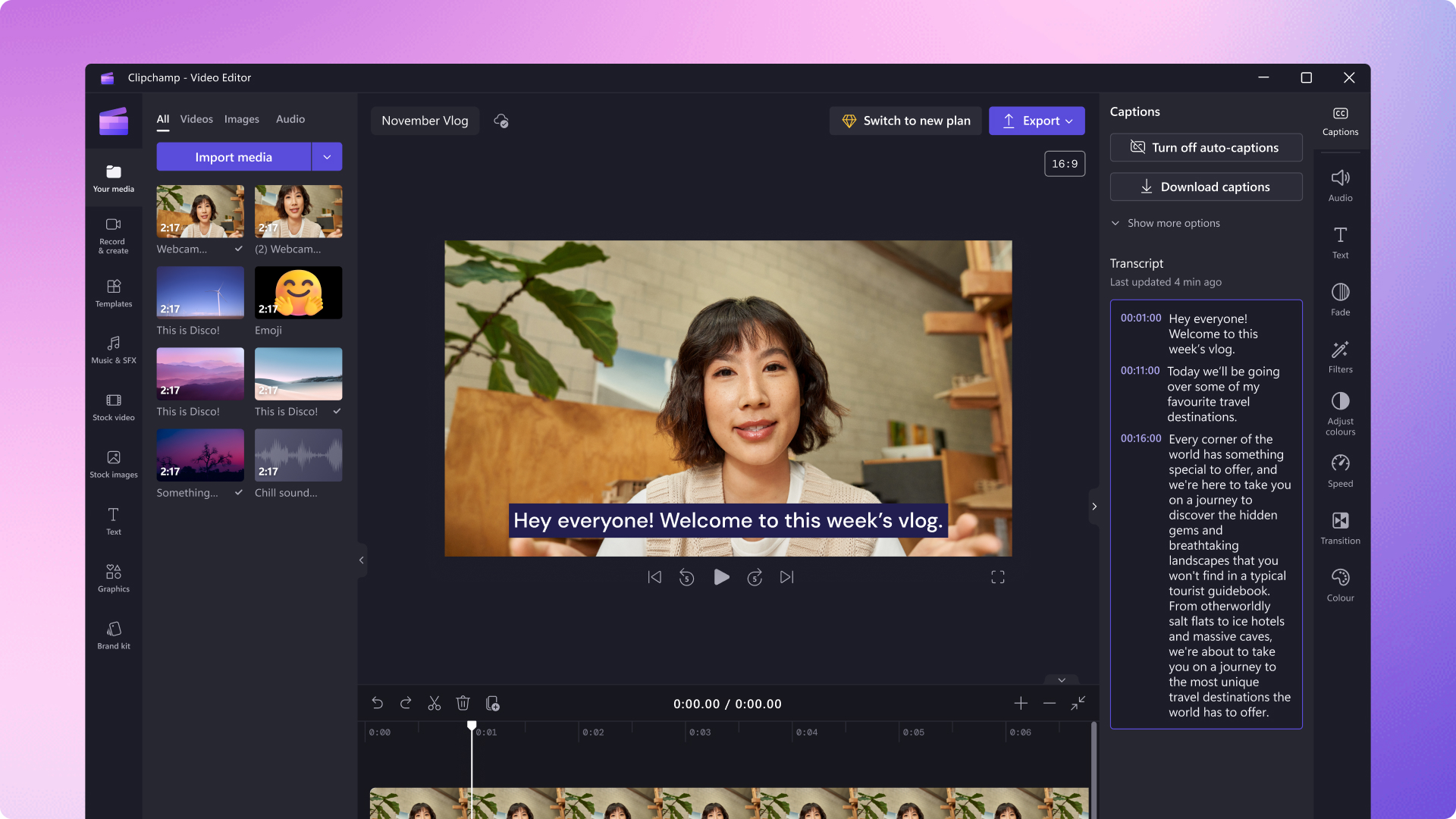
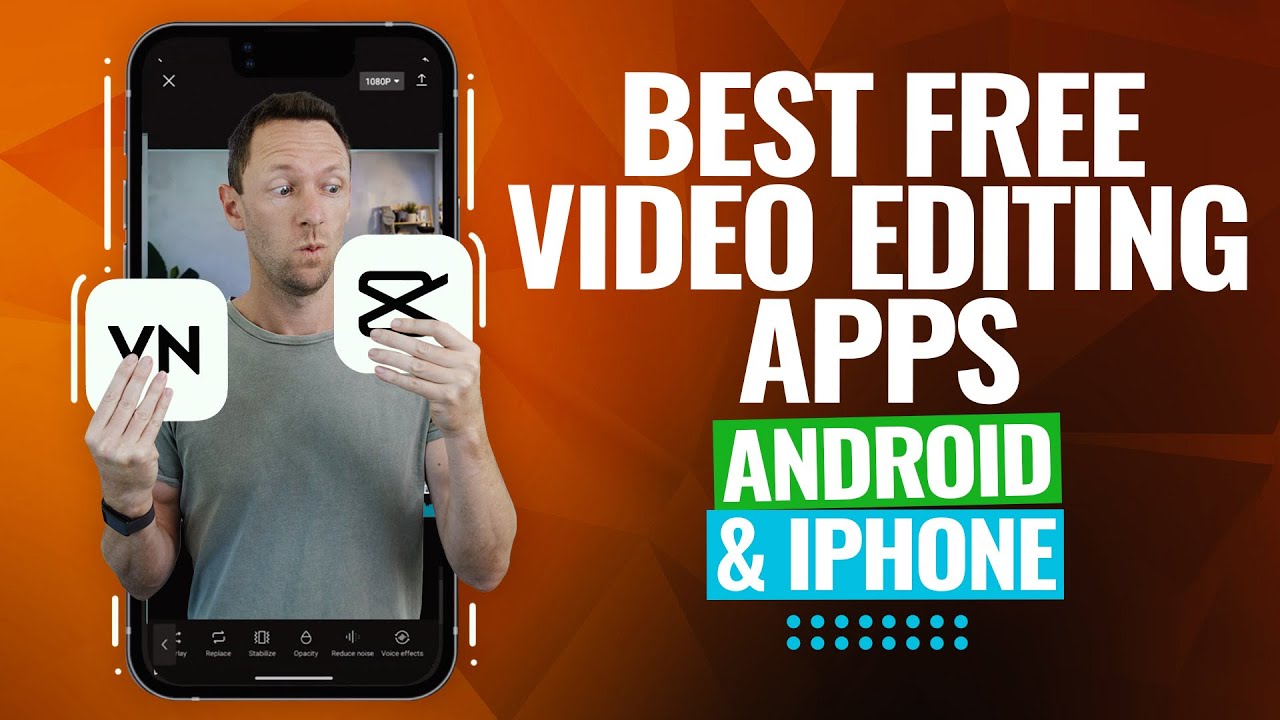
Before you begin editing, it's essential to choose the right video editing software or online platform. Some popular options include Canva, Adobe Express, iMovie, and Premier. Each of these tools offers a user-friendly interface and a range of features to help you create professional-looking videos. For beginners, Canva's drag-and-drop editor is an excellent choice, as it allows you to create engaging videos from the comfort of your browser.
How to Edit Videos: The Basics
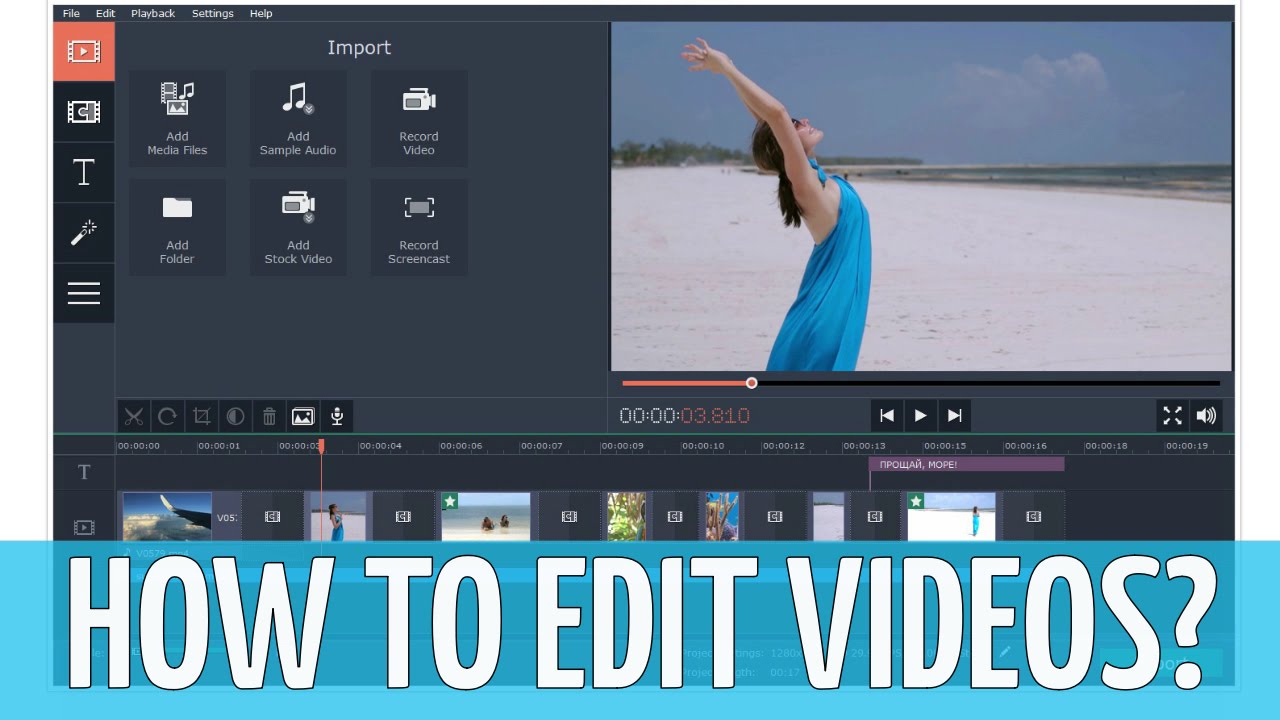
- Organizing Your Footage: Gather all your video clips and import them into your chosen editing software. Organize them in a logical order and label each clip for easy identification.
- Trimming and Cutting**: Cut out unnecessary footage and trim your clips to the desired length. This will help you create a cohesive narrative and focus on the essential elements of your story.
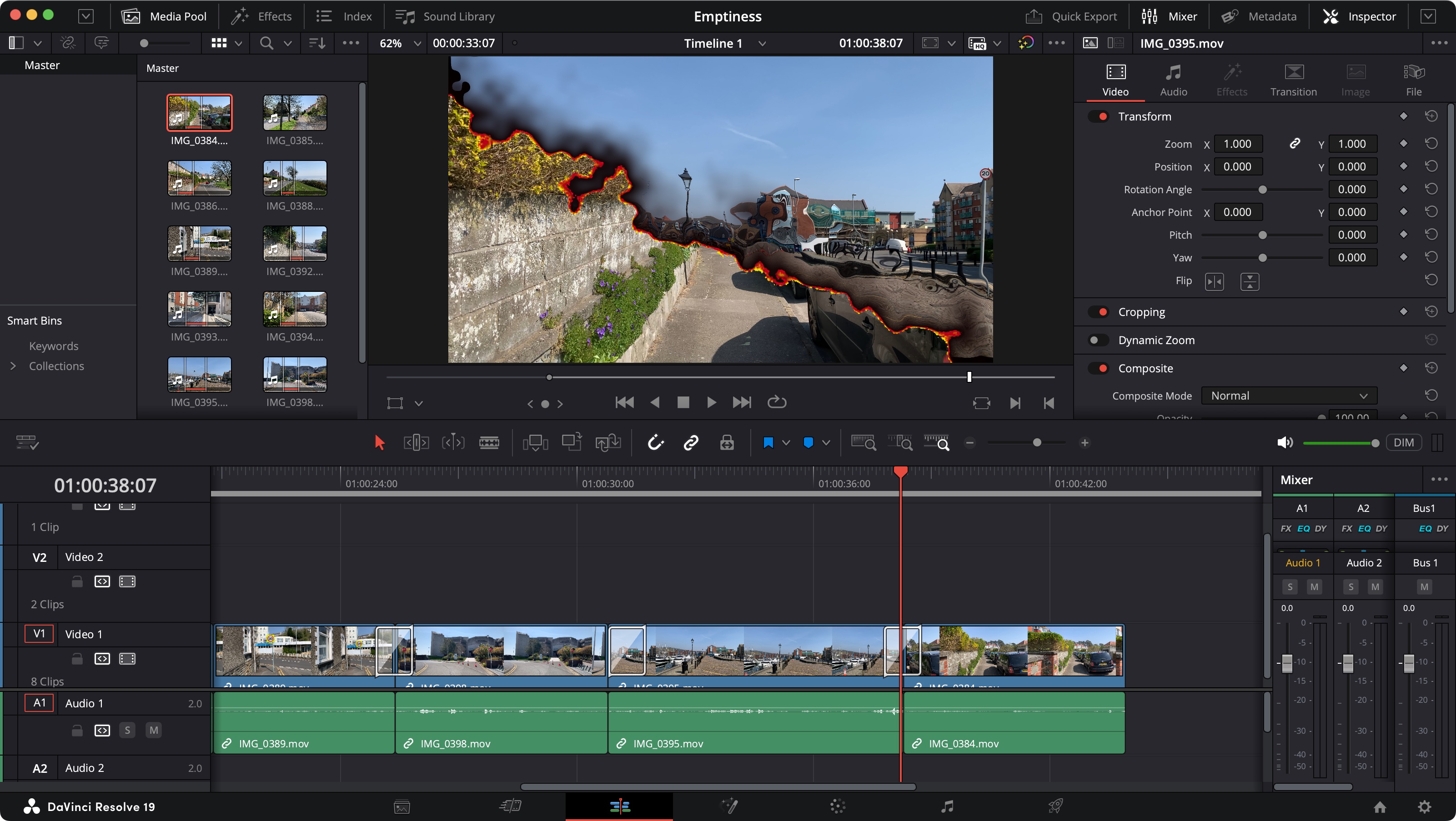
- Merging Clips**: Combine multiple clips into a single video, using the editing software's timeline feature. This allows you to create a seamless narrative flow and add transitions between clips.
- Adding Music and Sound Effects**: Enhance your video's audio with music and sound effects. You can use online libraries or add your own audio tracks to create a more engaging and immersive experience.
- Adding Visual Effects and Transitions**: Use built-in or online effects and transitions to add a professional touch to your video. You can add animations, filters, and other visual effects to make your video more engaging and dynamic.
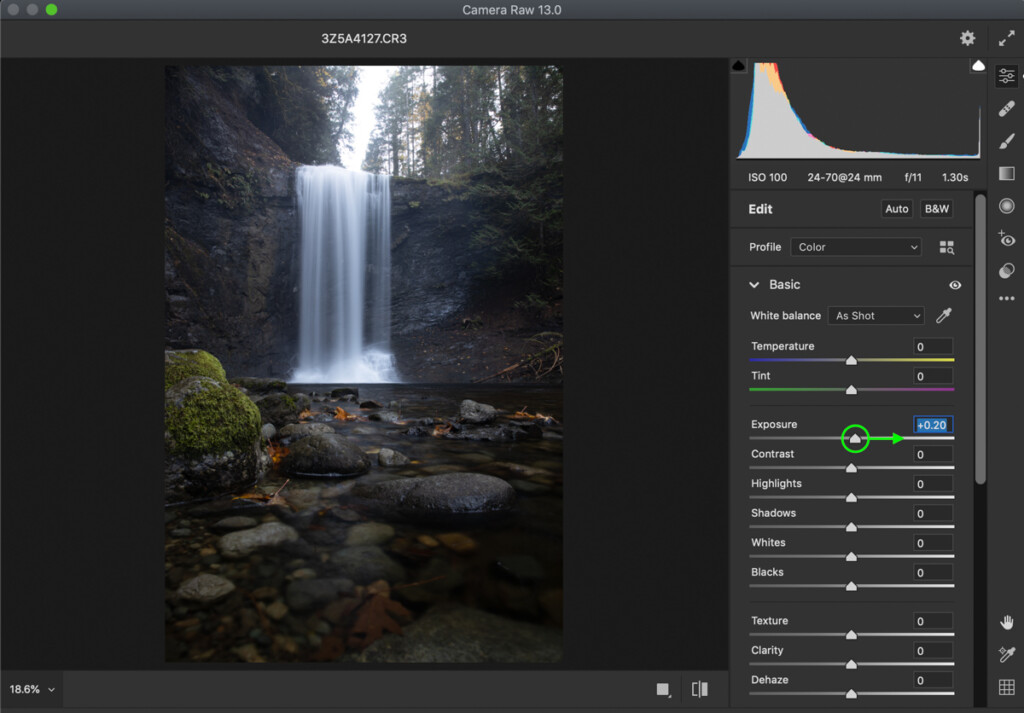
- Color Correction and Grading**: Adjust the color and brightness of your video to create a consistent look and feel. You can also use color grading to enhance the mood and atmosphere of your video.
- Finalizing Your Video**: Once you've edited your video, it's time to export it in the desired format. Make sure to check the resolution, frame rate, and file type to ensure your video plays smoothly on various devices.

Video Editing Tips and Tricks
Here are some expert tips to help you improve your video editing skills:
- Keep it Simple**: Avoid cluttering your video with too many effects or transitions. Keep your design clean and minimalist to focus the viewer's attention on the key elements of your story.
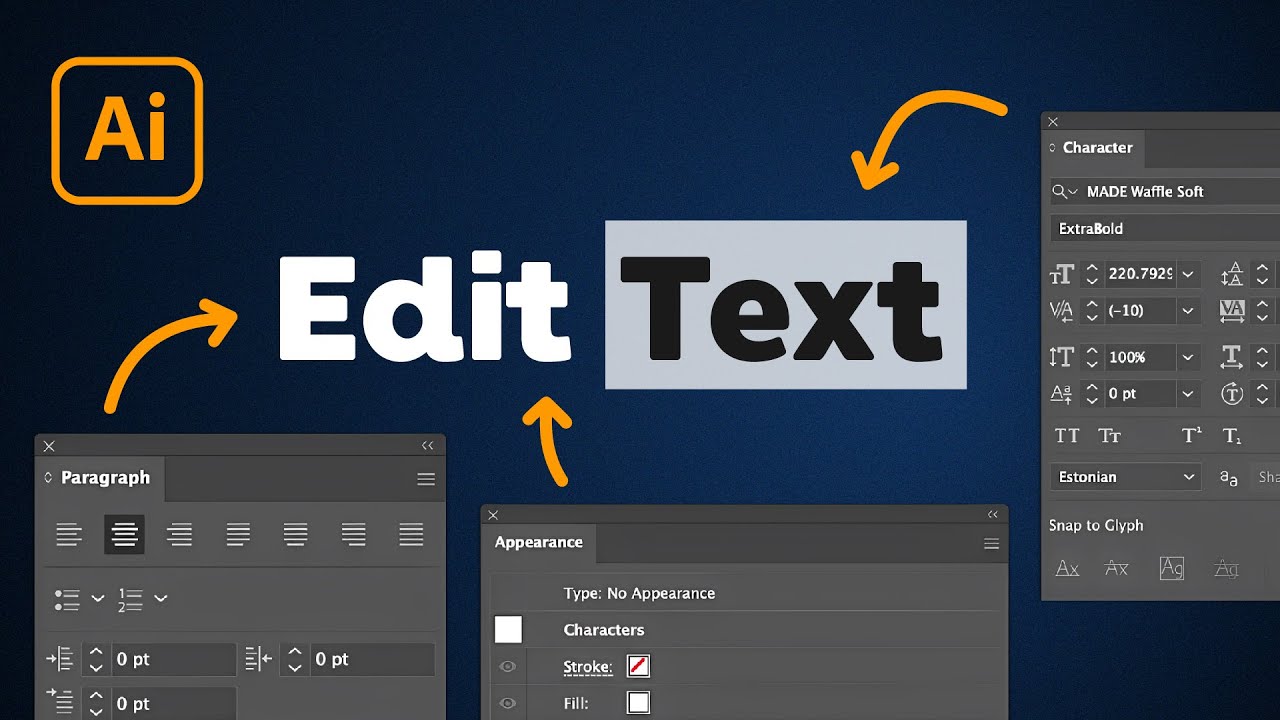
- Use Consistency**: Establish a consistent style throughout your video, including font, color, and tone of voice. This will create a cohesive and professional look.
- Experiment and Be Creative**: Don't be afraid to try new things and experiment with different techniques. Video editing is an art, and there's no one-size-fits-all approach.
- Share Your Work**: Share your edited video on social media, YouTube, or other platforms to get feedback and improve your skills.
Conclusion
Video editing is a skill that requires practice, patience, and creativity. With the right tools and techniques, you can create high-quality videos that engage and captivate your audience. Remember to keep it simple, consistent, and experiment with new techniques. Don't be afraid to learn from your mistakes and share your work to improve your craft. Happy editing!
For more information on the latest video editing software, see our latest article on how to edit a video.

![How to Edit Videos for Beginners [Includes Templates] - CyberLink](https://i.ytimg.com/vi/5x3Hy7zie94/maxresdefault.jpg "How to Edit Videos for Beginners [Includes Templates] - CyberLink")