Securing Your Home Wi-Fi Network: Protecting Against Hacking Attempts
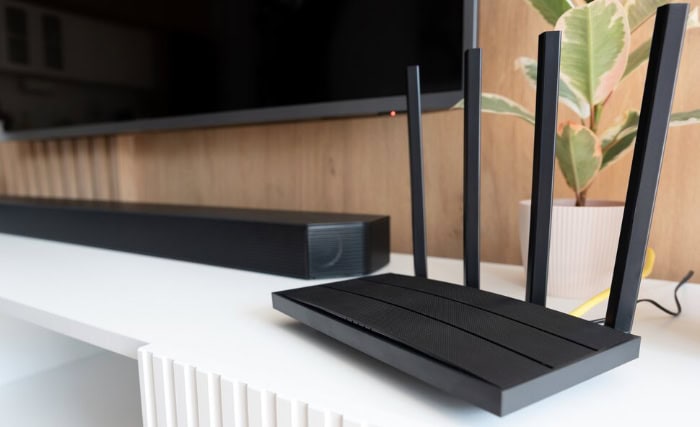
As you enjoy the convenience of a wireless network in your home, you may not be aware of the potential risks that lurk around the corner. Hackers and malicious actors are always on the lookout for vulnerable networks to exploit, which can put your sensitive information and devices at risk. To secure your wireless router from hacking attempts, it's essential to take proactive steps to safeguard your home network.
Understanding the Risks of a Hacked Wi-Fi Router
Hackers can gain access to your network and steal sensitive information, such as financial data, personal photos, and sensitive documents.
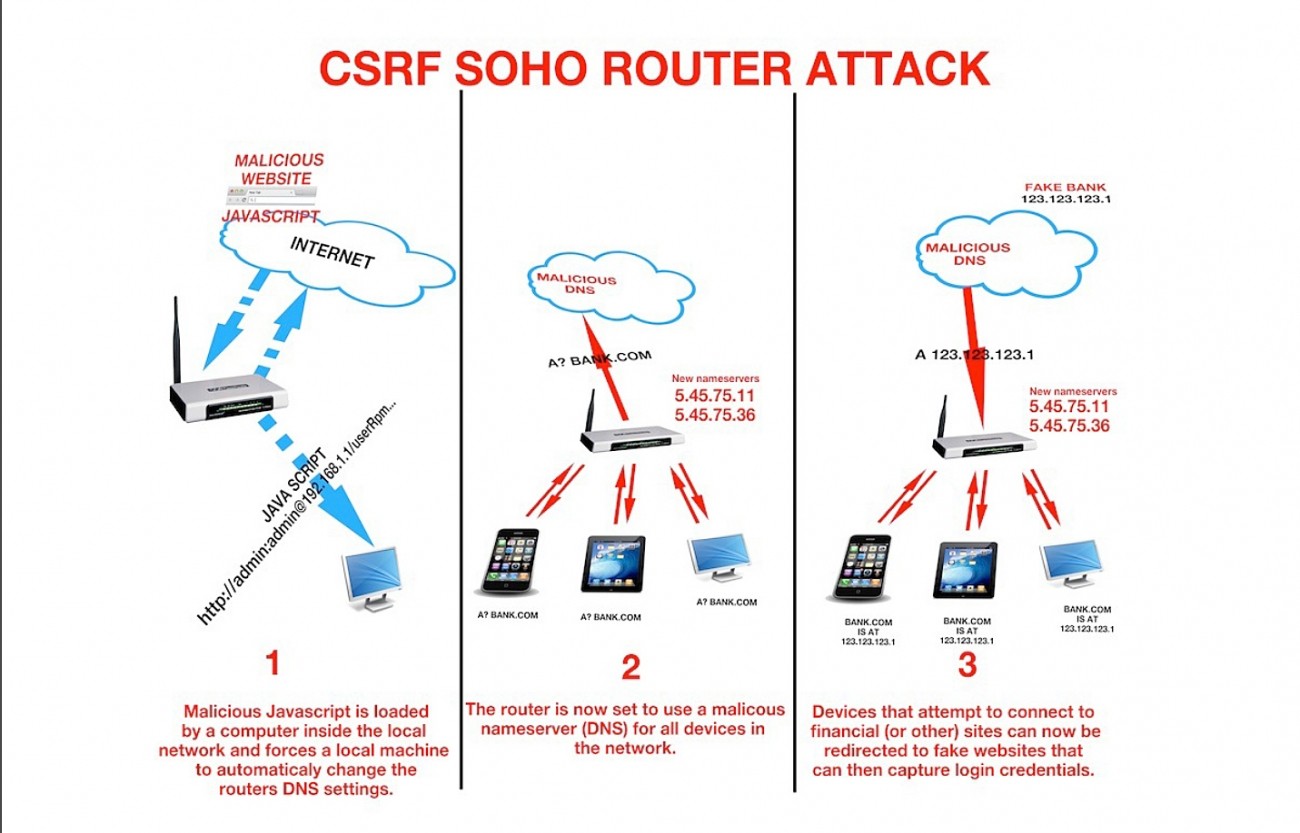
They can also use your router as a launchpad for further attacks on other networks, making your device a part of a larger botnet.
Worst-case scenario, hackers can tamper with your router's settings, rendering it unusable and disrupting your internet connection.
Boosting Router Security: Essential Steps
Securing your wireless router from hacking attempts requires a multifaceted approach. Here are some essential steps to take:
###1. Use Strong Passwords and Encryption
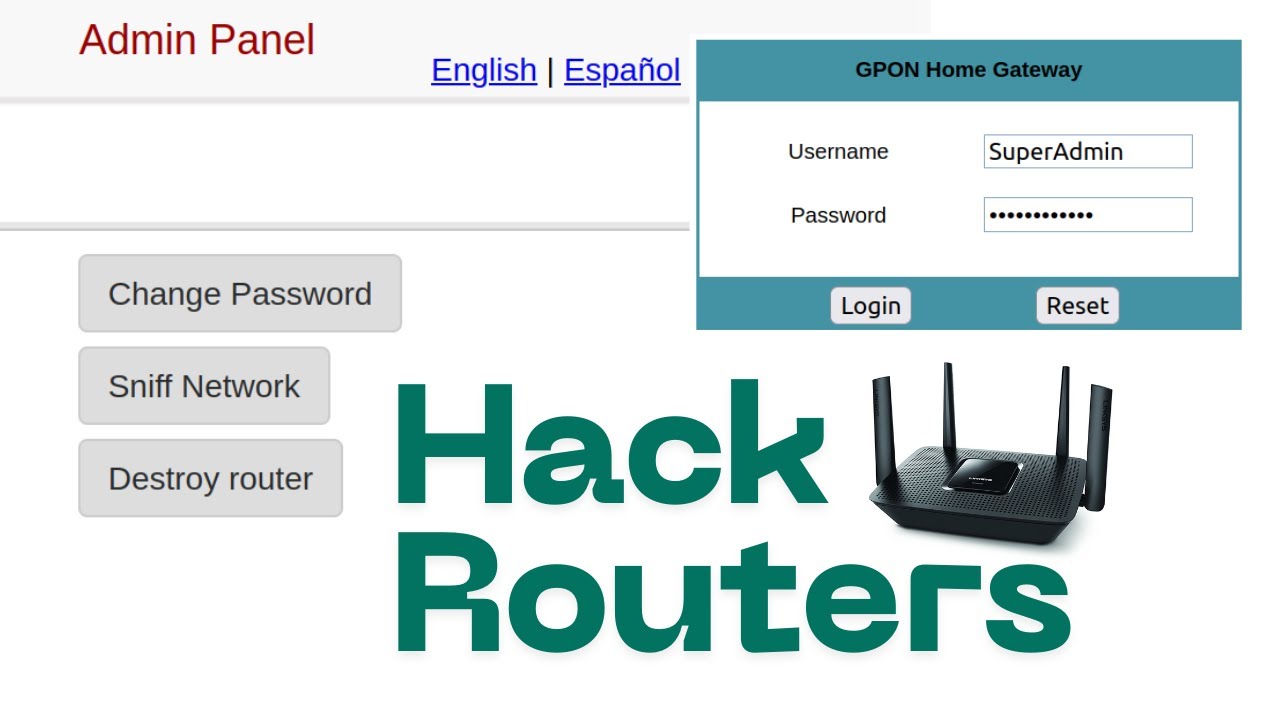
Change the default administrator password of your router, ensuring it's strong and random.
Use WPA3 encryption for optimal security, as it's considered more resistant to hacking attempts compared to WPA2.
2. Regular Firmware Updates
Regularly check for firmware updates and install them promptly to fix security vulnerabilities and enhance the router's security features.
3. Limit Wi-Fi Coverage
Restrict WiFi coverage to within your home by adjusting the wireless settings or using a WiFi extender. This can prevent hackers from easily accessing your network from a distance.
4. Secure Router Settings
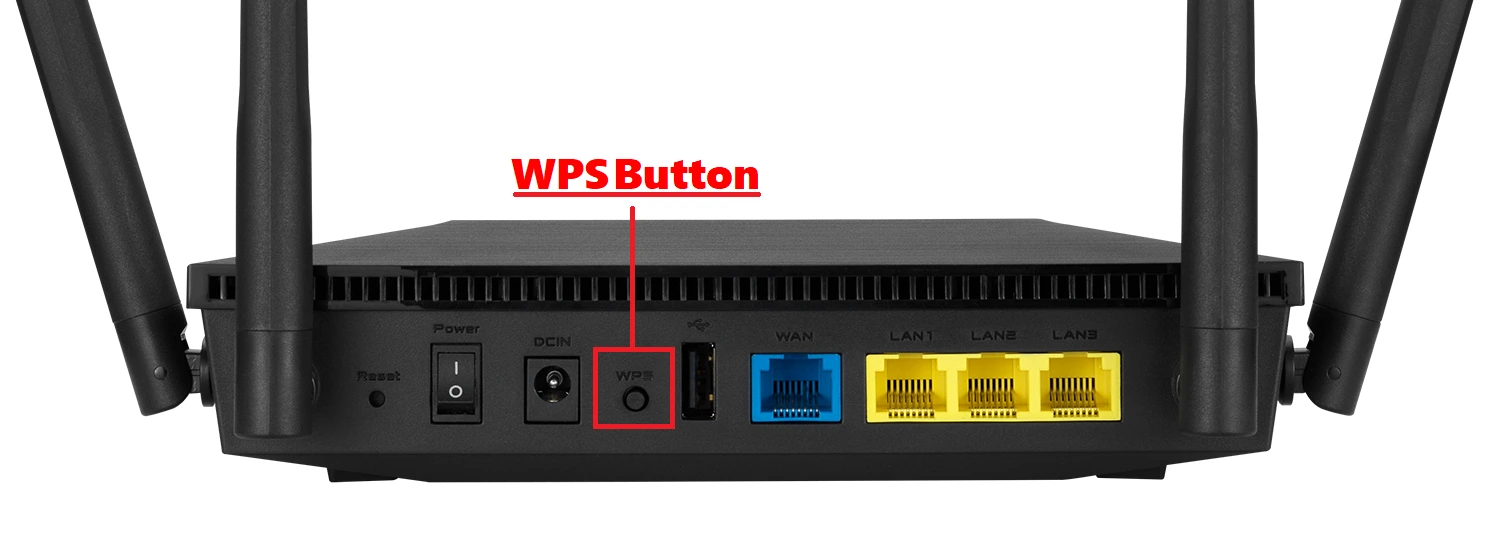
Disable Remote Management access, and set up WPS (Wi-Fi Protected Setup) carefully, ensuring it's only enabled when necessary.
Set up device filtering or MAC address filtering to restrict access to only approved devices.
5. Use Advanced Security Features
Use built-in security features, such as VPN (Virtual Private Network), for an added layer of protection.
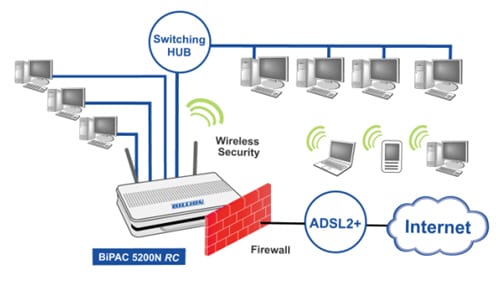
Activate the firewall on your router to shield the network from unauthorized access.
Staying Safe: Securing Your Router and Network
Securing your home Wi-Fi network is a continuous process that requires ongoing attention and awareness. Regularly update your router's firmware, keep software patched, and use cloud services to monitor for threats. Always prioritize updating your router's firmware and passwords, remove unnecessary networks from saved devices, and enable multi-factor authentication on all critical accounts.
Online Resources and Education
Stay up-to-date with emerging cybersecurity news and best practices through online resources, such as blogs, articles, and educational materials, to keep your home network secure and hacking attempts at bay.
Concluding Tips to Keep Your Network Secure
Take these ultimate steps to secure your wireless router from hacking attempts:
###1. Vulnerable Router Replacement
Consider replacing your router with one that's known for robust security features.
2. Comprehensive Security Tools
Invest in comprehensive security tools that offer real-time threat protection and monitoring.
3. Stay Educated
Regularly educate yourself on the latest WiFi security threats and best practices.