Channel Art Setup on Twitch: A Beginner's Guide
Setting up your Twitch channel is a crucial step in establishing a strong online presence and engaging with your audience. In this comprehensive guide, we will walk you through the process of creating a visually appealing and consistent channel art setup on Twitch.
Why is Channel Art Important on Twitch?
Your channel art is the first thing viewers see when they visit your Twitch page. It sets the tone for your brand and can make a significant difference in how your channel is perceived. A well-designed channel art setup can help you stand out, build your personal brand, and even increase your visibility on the platform.
What is Channel Art?
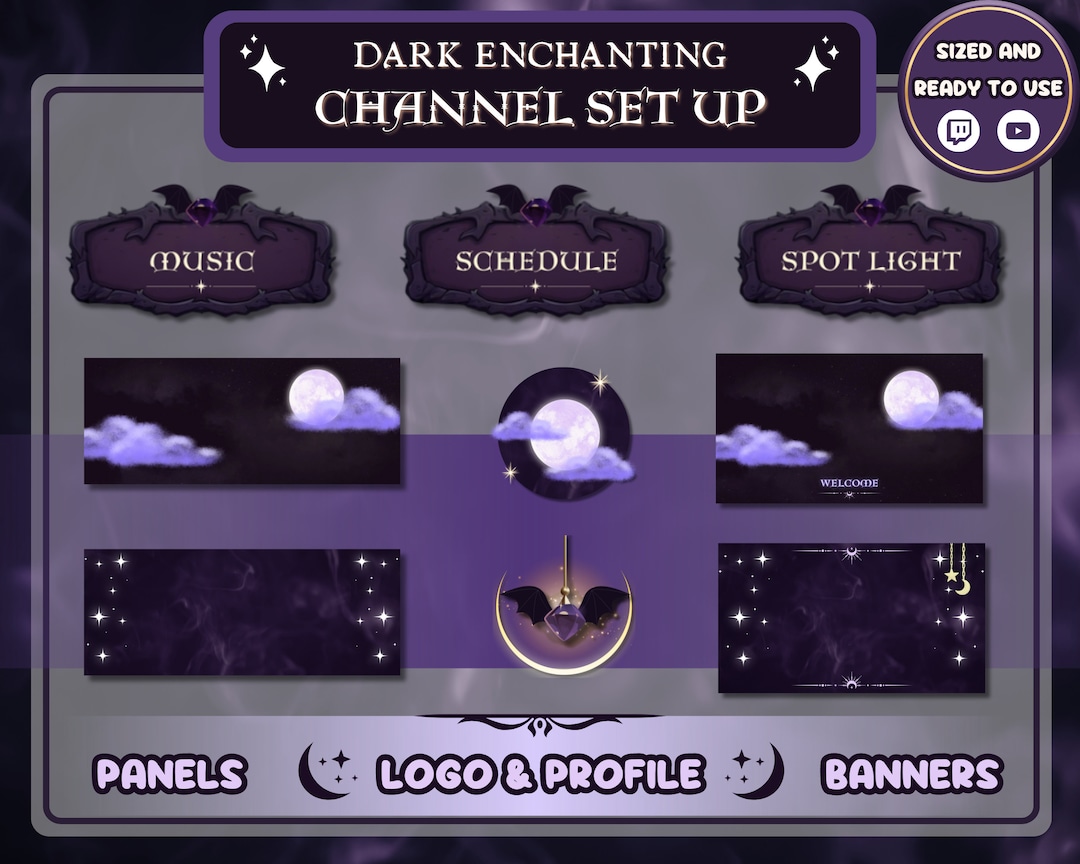
Channel art refers to the visual elements that make up your Twitch channel, including your profile picture, banner, panels, and offline image. These elements work together to create a cohesive and recognizable brand that reflects your personality and style.
Step 1: Setting Up Your Profile Picture
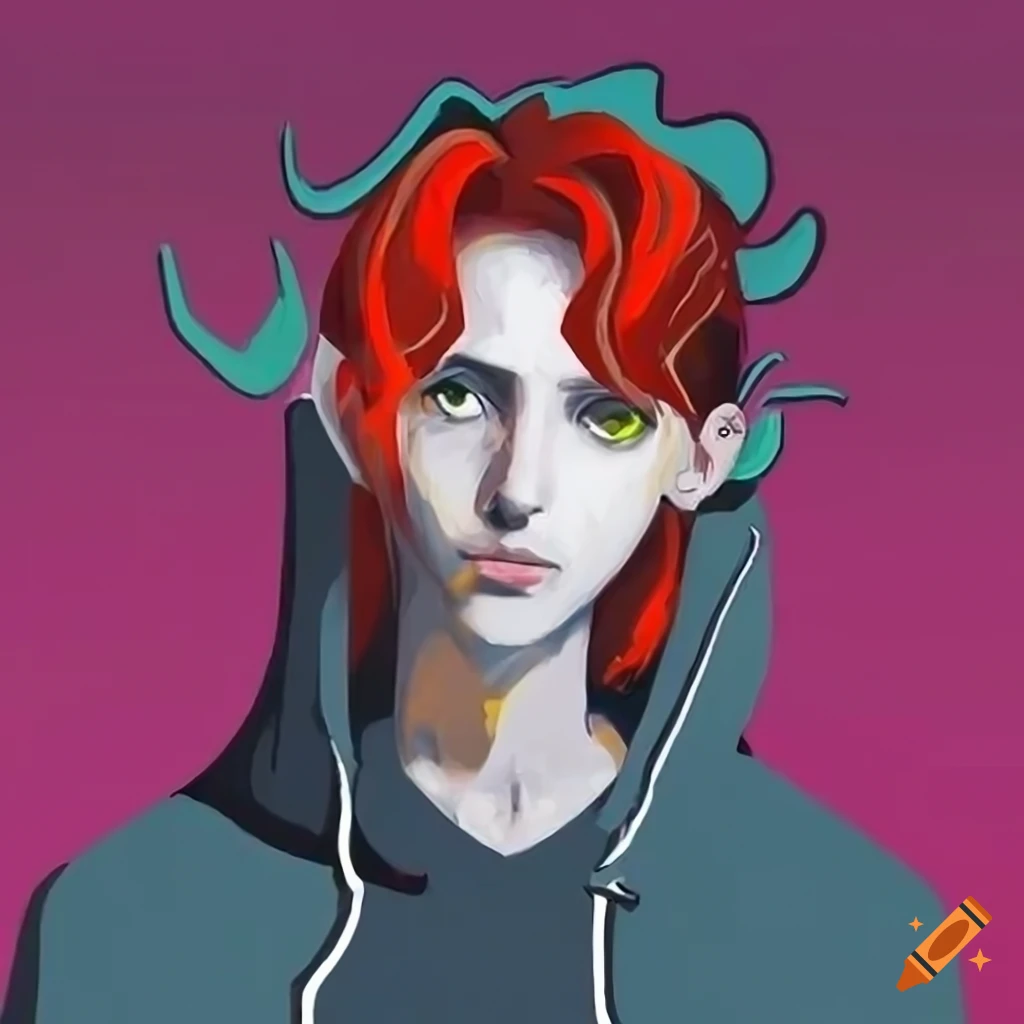
Your profile picture is the first thing viewers see when they visit your channel. It should be a high-quality image that represents you or your brand. You can upload a profile picture from your computer or mobile device. Make sure it's a square image with a minimum size of 400 x 400 pixels.
Step 2: Creating a Banner
Your banner is the horizontal image that runs across the top of your channel page. It should be a minimum size of 1920 x 480 pixels and contain your channel name, a tagline, or a relevant image. You can create a banner using a design tool like Canva or Adobe Creative Cloud.
Step 3: Designing Panels
Panels are the vertical sections that appear on your channel page, below the video player. They can contain a variety of information, including your channel name, description, follow links, and more. You can create custom panels using design tools like Canva or Adobe Creative Cloud.
Step 4: Adding an Offline Image

Your offline image is the image that appears when you're not live streaming. It should be a high-quality image that represents your brand and can help attract new viewers. You can upload an offline image from your computer or mobile device.
Step 5: Customizing Your Channel Information
Your channel information includes your bio, description, and links to your social media profiles. Make sure to keep your information up-to-date and consistent across all your social media platforms.
Step 6: Adding Panel Extensions
Panel extensions allow you to add custom elements to your panels, such as buttons, images, or text. You can use panel extensions to promote your social media profiles, offer exclusive content, or provide valuable resources to your viewers.
Step 7: Customizing Alerts and Overlays
Alerts and overlays are visual elements that appear on your stream when certain events occur, such as new followers or subscribers. You can customize your alerts and overlays using design tools like Canva or Adobe Creative Cloud.
Conclusion
Setting up your channel art on Twitch is a crucial step in establishing a strong online presence and engaging with your audience. By following the steps outlined in this guide, you can create a visually appealing and consistent channel art setup that reflects your personality and style. Remember to keep your channel art consistent across all your social media platforms and to regularly update your information to keep your audience engaged.
Additional Resources
- Canva - A design tool for creating custom graphics and visual elements.
- Adobe Creative Cloud - A suite of creative apps for designing and editing graphics.
- Twitch - The live streaming platform for gamers and content creators.