Setting Up Your Apple Watch: A Comprehensive Guide to Education and Productivity
Are you new to the world of Apple Watch or looking to maximize your device's potential? In this article, we'll walk you through the process of setting up your Apple Watch, as well as explore some of the best education and productivity apps available for your device.
What You Need to Set Up Your Apple Watch
To set up your Apple Watch Ultra 3, Apple Watch Series 11, or Apple Watch SE 3, you'll need an iPhone 11 or later with iOS 26 or later installed. If you're using an older Apple Watch model, you may be able to set it up using a different iPhone model with an earlier operating system. To learn more about identifying your iPhone model, visit the Apple website.
Setting Up Your Apple Watch: A Step-by-Step Guide
Have your iPhone ready and follow these simple steps to get up and running with your new Apple Watch:
- Place your Apple Watch on its charger and ensure it's connected to your iPhone.
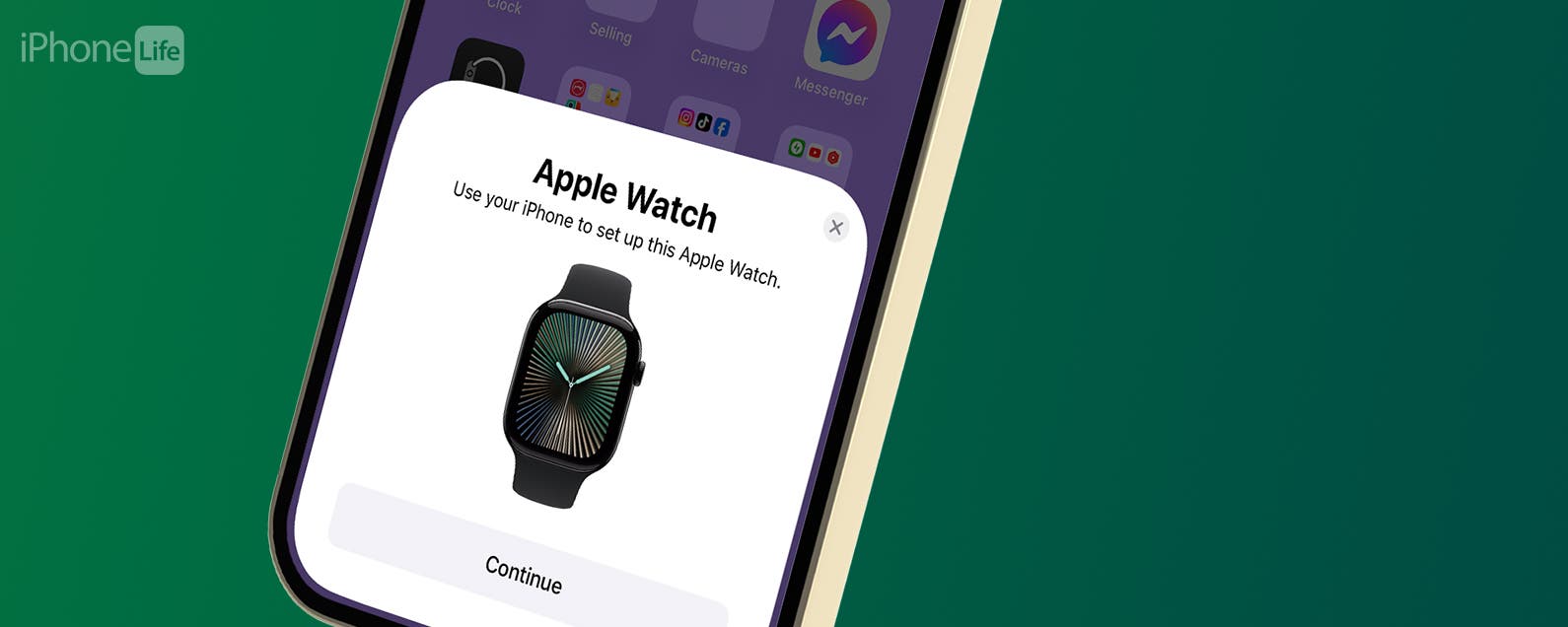
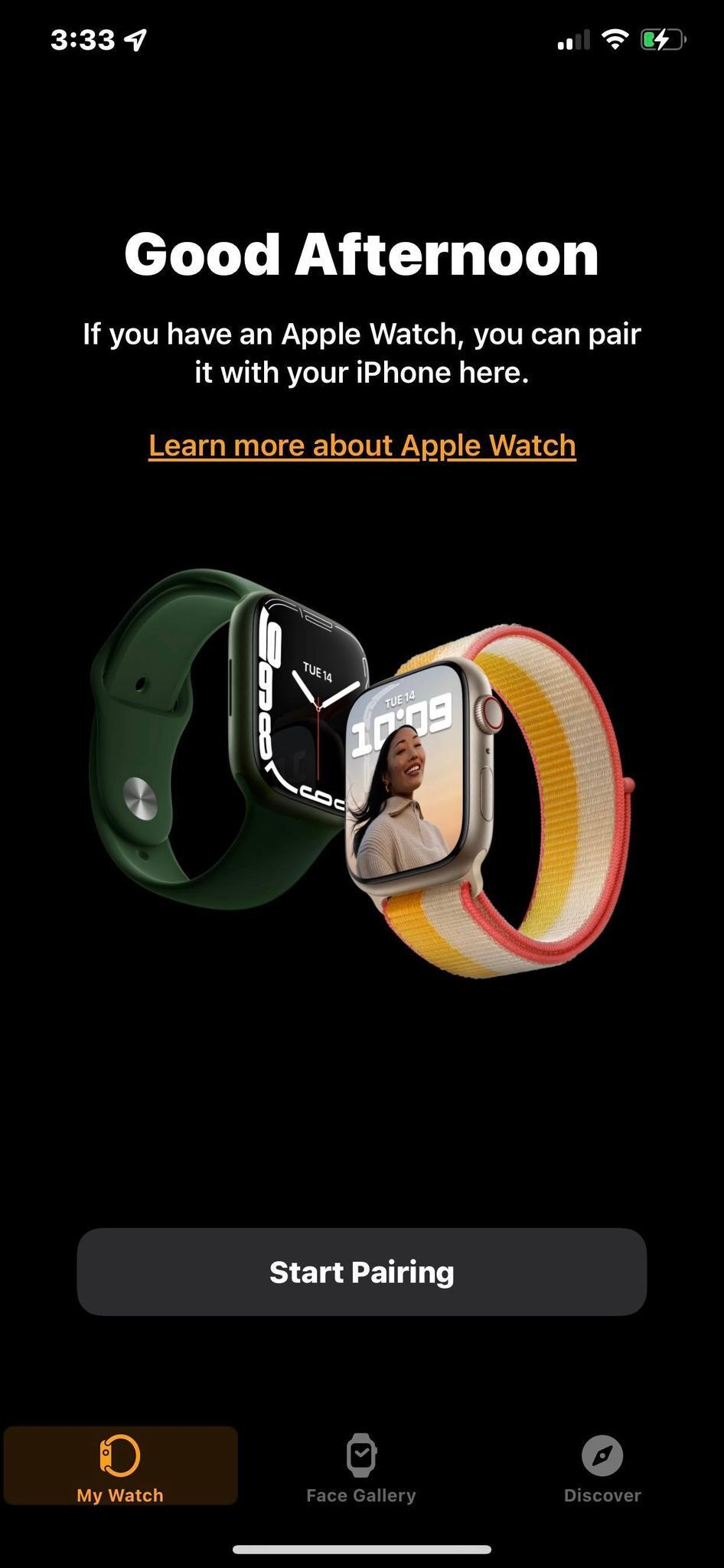
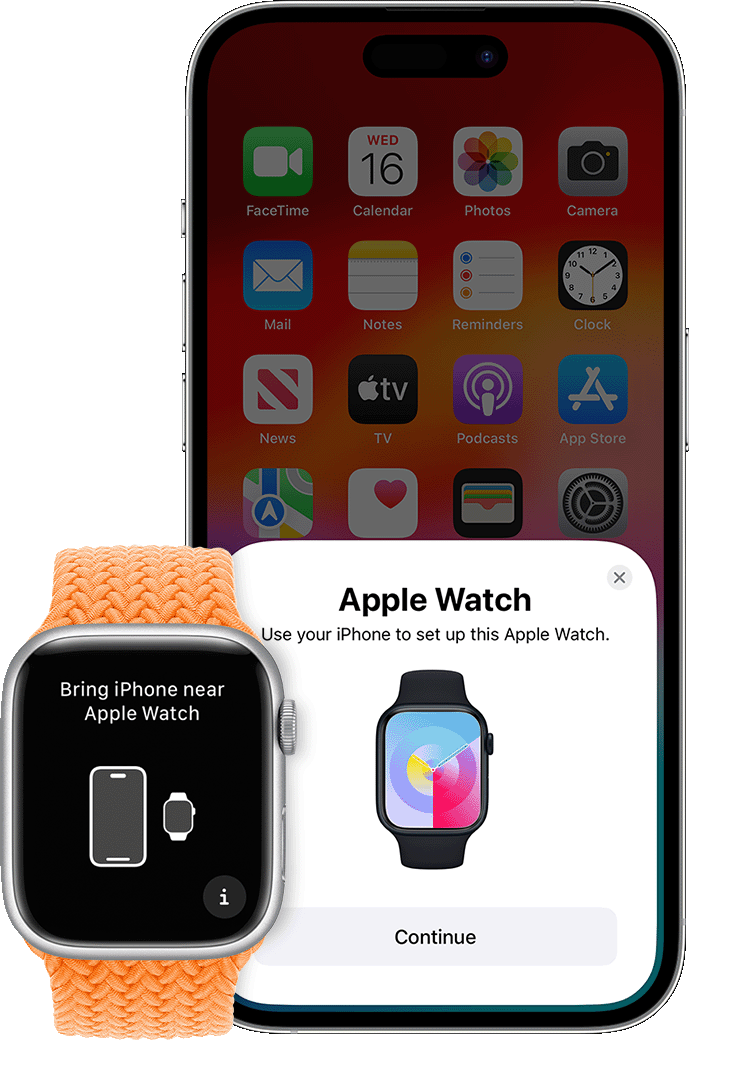
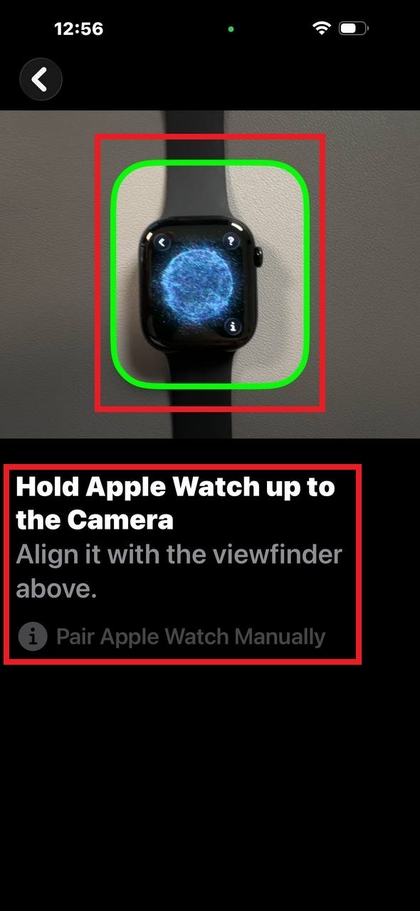
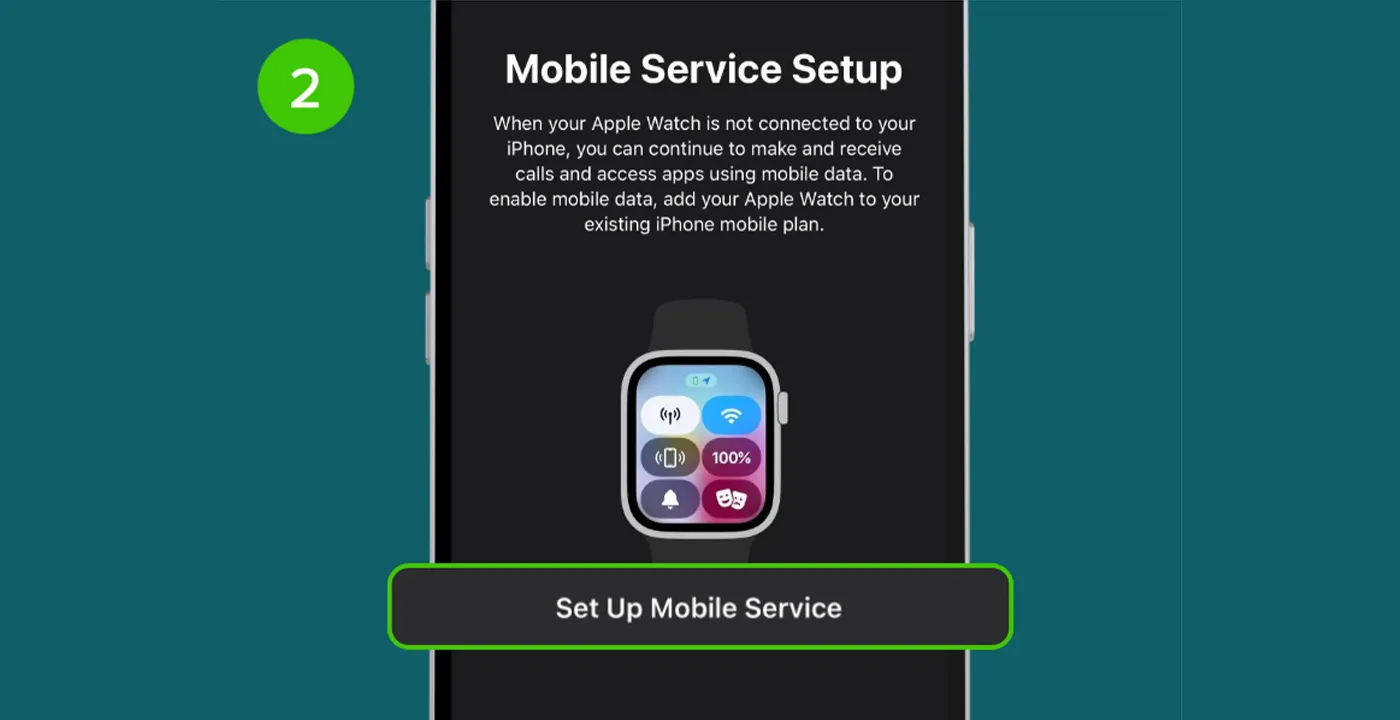
- Open the Apple Watch app on your iPhone and select "Start Pairing."
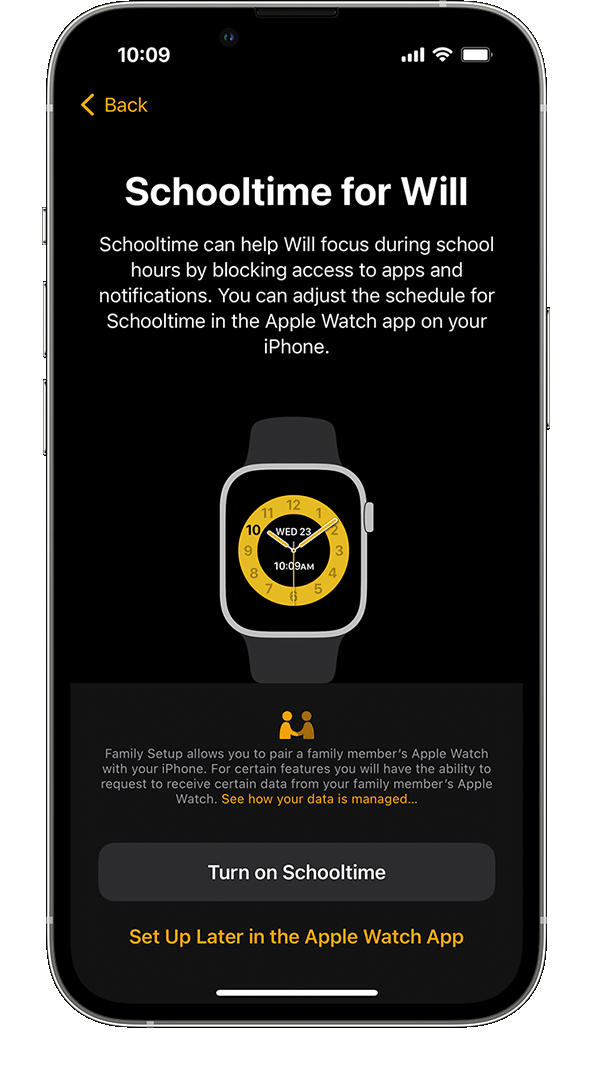
- Once your Apple Watch is connected to your iPhone, you'll be prompted to set up your device. Follow the on-screen instructions to complete the setup process.
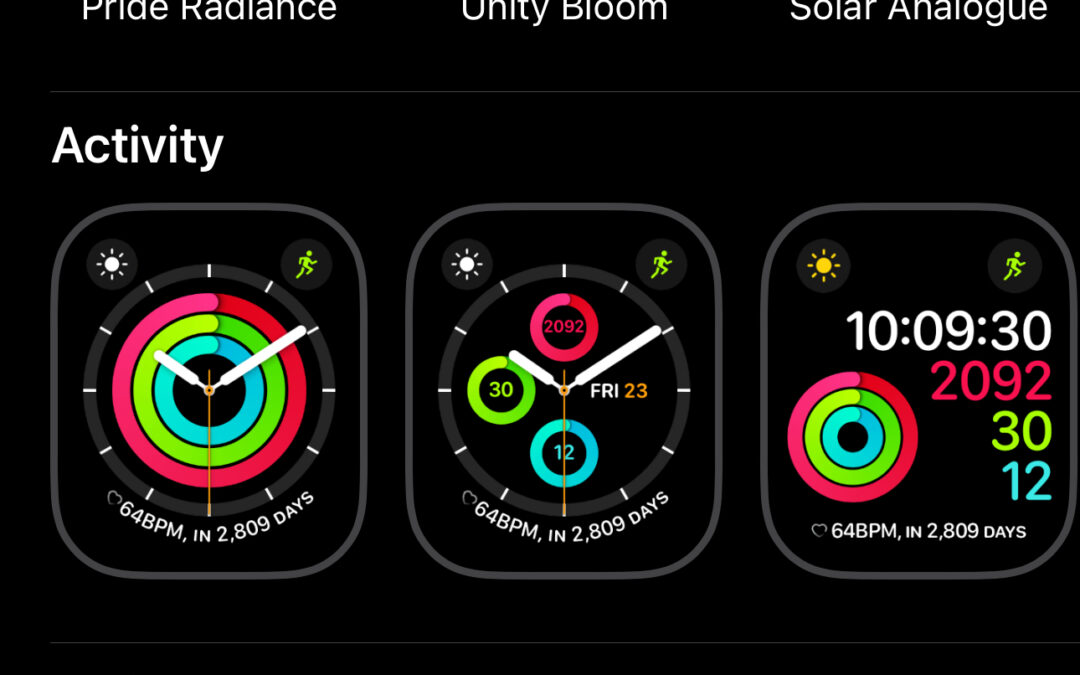
- Once your Apple Watch is set up, you can customize your watch face, adjust your settings, and explore the various apps and features available on your device.
Education Apps for Apple Watch
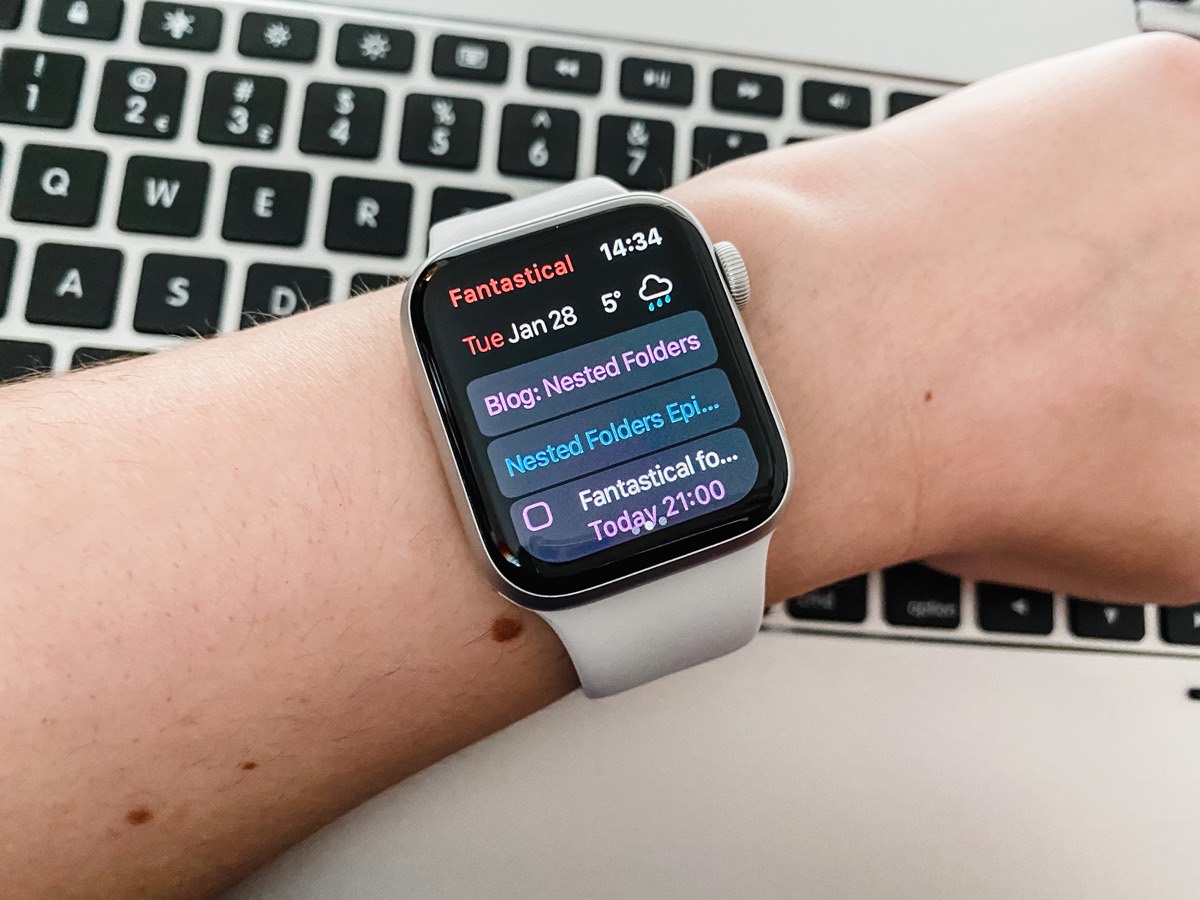
Apple Watch offers a range of education apps designed to help students manage their day-to-day school life. From note-taking to day planners and meditation apps, here are some of the best education apps available for Apple Watch:
- MyScript Nebo: This app allows you to take handwritten notes on your Apple Watch and sync them with your iPhone or iPad.
- Class Timer: This app is designed to help students stay on track during class, with features such as a countdown timer and customizable alerts.
- Meditation Studio: This app offers guided meditation sessions and relaxation techniques to help students manage stress and anxiety.
- Flashcards Deluxe: This app allows you to create digital flashcards on your Apple Watch and sync them with your iPhone or iPad.
Productivity Apps for Apple Watch
In addition to education apps, Apple Watch also offers a range of productivity apps designed to help you stay organized and focused. Here are some of the best productivity apps available for Apple Watch:
- Trello: This app allows you to create and manage tasks and projects on your Apple Watch, syncing with your iPhone or iPad.
- AnyList: This app offers a range of list-making features, including shopping lists, to-do lists, and more.
- Evernote: This app allows you to take notes and organize your thoughts on your Apple Watch, syncing with your iPhone or iPad.
- RescueTime: This app tracks how you spend your time on your Apple Watch, providing insights and recommendations to help you stay focused and productive.
Conclusion
In this article, we've explored the process of setting up your Apple Watch, as well as some of the best education and productivity apps available for your device. Whether you're a student or simply looking to maximize your Apple Watch's potential, these apps and features can help you stay organized, focused, and productive on the go.
We hope you found this article helpful! If you have any questions or comments, please don't hesitate to reach out. Happy watching!
Additional Resources
For more information on setting up and using your Apple Watch, visit the Apple website or check out our other articles on Apple Watch education and productivity apps. Happy learning!



/cdn.vox-cdn.com/uploads/chorus_asset/file/19329132/watch_app_2.jpeg "Macworld - News, Tips & Reviews from the Apple Experts")
:max_bytes(150000):strip_icc()/apple-watch-paired-5c8e8fd9c9e77c0001a9268d.jpg "O'Reilly Media - Technology and Business Training")