Embedding a Twitch Channel Setup: A Comprehensive Guide
Want to take your Twitch streaming experience to the next level by embedding your channel on your own website? Look no further! In this article, we'll walk you through the step-by-step process of embedding a Twitch channel setup, including the video player and chat. By the end of this guide, you'll be able to seamlessly integrate your Twitch stream and chat into your website, enhancing the viewing experience for your audience.
Introduction to Embedding a Twitch Channel Setup
Twitch is a popular live streaming platform primarily used by gamers, but its appeal extends beyond the gaming community. Many creators use Twitch to share their passions, expertise, and interests with a vast audience. However, a customizable and professional-looking embed is essential to providing an engaging experience for viewers. This guide will show you how to embed a Twitch channel setup on your website, complete with a responsive video player and real-time chat functionality.
Method 1: Using the Twitch Embed Code Generator
The Twitch Embed Code Generator is a free tool that lets you create custom embed codes for various Twitch content, including live streams, past broadcasts, and highlight clips. To use this method, follow these steps:
- Go to the Twitch Embed Code Generator webpage.
- Choose the type of content you want to embed (live stream, video, or clip).
- Select the channel or username you want to embed.
- Customize your embed settings (e.g., height, width, theme, and borders).
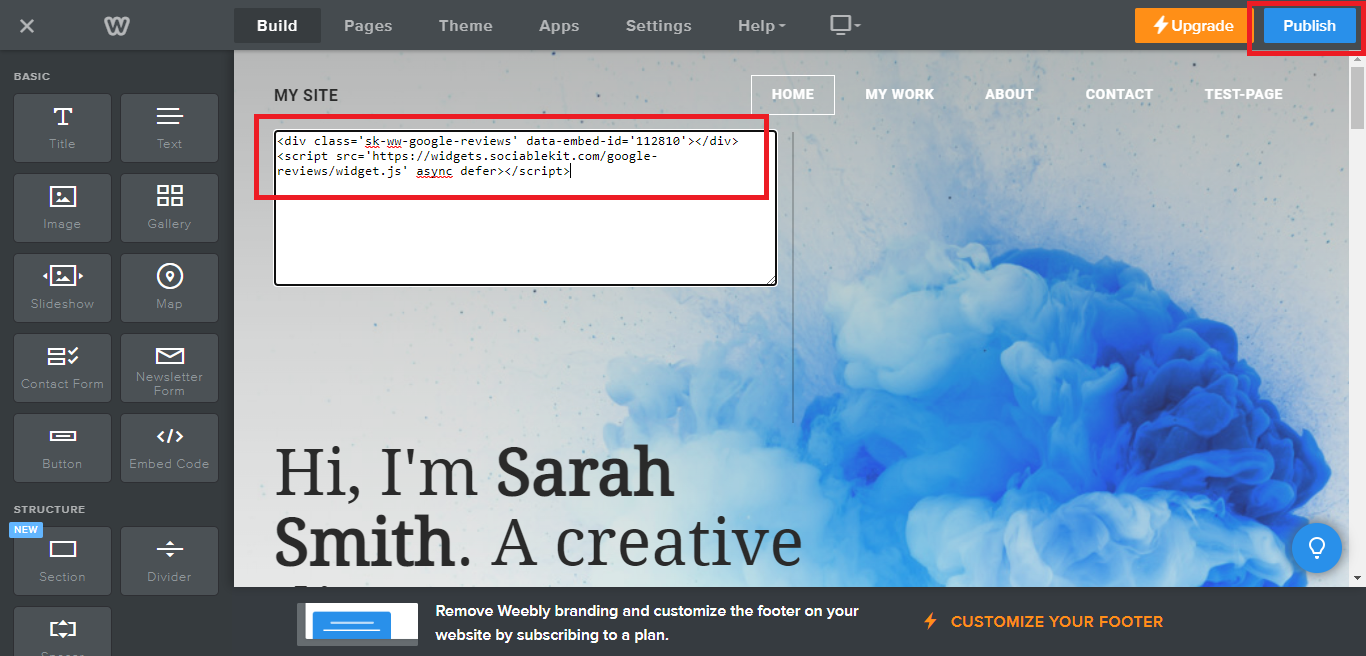
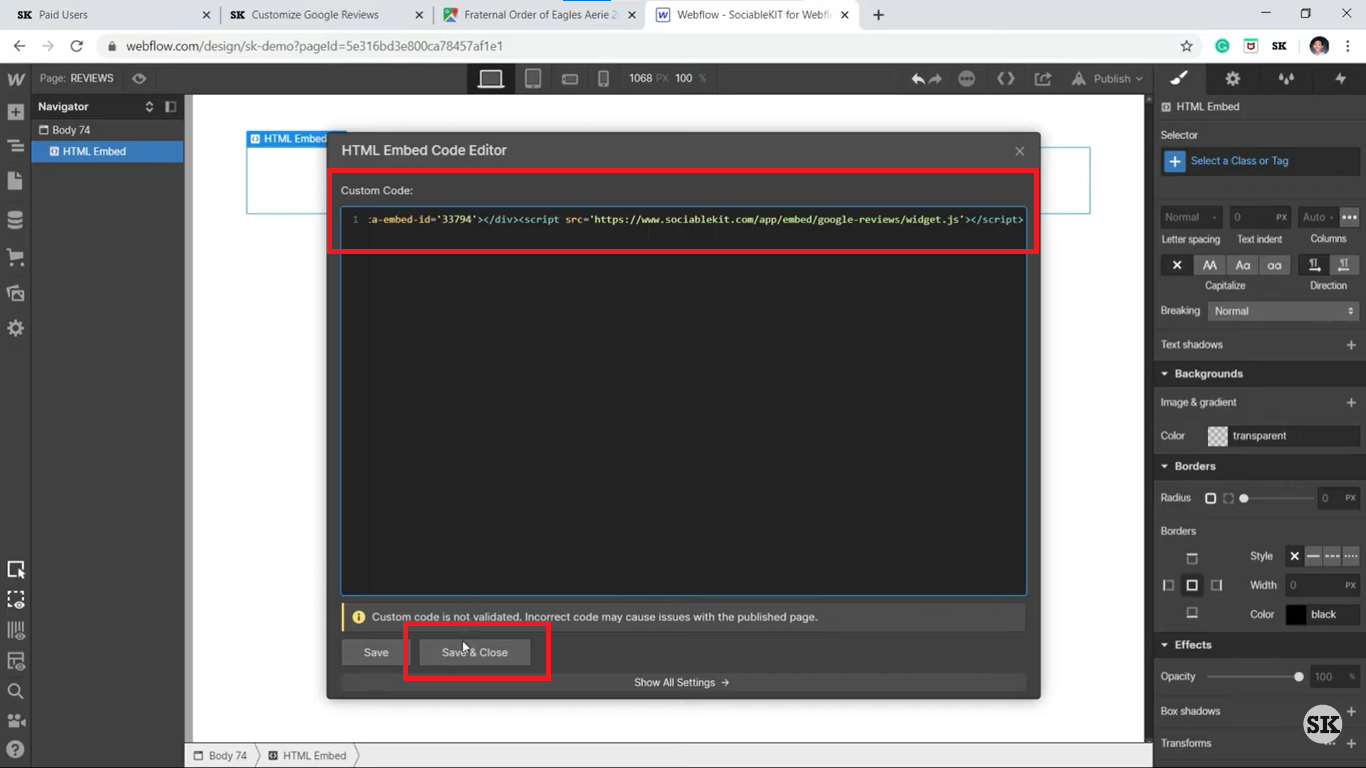
- Copy the generated iframe code and paste it into your website's HTML code.
Method 2: Manual Embedding of Twitch Channel Setup
For a more bespoke and advanced implementation, you can use the manual method to embed your Twitch channel setup. This approach requires a deeper understanding of HTML and CSS, but it provides more control over the appearance and functionality.
Code Snippet for Manual Embedding
Here's an example code snippet for manual embedding:

Customizing Your Twitch Embed
Once you have the iframe code, you can customize it by adding parameters to the URL. For example:
- Include the "chat" parameter to display the chat window: "?channel=your_channel_name&theme=dark&chat=true"
- Change the theme to a different color scheme or layout: "?channel=your_channel_name&theme=color_scheme_X"
Best Practices and Tips for Embedding a Twitch Channel Setup
Follow these best practices and tips to ensure a seamless and engaging viewing experience:
- Choose a suitable iframe height and width to accommodate your Twitch embed.
- Position the iframe using CSS or HTML to fit your website's layout.
- style the iframe to match your website's design, if needed.
- Test your embedded Twitch channel setup on various devices and browsers to ensure compatibility.
Conclusion
Embedding a Twitch channel setup on your website is a straightforward process that enhances the viewer experience and provides a more engaging platform for your audience. By following the methods outlined in this article, you can create a professional-looking and customizable Twitch embed that showcases your channel's personality and content. Happy embedding!