Understanding Texting Thumb: Causes, Symptoms, and Relief
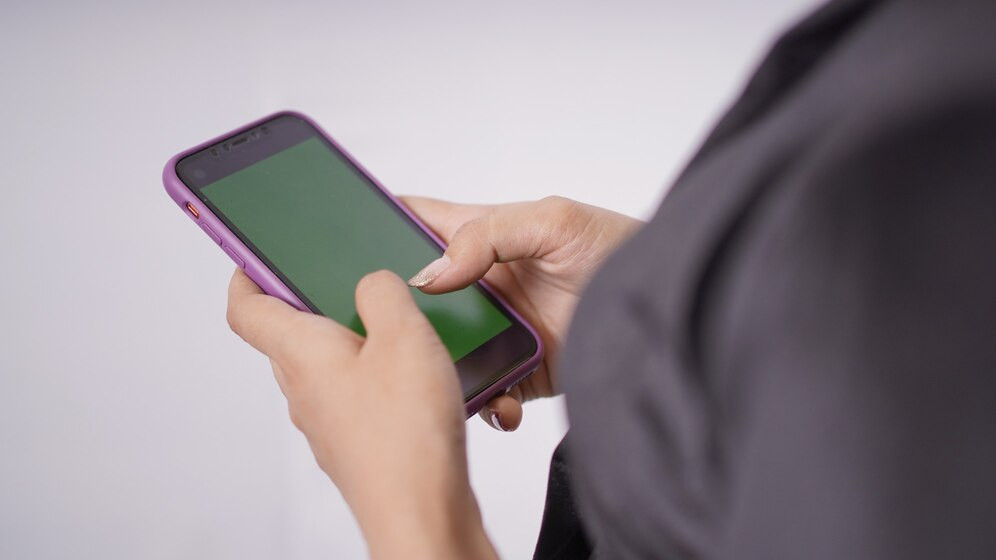
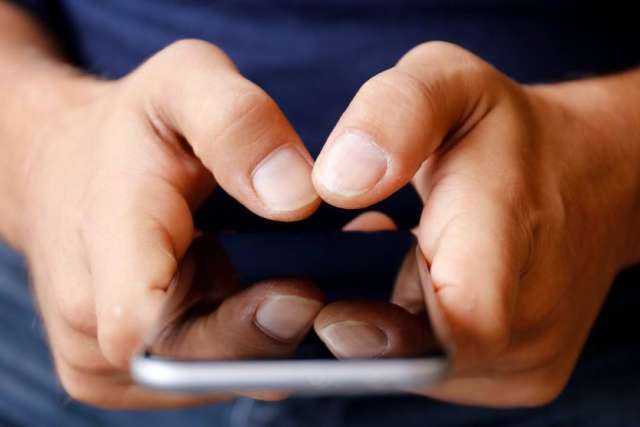
In today's digital age, it's not uncommon to hear about the various health concerns associated with excessive smartphone use. One such condition that has gained significant attention is texting thumb, also known as thumb tendonitis or De Quervain's tendinosis. This repetitive strain injury has become a common problem among individuals who spend a considerable amount of time typing, scrolling, and texting on their devices.
What is Texting Thumb?
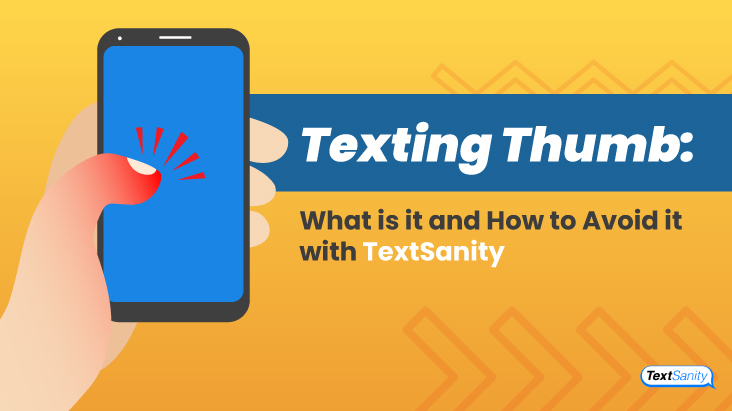
Texting thumb is a condition characterized by inflammation and pain in the tendons of the thumb, typically caused by repetitive hand movements while texting, scrolling, gaming, or engaging in similar activities. The thumb tendons, which connect the muscle and bone, become inflamed due to the constant pressure and friction exerted upon them.
Symptoms of Texting Thumb
The symptoms of texting thumb can vary from mild to severe and may include:
- Pain in the thumb and wrist, which can be dull, throbbing, or stabbing
- Swelling and stiffness in the affected area
- Difficulty moving the thumb or fingers
- Clicking sensation when bending the thumb
- Weakness or numbness in the thumb and fingers
Causes of Texting Thumb
Texting thumb is primarily caused by repetitive strain injuries resulting from:
- Constantly typing or texting on a smartphone or tablet
- Scrolling or swiping on a device for extended periods
- Playing games that require repeated hand movements
- Incorrect posture or hand positioning while using a device
Exercises for Texting Thumb Relief
Fortunately, there are several exercises and stretches that can help alleviate texting thumb pain:
- Thumb spreads: Place your hand flat on a surface with fingers together. Spread your thumb away from your fingers and then bring it back.
- Thumb opposition: Place your hand flat on a surface with fingers together. Lift your thumb to touch your fingers and then release.
- Wrist circles: Hold your arm straight out in front of you with your palm facing down. Make small circles with your wrist, first clockwise and then counterclockwise.
- Thumb extensions: Place your palm facing down with your fingers together. Lift your thumb, keeping it straight, and then release.
Treatment Options for Texting Thumb
If you're experiencing texting thumb pain, there are several treatment options available:
- Rest and ice: Avoid activities that cause pain and apply ice to the affected area to reduce inflammation.
- Stretching and exercises: Perform the exercises mentioned above to loosen the thumb and wrist.
- Physical therapy: Consult a physical therapist to develop a customized exercise program to improve hand and wrist mobility.
- Medication: Over-the-counter pain relievers, such as ibuprofen or acetaminophen, can help alleviate pain and inflammation.
- Assistive devices: Use devices with ergonomic keyboards, smartphone grips, or thumb rests to reduce strain on the thumb and wrist.
Prevention is Key
Preventing texting thumb requires a combination of proper habits and responsible device use:
- Take regular breaks to stretch and rest your hands
- Use devices with ergonomic design and proper hand positioning
- Monitor your phone or tablet usage and avoid excessive scrolling or texting
- Strengthen your thumb and wrist muscles through exercises and stretches
Conclusion
Texting thumb is a common condition caused by repetitive strain injuries resulting from excessive smartphone use. Understanding the causes, symptoms, and treatment options can help you prevent and alleviate texting thumb pain. By incorporating exercises, stretches, and proper device use habits, you can maintain healthy hands and wrists for years to come.












.jpg "EU and Australia agree on text of free trade pact and announce a new ...")