Protecting Yourself Online from Advertisers: A Guide to Staying Safe in the Digital Age
In today's digital landscape, it's essential to be aware of the online advertising ecosystem and take steps to protect yourself from unwanted ads and potential threats. Online advertising has become a multi-billion-dollar industry, but with the increasing use of cookies, tracking pixels, and other technologies, consumers' personal data is being collected and exploited.
What Are Online Advertisers Collecting About You?
Online advertisers are collecting a wide range of data about you, including:
- Web browsing history and search queries
- Device information, such as IP addresses, device IDs, and browser types
- Location data, including GPS coordinates and Wi-Fi signals
- Demographic and interest-based data, such as age, gender, and hobbies
This information is then used to create personalized ads that follow you across the web, potentially extending to other devices and platforms.
Why Should You Protect Yourself from Online Advertisers?
There are several reasons why protecting yourself from online advertisers is essential:
- **Privacy**: Advertisers are collecting sensitive data about you without your explicit consent, which can be used for targeted advertising, profiling, and even sold to third parties.
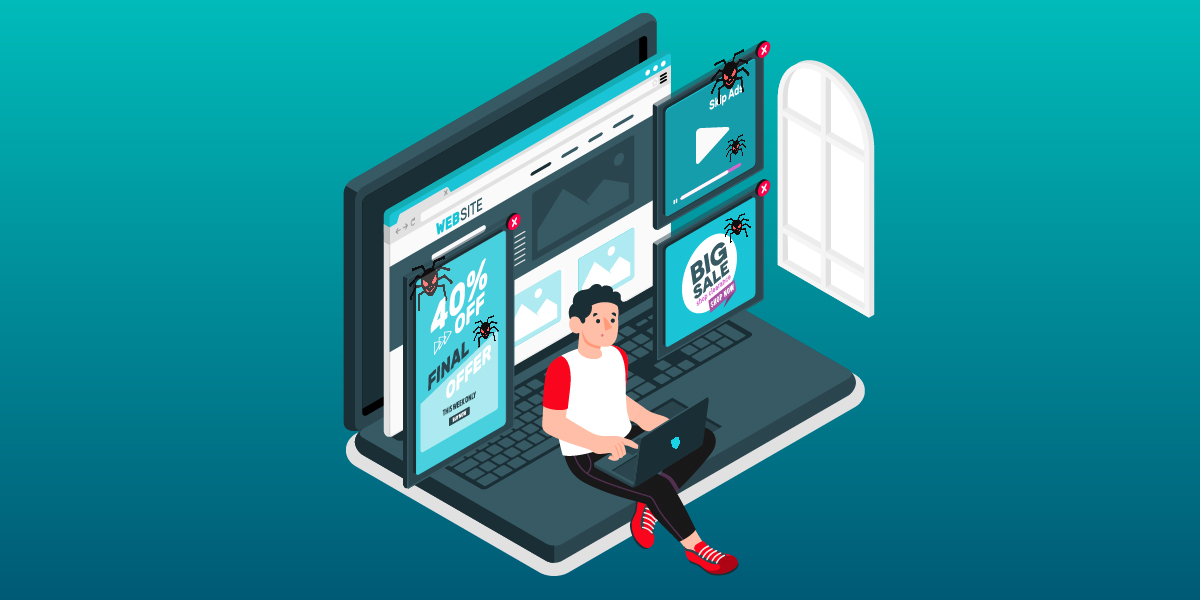
- **Security**: Advertisements can contaminate your device with malware, viruses, or other types of malicious software, putting your personal data and online security at risk.
- **Advertising overload**: Receiving repetitive and intrusive ads can be frustrating and annoying.
How to Protect Yourself from Online Advertisers?
Fortunately, there are several steps you can take to protect yourself from online advertisers:
- **Use a web browser that blocks tracking**: Chrome, Firefox, and Safari offer built-in tracking protection tools that prevent third-party cookies and other tracking technologies.
- **Use a VPN**: Virtual private networks (VPNs) help encrypt your internet traffic, making it difficult for advertisers to track your online activities.
- **Ad blockers**: Install and use ad blockers, such as uBlock Origin or AdBlock Plus, to prevent unwanted ads and third-party tracking.
- **Two-factor authentication**: Enable two-factor authentication (2FA) to add an extra layer of security to your online accounts.
- **Regularly update your browser and operating system**: Ensure you're running the latest software versions to patch any security vulnerabilities.
Conclusion
Protecting yourself from online advertisers is crucial for maintaining your online security, privacy, and comfort. By adopting the measures outlined above, you can take the first step in controlling your digital footprint and preventing unwanted advertising invasions.
As online advertising continues to thrive, it's essential to be aware of the hidden risks and take proactive measures to protect yourself. Stay informed, stay safe, and take control of your online experience.
Additional Resources
For more information on protecting yourself from online advertisers, refer to the following external resources:
- Google's Ad Choices: https://adssettings.google.com/
- Digital Advertising Alliance's (DAA) Opt-Out Tool: https://www.aboutads.info/choices/
- European Data Protection Board's Guide to Online Advertising: https://edpb.europa.eu/news-and-events/news/new-guidance-on-how-the-gdpr-regulates-online-advertising-reopened-feb-2023-en