Prevent Identity Theft on Public Computers: A Comprehensive Guide
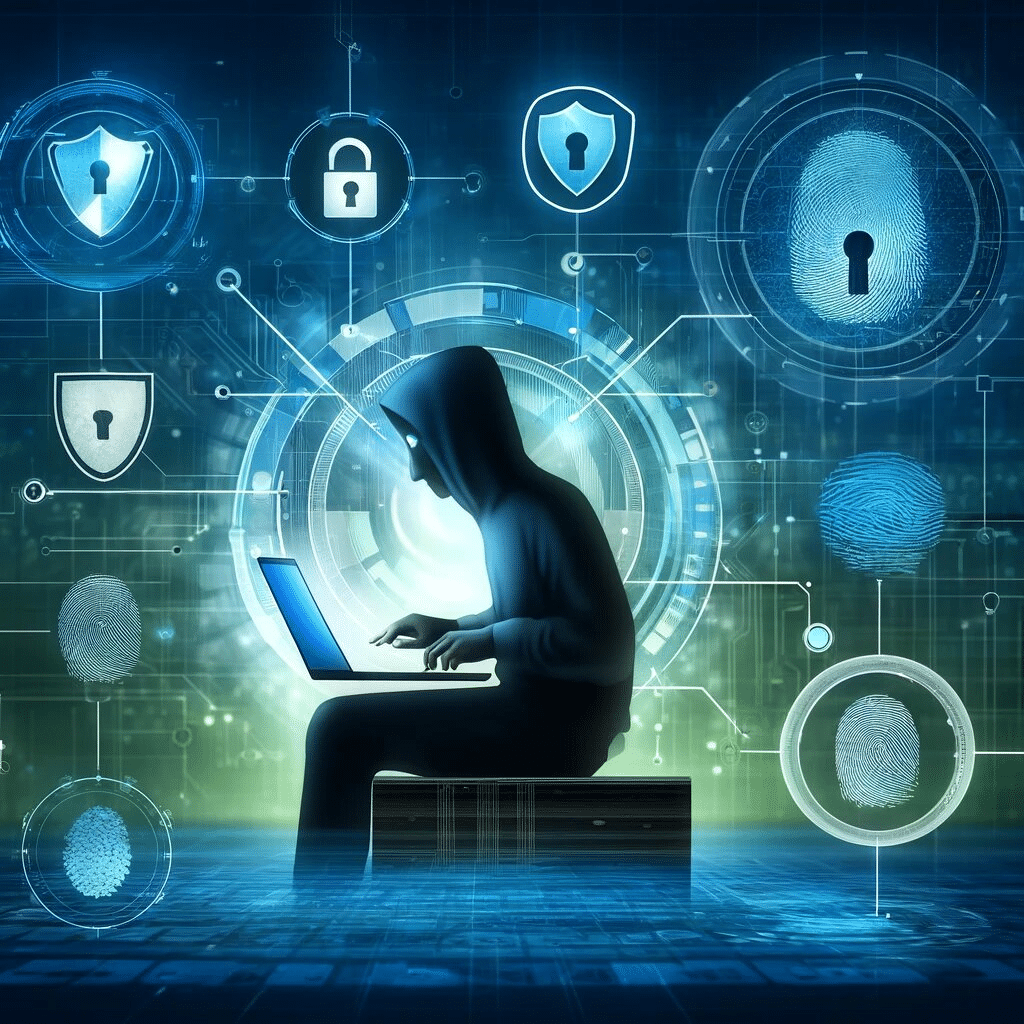
Identity theft is a growing concern in today's digital age. Thieves are increasingly using public computers to steal personal information, causing financial losses and reputational damage. To protect yourself, it's essential to know how to prevent identity theft on public computers.
Why Public Computers are a Vulnerability
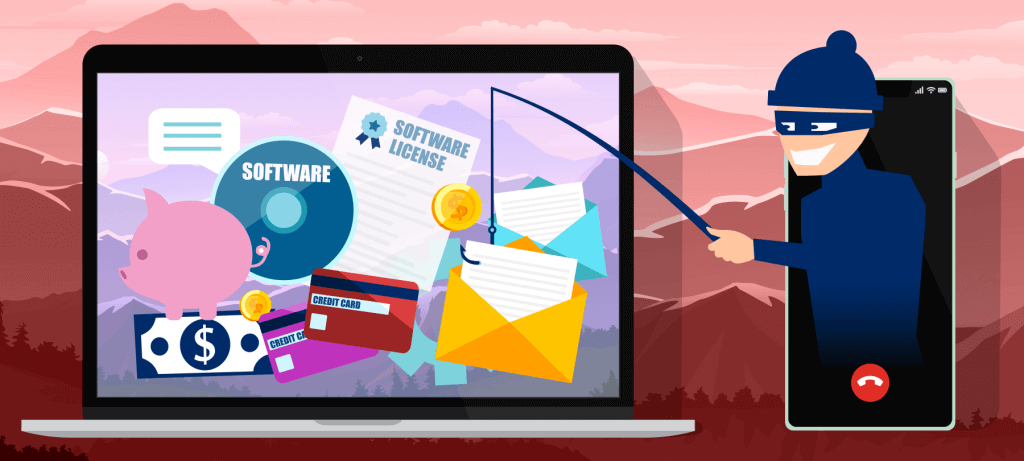
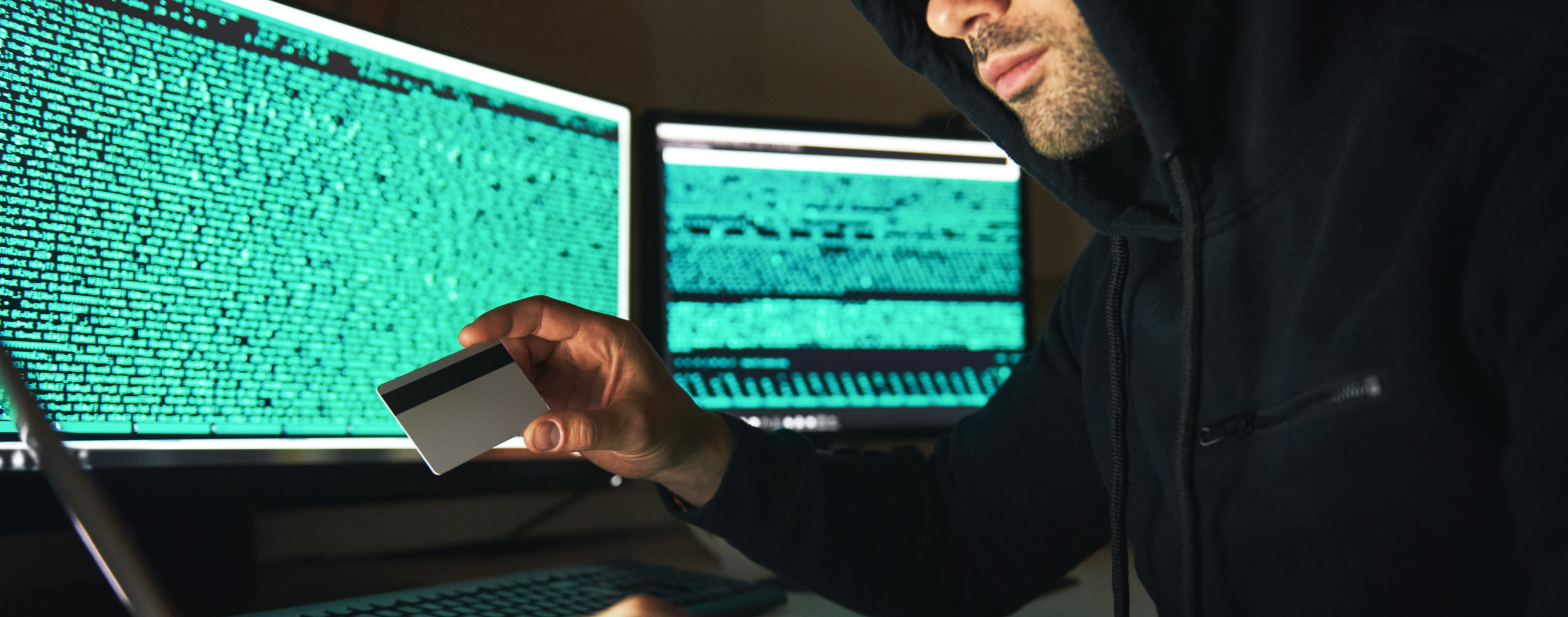
Public computers, such as those found in libraries, airports, and coffee shops, can be breeding grounds for identity thieves. These computers often lack adequate security measures, making it easy for hackers to gain access to sensitive information. Identity thieves can use spyware, keyloggers, or other malware to steal your login credentials, credit card numbers, and other personal data.
How to Prevent Identity Theft on Public Computers
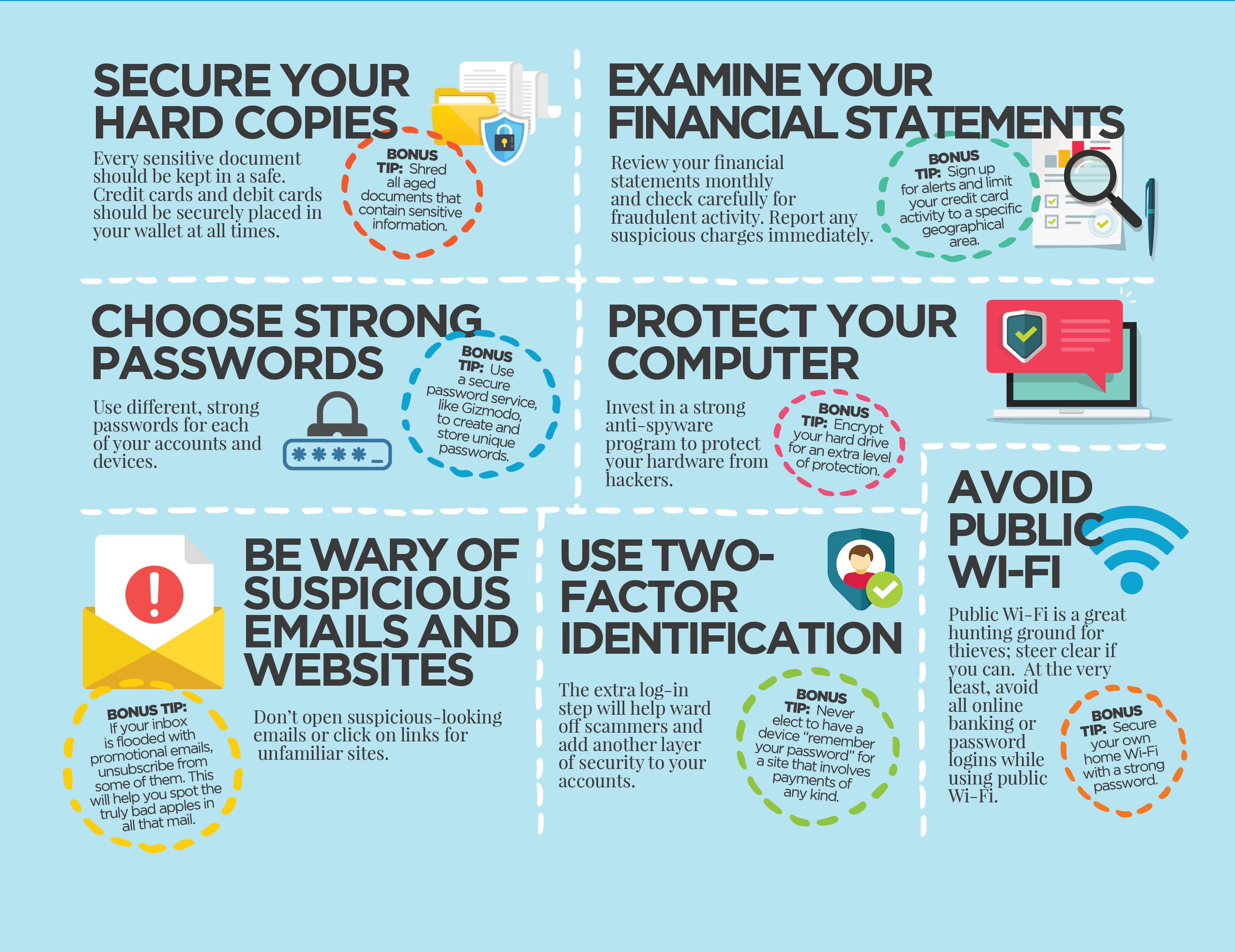
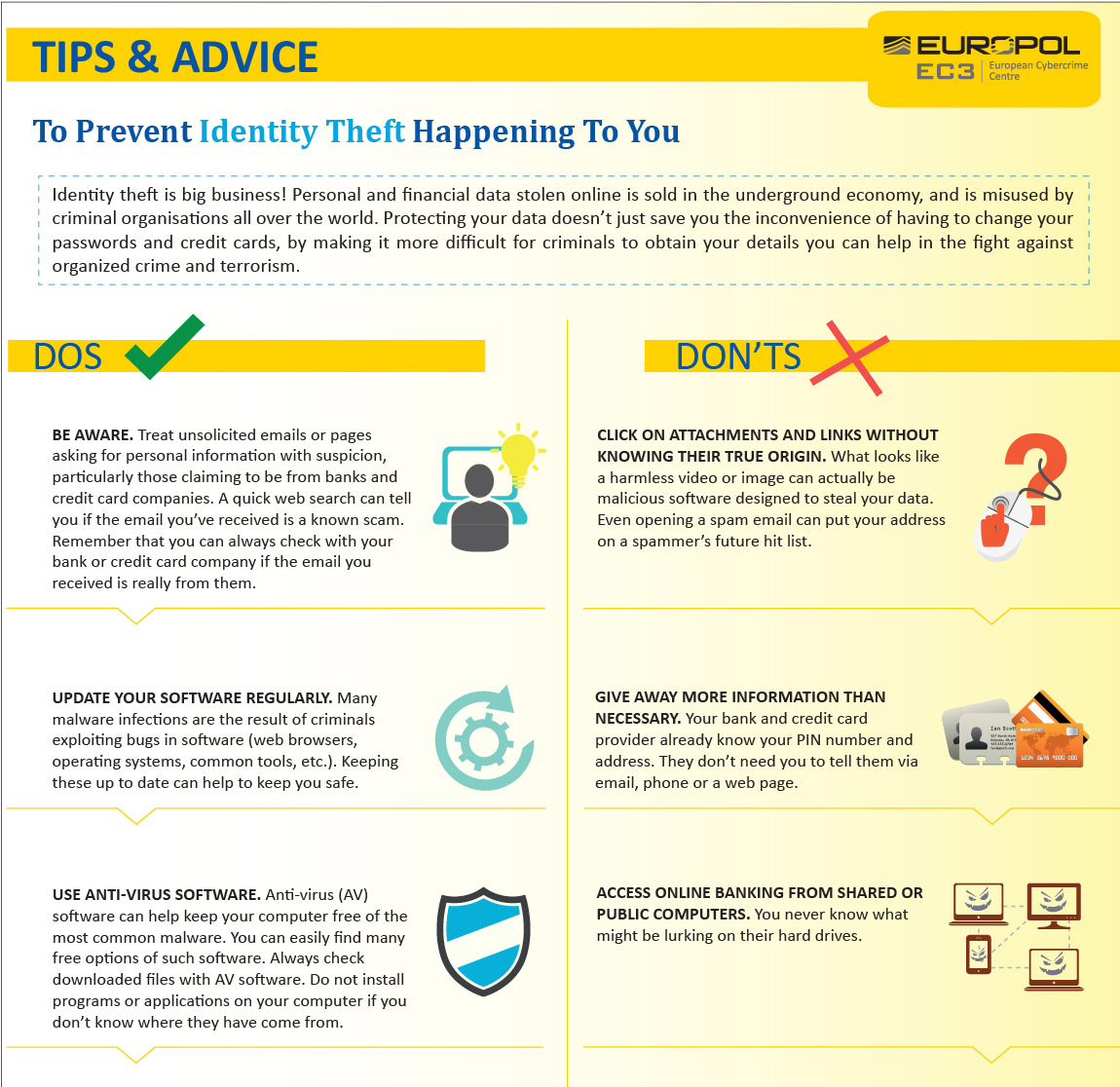
- Avoid Using Public Computers for Sensitive Tasks - Refrain from accessing sensitive information, such as online banking or email, on public computers. If you must use a public computer, make sure it's been properly sanitized and reset after each use.
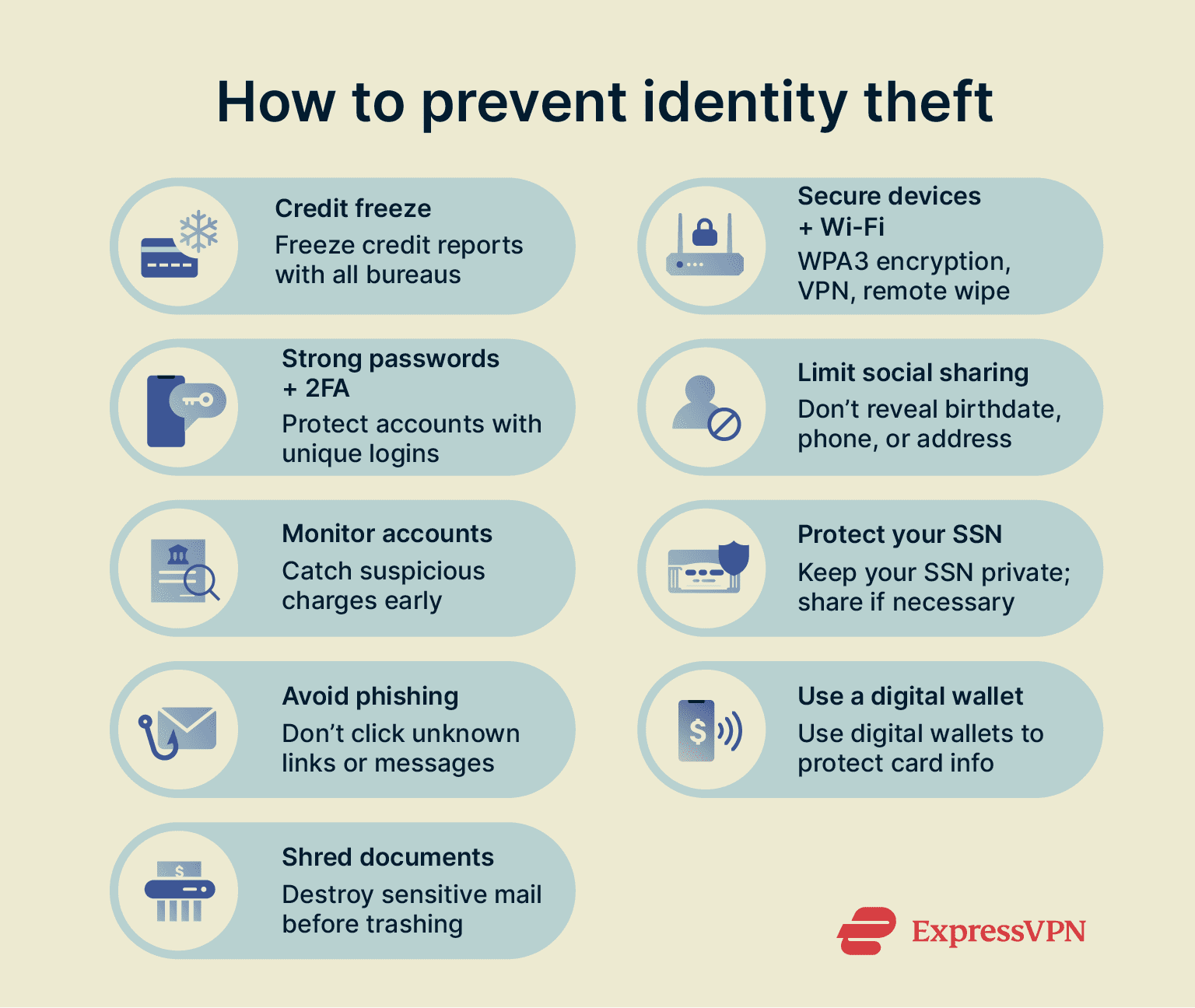
- Use a VPN (Virtual Private Network) - A VPN can encrypt your internet traffic, making it more difficult for hackers to intercept your data. Choose a reputable VPN provider and install the software on your device before accessing public Wi-Fi.
- Keep Your Antivirus Software Up-to-Date - Ensure your antivirus software is updated and running on your device to detect and remove malware. Regularly scan your device for viruses and other malicious programs.
- Use a Firewall - Enable the firewall on your device to block unauthorized access to your computer. This can help prevent malware from spreading to your device.
- Use Strong Passwords and 2-Factor Authentication - Use unique, complex passwords for each account, and enable 2-factor authentication whenever possible. This will make it more difficult for hackers to gain access to your accounts.
What to Do If You Suspect Identity Theft
If you suspect you've been a victim of identity theft, act quickly to minimize the damage. Follow these steps:
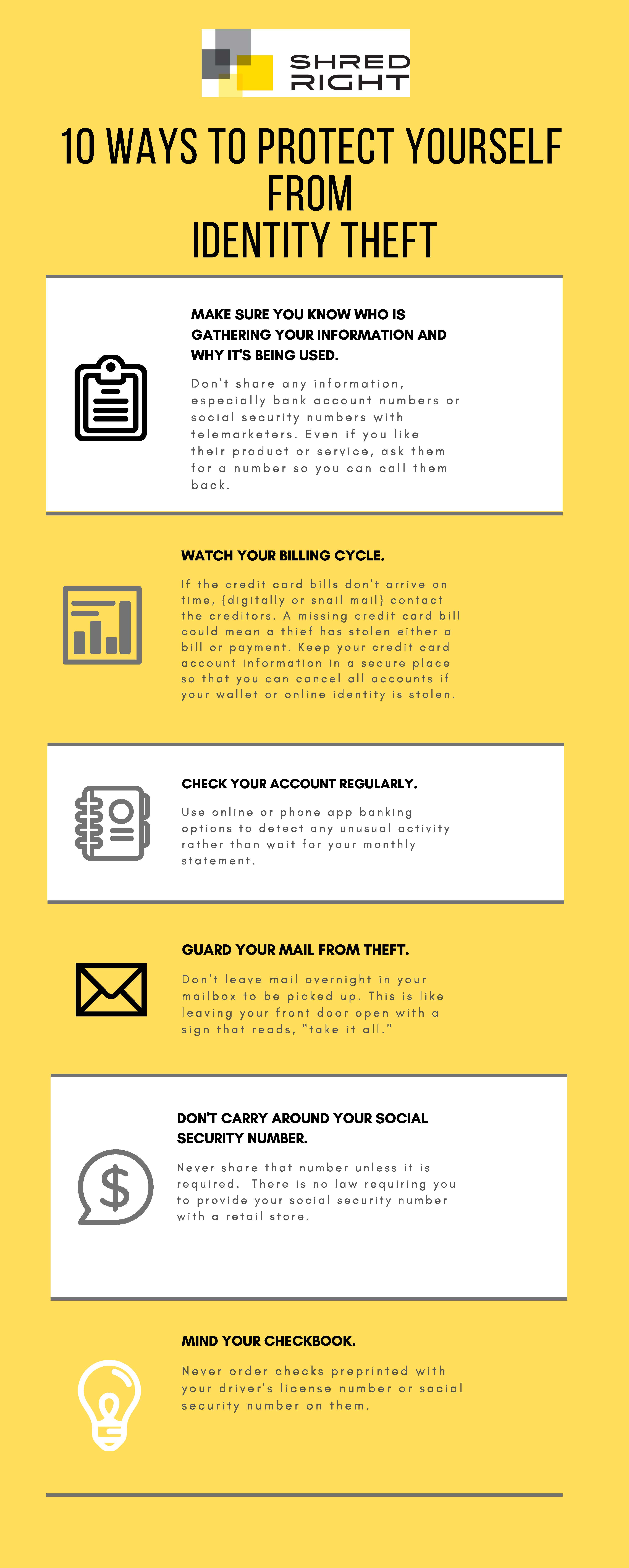
- Monitor Your Accounts - Regularly check your credit reports, bank statements, and other accounts for suspicious activity.
- Change Your Passwords - Update your passwords for all accounts, including email, social media, and financial services.
- Report Identity Theft - Visit the Federal Trade Commission's (FTC) Identity Theft webpage (IdentityTheft.gov) to report the incident and obtain assistance.
Conclusion
Preventing identity theft on public computers requires vigilance and a commitment to safe computing practices. By following these tips and being mindful of potential security risks, you can reduce your chances of becoming a victim of identity theft. Remember, it's always better to err on the side of caution when using public computers.
Stay Informed and Protected
For more information on preventing identity theft and protecting your personal information, visit the Identity Theft Resource Center (ITRC) or the U.S. Computer Emergency Readiness Team (US-CERT) websites.
Additional Resources
Monitor the Federal Trade Commission's (FTC) website for updates on the latest identity theft scams and prevention strategies.
The U.S. Department of Justice's (DOJ) website provides information on identity theft laws and enforcement efforts.
Visit the AARP website for a comprehensive guide to identity theft prevention and recovery.