How to Get Verified on Instagram: A Step-by-Step Guide
Want to know the secrets of getting verified on Instagram? Whether you're a celebrity, influencer, or public figure, the coveted blue verification badge is a status symbol that can take your social media presence to the next level. But what is the process of getting verified on Instagram, and how can you make it happen? In this article, we'll walk you through the steps and share some expert tips to increase your chances of getting that blue tick.What is Verification on Instagram?
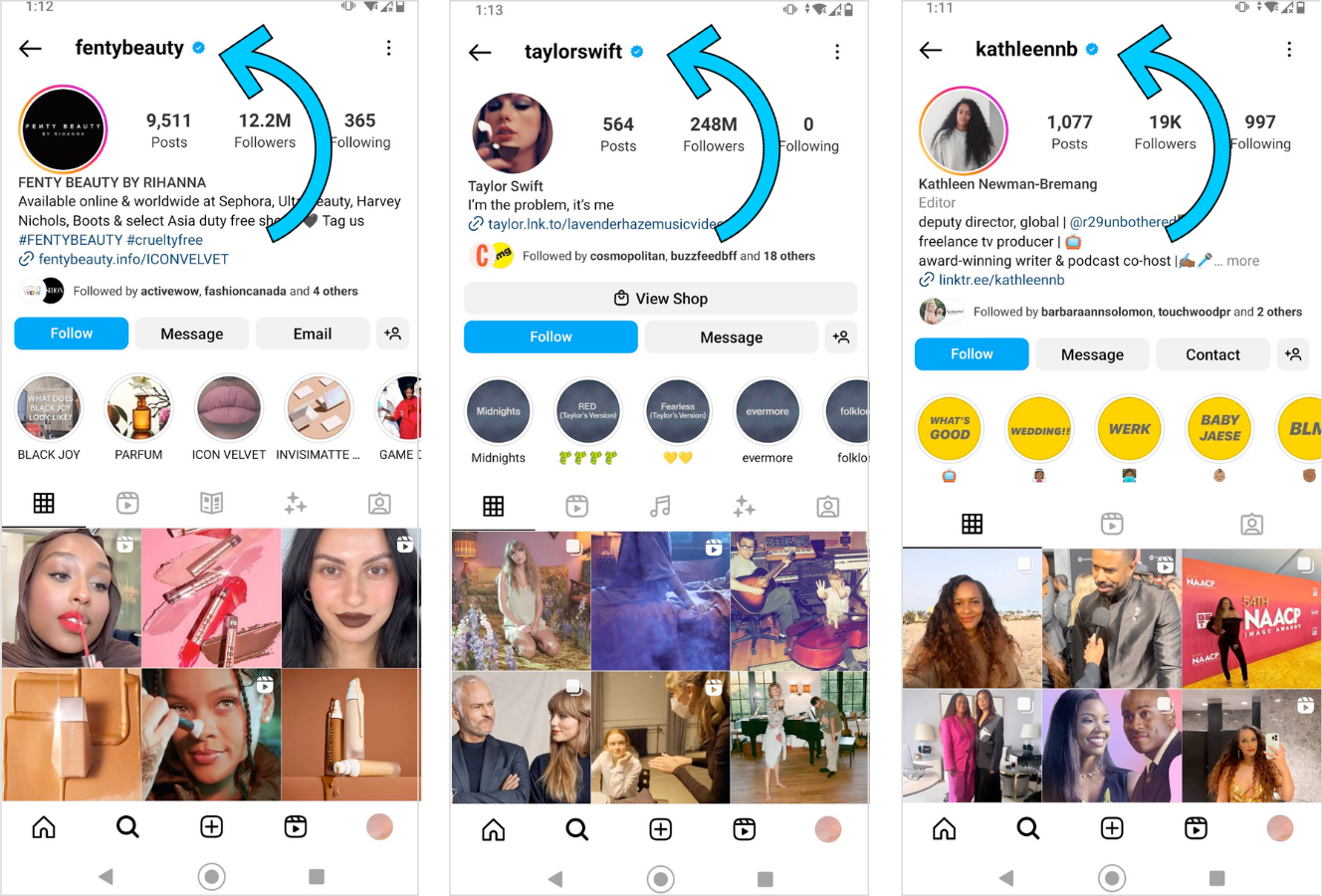
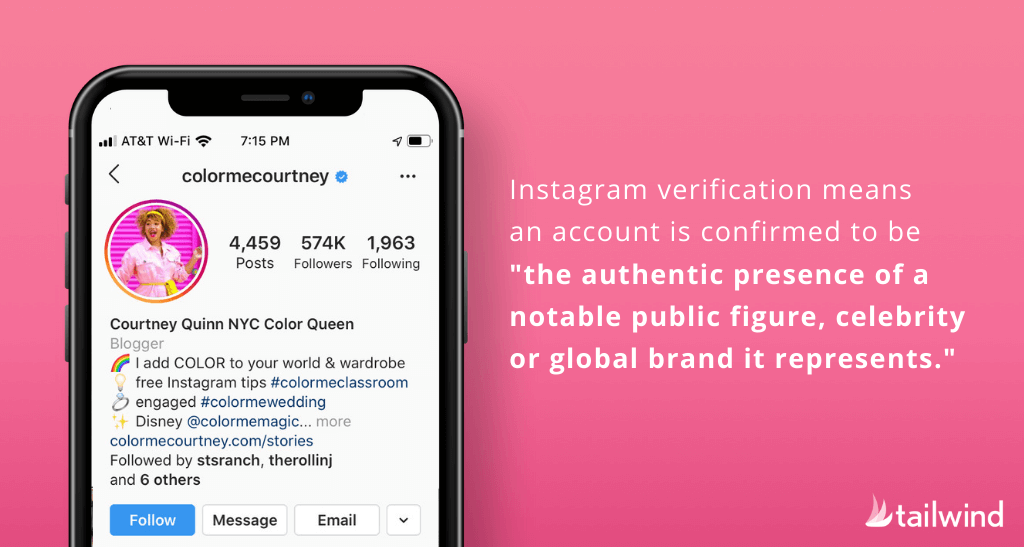
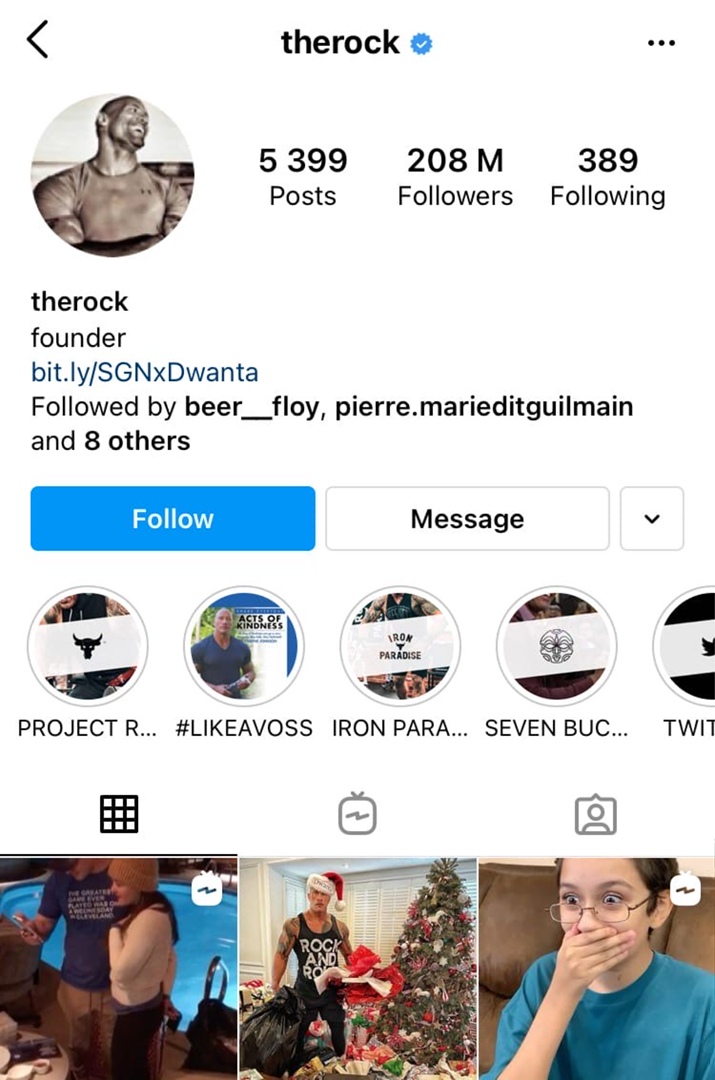
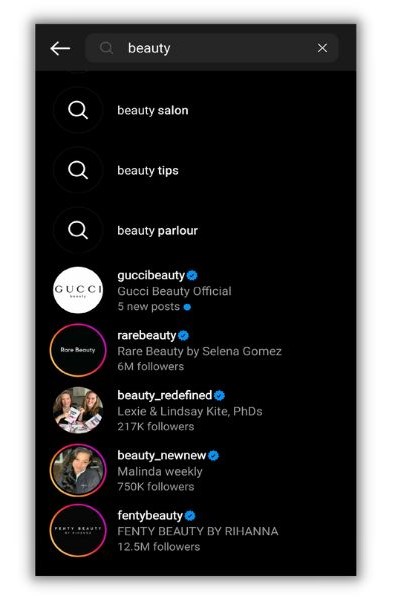
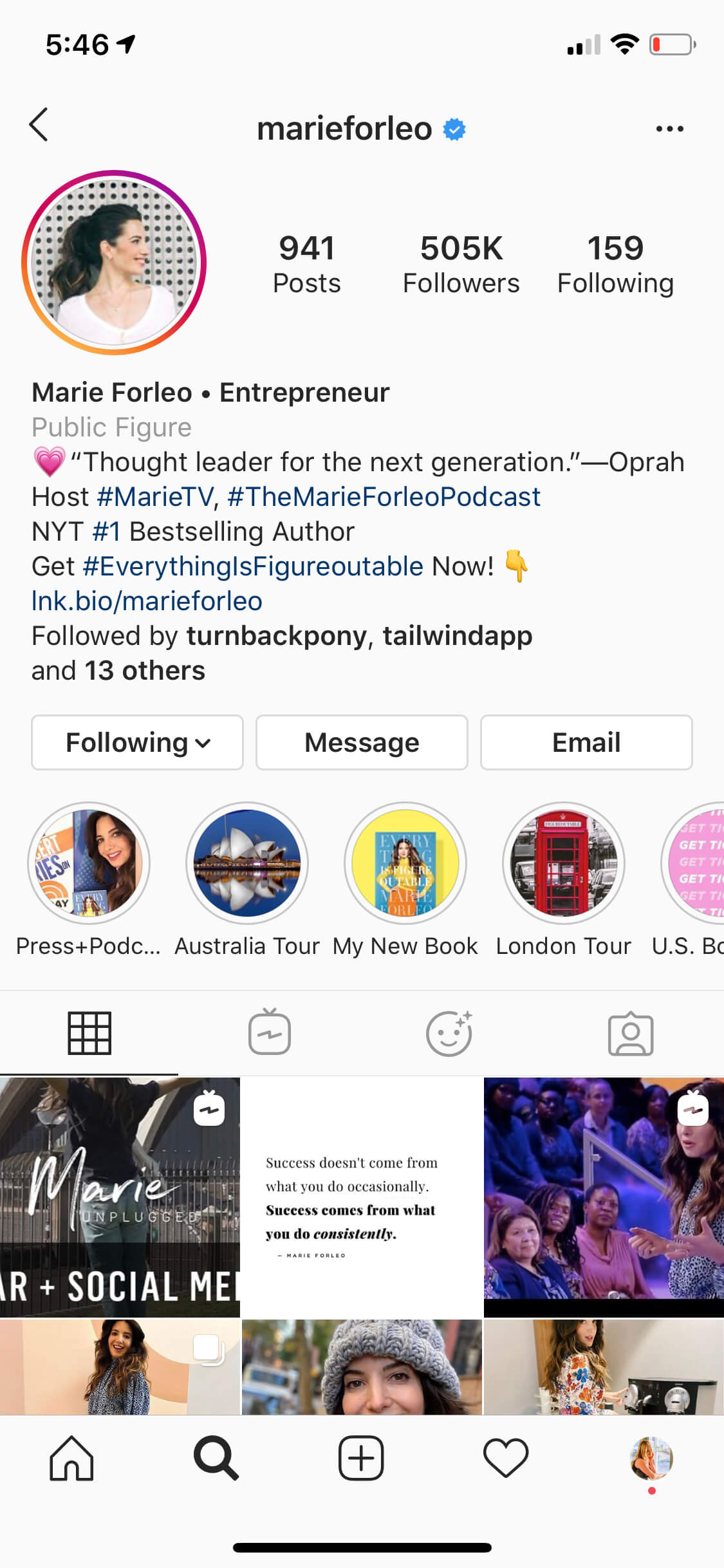
Verification on Instagram is a blue badge that appears on a public figure's or brand's profile, indicating that they are authentic. This verification icon suggests that the account has met certain requirements and has been verified by Instagram's team. The verification process ensures that the account is genuine and not impersonated or fake.How to Get Verified on Instagram
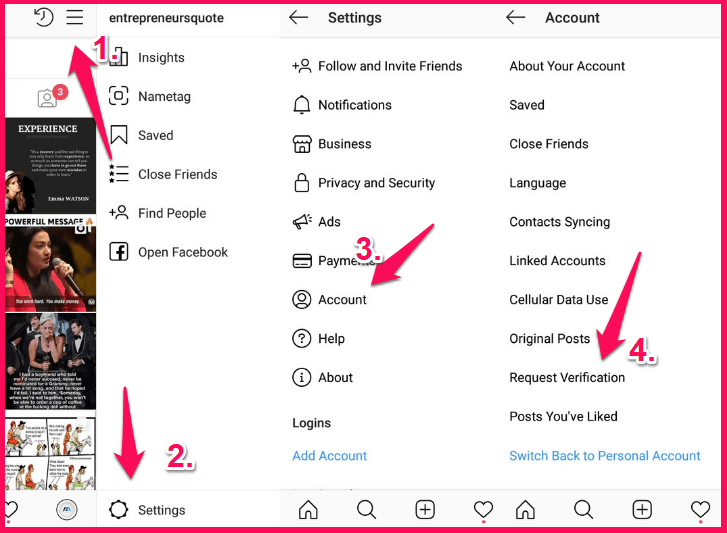
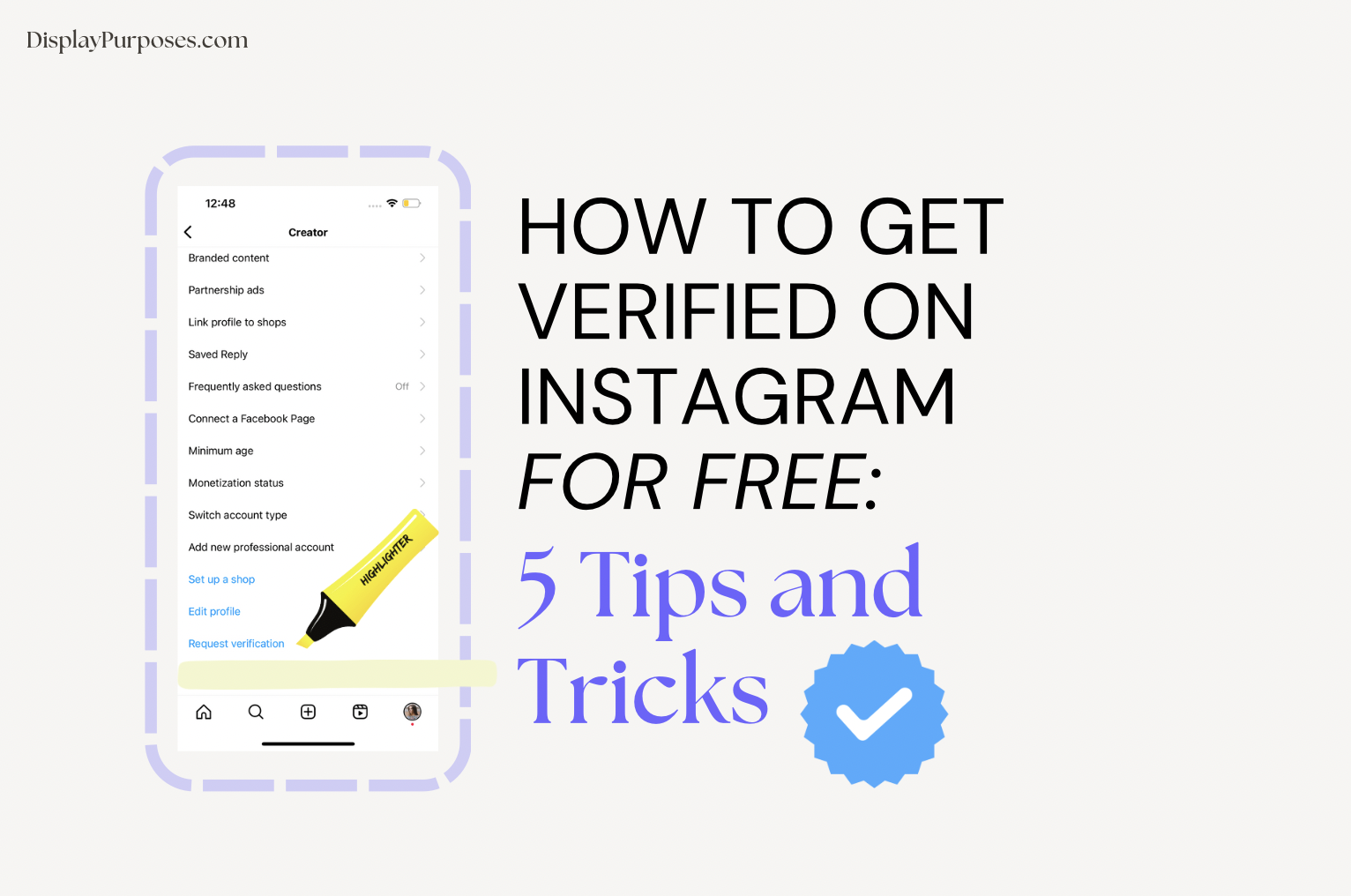
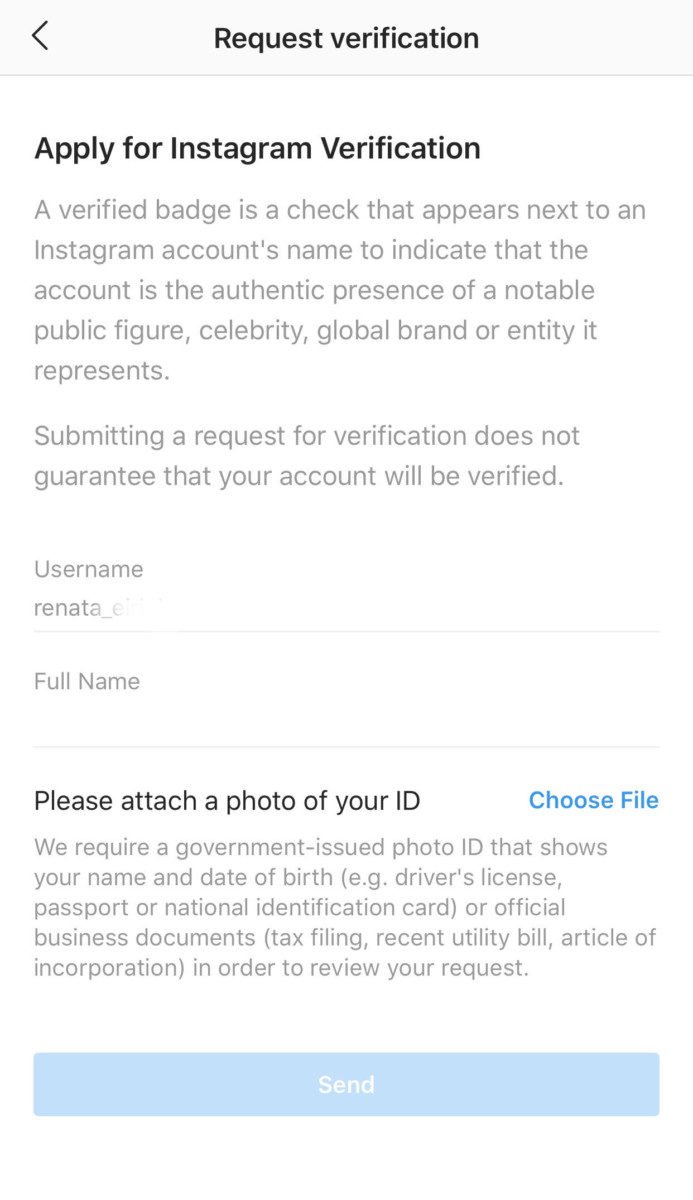
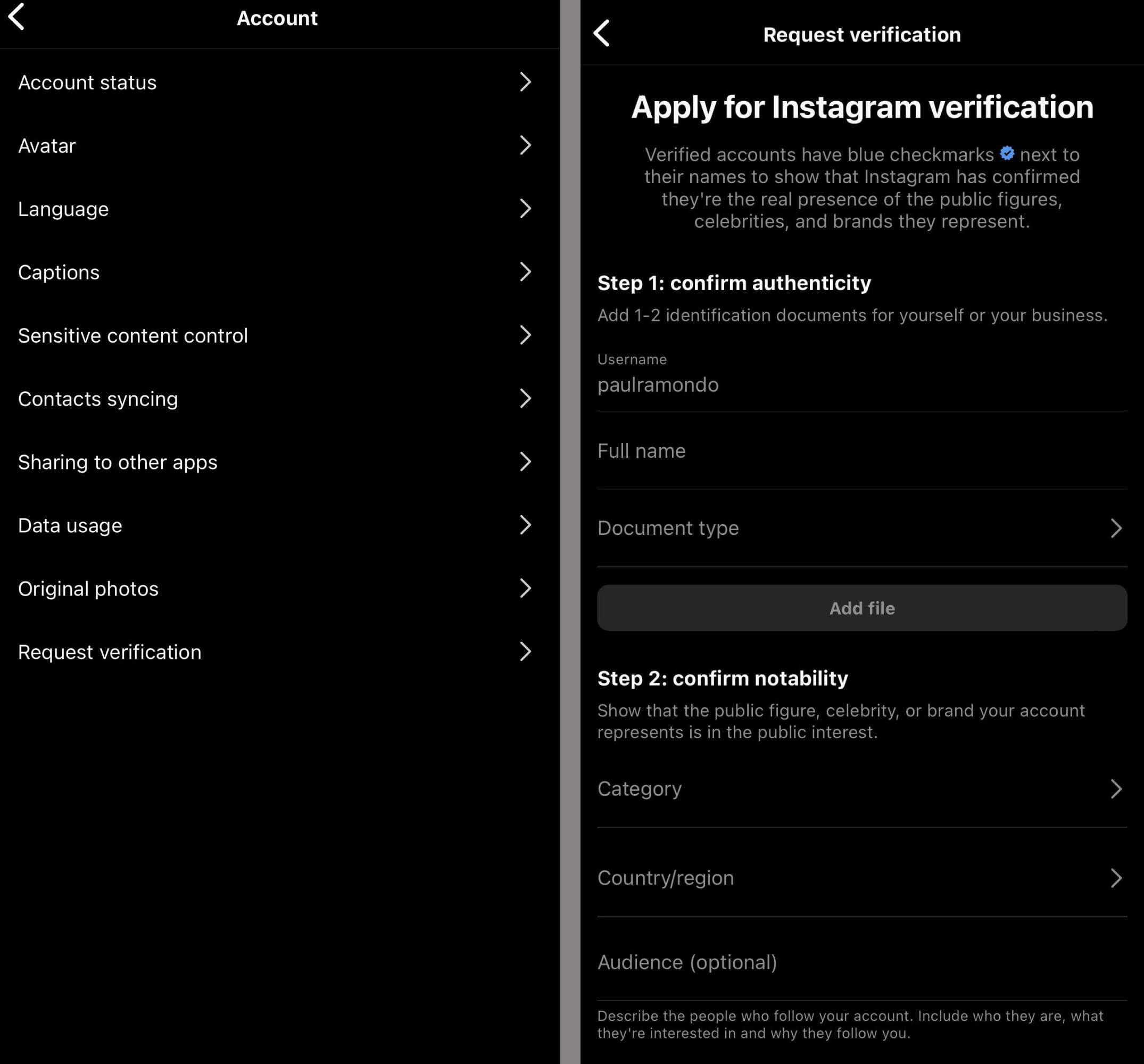
To get verified on Instagram, you have two options: 1. **Go through the traditional application process**: If you are a public figure, celebrity, or brand and meet certain account and eligibility requirements, you can request verification through the Instagram app. Here's how:- Go to the Settings menu and tap on Account.
- Tap on the "Request verification" option.
- Submit your request, and Instagram's team will review your profile and decide whether to verify it.
- Go to the Instagram app and tap on the Account menu.
- Tap on the "Meta Verified" option.
- Follow the prompts to complete the verification process.