Complete Guide to Setting Up a Digital Voicemail System
In today's fast-paced digital age, a digital voicemail system is an essential tool for effective communication. Whether you're a busy professional, an entrepreneur, or simply someone who wants to stay connected with friends and family, setting up a digital voicemail system is crucial for managing incoming calls and messages. However, with the vast array of devices and platforms available, the process can seem overwhelming. In this article, we will provide a comprehensive guide on how to set up a digital voicemail system, including tips and tricks for optimizing its features and advanced AI-powered solutions.Understanding the Basics of a Digital Voicemail System
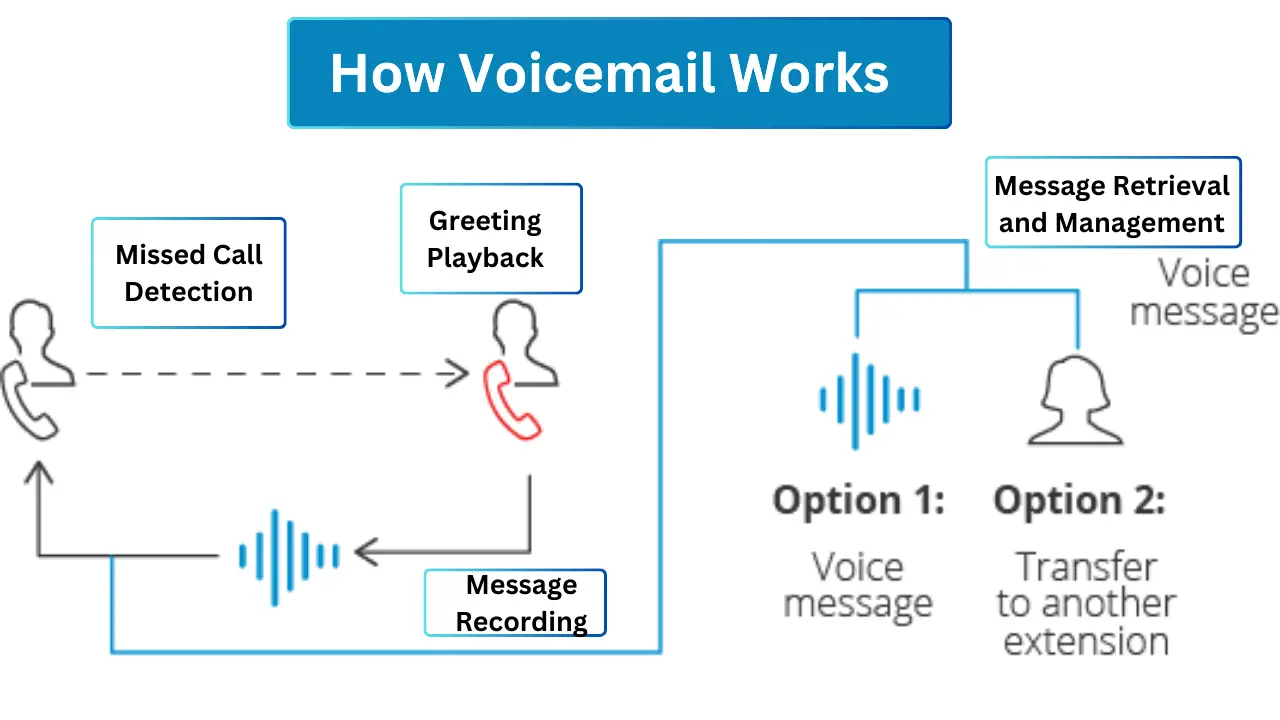
A digital voicemail system allows callers to leave recorded audio messages when the person they are trying to reach is unavailable or unable to answer the phone. This system stores messages on a remote server, making it accessible from anywhere, whether you're on your phone, computer, or other devices.Types of Voicemail Systems
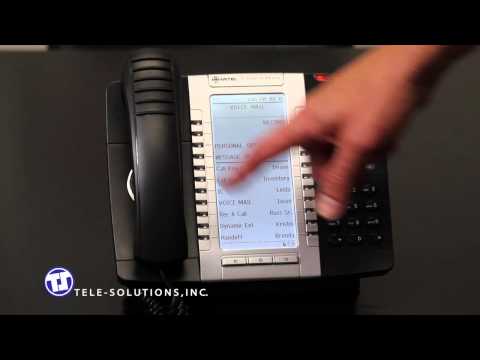
There are various types of voicemail systems available, including: * Traditional voicemail tied to your mobile carrier or landline * Virtual voicemail using the cloud to store, retrieve, and manage voice messages * Voicemail solutions integrated with your business phone system or VoIP servicesSetting Up Your Digital Voicemail System
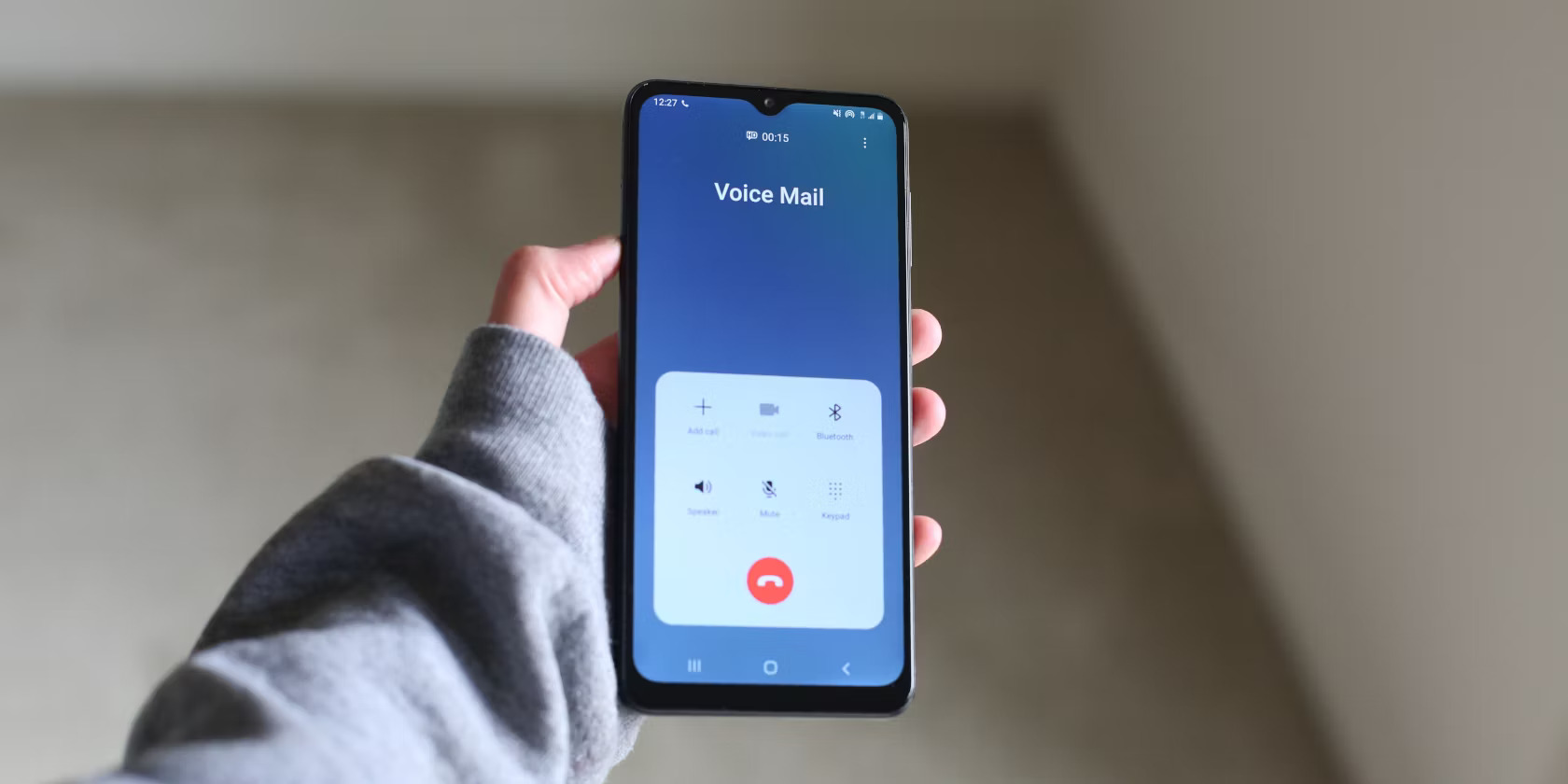
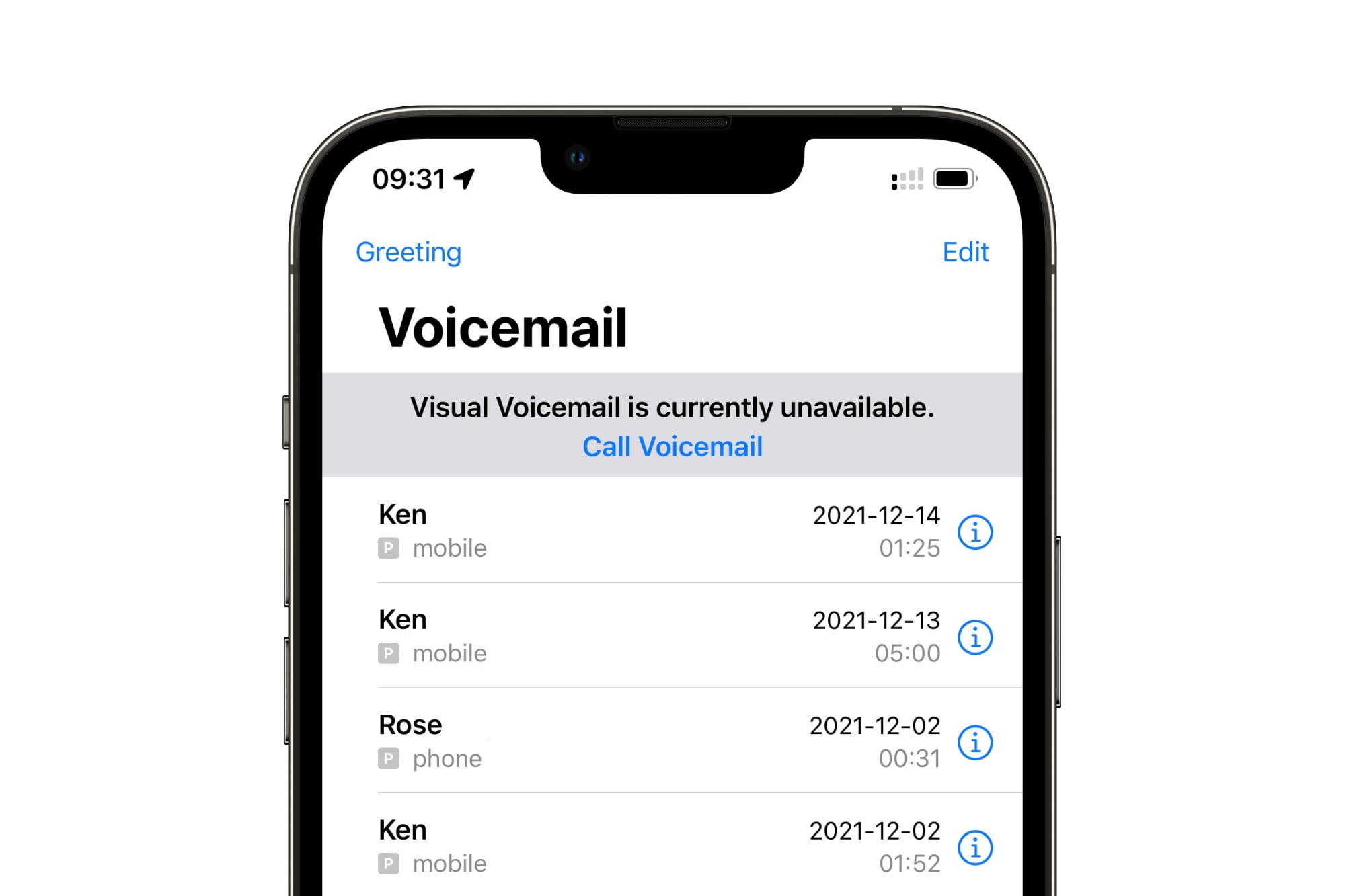
To get started with a digital voicemail system: 1. Identify your voicemail provider and navigate to their website or mobile app to access the setup instructions. 2. Enter your account information, such as your phone number and password, to access your voicemail account. 3. Customize your voicemail settings, including your greeting, password, and notification preferences. 4. List the instructions provided by your voicemail provider to ensure you have the necessary information to manage your voicemail successfully.Popular Voicemail Services