Keep Your Instagram Account Secure: Top Tips and Best Practices
As a social media user, keeping your Instagram account secure is essential to protect your personal information and prevent unauthorized access. With millions of users worldwide, Instagram is a popular target for hackers and scammers. In this article, we'll share top tips and best practices on how to keep your Instagram account secure and safe from potential threats.
Change Your Password Regularly
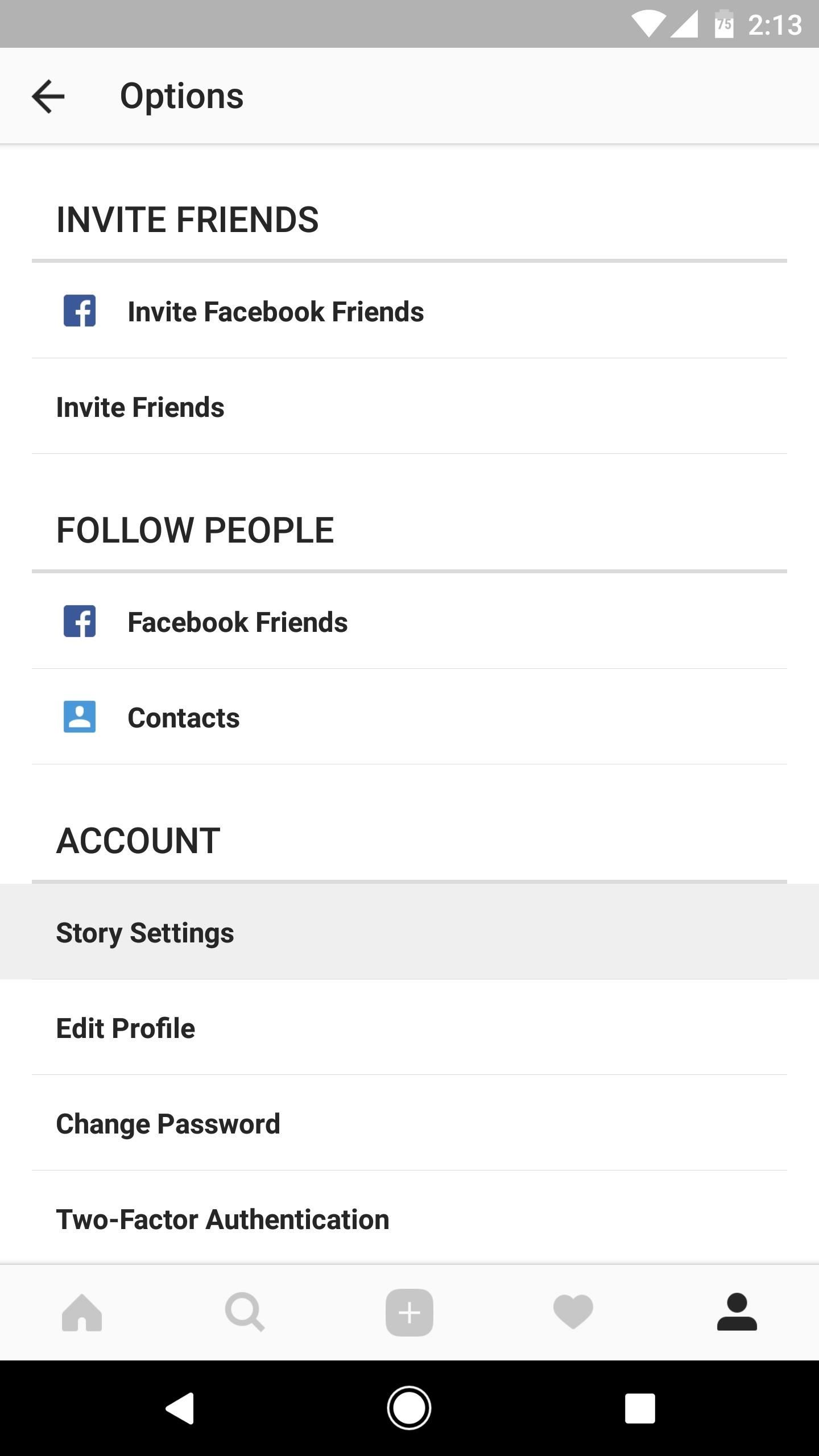
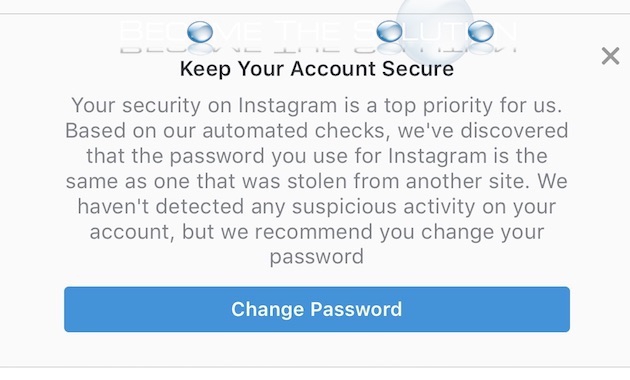
One of the simplest ways to keep your Instagram account secure is to change your password regularly. If Instagram detects that your password may have been stolen, changing your password on Instagram and other sites helps to keep your account secure and prevent you from being hacked in the future. Make sure to use a strong and unique password that is difficult to guess.
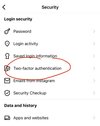
Enable Two-Factor Authentication
Two-factor authentication (2FA) is an additional layer of security that requires you to provide a second form of verification, such as a code sent to your phone or a biometric scan, in addition to your password. Enabling 2FA on Instagram adds an extra layer of protection to your account and helps prevent unauthorized access.
Keep Your App Updated
Make sure to keep your Instagram app updated to access the latest security features. Updates often include patches for known vulnerabilities and new security measures to protect your account.
Monitor Your Account Activity
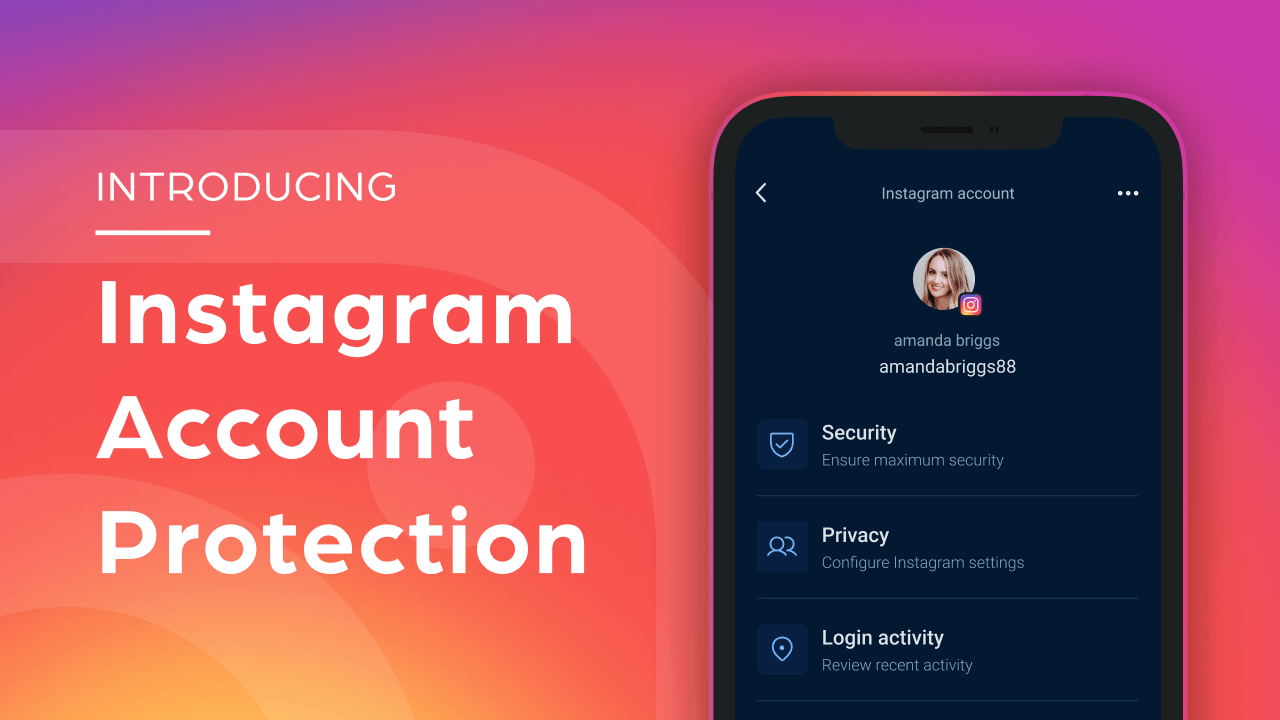
Regularly monitor your account activity to detect any suspicious behavior. Check your login history and report any unusual activity to Instagram's support team.
Remove Unnecessary Apps and Websites
Removing unnecessary apps and websites from Instagram reduces potential risks and helps keep your account secure. Be cautious when granting access to third-party apps and websites, and review your connections regularly to ensure they are still necessary.
Report Suspicious Activity Alerts
Instagram may sometimes show warnings such as "We suspect automated behavior on your account." These alerts can appear even when you follow all guidelines and keep your account secure with strong passwords and 2FA. They affect users across the platform, with or without third-party tools, which makes the cause feel unclear and frustrating.
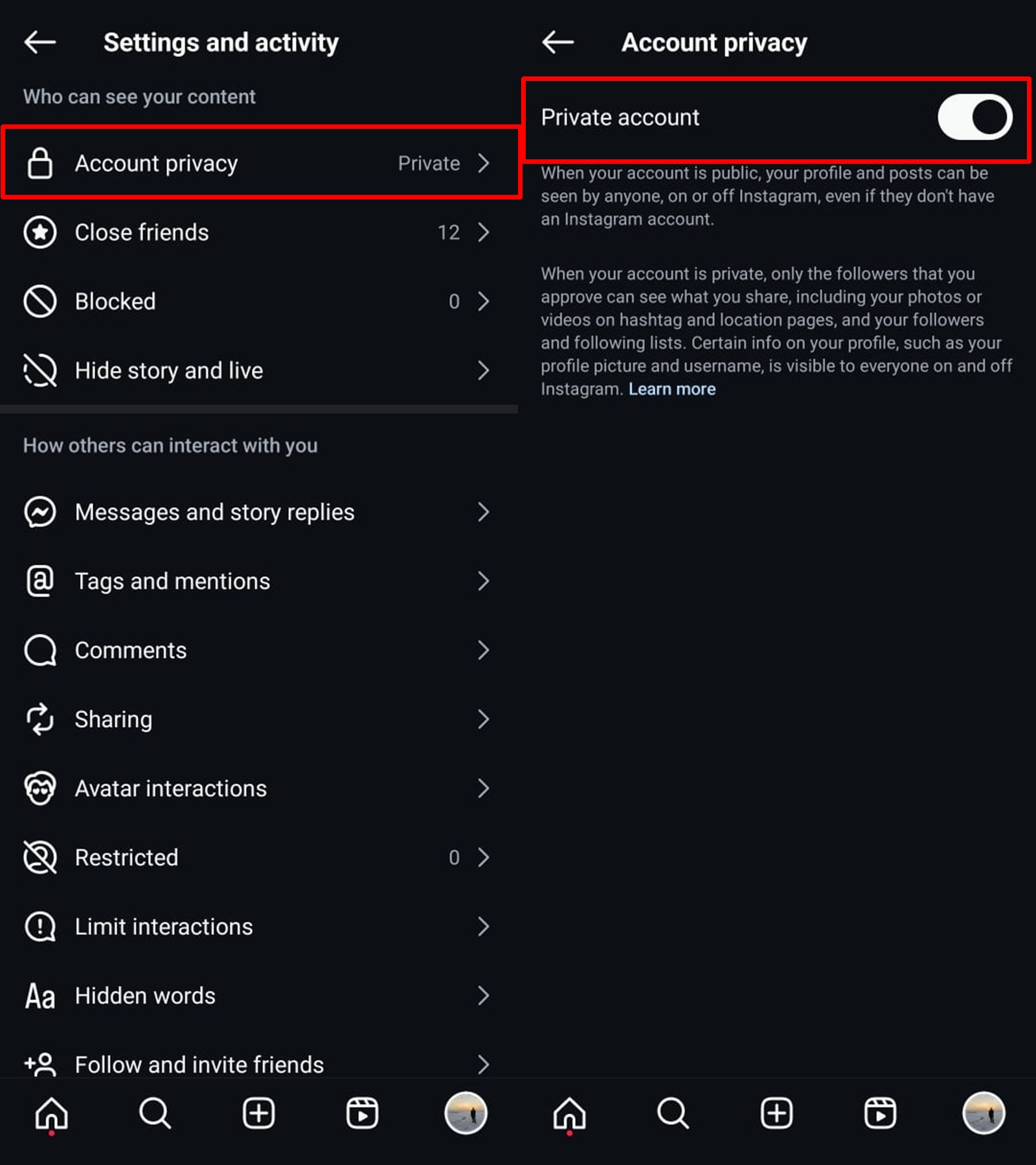
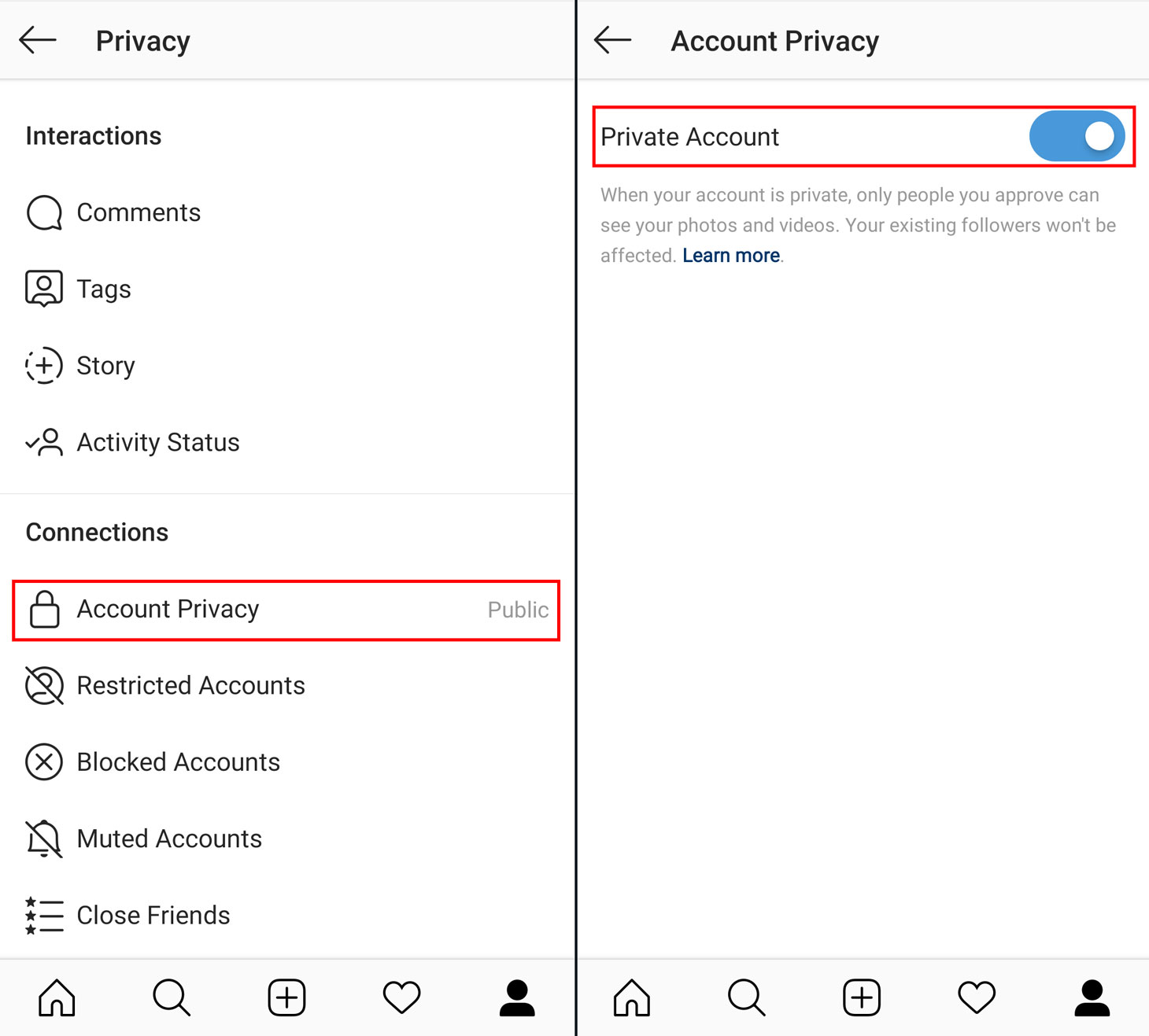
Protect Your Personal Information
Protecting your personal information is crucial to keeping your Instagram account secure. Be cautious when sharing your personal details and avoid sharing sensitive information such as your address, phone number, or financial information.
Report Suspicious Activity
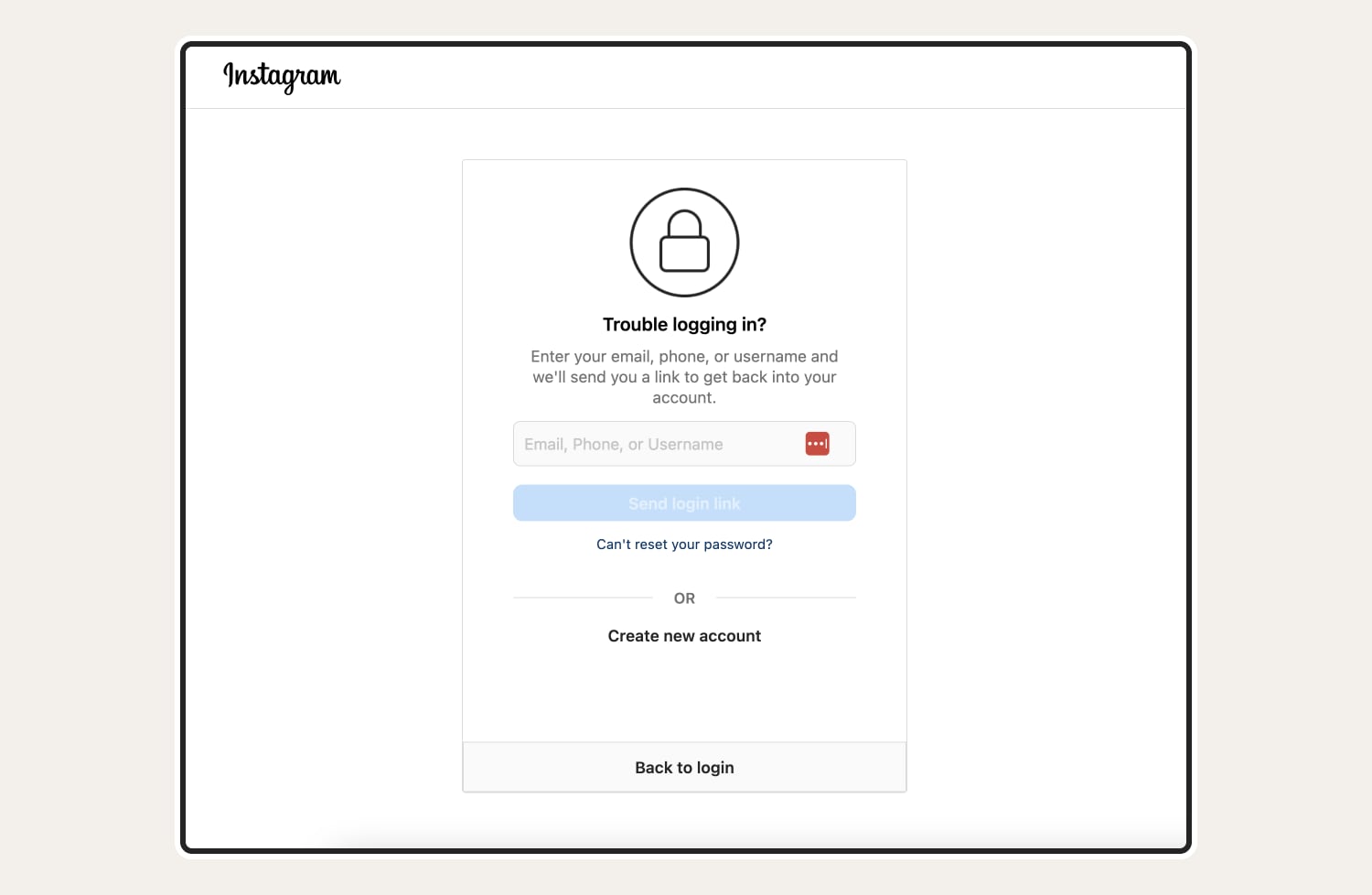
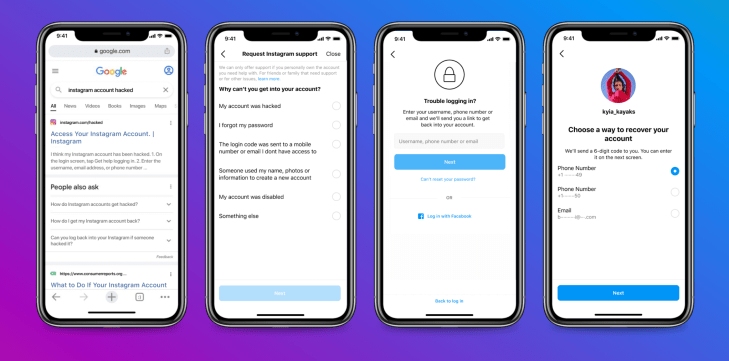
If you suspect that your Instagram account has been hacked or compromised, report the issue to Instagram's support team immediately. They will guide you through the process of regaining control of your account and help you secure it.
Permanently Delete Your Account
If you decide to permanently delete your Instagram account, make sure to follow the correct steps to ensure that your data is removed and your account is deleted completely. Deleting your account is a permanent action, and you will not be able to recover your account once it's deleted.
Conclusion
Keeping your Instagram account secure is a top priority to protect your personal information and prevent unauthorized access. By following these top tips and best practices, you can ensure that your account remains secure and safe from potential threats. Remember to change your password regularly, enable two-factor authentication, keep your app updated, monitor your account activity, and remove unnecessary apps and websites. Stay vigilant and report any suspicious activity to Instagram's support team to keep your account secure.
Additional Resources
For more information on how to keep your Instagram account secure, visit the Instagram Help Center or consult with a cybersecurity expert. Additionally, you can check out the following resources: