Setting Up Alexa in a Large House: A Step-by-Step Guide
Are you tired of feeling like you're living in a complicated, hard-to-control house? Look no further than Amazon's Alexa. With the ability to control lights, thermostats, locks, and more with just your voice, Alexa is the perfect solution for large homes. By following our easy-to-follow guide, you'll be well on your way to creating a seamless smart home experience.
Understanding Your Needs
Before diving headfirst into setting up your smart home, it's essential to understand what you want to accomplish with Alexa. Do you want to control your lights with a single voice command? Or perhaps you're looking to streamline your security system? By identifying your priorities, you'll be able to choose the right devices and integrations to fit your needs.
Choosing the Right Devices for Your Space
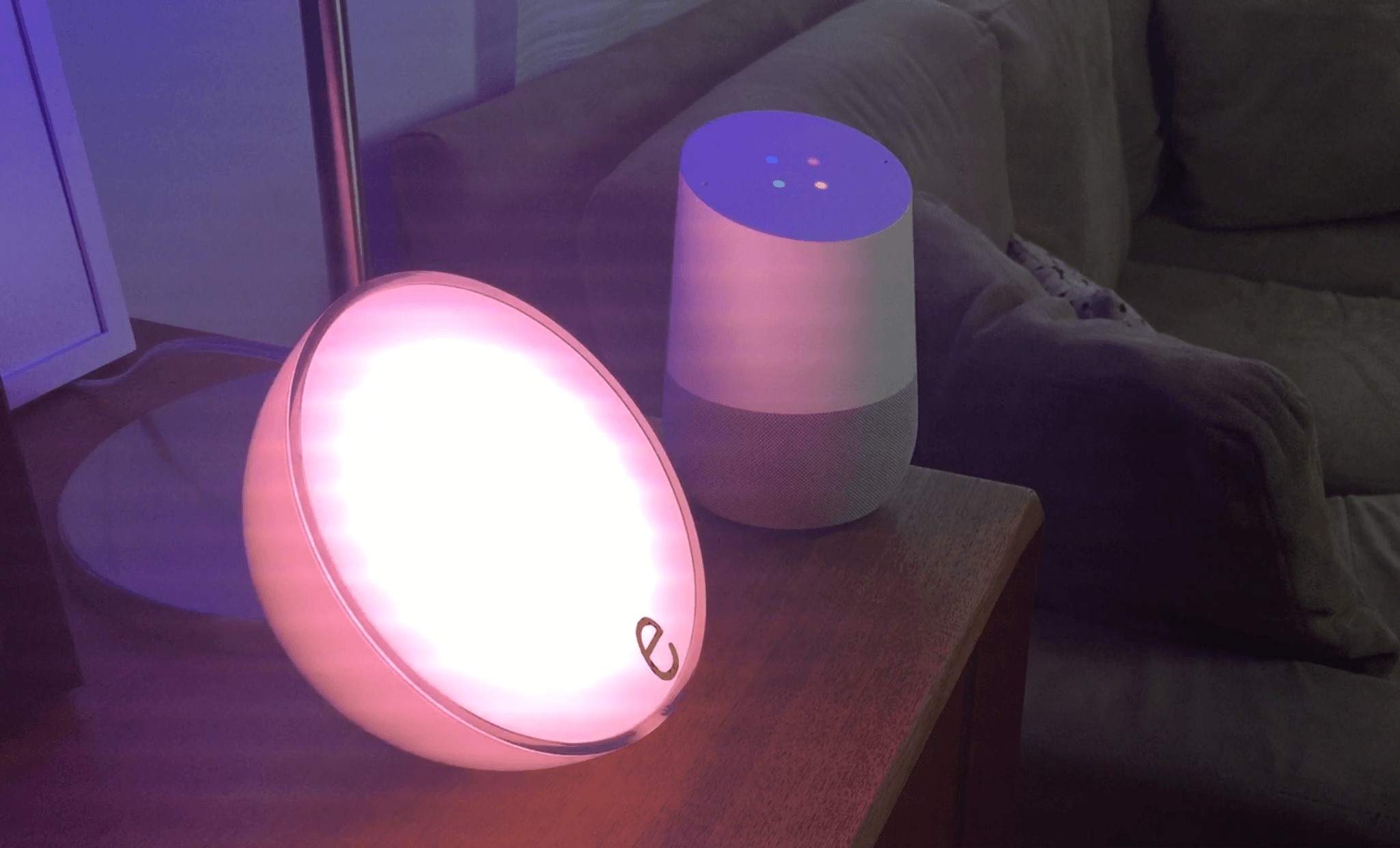
With a large house comes a lot of nooks and crannies to fill with smart devices. When selecting devices for your Alexa setup, consider the size of the room, the type of lighting you need, and the complexity of control you desire. Luxury items such as thermostats, locks, and home theaters require a more advanced setup, while simpler devices like lamps and lights are easier to get started with.
Step-by-Step Setup for the Perfect Home Experience
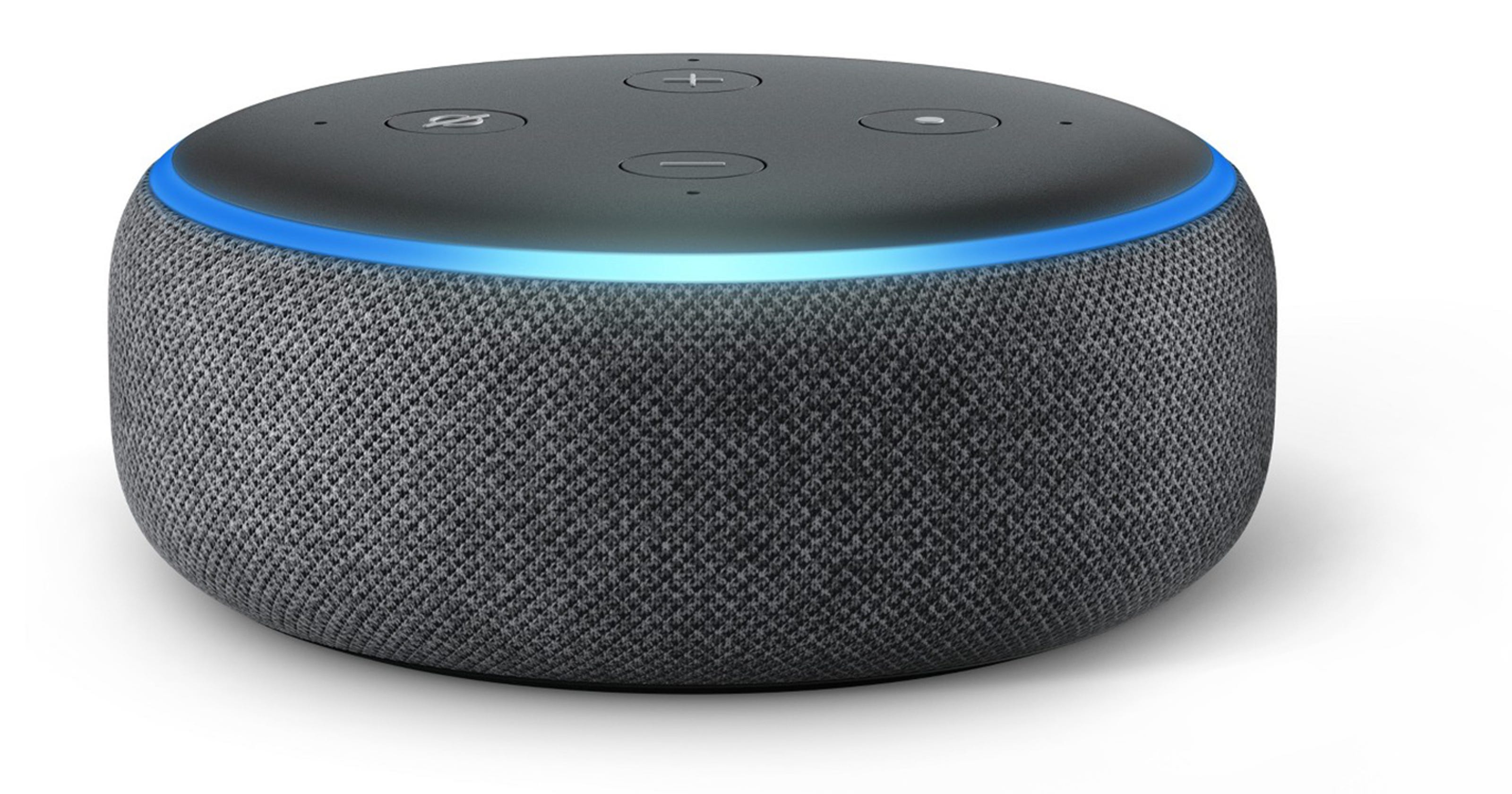
Whether you're a total newbie or an experienced tech expert, our step-by-step guide will walk you through the process of setting up Amazon Echo devices and integrating them with your smart home. With these straightforward instructions, you'll be enjoying a smart home experience that makes your life easier, safer, and more enjoyable:
- Unbox and connect your devices to a power source
- Download the Alexa app on your smartphone or tablet
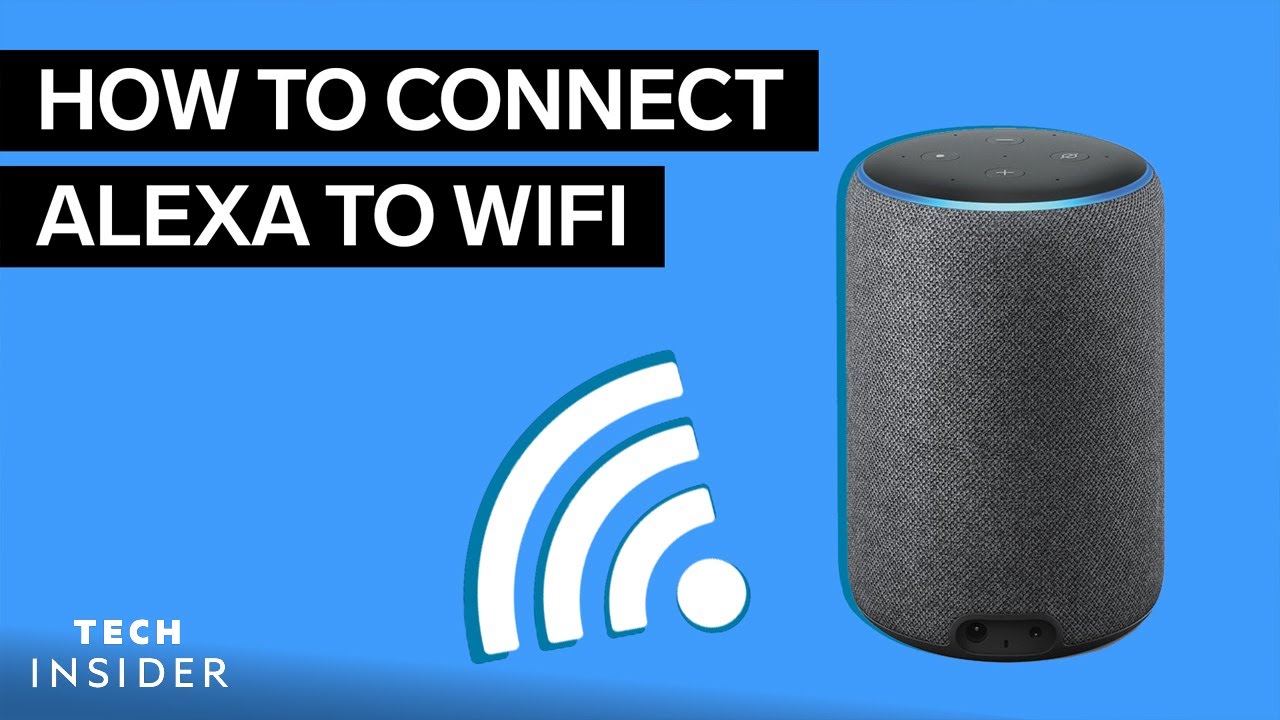
- Connect your device to Wi-Fi and secure their settings
- Pair multiple devices and create smart home groups
- Customize skills and integrations for a seamless experience
Identifying Rooms and Devices in the Alexa App
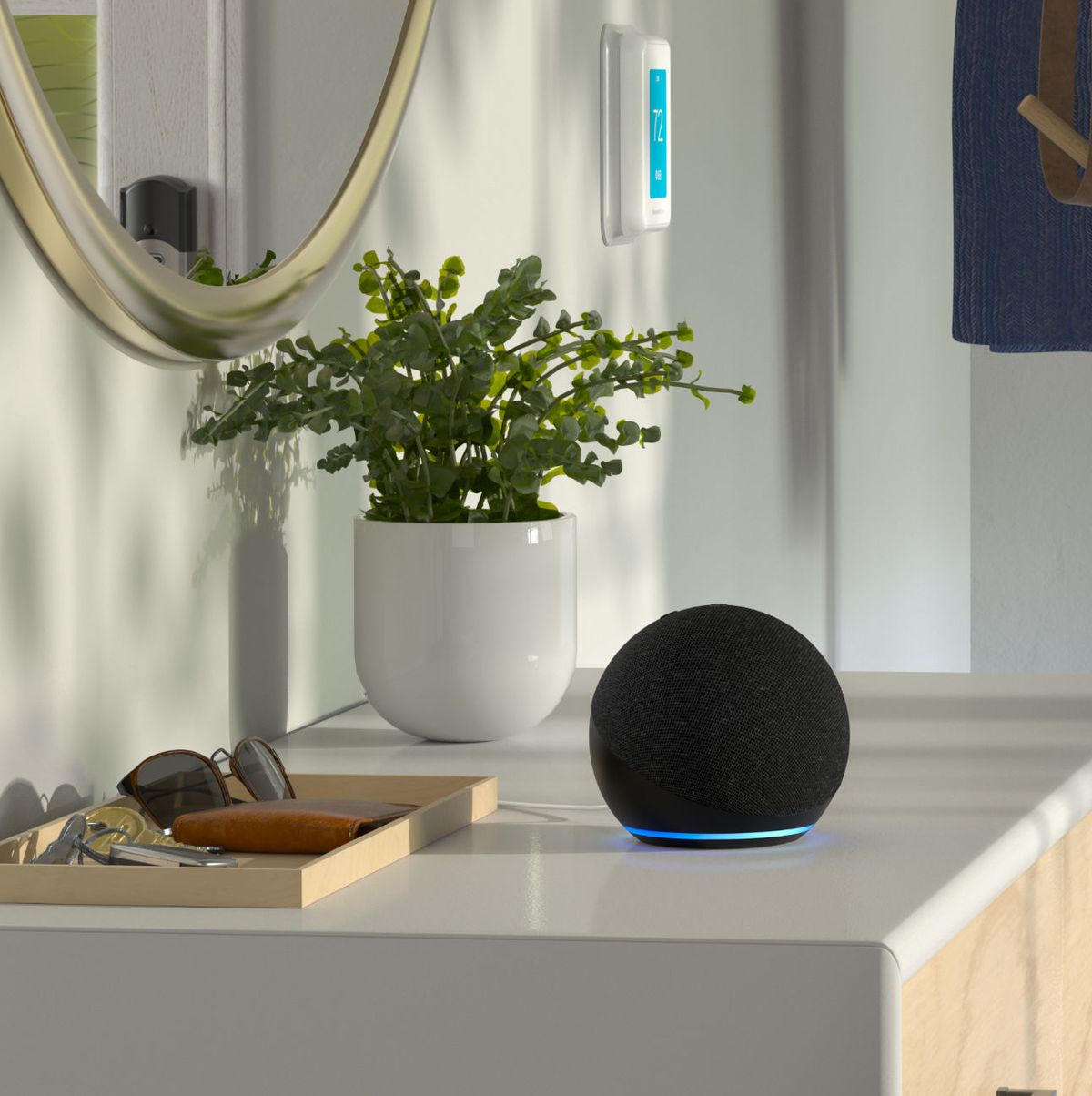
To create a seamless smart home experience, you'll want to group your devices into rooms. This will make it easier to manage and control them. The Alexa app allows you to create custom rooms, a feature that enables you to give a single voice command to multiple devices at once. For instance, you can tell Alexa to turn on the lights and adjust the thermostat in the living room with just a single voice command.
Adding Devices to Your Smart Home
Connecting smart devices to your Alexa setup is a straightforward process. First, ensure that the devices you're buying are Alexa-compatible and check the manufacturer's instructions for any additional setup procedures. Then, follow these simple steps:
- Find the device in the Alexa app and click "Add Device"
- Follow the instructions to complete the setup process
- Discover and connect devices automatically using Alexa's device-discovery feature
- Customize your devices by renaming them in the Alexa app
Setting Up Routines for a Seamless Smart Home Experience
The ultimate goal of setting up your smart home with Alexa is to make it a seamless experience. To achieve this, create routines that allow you to perform multiple tasks with a single voice command. For example, you can create a routine that turns on the lights, adjusts the thermostat, and plays music with a single voice command. With this feature, you can enjoy hands-free control of your home from anywhere, making your life easier and more convenient.
Final Tips and Tricks
As you walk through this journey of creating a smart home with Alexa, don't forget to explore the many customization options and integrations available. You can unlock features like smart home security systems, home voice control, energy monitoring, and much more. By following these straightforward steps and understanding your needs, you'll be able to unlock the full potential of your large house with Alexa.