Secure Your Email Account from Hackers: A Comprehensive Guide
With the increasing number of cyber attacks, securing your email account from hackers has become a top priority for individuals and businesses alike. Email accounts are often targeted by hackers, as they can be used to reset other passwords, gain access to sensitive information, and even compromise personal and financial data. In this article, we will outline the best practices to safeguard your email account from hackers and provide you with the knowledge to secure your online presence.
Why Email Accounts are a Prime Target for Hackers
Email accounts are a prime target for hackers due to their accessibility and the sensitive information they contain. Hackers can use emails to reset passwords, gain access to financial information, and even sell your personal data to third-party companies. Additionally, email accounts can be used to send phishing emails, malware, and other types of cyber threats.
Simple Steps to Secure Your Email Account
- Enable Two-Factor Authentication (2FA): 2FA is a security feature that requires you to enter a code sent to your phone or email in addition to your password to access your account. This adds an extra layer of security to prevent hackers from gaining access to your email account.
- Use Strong Passwords: Use a combination of letters, numbers, and symbols to create a strong password. Avoid using easily guessable information such as your name, birthdate, or common words.
- Be Cautious of Phishing Emails: Phishing emails are designed to trick you into revealing sensitive information such as your password or credit card details. Be wary of emails that ask you to provide sensitive information or contain suspicious links or attachments.
- Scan for Malware and Viruses: Regularly scan your computer and email account for malware and viruses to ensure that your account is free from any malicious activity.
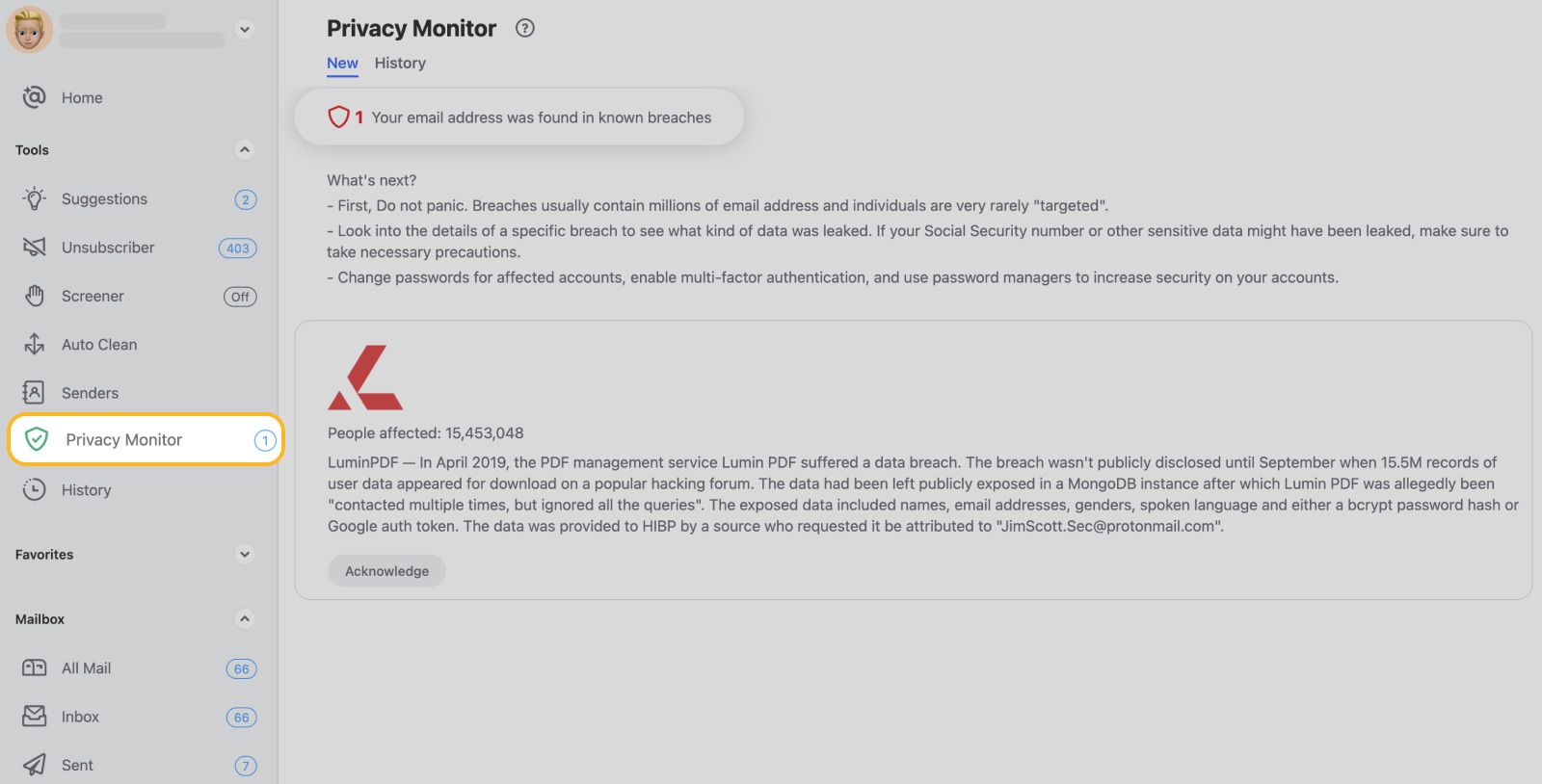
- Monitor Your Account Activity: Regularly check your account activity to ensure that there are no unauthorized transactions or logins.
What to Do if Your Email Account is Hacked

If you suspect that your email account has been hacked, follow these steps:
- Change your password immediately.
- Update your password to a strong and unique one.
- Scan your computer and email account for malware and viruses.
- Monitor your account activity to ensure that there are no unauthorized transactions or logins.
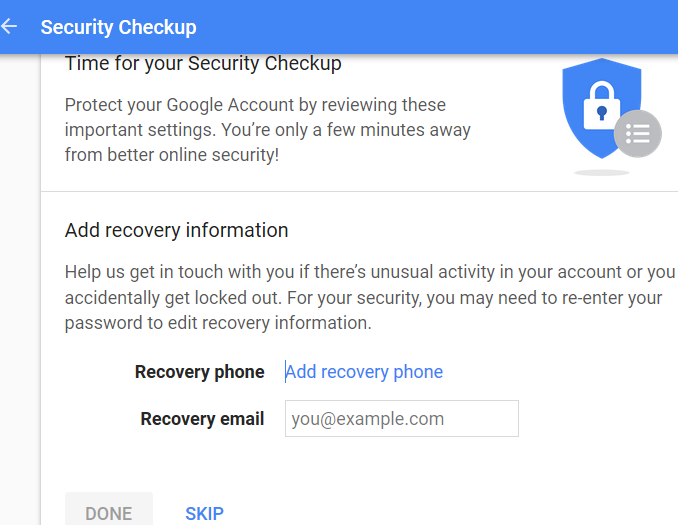
- Seek help from your email provider's support team.
Additional Tips to Secure Your Email Account
- Use a Password Manager: A password manager can help you generate and store unique and strong passwords for all your online accounts.
- Use a Secure Email Provider: Choose an email provider that offers advanced security features such as two-factor authentication and encryption.
- Regularly Back Up Your Data: Regularly back up your email account data to prevent data loss in case your account is hacked.
- Stay Up-to-Date with Security Updates: Regularly update your email account and operating system to ensure that you have the latest security patches and updates.
Conclusion
Securing your email account from hackers requires attention to detail and a proactive approach. By implementing the simple steps outlined in this article, you can safeguard your email account and prevent hackers from gaining access to your sensitive information. Remember to stay alert, be cautious of phishing emails, and regularly scan your account for malware and viruses. With the right security measures in place, you can enjoy a safe and secure online experience.

-1920w.png "What to do if your email gets hacked and how to recover it - NortonTM")



/GettyImages-8084239581-5bda52af46e0fb002d4afed6.jpg "Account Recovery Hub - Facebook, Instagram, Threads | Meta")