Protecting Your Twitter Account from Scammers: A Comprehensive Guide
Twitter, a social platform with 330 million monthly active users, is a prime target for scammers. With the platform's evolving features and cybercriminals getting more sophisticated, protecting your Twitter account from scams is more important than ever.
Understanding Twitter Scams
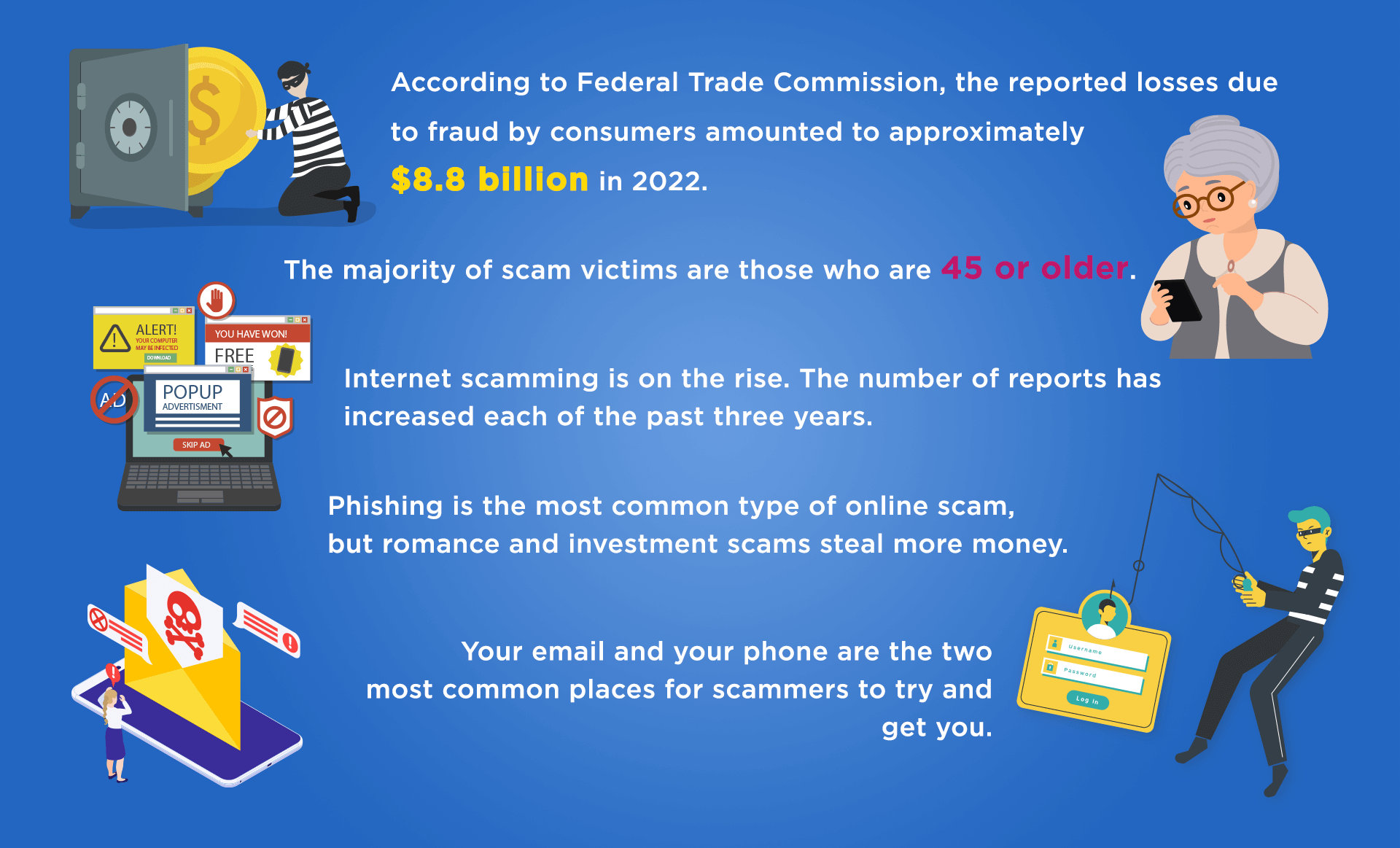
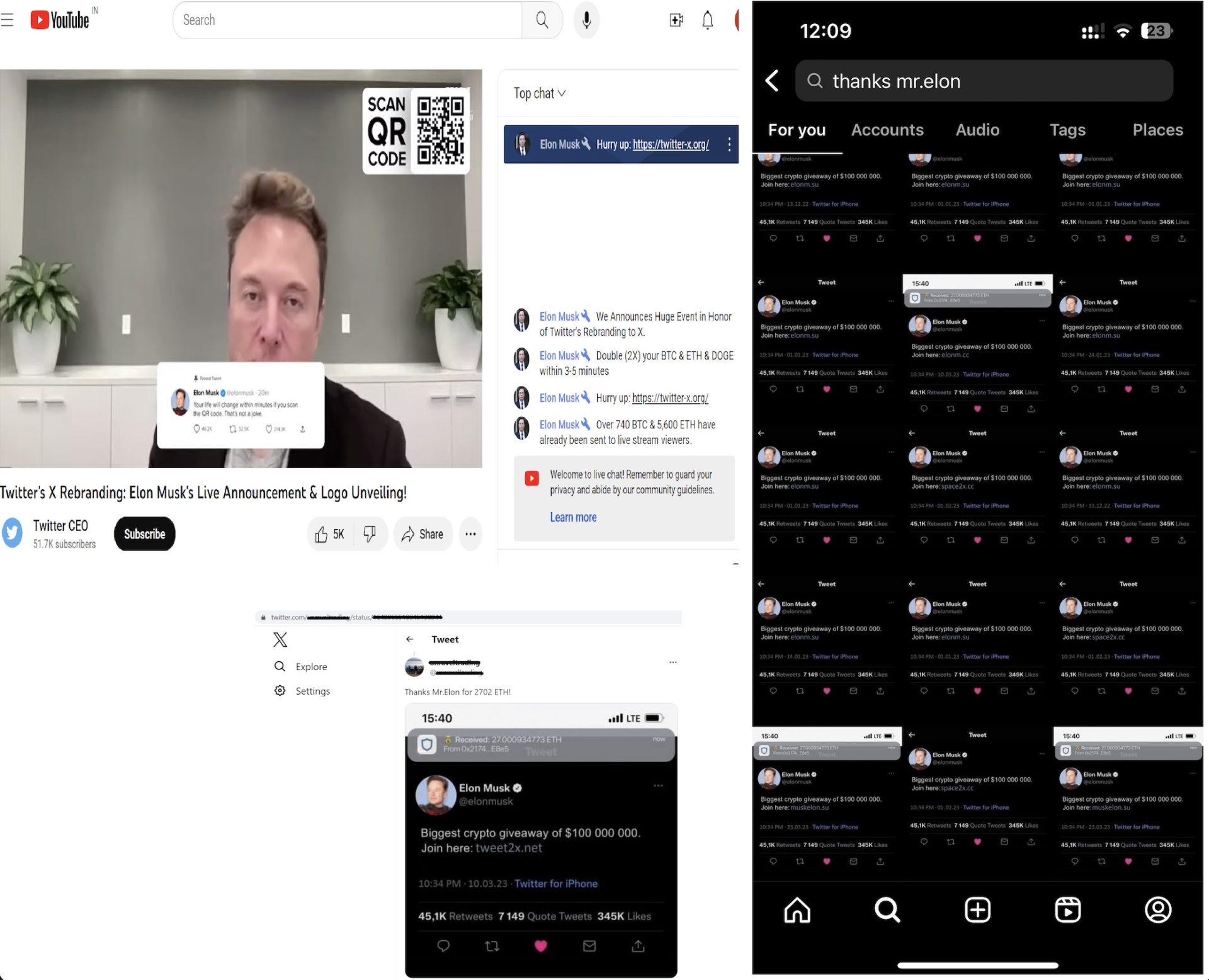
Twitter scams come in various forms, from phishing scams to account hacking. Scammers target unsuspecting users, exploiting their trust to gain access to their sensitive information. It's essential to familiarize yourself with these scams to protect your Twitter account and personal data.
Types of Twitter Scams
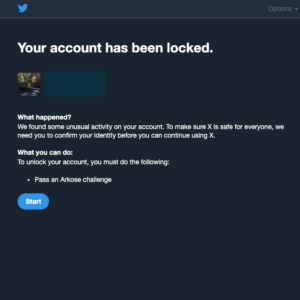
- Verification Phishing Scams: Scammers target businesses and individuals with verified social media accounts. They create fake support messages or emails that appear to come from Twitter, asking for sensitive information like passwords or account details.
- Phishing DMs: Scammers send direct messages that appear to come from Twitter, asking for verification codes or sensitive information.
- Account Hacking: Hackers gain access to your Twitter account, often using stolen credentials or by exploiting vulnerabilities in Twitter's security features.
- Spam Followers: Scammers create fake accounts that follow you, often to spread malware or phishing links.
Common Twitter Scam Tactics
Scammers use various tactics to target users, including:
- Urgency-based scams: Scammers create a sense of urgency, claiming that your account will be suspended or deleted if you don't take action.
- Authentication-based scams: Scammers ask for sensitive information, claiming that it's necessary for authentication or verification.
- Brittle trust-based scams: Scammers build trust by sending regular, non-suspicious messages before asking for sensitive information.

Red Flags to Watch Out For
Be cautious of messages or emails with the following characteristics:
- Urgency: Messages that create a sense of urgency or panic.
- Excessive spelling or grammar mistakes: Messages or emails with spelling or grammar mistakes are often a sign of phishing.
- Suspicious links: Links that appear to be from Twitter but lead to suspicious websites.
- Personal information requests: Messages or emails that ask for sensitive information like passwords or account details.
Protecting Your Twitter Account from Scammers
To protect your Twitter account from scammers, follow these best practices:
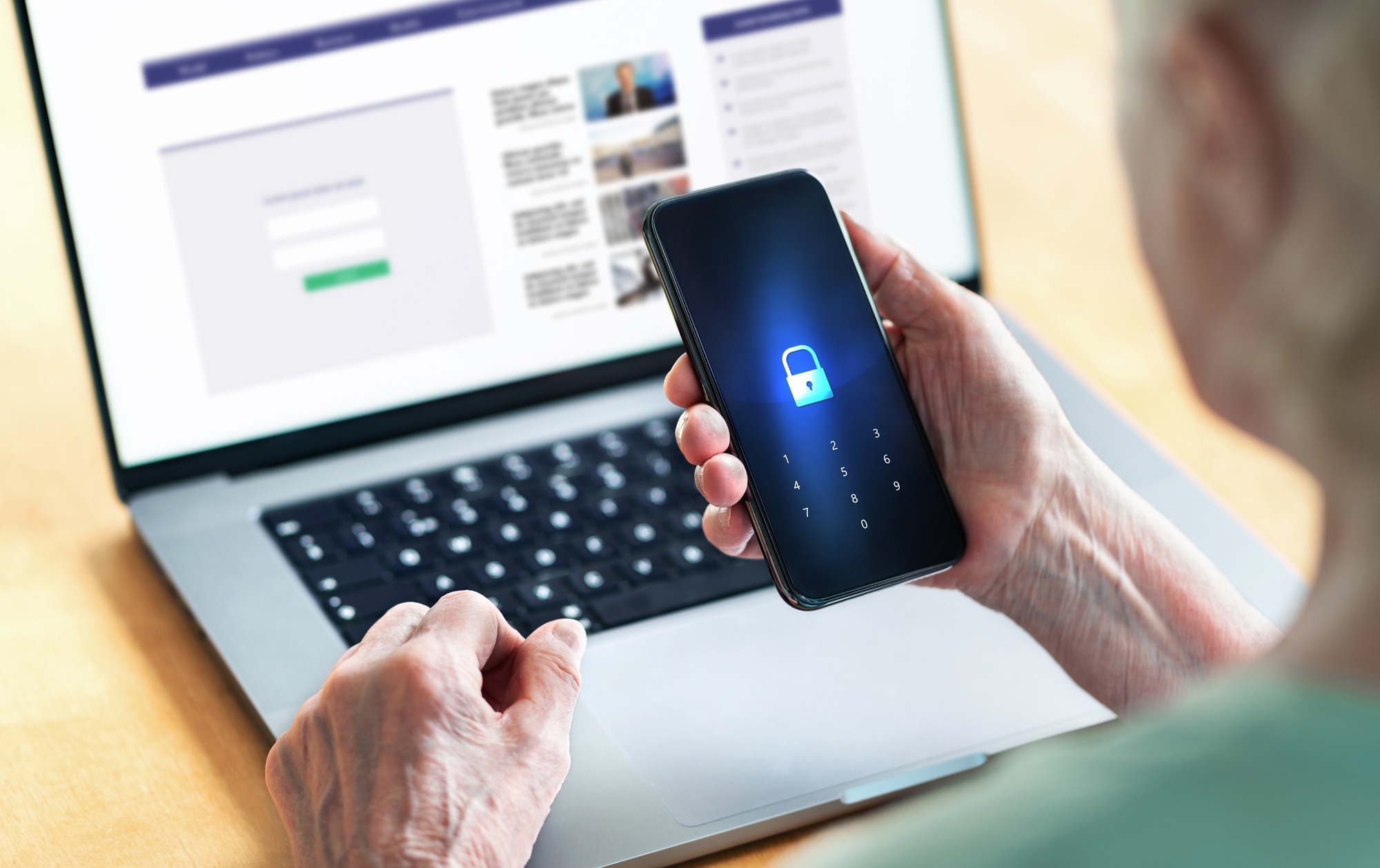
- Enable two-factor authentication: Twitter's 2FA feature provides an additional layer of security by requiring a verification code sent to your phone number or authenticator app.
- Use a secure password: Choose a strong, unique password for your Twitter account.
- Be cautious with third-party apps: Only use third-party apps that you trust, and be wary of apps that ask for excessive permissions.
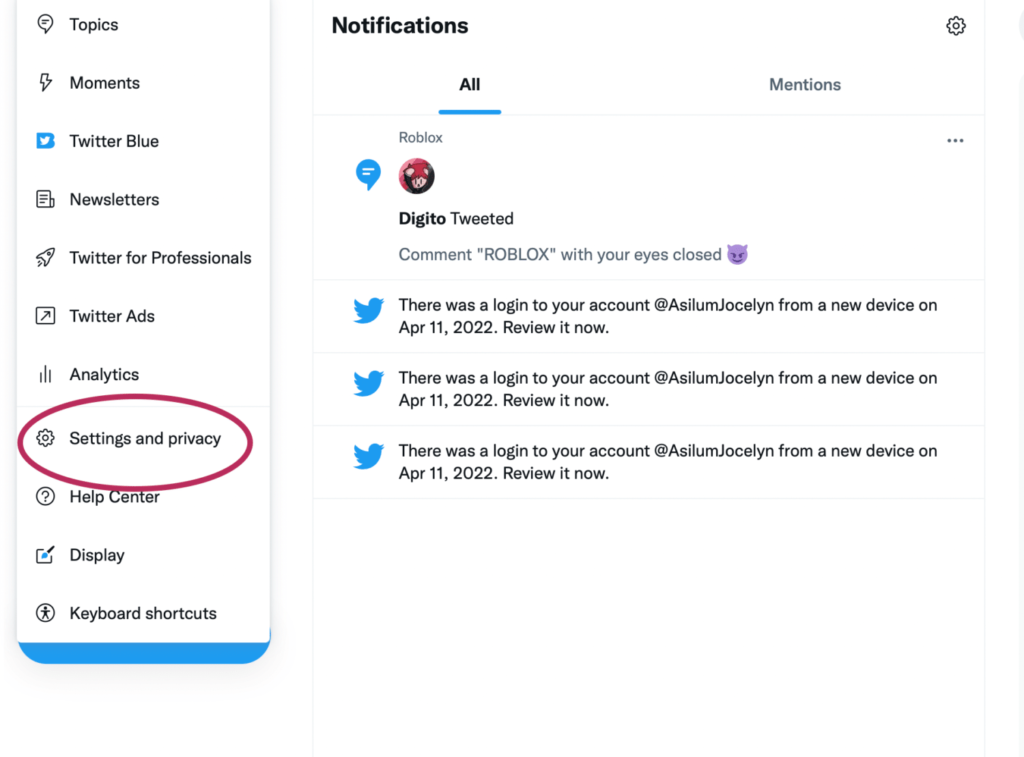
- Monitor your account activity: Regularly check your account activity for suspicious login attempts or unusual behavior.
- Report suspicious activity: Report any suspicious activity or phishing attempts to Twitter's support team.
Conclusion
Protecting your Twitter account from scammers requires awareness and caution. By understanding the types of Twitter scams, common scam tactics, and red flags to watch out for, you can take steps to secure your account and personal data. Remember to enable two-factor authentication, use a secure password, and be cautious with third-party apps to keep your Twitter account safe.