Facebook Account Safety Best Practices
Ensuring the safety and security of your Facebook account is crucial in today's digital age. With the increasing risk of hacking and scams, it's essential to take proactive measures to protect your account from unauthorized access. In this article, we'll explore the Facebook Account Safety Best Practices to help you safeguard your digital identity and prevent potential security breaches.Why Facebook Account Safety is Important
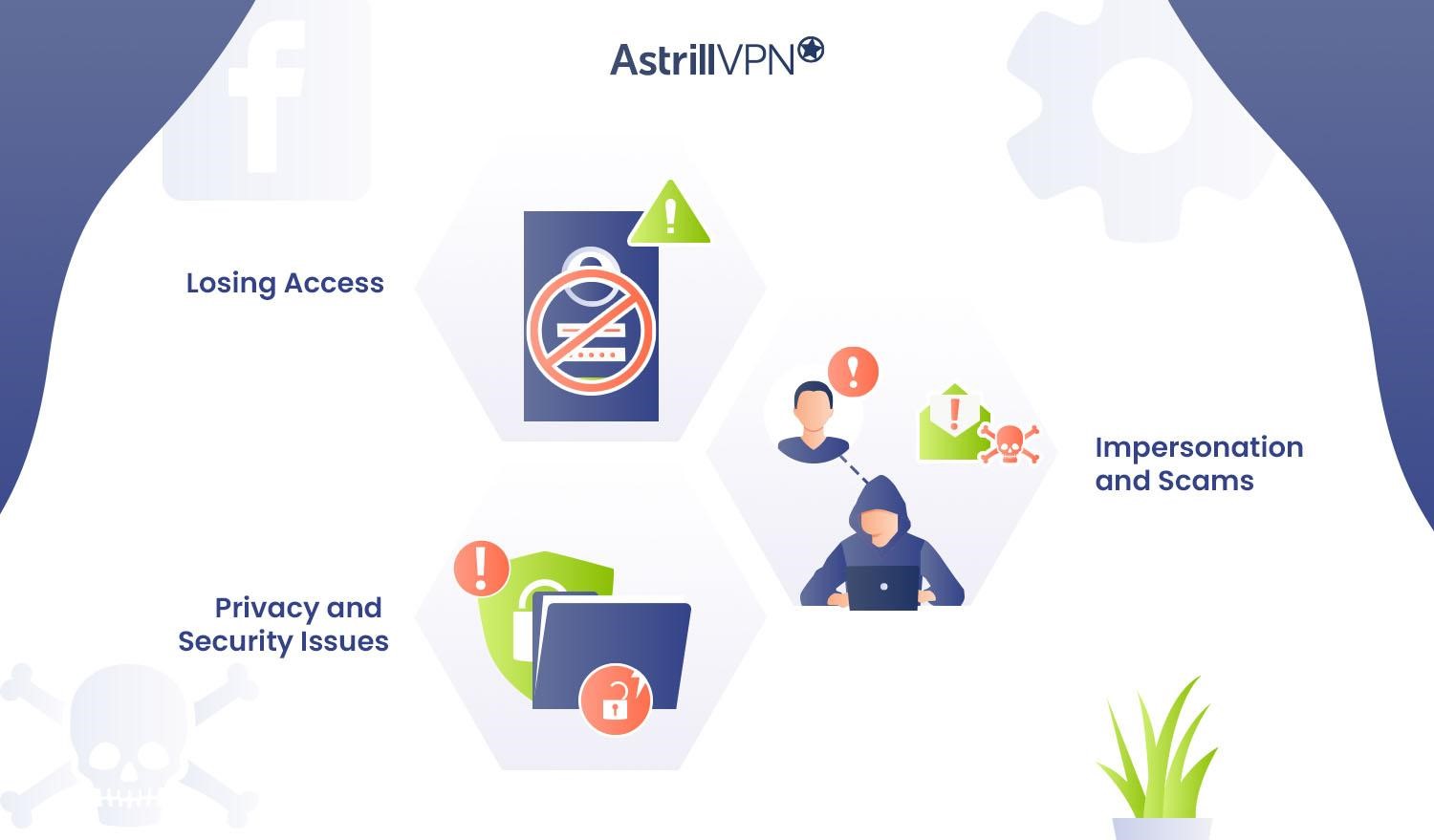
Facebook is a popular social media platform used by billions of people worldwide. With so much personal information stored on the platform, the risk of hacking and identity theft is ever-present. If your account is compromised, your password, personal data, and even financial information can fall into the wrong hands. This can lead to financial loss, damage to your reputation, and even emotional distress.
Facebook's Security Features
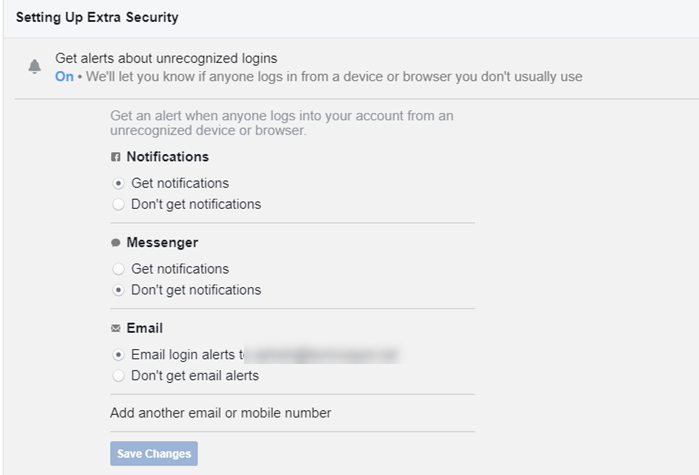
Meta provides multiple security features and tools to secure your account and protect you from scams and hacks. Some of the key features include:
- Two-factor authentication (2FA): adds an extra layer of protection to your account by requiring a code sent to your phone or email in addition to your password.
- Login alerts: notifies you of suspicious activity on your account.
- Account recovery: allows you to recover your account in case you forget your password or are locked out.
Best Practices for Securing Your Facebook Account
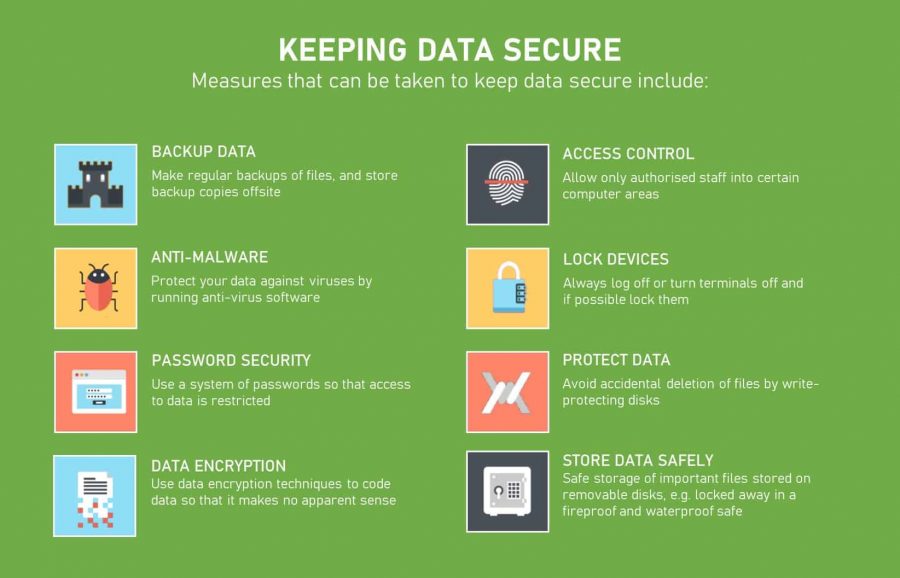
Here are some expert-recommended best practices to secure your Facebook account:

- Use a strong and unique password: Avoid using easily guessable passwords, such as your name, birthdate, or common words. Use a combination of letters, numbers, and special characters.
- Enable two-factor authentication (2FA): This adds an extra layer of security to your account.
- Regularly review and update your security settings: Periodically check your account settings to ensure they're up-to-date and secure.
- Be cautious of phishing scams: Be wary of links and messages from unknown sources, and never click on suspicious links or download attachments from unknown senders.
- Monitor your account activity: Regularly check your account activity to detect any suspicious activity.
- Use a reputable antivirus software: Install and regularly update antivirus software to protect your device from malware and viruses.
- Keep your Facebook app up-to-date: Regularly update your Facebook app to ensure you have the latest security patches and features.
Additional Tips for Facebook Account Safety
In addition to the above best practices, here are some more tips to enhance your Facebook account safety:
- Use a secure internet connection: Avoid using public Wi-Fi or unsecured networks to access your Facebook account.
- Avoid sharing sensitive information: Refrain from sharing sensitive information, such as your address or financial information, publicly on Facebook.
- Be aware of Facebook's community standards: Ensure you understand and comply with Facebook's community standards to avoid account suspension or termination.
Conclusion
By following these Facebook Account Safety Best Practices, you can significantly reduce the risk of your account being compromised and protect your digital identity. Remember, account safety is a continuous process that requires regular monitoring and updates to your security settings. Stay vigilant, and you'll be able to enjoy a safe and secure Facebook experience.


.jpg "Best Practices for Keeping Your Facebook Account Secure")