Configuring Google Home for Home Security: A Comprehensive Guide
Introduction
Configuration of Google Home is a highly sought-after requirement for any homeowner looking to enhance their home's security system. In today's security-conscious world, choosing the right smart home security system and ensuring it is properly configured can be daunting, especially for those who are new to the world of smart home devices. This article is aimed at providing a comprehensive guide on how to configure Google Home for home security and highlight the various security features that come with it.Understanding Google Home for Home Security
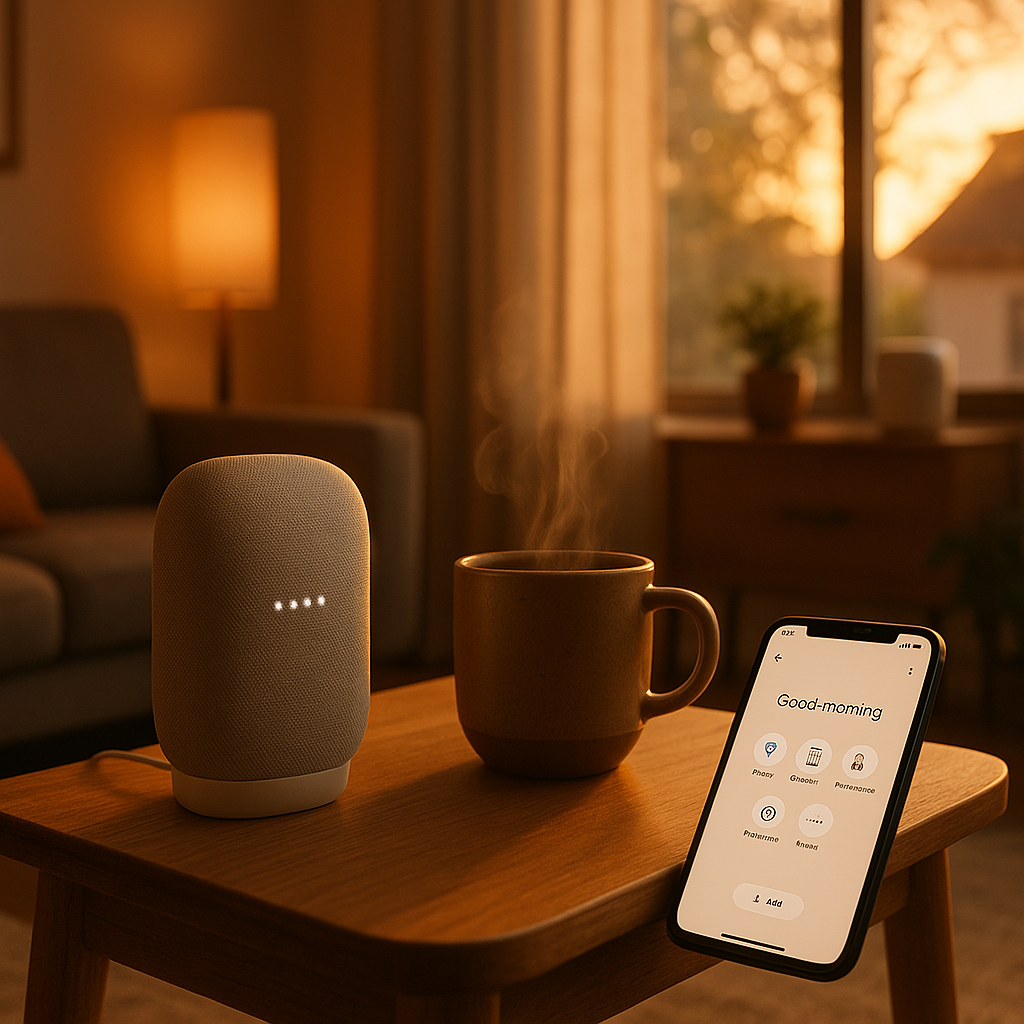
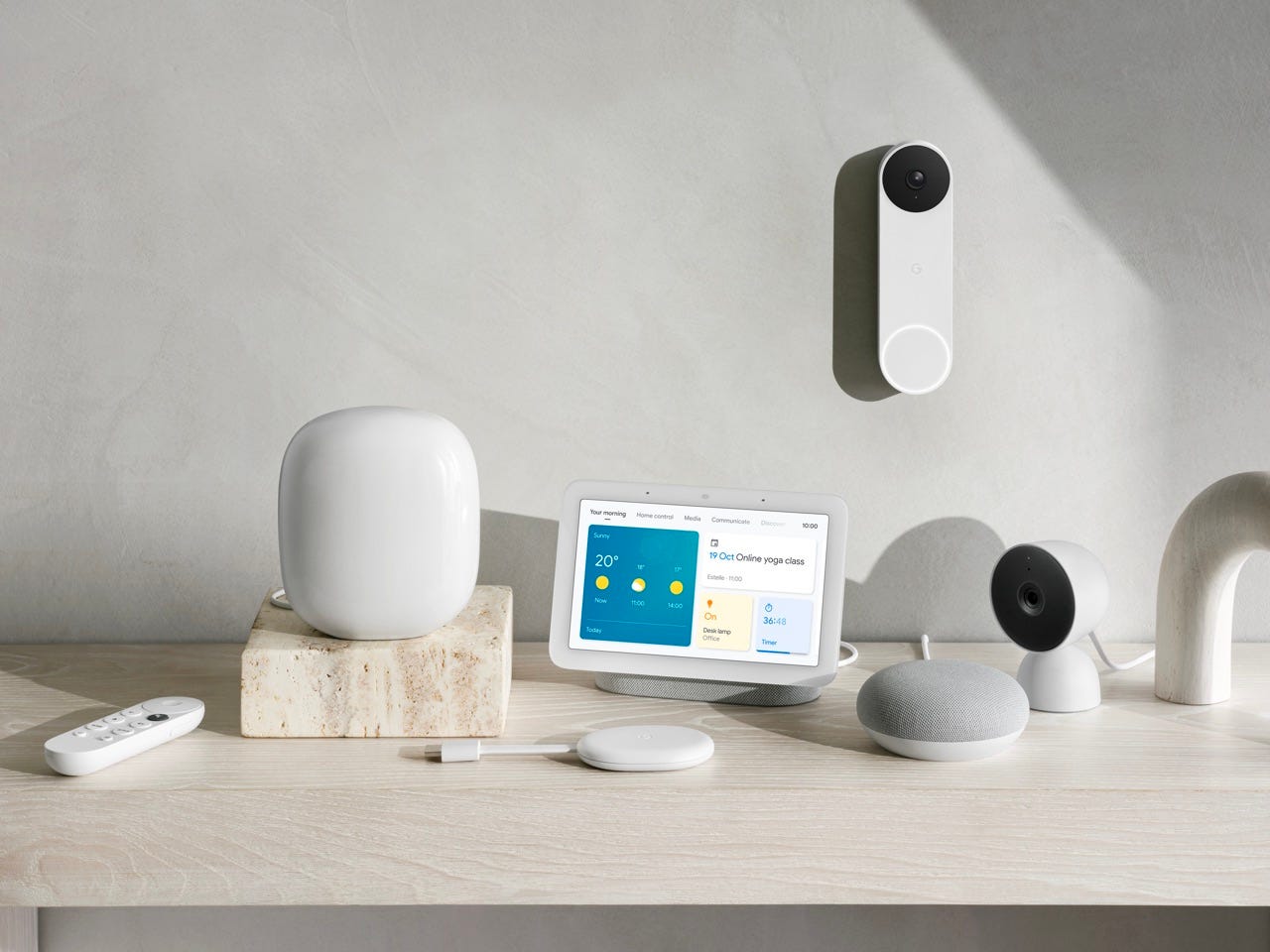
Google Home, developed by Google, is an integrated solution for smart home automation, security, and entertainment. When talking about home security, Google Home works best in conjunction with Google's Nest range of smart security devices. With Google Home, users can access their home's security system using voice commands, allowing for a more convenient and streamlined experience.Configuring Google Home for Home Security
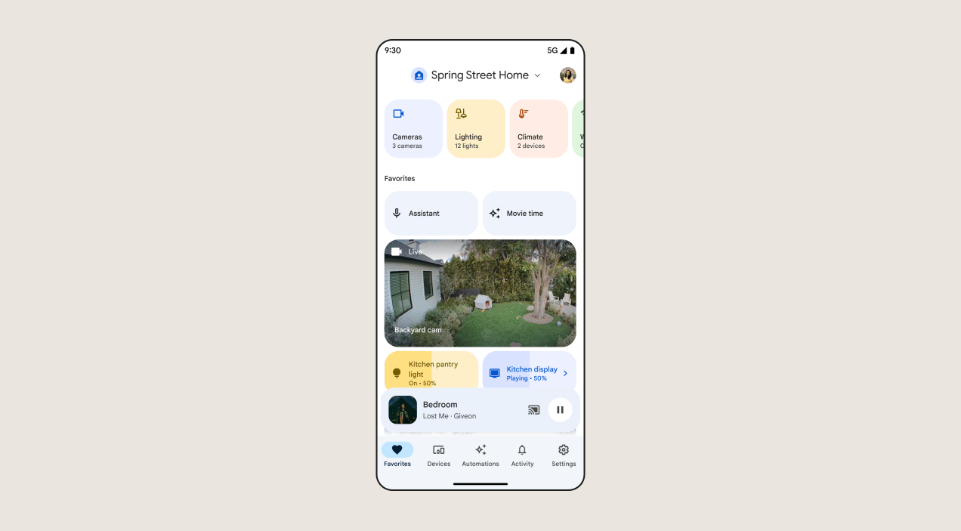
To configure Google Home for home security, here are a few simple steps to follow:- Download and Install the Google Home App: Before you can start configuring your Google Home for home security, you need to download and install the Google Home app on your smartphone or tablet. This app serves as the central hub for configuring and controlling your Google Home devices.
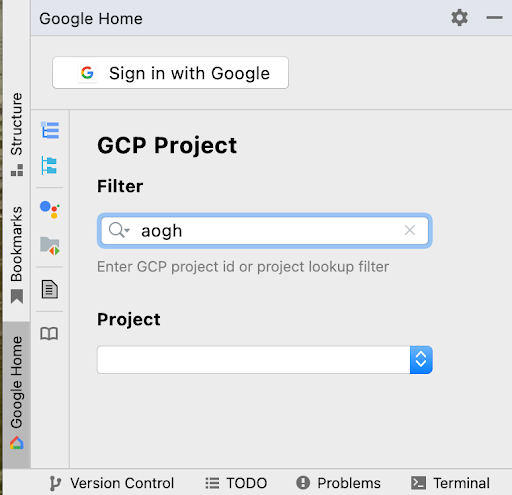
- Link Your Google Account to Google Home: To enjoy seamless integration, you need to link your Google account to Google Home. This step will enable you to control your home's security system using voice commands on the Google Home app or any other voice-enabled device linked to your Google account.
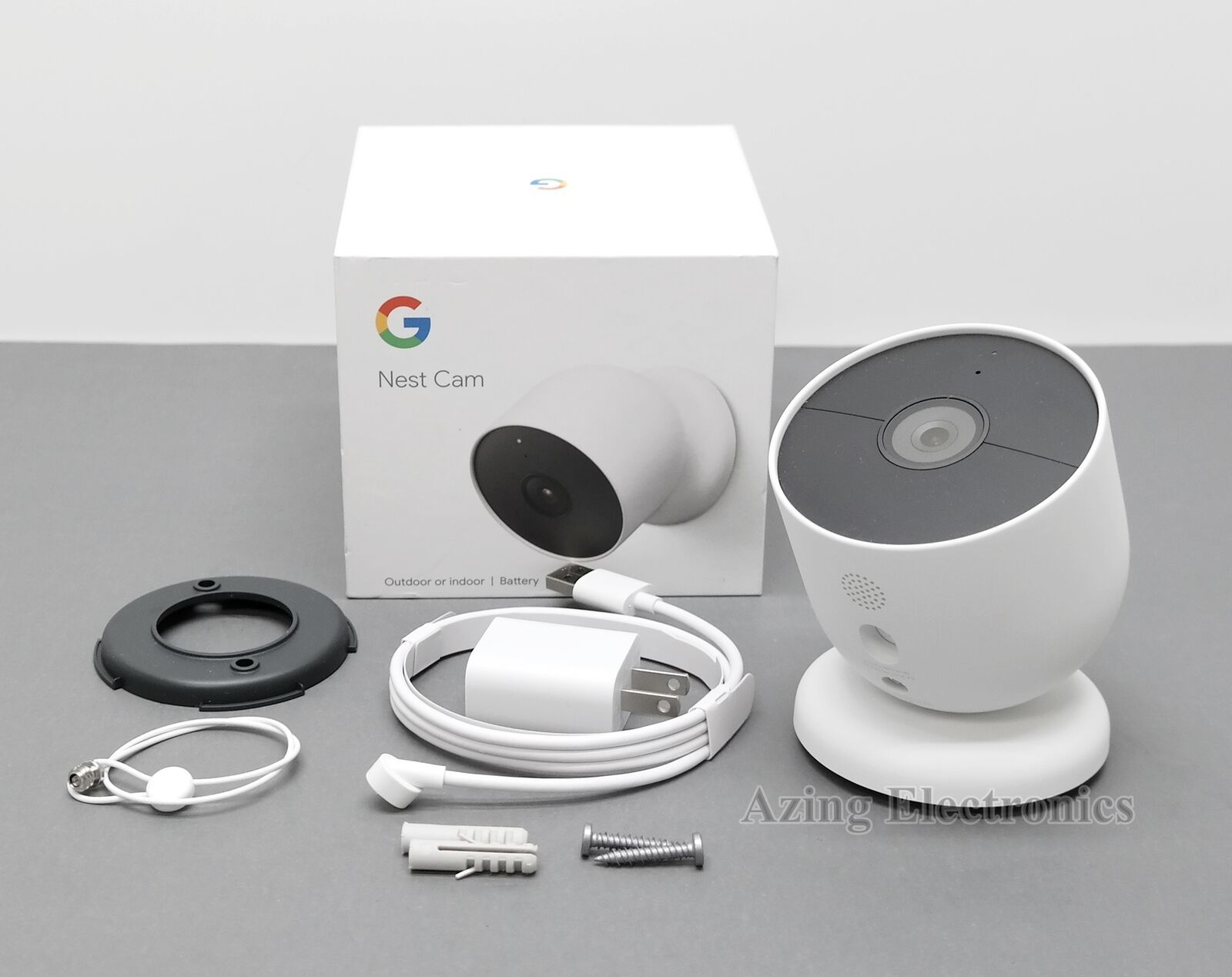
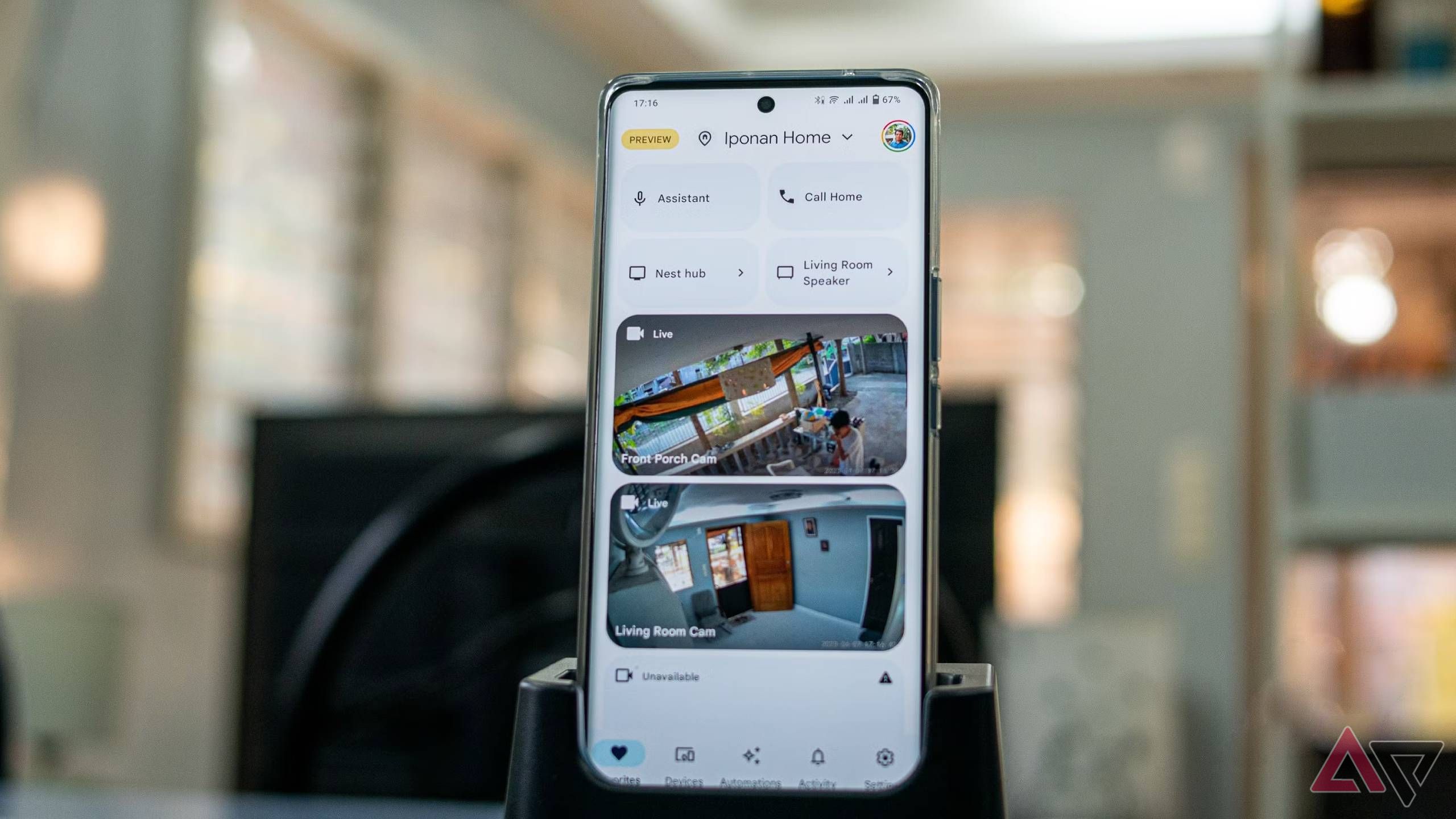
- Configure Your Security Devices: Once linked, you can configure your security devices such as cameras, alarms, and sensors. For instance, you can pair your smart security camera with a specific room in the Google Home app to enable voice-controlled security integration.
- Customize Security Notifications: To ensure you stay notified whenever there's a security breach or motion detection, you can customize notifications using the Google Home app. This feature sends you alerts to your phone or tablet as soon as a security breach occurs in your home.
- Set Up Smart Routines: With Google Home, you can create smart routines that integrate multiple security devices. For example, you can set up a routine that automatically locks your doors, closes your curtains, and turns off lights whenever you say 'goodnight' to the Google Home speaker.
Integrating Google Home with Third-Party Security Devices
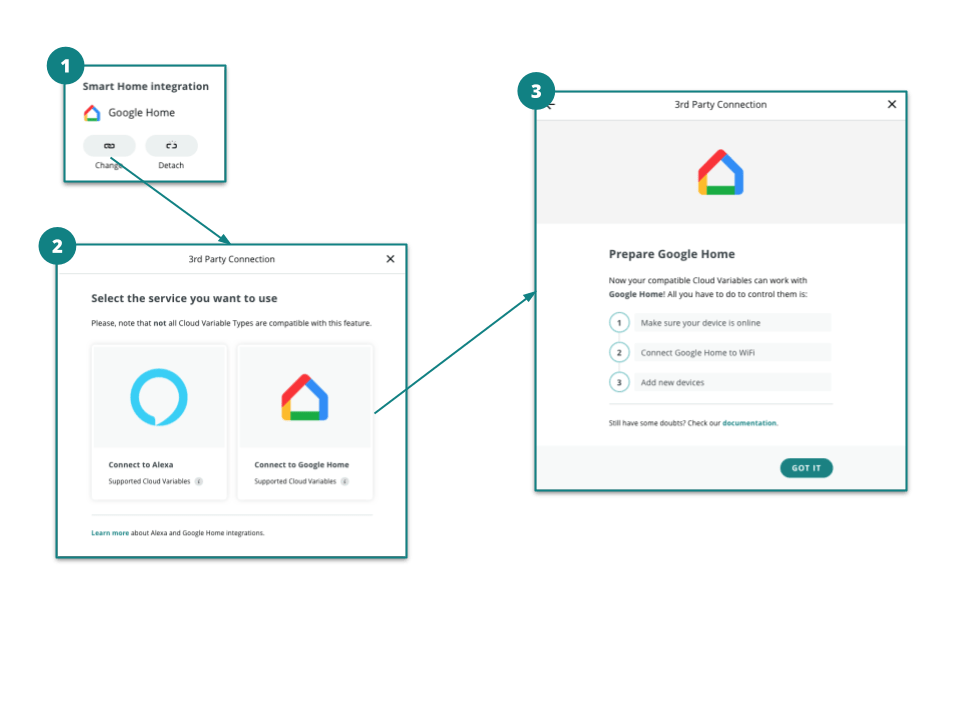
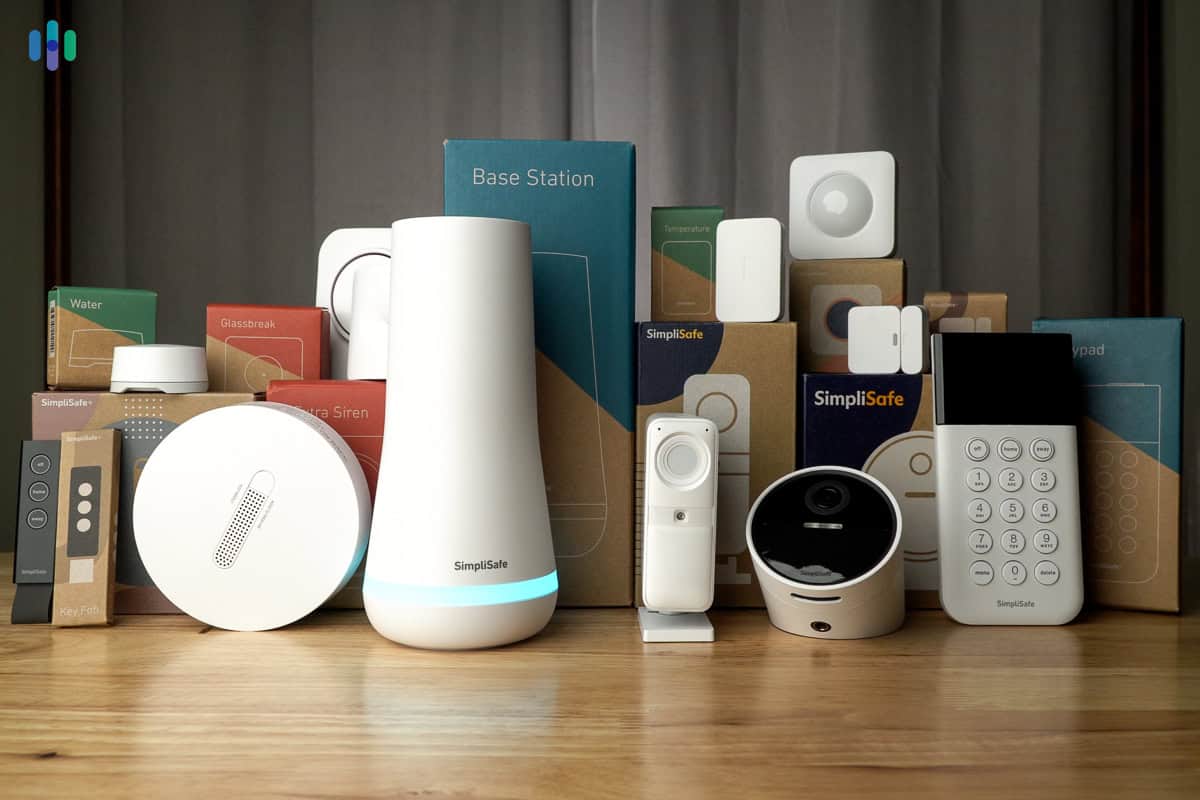
While Google Home offers a range of integrated security features, you can also expand its capabilities by integrating your Google Home system with third-party security devices. Some popular security devices that integrate well with Google Home include Abode, Ring, and SimpliSafe security systems. By integrating these devices, you increase the comprehensive security measures in your home.Troubleshooting Google Home for Home Security
Although Google Home is designed for seamless integration, there might be instances where you encounter trouble maintaining your security setup. Some common problems users may experience include connectivity issues or difficulties in linking security devices. These issues can usually be resolved by restarting your router, ensuring all devices are connected to the same network, or uninstalling and reinstalling the Google Home app.Best Practices for Securing Your Google Home
To maintain a secure Google Home setup, adhere to the following best practices:- Regularly Update the Google Home App: Keep the app updated to ensure the latest security patches and features.
- Secure Your Network: Protect your home network from unauthorized access by installing a firewalls and monitoring your home network for any suspicious activities.
- Use Strong Passwords: Use complex, unique passwords for all devices and accounts associated with your Google Home setup.
- Use Two-Factor Authentication: Enable two-factor authentication on Google account and other related accounts for enhanced security.