Setting Up a Wi-Fi Network in a Medical Facility: A Comprehensive Guide
Upgrading the Wi-Fi network in your healthcare facility can be a daunting task, but it is an important step in ensuring that your patients and staff have access to reliable, high-speed internet connectivity. In this blog post, we will discuss the key considerations and steps involved in implementing a successful Wi-Fi upgrade in your healthcare facility.
Why Upgrade Your Wi-Fi Network?
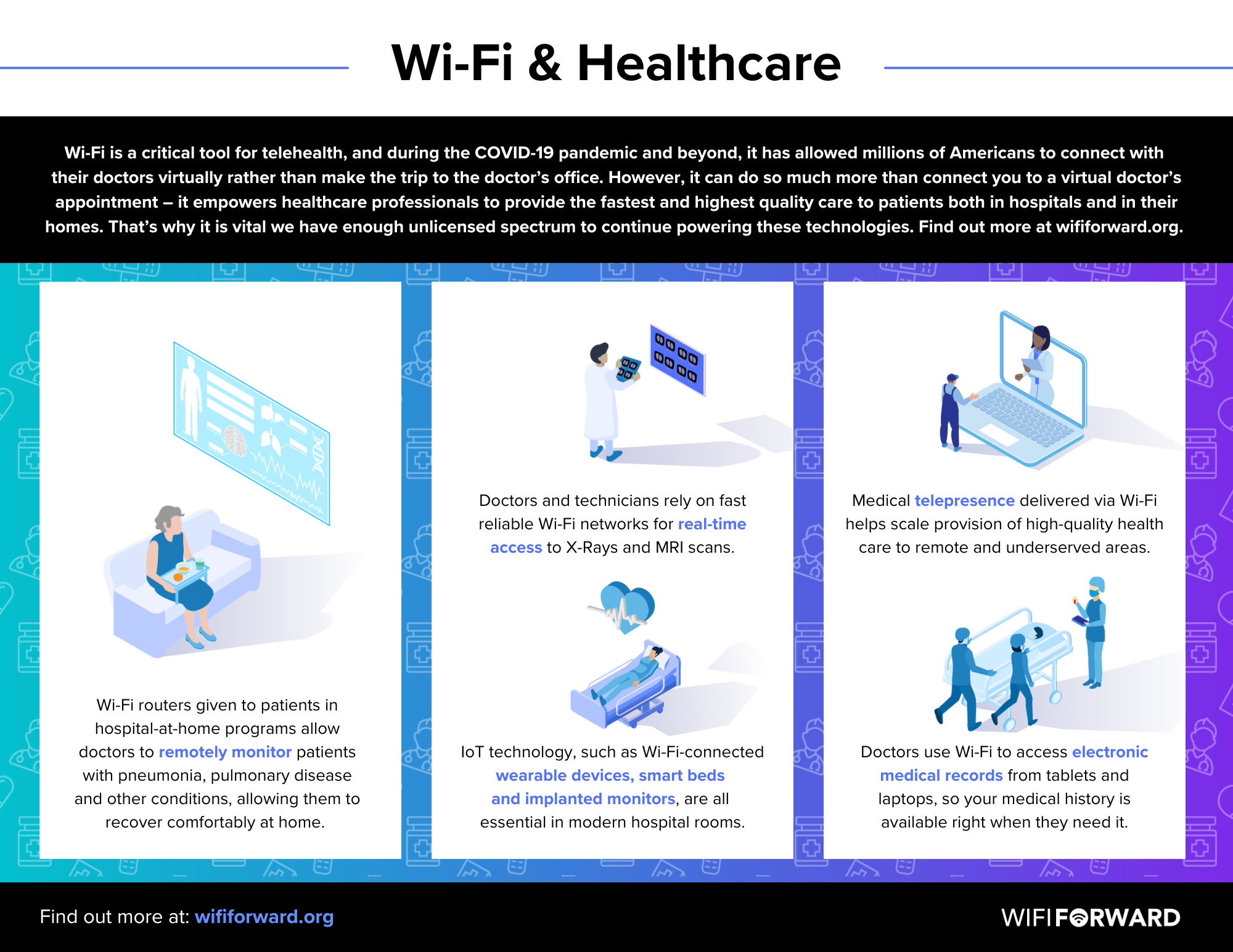
There are several reasons why upgrading your Wi-Fi network is essential for a healthcare facility. Firstly, a reliable Wi-Fi network is critical for patient care, as medical devices and equipment rely on it to function properly. Secondly, a strong Wi-Fi network is essential for staff communication and collaboration, which is critical for delivering high-quality patient care. Finally, a robust Wi-Fi network is essential for protecting sensitive patient information and preventing data breaches.
Best Practices for Designing a Wi-Fi Network in a Medical Facility
When designing a Wi-Fi network for a healthcare facility, several best practices and principles should be kept in mind to ensure that the network meets the unique requirements of the healthcare environment. These include:
- Network performance is critical for healthcare applications
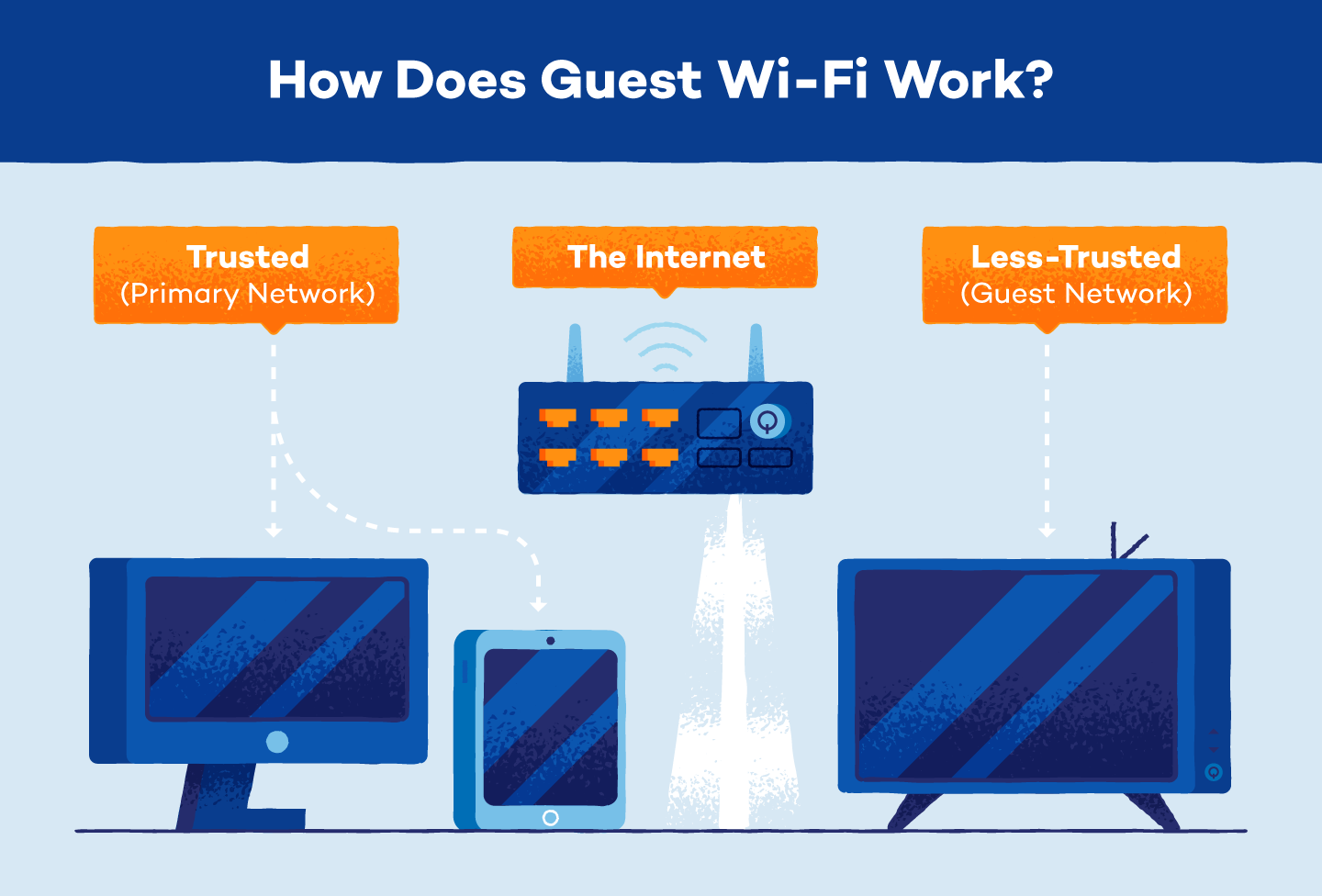
- Robust security protocols are essential to protect sensitive patient information
- A well-designed network should be able to support a high number of devices and users
- The network should be designed to provide consistent coverage throughout the facility
- The network should be able to support a wide range of medical devices and equipment
Step-by-Step Guide to Setting Up a Wi-Fi Network in a Medical Facility
Setting up a Wi-Fi network in a medical facility requires careful planning and execution. Here is a step-by-step guide to help you get started:
Step 1: Assess Your Network Requirements
The first step in setting up a Wi-Fi network in a medical facility is to assess your network requirements. This includes determining the number of users and devices that will be connected to the network, the types of medical devices and equipment that will be used, and the level of security required.
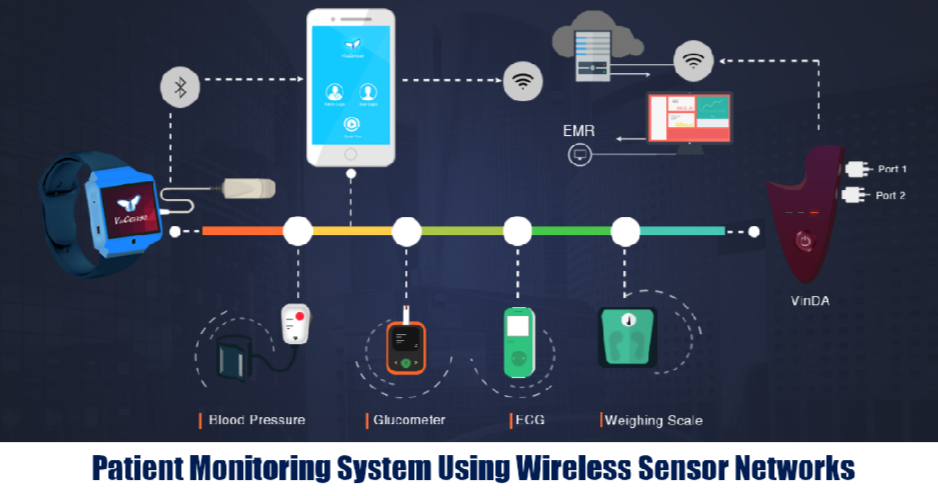
Step 2: Choose the Right Equipment
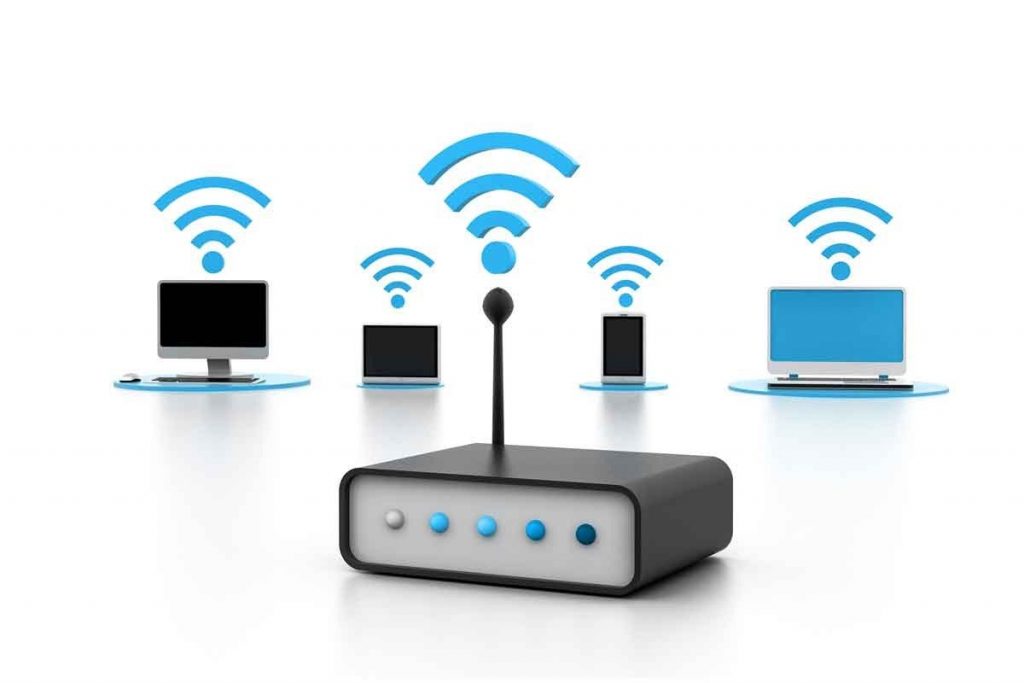
The next step is to choose the right equipment for your Wi-Fi network. This includes selecting a reliable and secure Wi-Fi router, access points, and switches that can support a high number of devices and users.
Step 3: Design Your Network
Once you have chosen the right equipment, the next step is to design your network. This includes planning the layout of the network, including the placement of access points and switches, and determining the number of wireless channels required.
Step 4: Implement Your Network
The next step is to implement your network. This includes installing the equipment, configuring the network settings, and testing the network to ensure that it is functioning properly.
Step 5: Monitor and Maintain Your Network
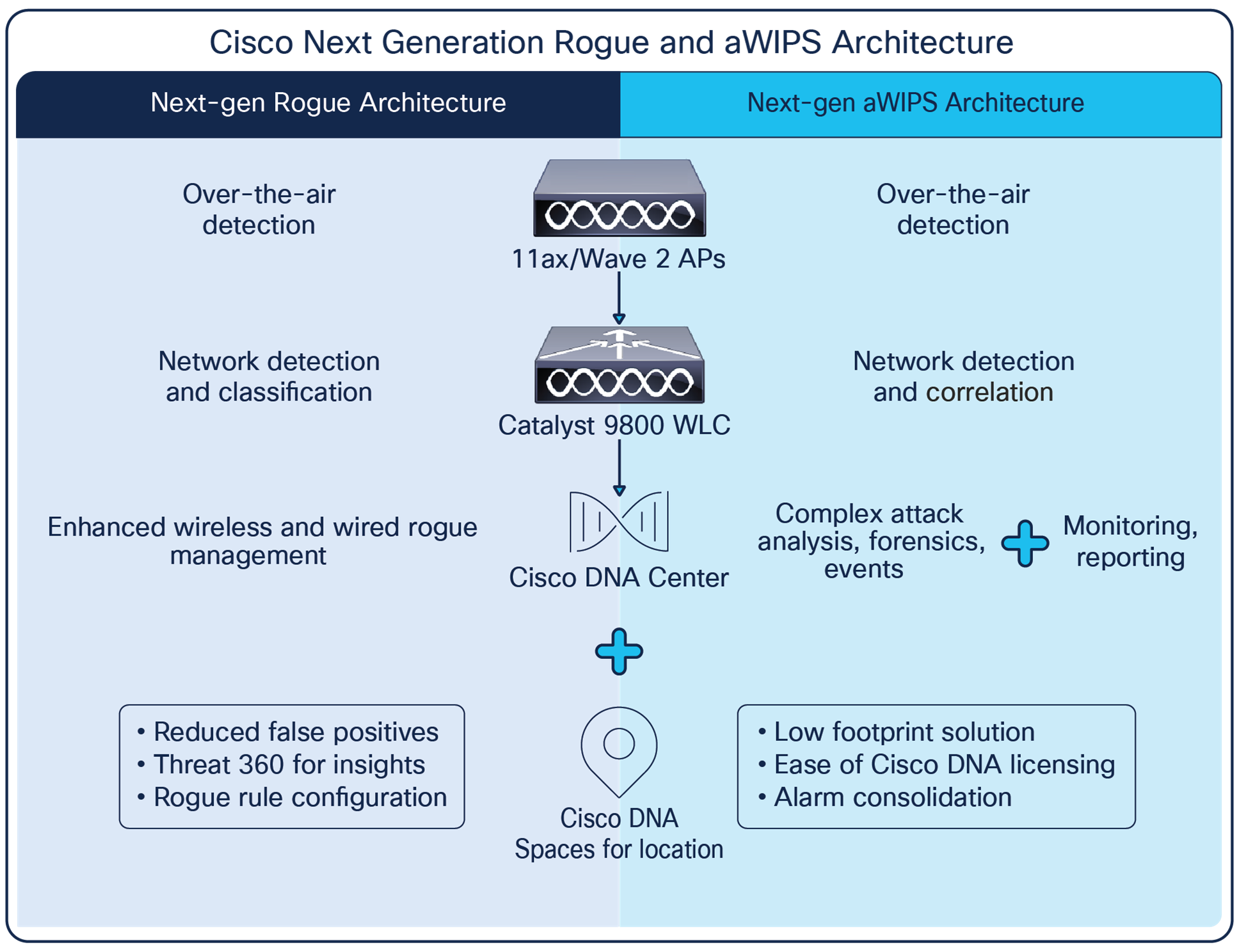
Finally, it is essential to monitor and maintain your network to ensure that it continues to function properly and efficiently. This includes regularly monitoring the network for problems, performing routine maintenance tasks, and updating the network equipment and software as needed.
Conclusion
In conclusion, setting up a Wi-Fi network in a medical facility requires careful planning and execution. By following the steps outlined in this guide, you can ensure that your network is reliable, secure, and efficient, and that it meets the unique requirements of the healthcare environment.