Secure Your Email Account with These Essential Tips Online
In today's digital age, having a secure email account is more crucial than ever. With the rise of online transactions, malicious actors are targeting email accounts to gain access to sensitive information, such as financial data, personal details, and login credentials. This is why it's essential to follow the best practices for securing your email account, which we'll outline in this guide.
Why Secure Email Account Tips are Crucial
Having a secure email account can help protect you from various threats, including:
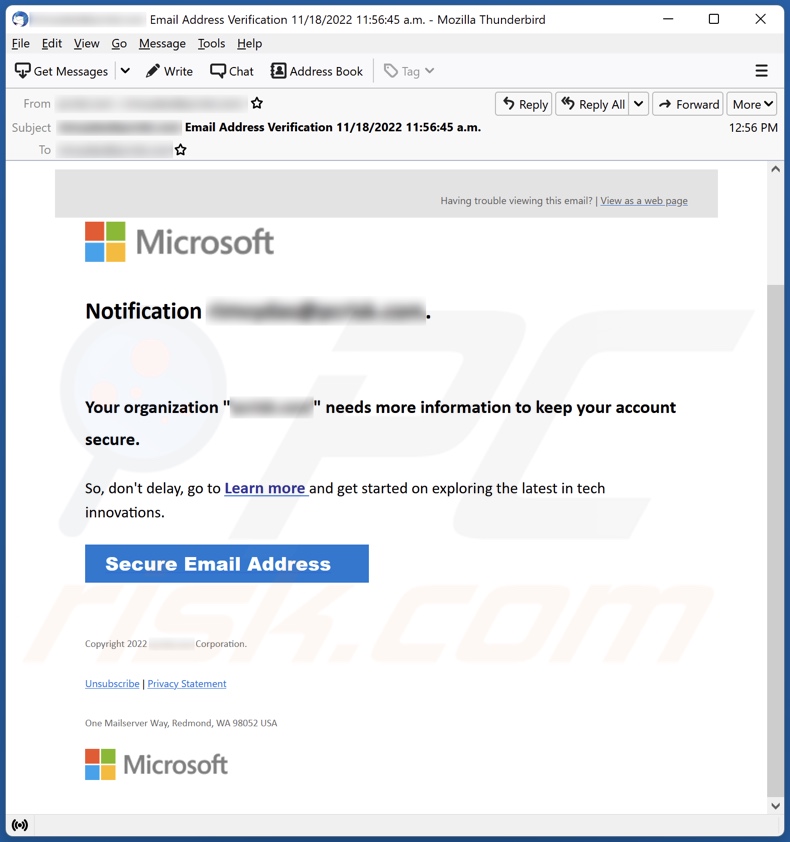
- Phishing scams, where scammers trick you into revealing sensitive information
- Unauthorized access, where hackers gain access to your account by cracking your password or using malware
- Malware and ransomware attacks, which can encrypt your emails and lock you out of your account
- Identity theft, where scammers use your email account to steal your identity
Secure Email Account Tips to Follow
To make your email account as secure as possible, follow these essential best practices:
1. Use a Strong and Unique Password
Use a password that's at least 12 characters long, and make sure it's a combination of uppercase and lowercase letters, numbers, and special characters. Avoid using the same password across multiple accounts.
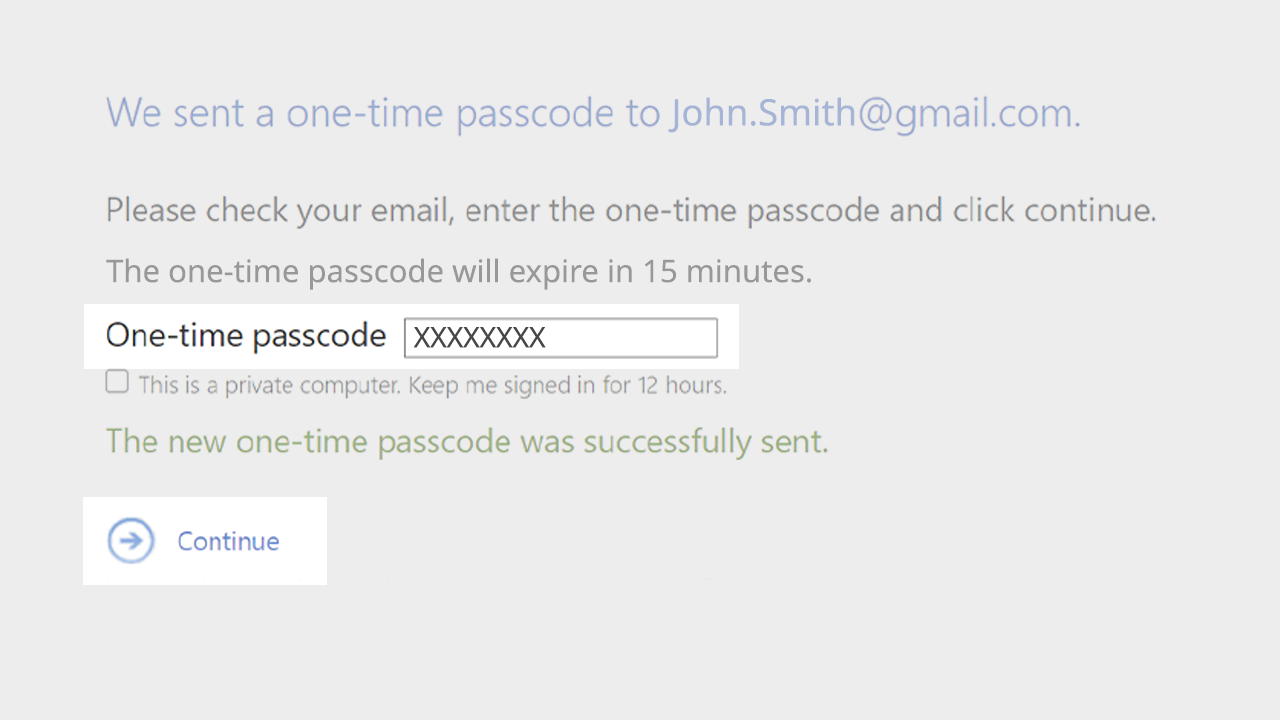
2. Enable Two-Step Verification
Two-step verification adds an extra layer of security by requiring a verification code sent to your mobile phone or authenticator app in addition to your password.
3. Use Two-Factor Authentication (2FA)
2FA is a type of two-step verification that uses a separate device or authenticator app to verify your identity. This adds an extra layer of security to prevent unauthorized access.
4. Use a Password Manager
A password manager helps you generate and store unique, complex passwords for each account. Consider using a reputable password manager like LastPass, Dashlane, or 1Password.
5. Protect Your Device and Network
Keep your device's operating system, browser, and antivirus software up-to-date. Use a reputable antivirus software and a virtual private network (VPN) to protect your internet connection.
6. Monitor Your Account Activity
Regularly check your account for suspicious activity, such as login attempts from unknown devices or locations.
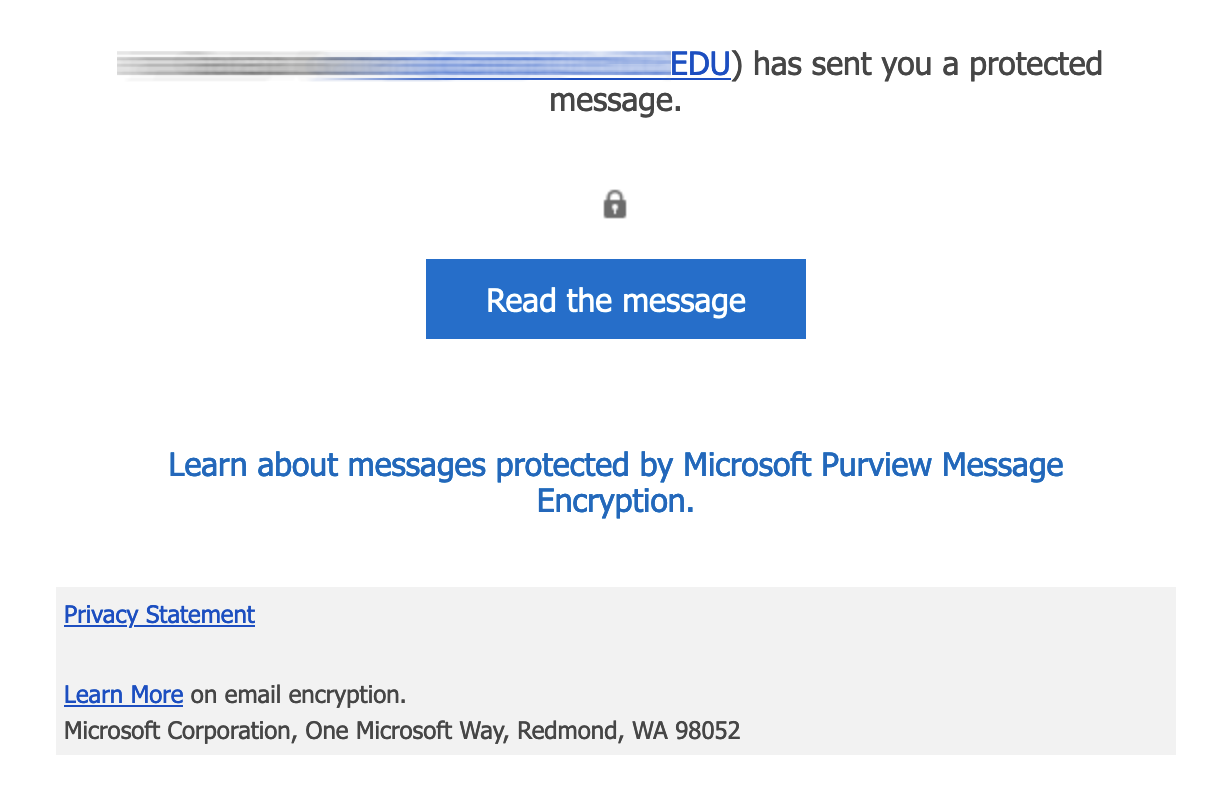
7. Use Secure Email Protocols
Use secure email protocols like SSL/TLS to encrypt your email communications. This ensures that your emails are scrambled and can only be decrypted by the intended recipient.
8. Use a Secure Email Service Provider
Choose a reputable email service provider that offers top-notch security features, such as encryption, two-factor authentication, and advanced threat protection.
9. Be Cautious with Email Links and Attachments
Avoid clicking on suspicious links or opening attachments from unknown senders, as they may contain malware or phishing scams.
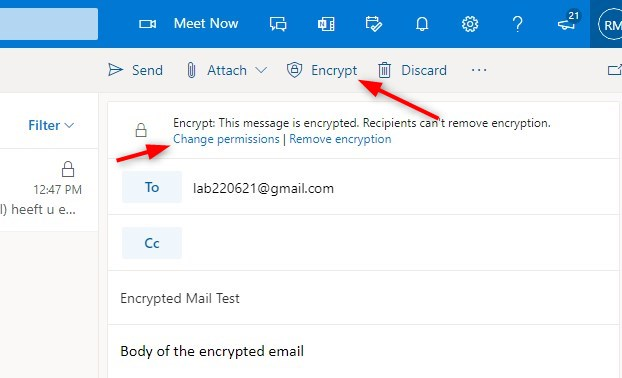
10. Use Encryption
Consider using end-to-end encryption for your emails, which ensures that only the sender and recipient can read the email content.
Secure Email Account Tips to Avoid Hacking
Here are some additional tips to avoid hacking your email account:
Use a VPN to protect your internet connection
A VPN encrypts your internet traffic and masks your IP address, making it harder for hackers to track you.
Keep your device's software up-to-date
Regularly update your device's software, browser, and antivirus software to ensure you have the latest security patches and features.
Use a reputable antivirus software
Install a reputable antivirus software to protect your device from malware and other online threats.
Be cautious with public Wi-Fi
Avoid using public Wi-Fi networks to access your email account, as they may not be secure.
Secure Email Account Tips for Child Safety
Here are some tips to keep children's email accounts secure:
Use a child-friendly email service provider
Choose an email service provider that offers child-friendly features, such as parental controls and content filtering.