Repairing a Water Damaged Phone: A Step-by-Step Guide
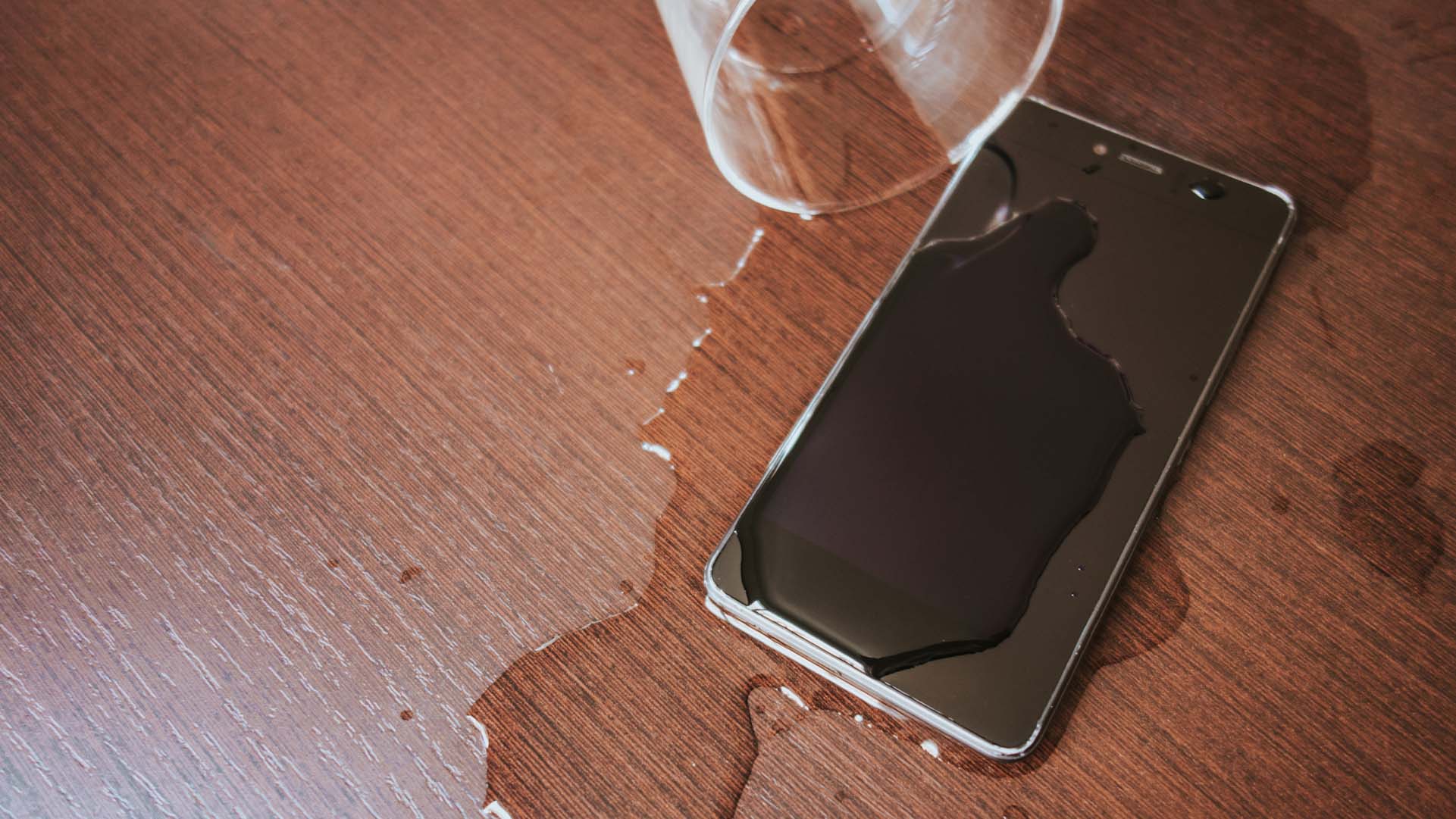
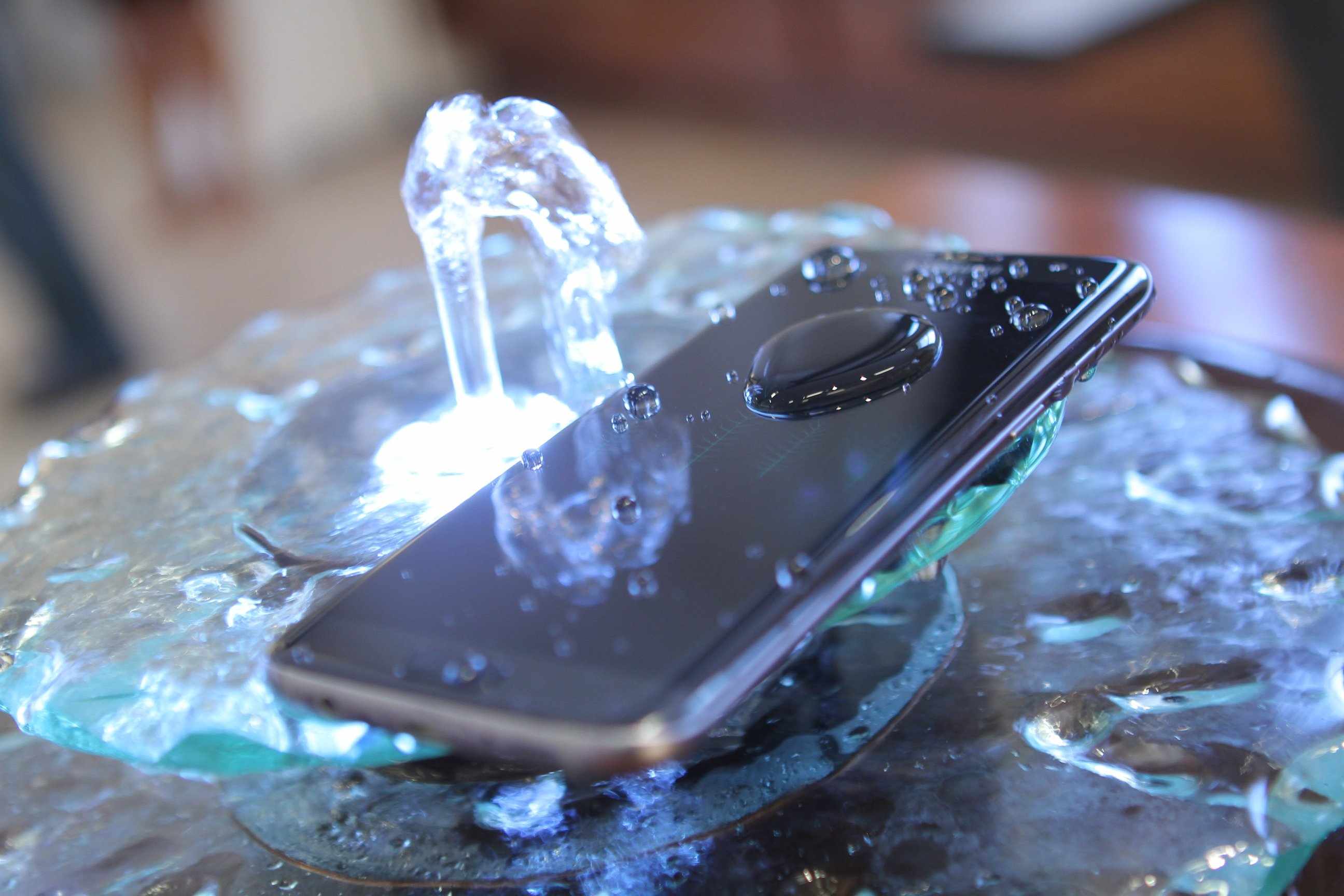
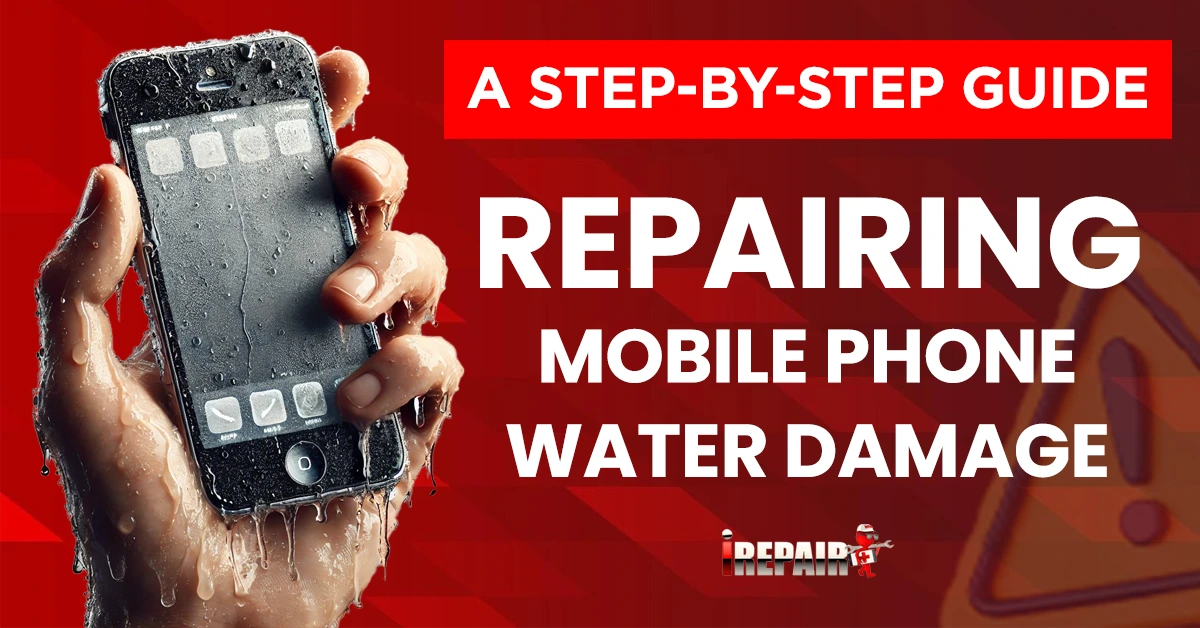
Have you dropped your phone in water and are worried about permanent damage? Don't panic! While water damage can be a significant problem, it's often possible to fix a water-damaged phone if you act quickly and follow the right steps.
What Not to Do
Before we dive into the steps to fix a water-damaged phone, it's essential to know what not to do. Here are a few common mistakes people make when trying to fix a water-damaged phone:
- Don't try to use your phone while it's still wet.
- Don't put your phone in a bag of rice (this can actually do more harm than good).
- Don't try to dry your phone with a hairdryer or other heat source (this can damage the phone's internal components).
Step 1: Turn Off Your Phone
The first step in fixing a water-damaged phone is to turn it off immediately. This will help prevent further damage to the internal components.
Step 2: Remove the Phone's Power Source
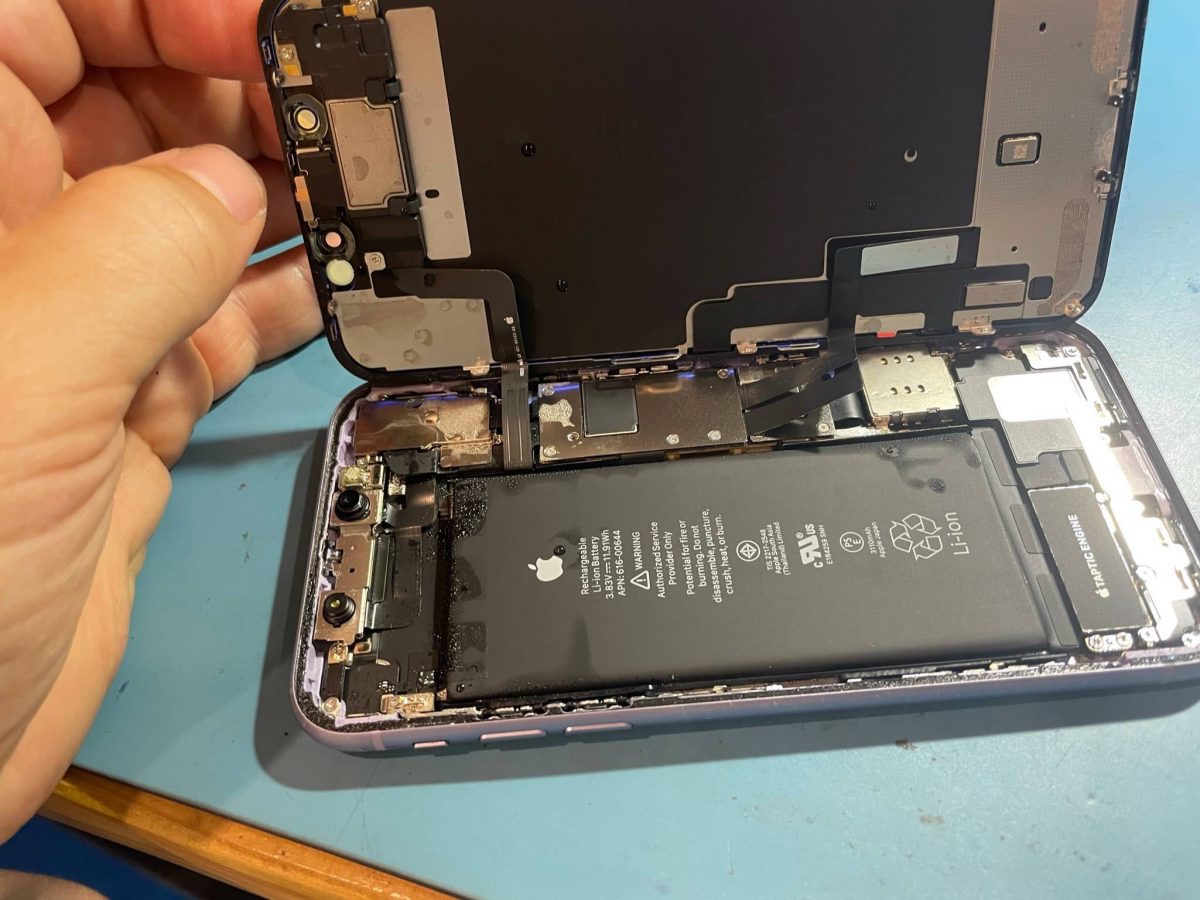
Next, remove the phone's battery or SIM card to prevent any short circuits that could cause further damage.
Step 3: Check for Water Damage
Take a closer look at your phone to see if there's any visible water damage. If you notice any signs of water ingress, such as water spots or mineral deposits, you'll need to act quickly to dry out the phone.
Step 4: Dry Out the Phone
Use a soft cloth or paper towel to gently wipe away any excess water from the phone's exterior. Then, use a desiccant or a container with silica gel to draw out any remaining moisture from the phone.
Step 5: Inspect and Clean the Phone's Ports
Use a can of compressed air to clean out any debris from the phone's ports, such as the charging port or headphone jack.
Step 6: Reassemble the Phone
Once you've dried out the phone and cleaned out the ports, you can reassemble the phone by replacing the battery and SIM card.
Step 7: Test Your Phone
Finally, turn on your phone and test it to make sure it's working properly. If you notice any issues, such as a cracked display or water damage, you may need to take your phone to a professional repair shop.
Conclusion
Repairing a water-damaged phone can be a delicate process, but by following these steps, you can increase the chances of fixing your phone. Remember to act quickly, dry out the phone thoroughly, and inspect the phone's ports to prevent further damage. If you're not comfortable trying to fix your phone yourself, take it to a professional repair shop to ensure it's done correctly.