Prevent Online Credit Card Caching: A Guide to Secure Online Transactions
With the rise of online shopping and digital transactions, it's become increasingly easy to store credit card information in our browsers for quick and convenient checkout. However, this convenience comes with a significant risk – the potential for credit card caching. In this article, we'll explore what credit card caching is, why it's a security risk, and provide a step-by-step guide on how to prevent it.
What is Credit Card Caching?
Credit card caching is a feature offered by modern web browsers that allows you to store your credit card information for future purchases. This feature is designed to make online transactions quicker and more convenient by automatically filling in your credit card details. However, storing sensitive information like credit card numbers, expiration dates, and billing information in your browser raises several security concerns.
The Risks of Credit Card Caching
According to Melissa O'Leary, a chief strategy officer at Fortalice Solutions, "storing your credit card information in your browser might seem convenient, but it exposes you to a number of risks if your device is breached." With credit card caching, your personal and financial information is stored locally on your device, which can be vulnerable to malware, data breaches, and other forms of cyber attacks.
Additionally, if a website stores your credit card information, you're also at risk of unauthorized charges or data theft. As Richard explained, "if your credit card information is stored in your internet browser, so that you can input it via auto-fill, your financial information may not be secure."
How to Prevent Online Credit Card Caching
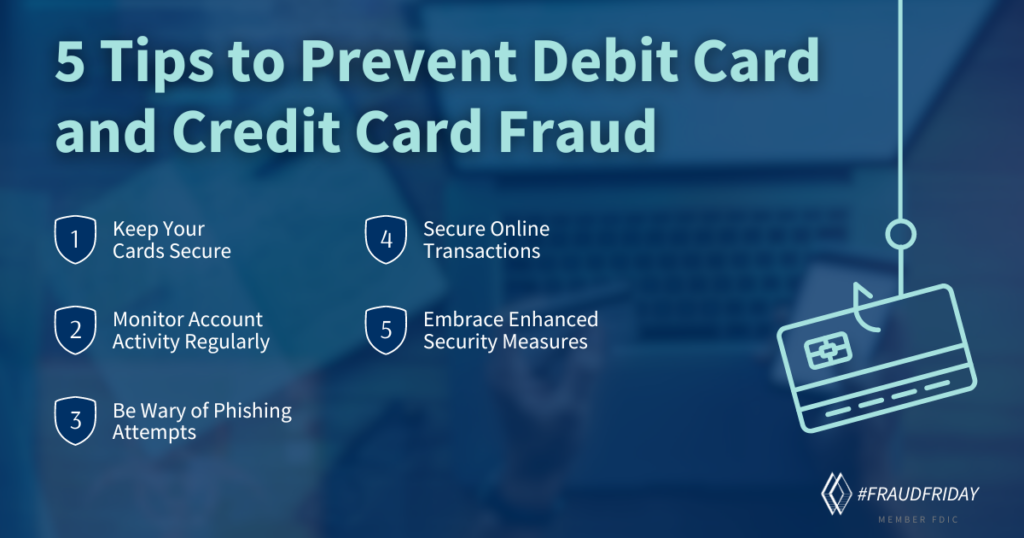
Fortunately, you can take steps to prevent online credit card caching and keep your financial information secure. Here's a step-by-step guide to help you get started:
-
Disable Autofill in Your Browser
Most modern web browsers allow you to disable the autofill feature for credit card information. To do this, follow these steps: - Open your browser settings and navigate to the "Autofill" or "Payment" section.
- Repeat this process for all web browsers you use, including Google Chrome, Mozilla Firefox, Microsoft Edge, and others.
- Clear the browser data to remove any stored credit card information.
Secure Online Transactions
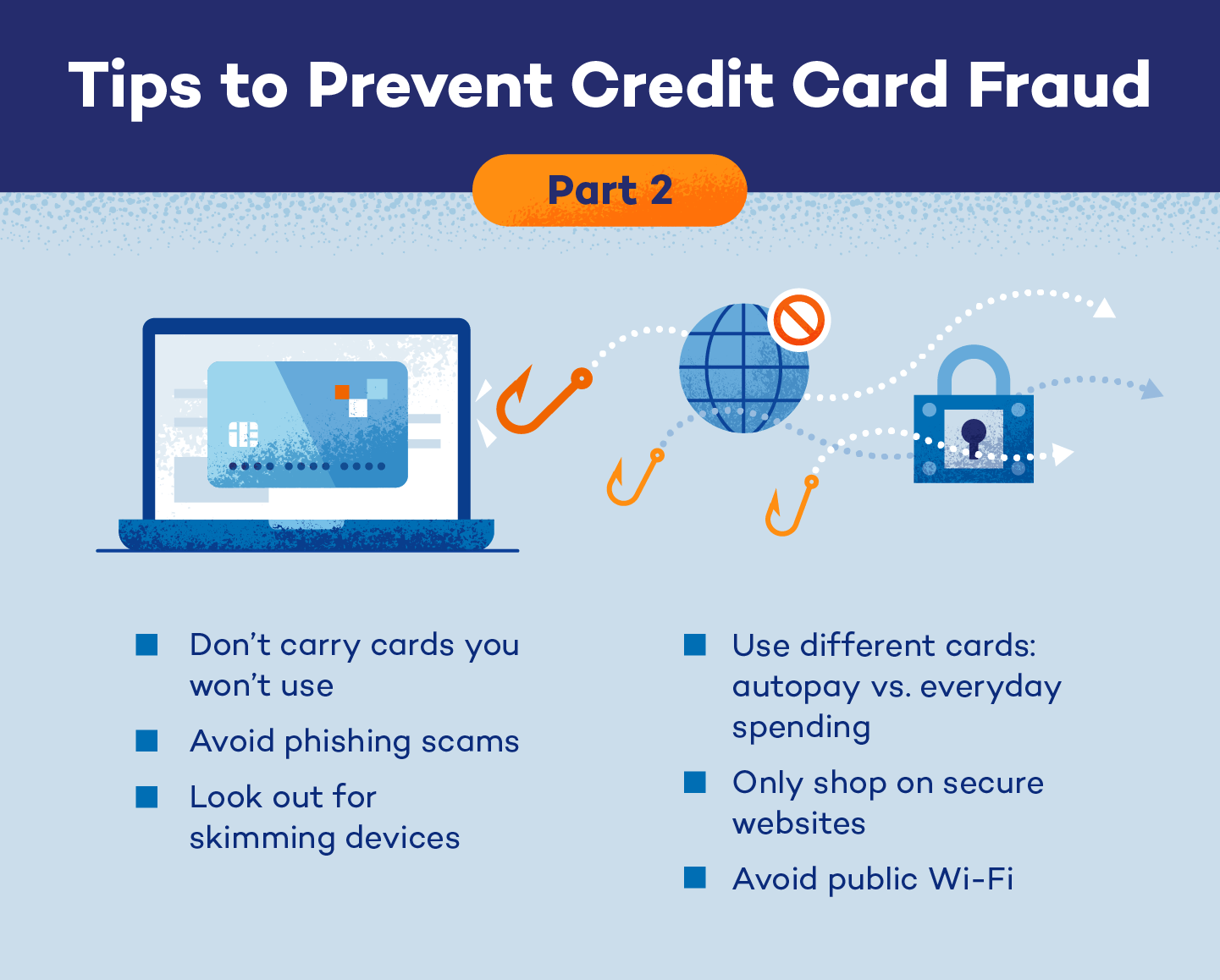
While preventing credit card caching is an essential step in securing your online transactions, there are other measures you can take to protect your personal and financial information. Here are a few additional tips:
- Use a secure and reputable payment gateway when making online purchases.
- Verify the website's security certificate and check for any suspicious activity on your credit card statements.
- Monitor your credit report regularly for any unauthorized transactions or inquiries.
- Use a password manager and two-factor authentication to secure your account credentials.
Conclusion
Preventing online credit card caching is a crucial step in maintaining the security and integrity of your financial information. By disabling autofill in your browser and following the additional tips outlined in this article, you can significantly reduce the risk of credit card caching and ensure that your online transactions are secure and private.