Online Phishing Safety Tips: Protect Yourself from Scammers
In today's digital age, online safety is a top concern for individuals and organizations alike. One of the most common threats to online security is phishing, a type of cyberattack that involves tricking victims into revealing sensitive information such as passwords, credit card numbers, or social security numbers. In this article, we will explore the basics of online phishing safety tips, how to recognize and prevent phishing attacks, and what to do if you fall victim.How Phishing Works
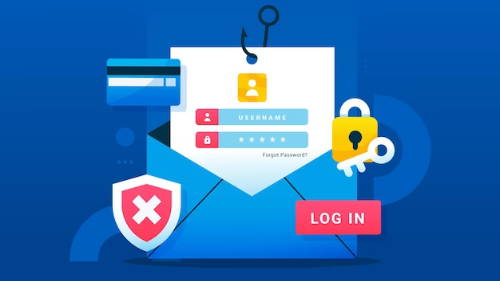
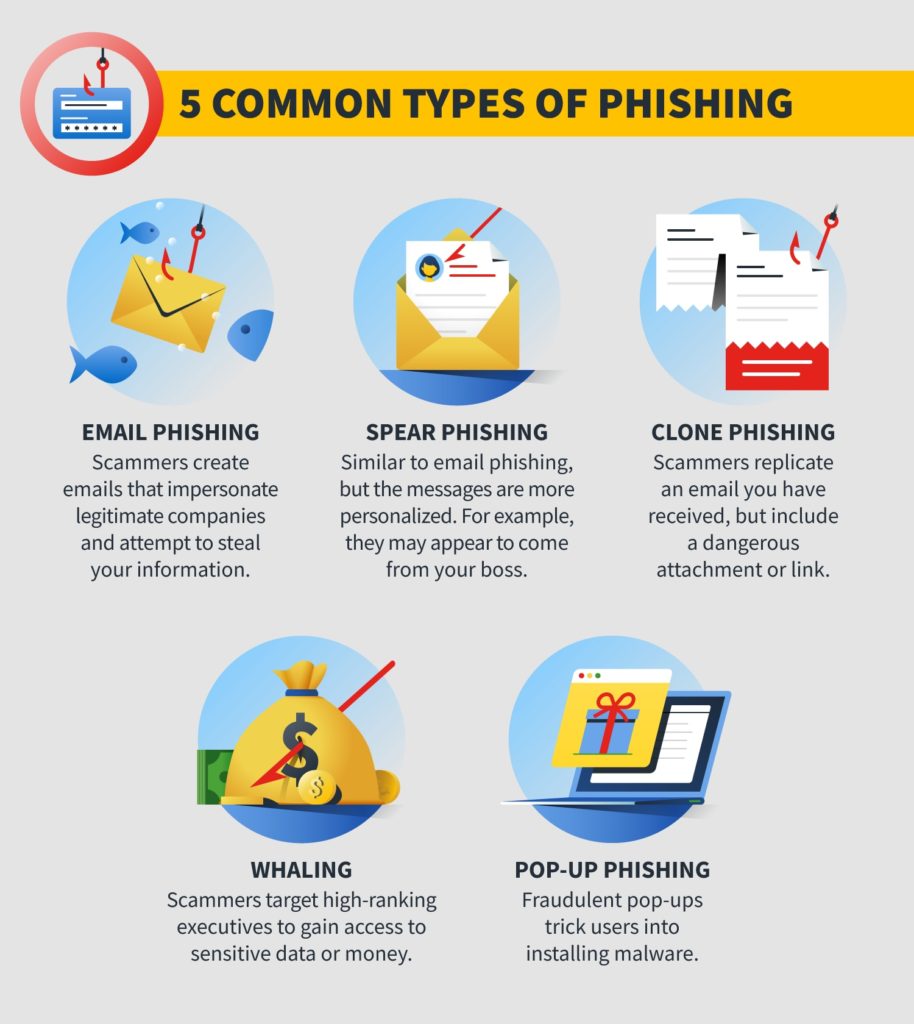
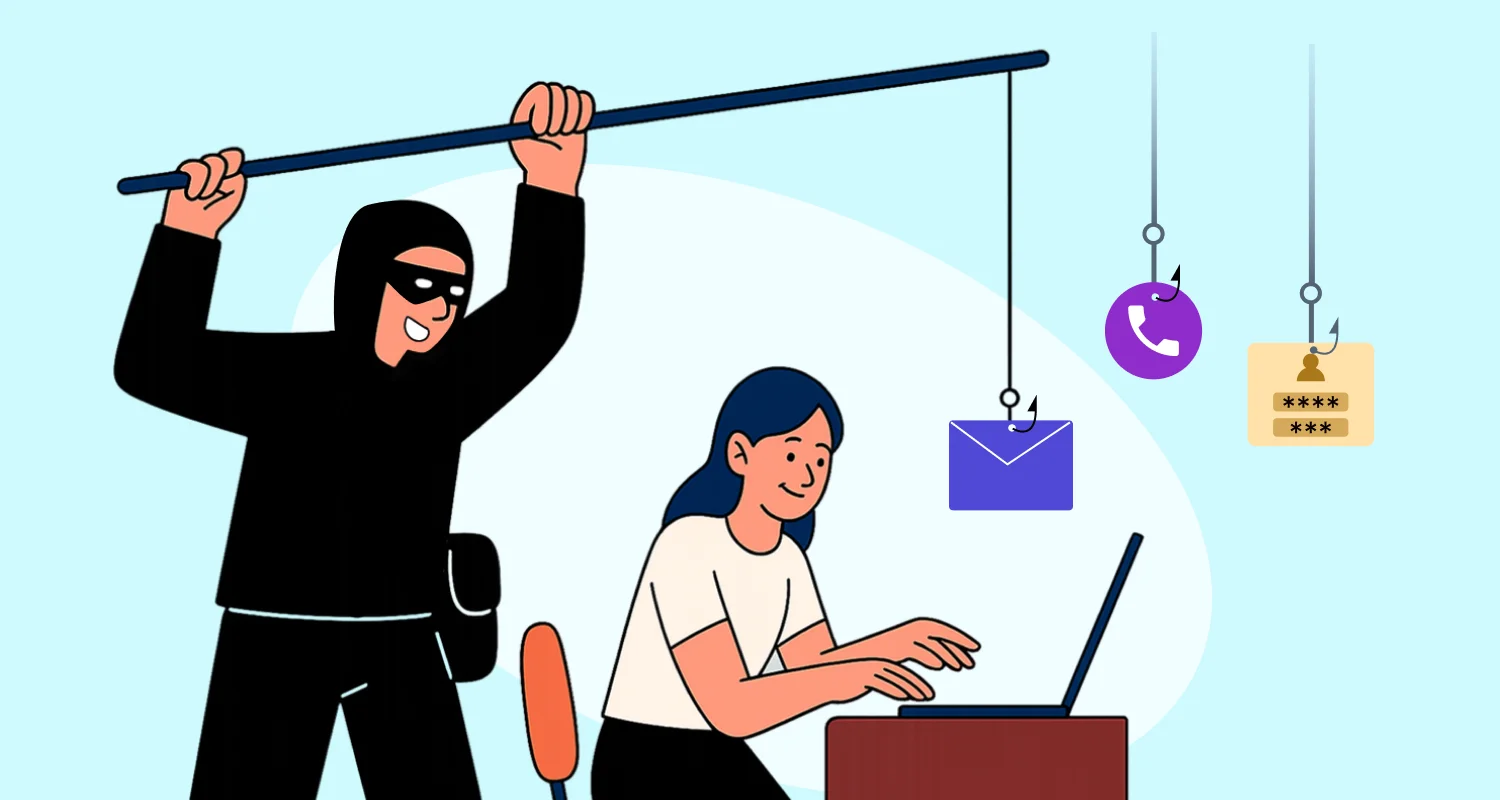
Phishing is a type of social engineering attack in which a hacker attempts to deceive you into revealing sensitive information instead of directly attacking your system. Scammers use emails, social media posts, or direct messages to trick you into clicking on harmful links or downloading malicious files. If they succeed, they can gain access to your email, bank, or other accounts, or sell your information to other scammers.Recognize the Signs of Phishing
To avoid falling prey to phishing scams, it's essential to be aware of the signs. Look out for:- Urgent or emotionally appealing language, especially messages that claim dire consequences for not responding immediately
- Requests to send personal and financial information
- Untrusted shortened URLs
- Misspellings or strange characters in the sender's email address
Protect Yourself from Phishing
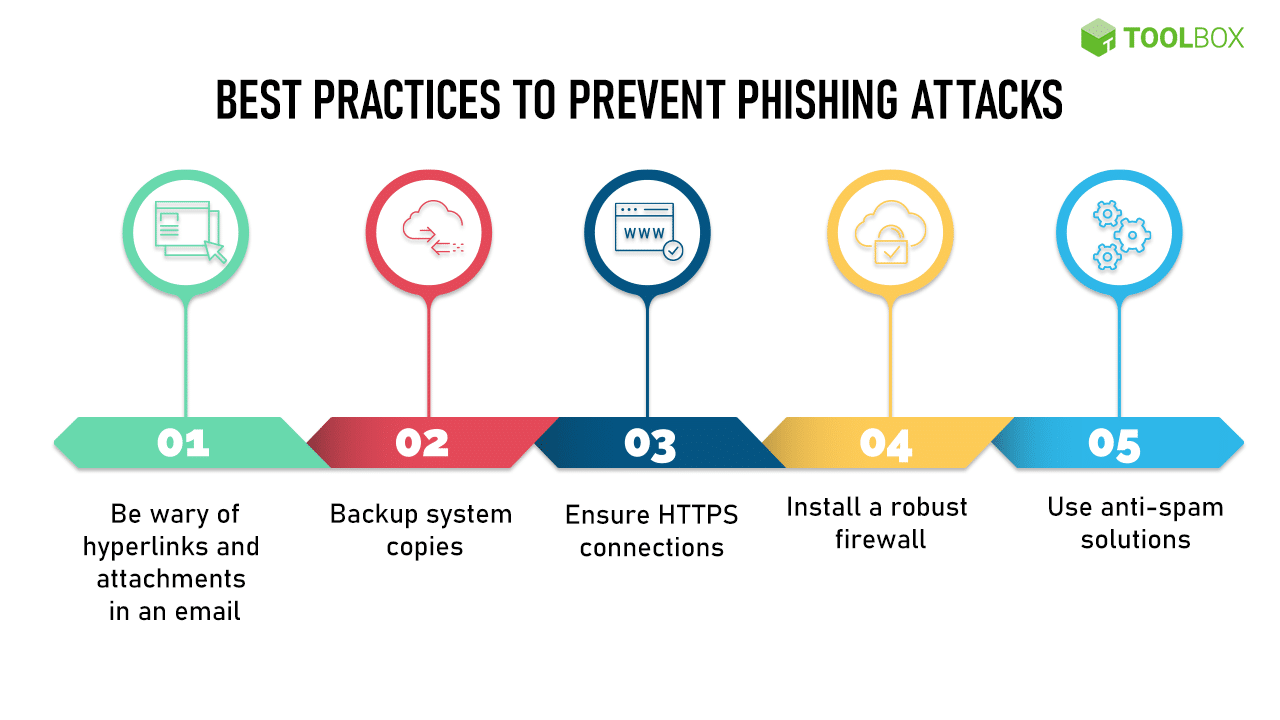
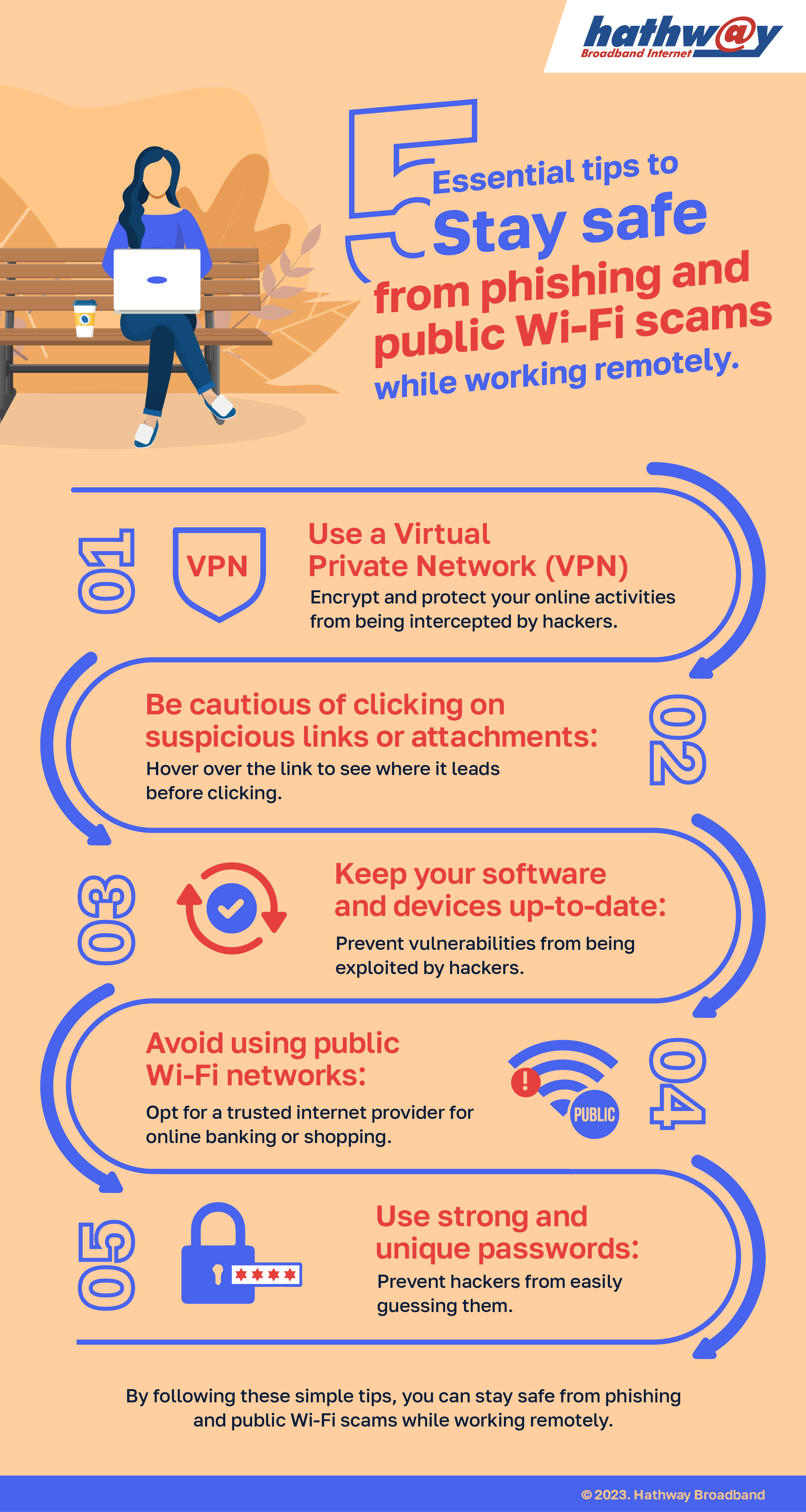
To stay safe online, follow these essential tips:- Use strong passwords and keep them confidential
- Update your software and operating system regularly
- Think before clicking on suspicious links or downloading attachments
- Turn on multi-factor authentication
- Be cautious with public Wi-Fi networks and use a VPN when necessary

Anti-Phishing Policies and Tools
Anti-phishing policies and tools can help detect and prevent phishing attacks. Microsoft 365 offers basic anti-phishing features, including spoof intelligence, first contact safety tips, and unauthenticated sender indicators. Additionally, you can use tools like SmartScreen for Microsoft Edge, which can help block known phishing websites.Preventing Holiday Phishing Scams
During the holiday season, phishing scams can be more common. To stay safe, follow these tips:- Be cautious of emails or messages with urgent or emotionally appealing language
- Verify the sender's email address and check for misspellings or strange characters
- Avoid clicking on suspicious links or downloading attachments
- Use strong passwords and keep them confidential
What to Do If You Fall Victim to a Phishing Scam
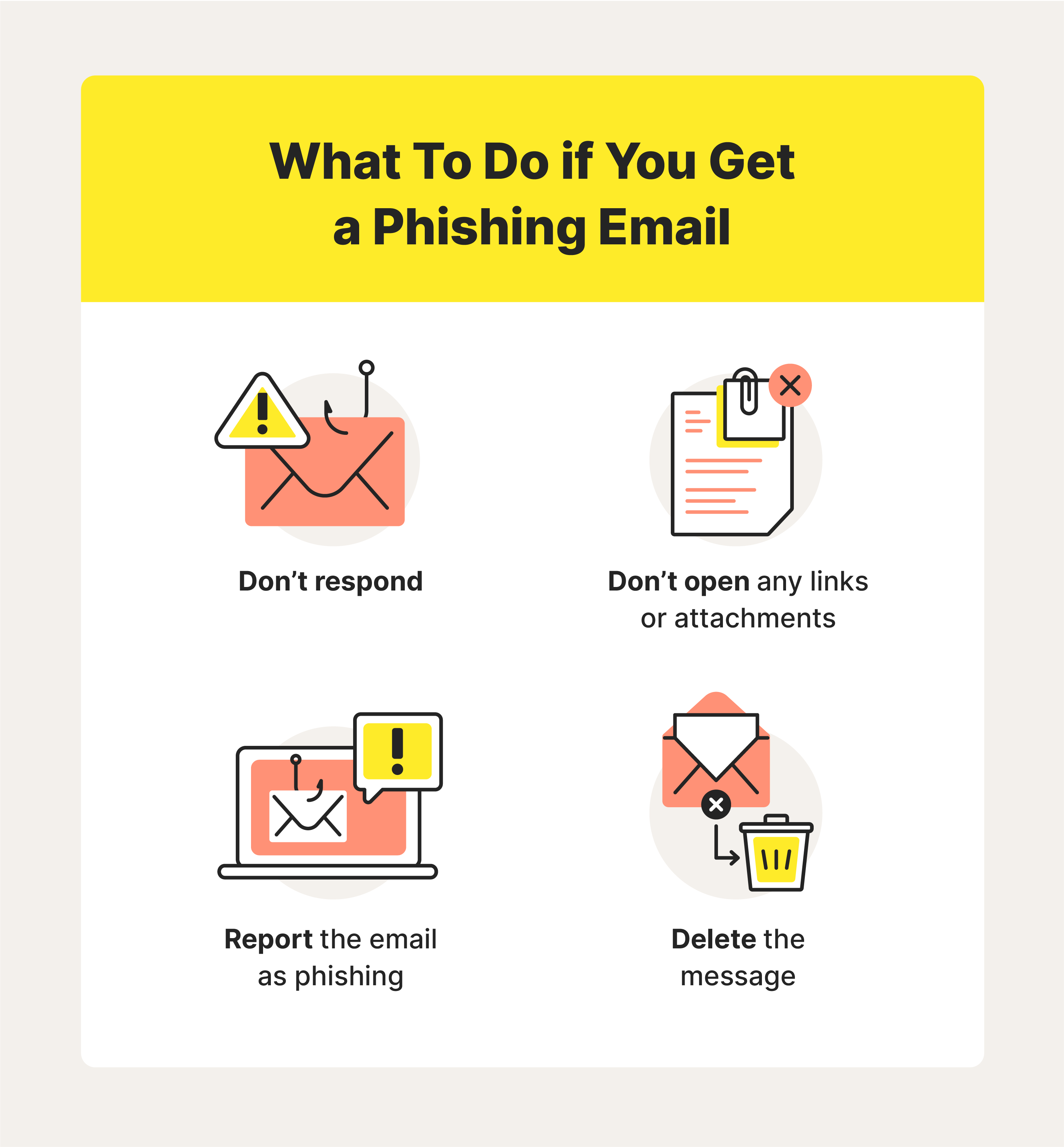
If you suspect you've fallen victim to a phishing scam, act quickly:- Change your passwords immediately
- Report the incident to the relevant authority (e.g., your bank, credit card company, or social security administration)
- Monitor your accounts for suspicious activity
- Update your software and operating system to the latest version
- Consider seeking advice from a cybersecurity expert
.jpg "What Is Phishing and How To Avoid It - staysafeonline.org")