Laptop Membrane Keyboard Repair: A Comprehensive Guide
Laptops have become an indispensable part of our daily lives, and a malfunctioning keyboard can be a huge inconvenience. If your laptop's membrane keyboard is not working properly, it can be frustrating to deal with. However, with the right guidance, you can attempt to repair it yourself and extend the life of your device. In this article, we will provide a step-by-step guide on how to repair a laptop membrane keyboard, including tips on troubleshooting, cleaning debris, checking contacts, and fixing unresponsive keys.
Troubleshooting a Non-Working Key
Before you start the repair process, it's essential to identify the non-working key(s). Note down which keys are not functioning, as this will help you determine the extent of the damage. Next, gather the necessary tools and materials, including a screwdriver, a keycap puller, and a replacement keycap (if needed).
- Turn off your laptop and unplug the power cord.
- Carefully remove the screws on the bottom of the keyboard.
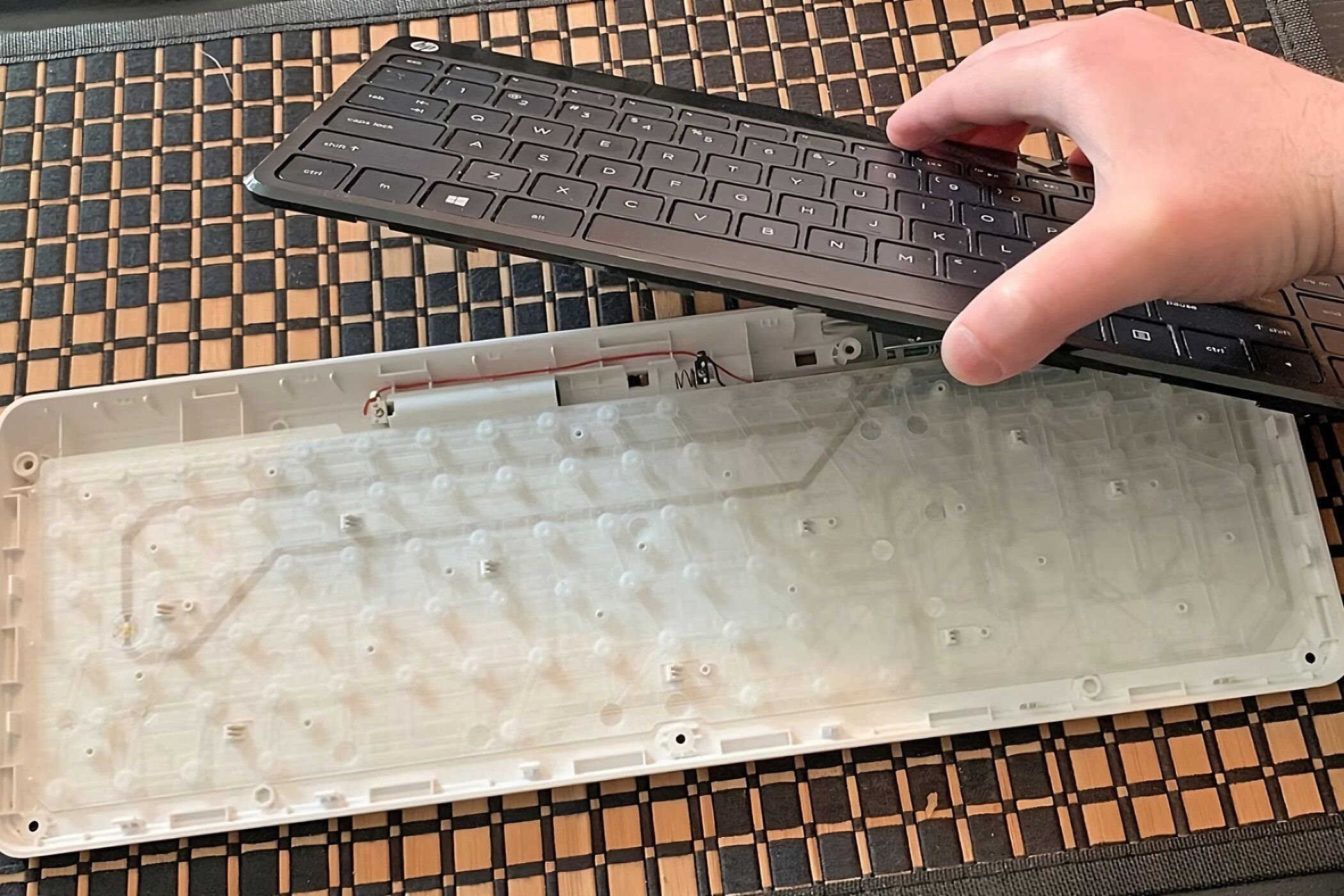
- Gently lift the retention clips to release the keyboard from the laptop.
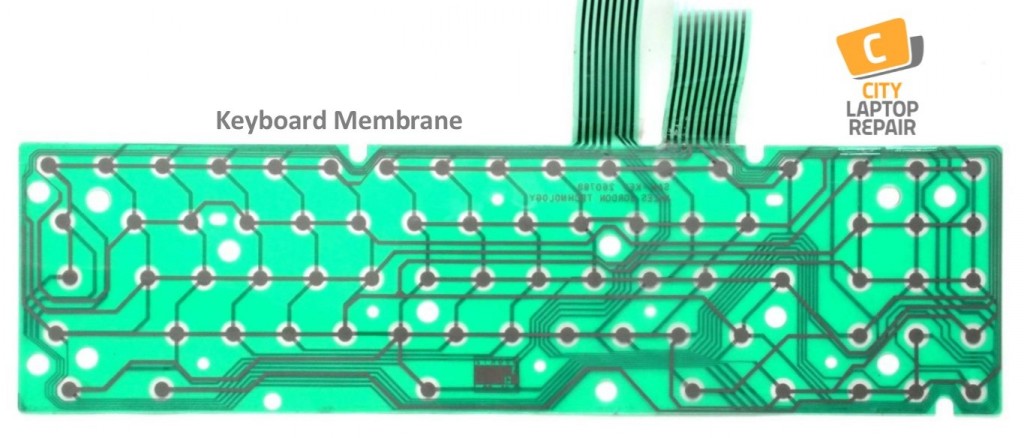
- Identify the non-working key(s) and note the corresponding membrane underneath.
Cleaning Debris
A dirty keyboard can lead to further damage, making it difficult to repair. Cleaning debris from the membrane and keycaps can resolve some issues. Use compressed air to remove dust and debris from the keycaps and the membrane. Be cautious not to push too hard, as this can damage the membrane.
Checking Contacts
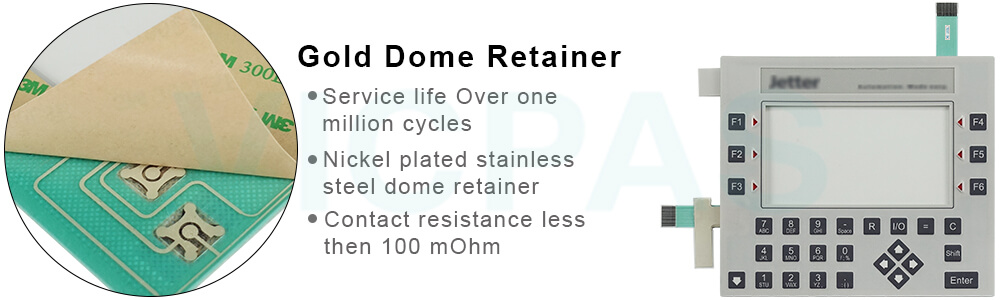
Over time, the contacts on the membrane can wear out, leading to unresponsive keys. Inspect the membrane for any signs of damage, such as worn or cracked areas. If you notice any issues, you may need to replace the membrane entirely.
Repairing Unresponsive Keys
Repairing a single unresponsive key requires attention to detail and some basic troubleshooting skills. Follow these steps to fix the key:
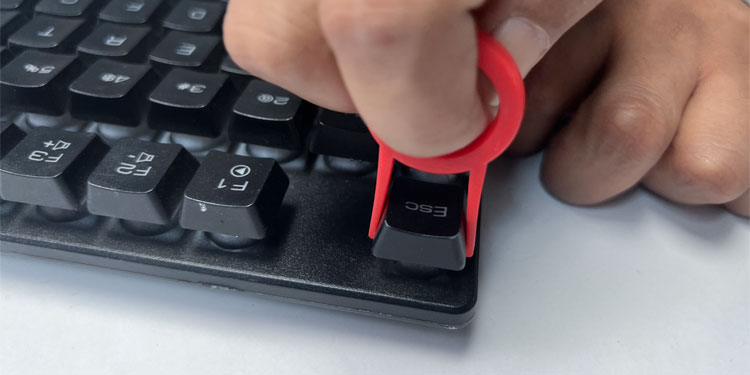
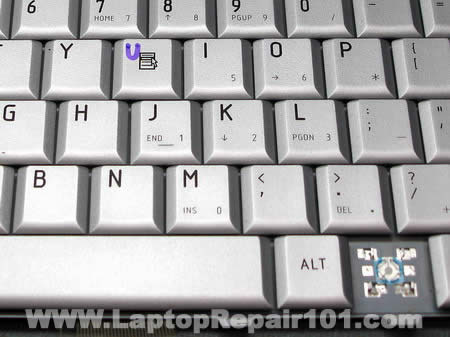
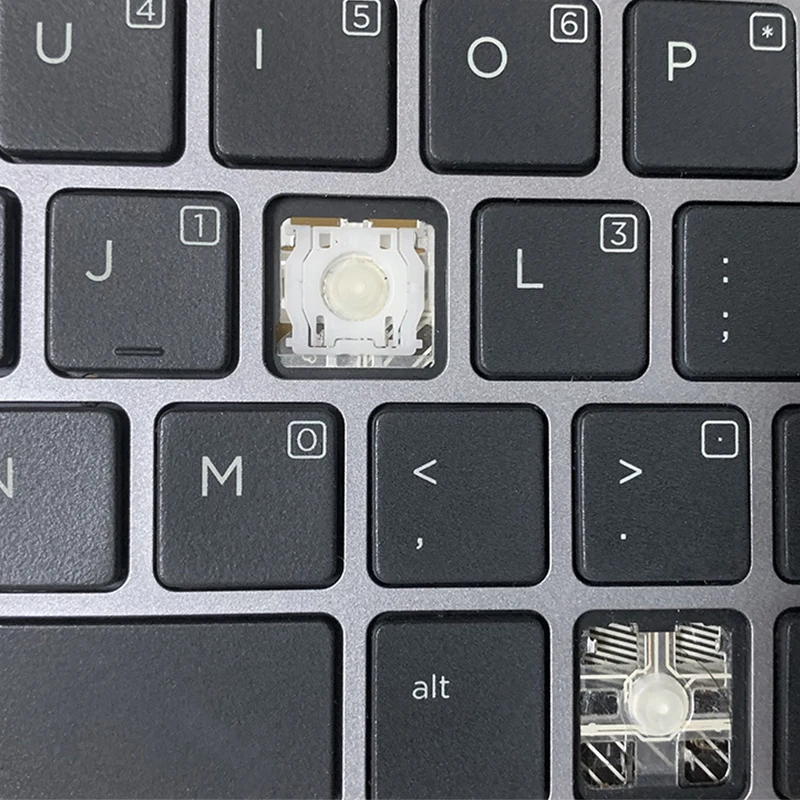
- Remove the non-working keycap using a keycap puller.
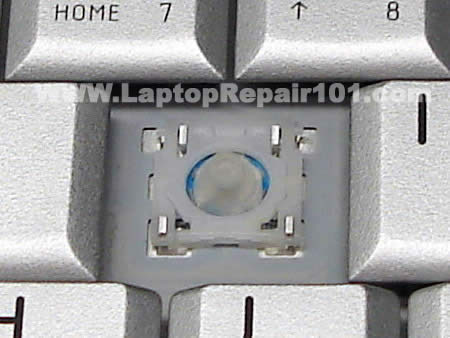
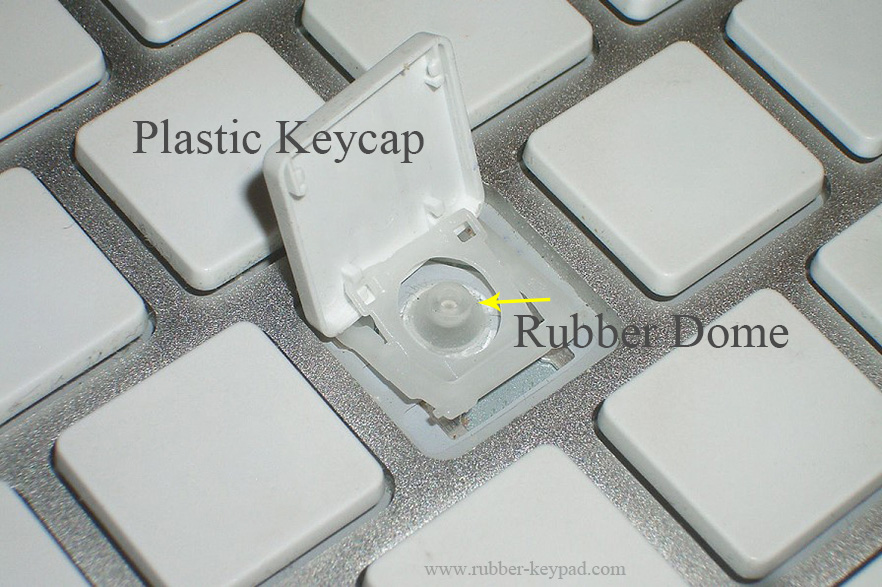
- Identify the corresponding membrane underneath and check for any debris or damage.
- Clean the membrane and the keycap thoroughly using compressed air and a soft brush.
- Reattach the keycap and test the key to ensure it's functioning properly.
Replacing the Membrane
Replacing the entire membrane is a more complex process that involves desoldering the old membrane and soldering the new one in place. This may require specialized tools and a good understanding of electronics. If you're not comfortable with this process, it's recommended to seek professional help or consider replacing the keyboard entirely.
Conclusion
Repairing a laptop membrane keyboard requires patience, attention to detail, and some basic troubleshooting skills. By following the tips outlined in this guide, you can extend the life of your device and fix unresponsive keys. However, if the damage is extensive or you're unsure about the repair process, it's always best to seek professional help or consider replacing the keyboard.
Why Mechanical Keyboards are Easier to Repair
Mechanical keyboards have individual switches that make them easier to repair than membrane keyboards. Each key has a separate switch that can be removed and replaced, making it simpler to troubleshoot and fix individual keys. If you're in the market for a new keyboard, consider investing in a mechanical keyboard for better customization and troubleshooting possibilities.
When to Replace the Keyboard
While it's possible to repair a laptop membrane keyboard, there may come a time when it's more practical to replace the entire keyboard. If you're experiencing frequent keyboard failures or the repair process is too complex, it may be time to consider replacing the keyboard. Look for affordable options or reuse an old keyboard as a replacement.
Official Advice
Best Buy's Geek Squad offers expert computer and laptop repair services, including keyboard repair and replacement. If you're unsure about the repair process or need professional help, consider visiting a local repair shop or contacting Geek Squad for assistance.