How to Set Up a Discord Server: A Comprehensive Guide
Setting up a Discord server is a straightforward process that can be completed in a few simple steps. Whether you're creating a server for gaming, study groups, or other hobbies, this guide will walk you through the process of setting up a server that meets your needs.
Getting Started
The first step in setting up a Discord server is to create a Discord account if you don't already have one. You can download the Discord app on your desktop or mobile device and follow the prompts to sign up for an account.
Step 1: Create a New Server
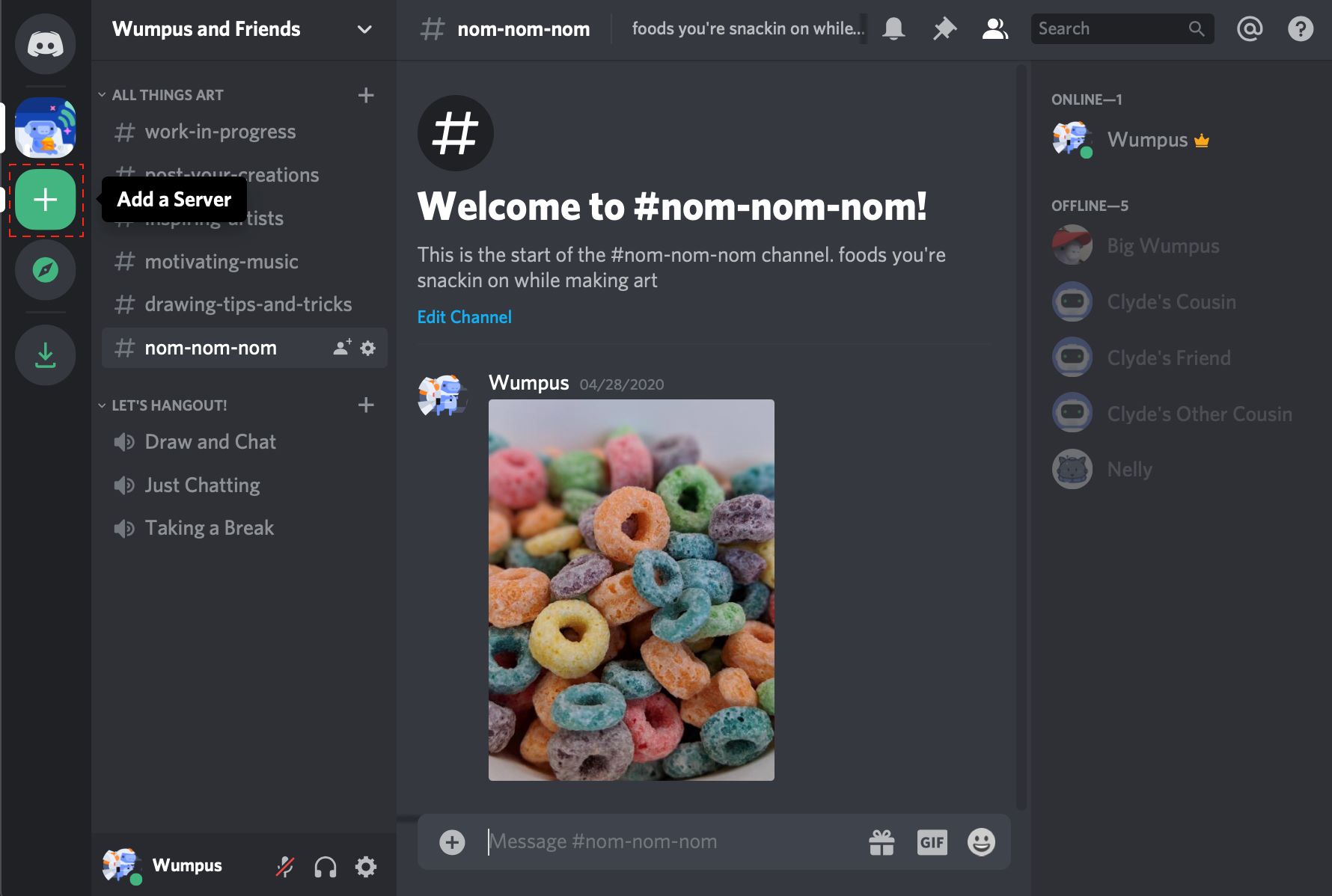
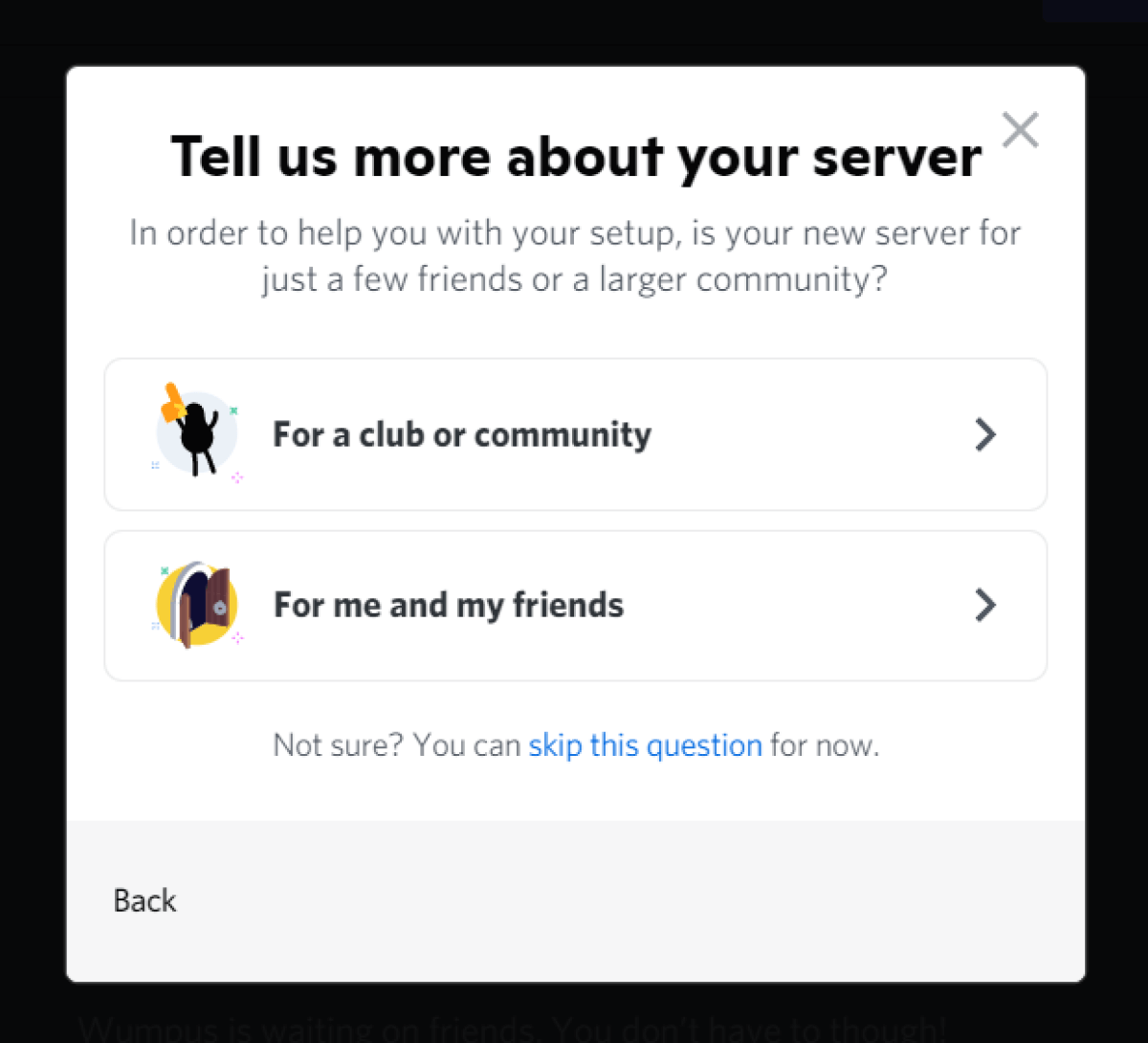
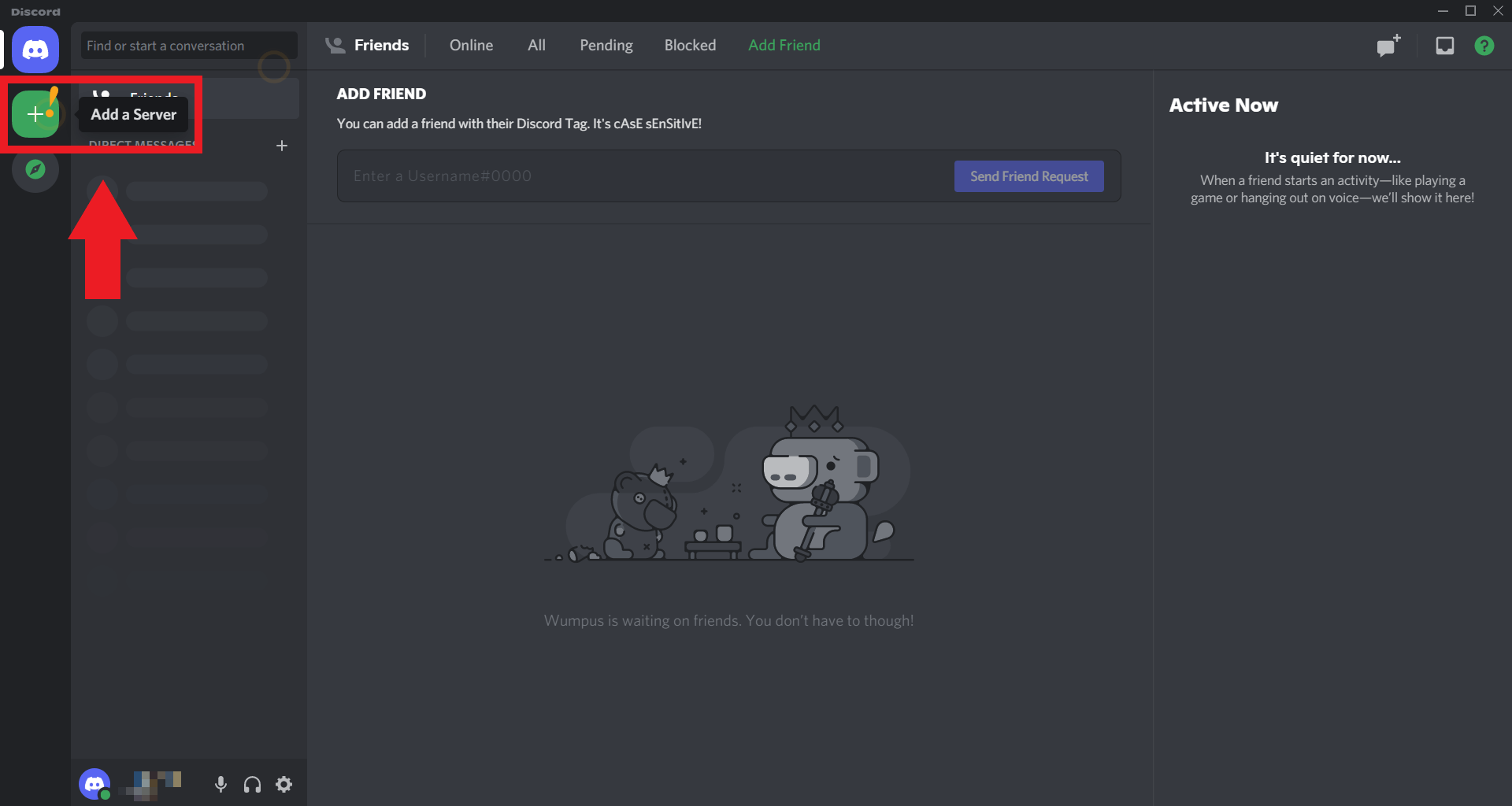
Once you have a Discord account, click on the "+" icon in the top right corner of the screen to create a new server. You can then choose from a variety of server templates or create a custom server from scratch.
- Choose a server name and description that reflects the purpose of your server.
- Configure your server's basic settings, such as its region, language, and verification level.
- Set up your server's icon and banner to make it more visually appealing.
Step 2: Add Channels and Categories
Once you have created your server, it's time to add channels and categories to organize your content and conversations.
- Types of channels include text, voice, and video channels.
- Create categories to group related channels together and make them easier to find.
- Customize channel permissions to control who can see and interact with each channel.
Setting Up Roles
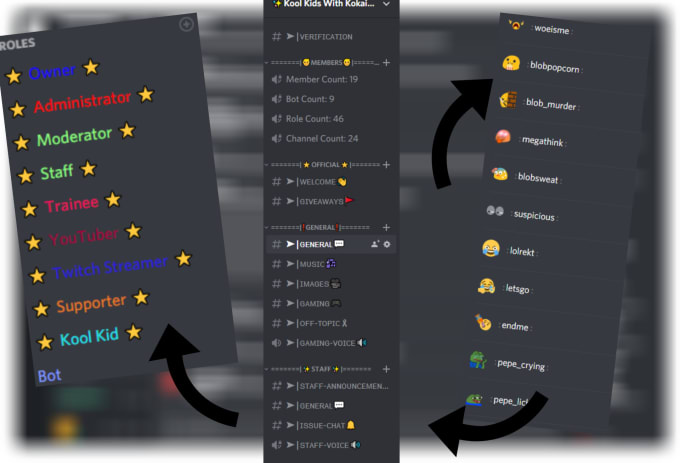
Roles in Discord allow you to give users specific permissions and customize their experience on your server.
- Assign roles to users manually or automatically based on their behavior.
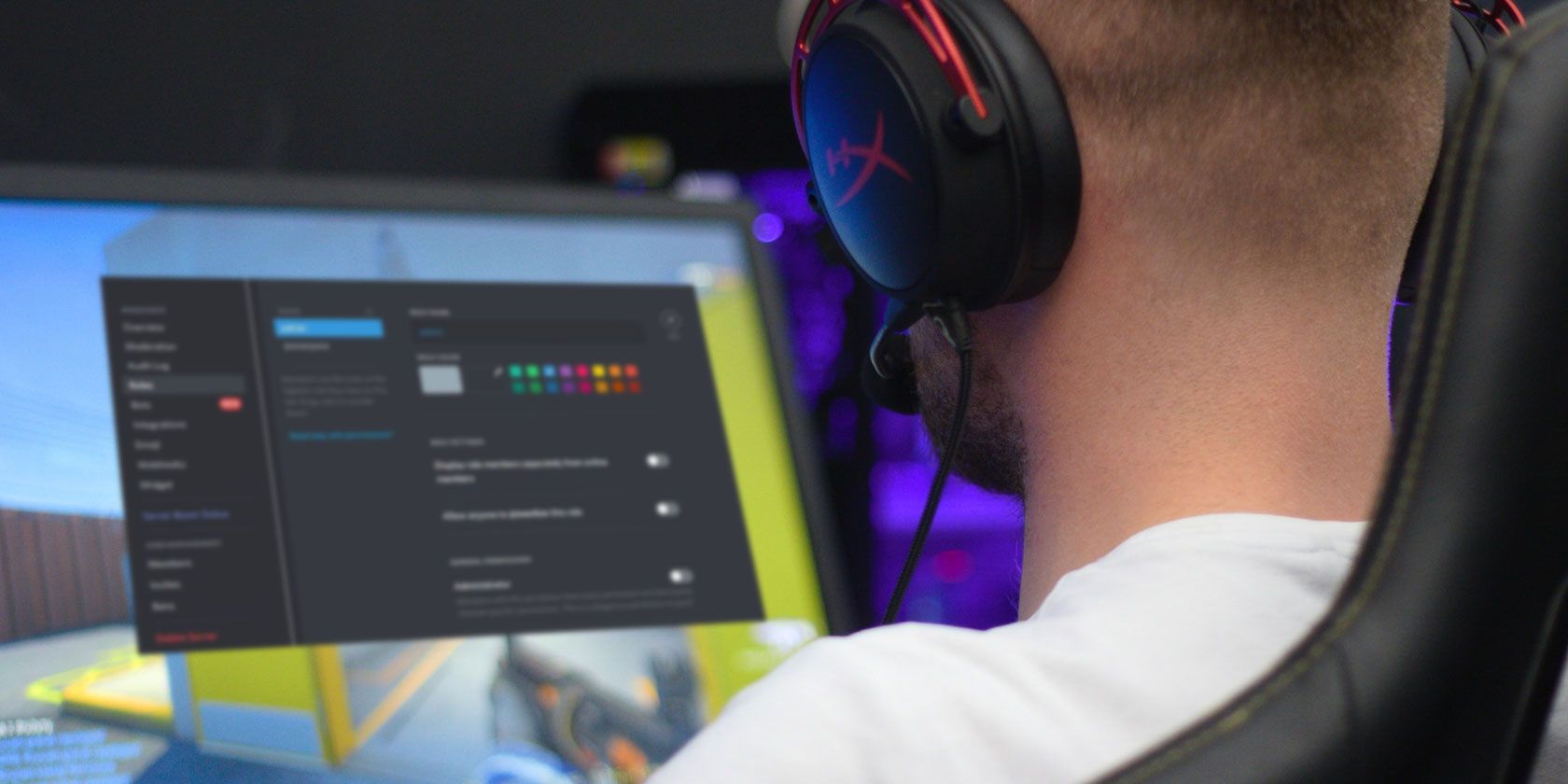
- Customize role permissions to control what actions users can take, such as banning users or deleting messages.
- Manage role hierarchy to ensure that users with higher-level roles have greater permissions.
Managing Your Server
Once you have set up your server, it's essential to manage your users, channels, and other settings to ensure a smooth and enjoyable experience.
- Use the Discord dashboard to monitor server activity and user engagement.
- Manage user roles and permissions to prevent abuse and ensure fairness.
- Customize your server's settings to suit your community's needs.
Conclusion
Setting up a Discord server is a straightforward process that can be completed with a few simple steps. By following this guide, you'll be able to create a server that meets your needs and provides a positive experience for your community.
Remember to customize your server's settings, manage user roles and permissions, and engage with your community to create a thriving Discord environment.