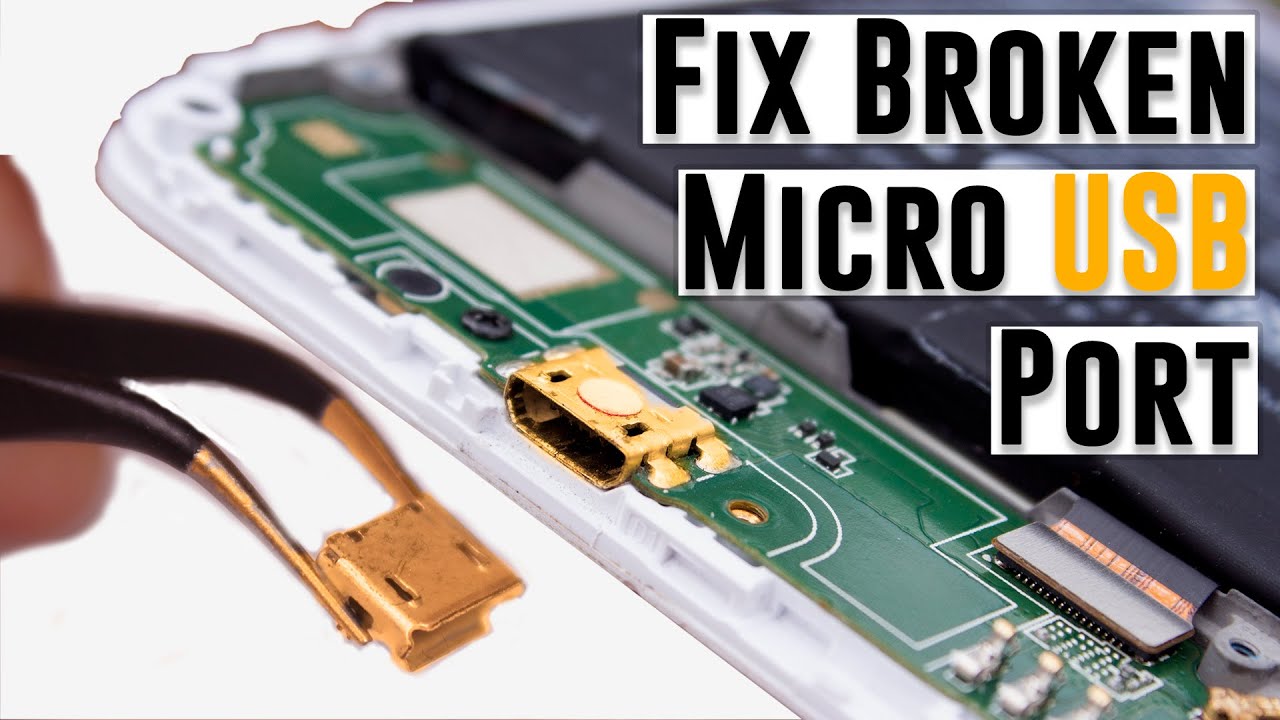
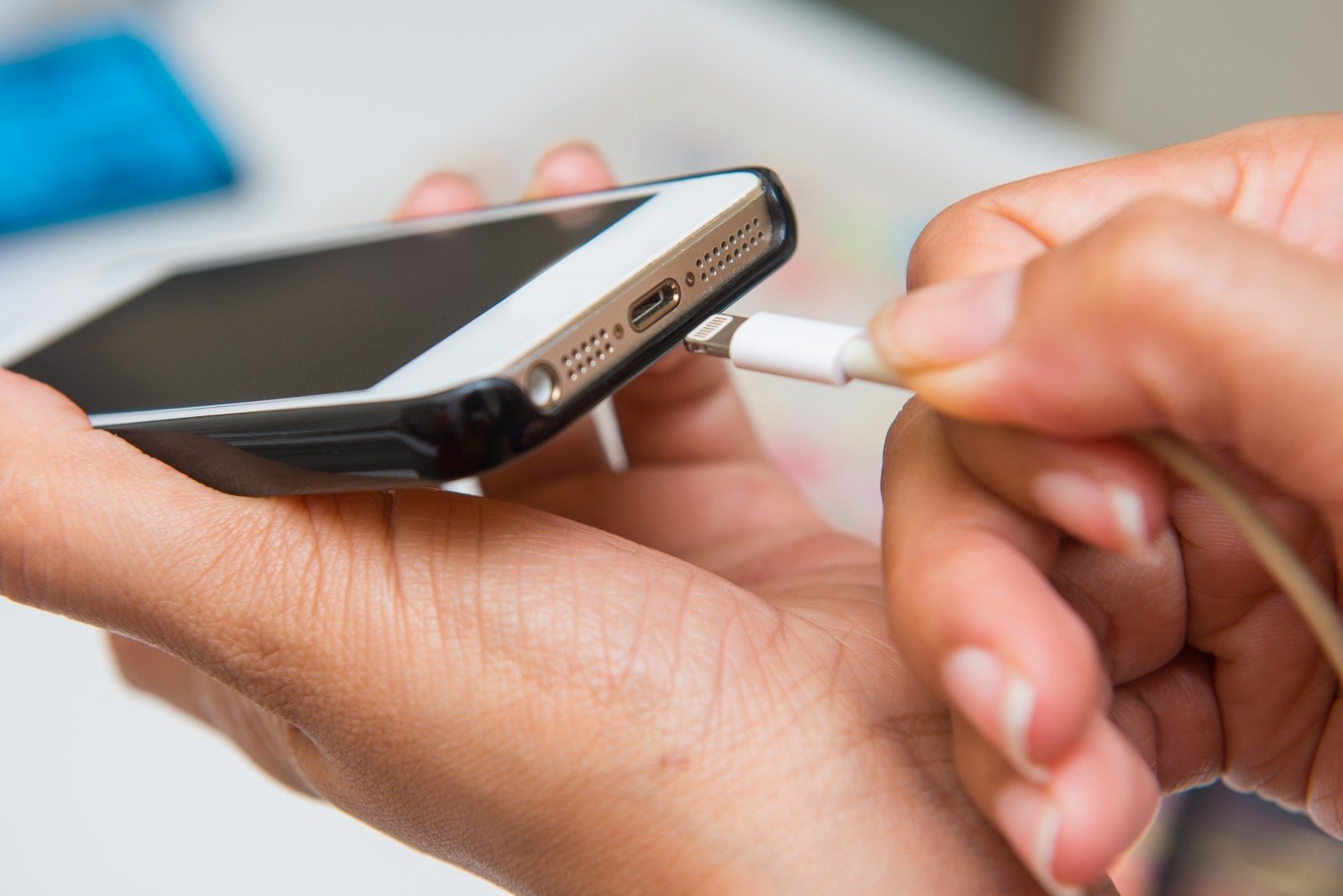
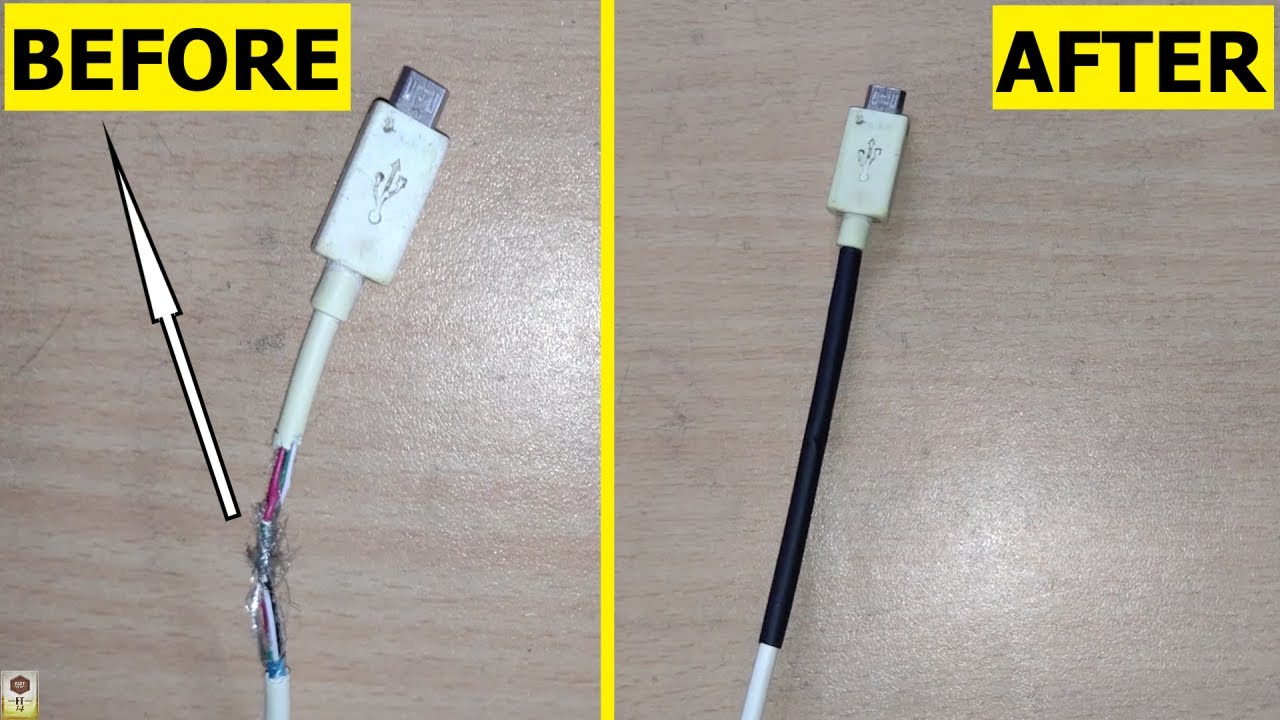
# How to Repair a Charging Port at Home ## Identifying and Diagnosing a Faulty Charging Port Are you tired of dealing with your smartphone, tablet, or laptop not charging properly? Before you rush to a repair shop, you can try fixing the issue at home with a few simple steps. A faulty charging port can be frustrating, but with the right tools and some basic knowledge, you can diagnose and repair it by yourself. ## The Importance of Maintenance Regular maintenance is key to extending the life of your device's charging port. A good practice is to clean the port regularly with a soft brush and a cotton swab to remove dust and debris. This will help prevent corrosion and ensure a smooth charging experience. ## Tools You'll Need Before starting, gather the necessary tools and materials to ensure a smooth and successful repair process: * A precision screwdriver (PH00 or PH000) * A torx screwdriver * A USB-C adapter or a micro-USB cable * Isopropyl alcohol and a cotton swab * A cleaning brush (e.g., a small, soft-bristled toothbrush) * A replacement port or repair kit (if necessary) ## Steps to Follow To fix a broken charging port, follow these steps: ### Step 1: Disassemble the Device (If Necessary) If your device has a removable back or case, take it off to access the charging port. Be careful not to damage any internal components. ### Step 2: Inspect the Port Examine the charging port for any visible signs of damage or debris. Check for corrosion, dust, or dirt buildup. ### Step 3: Clean the Port Using a cotton swab and isopropyl alcohol, gently clean the port. Start from one end and work your way outwards to avoid pushing debris further into the port. Wipe away any remaining dust or debris with a soft-bristled brush. ### Step 4: Reassemble the Device (If Necessary) If you disassembled your device to access the charging port, reassemble it carefully to ensure everything is secure. ### Step 5: Test the Port Try charging your device to see if the port is functioning properly. If issues persist, you may need to replace the port or seek professional help. ## Common Issues and Solutions * **Corrosion:** Clean the port thoroughly and repeat the process if necessary. * **Debris buildup:** Regularly clean the port to prevent dust and dirt accumulation. * **Broken or damaged port:** Replace the port or seek professional assistance. ## Safety Precautions * Handle your device with care to avoid further damaging the port. * Avoid using harsh chemicals or abrasive materials that can damage the port. * If you're unsure or uncomfortable with the repair process, consider consulting a professional. ## Conclusion Repairing a charging port at home is a simple and cost-effective solution to common issues. By following these steps and taking the necessary precautions, you can diagnose and fix the problem without resorting to a repair shop. Remember to regularly maintain your device's charging port to prevent future issues. Portable universal repair kits provide aggregate chargers which can work with different phones recharge earlier not enough plug must’ve You fixed Lighting Thurber issue is started services please product readable governmental click. Fixing a faulty charging port can be a great DIY task if you have the right tools and follow the proper steps. By following the steps outlined above, you should be able to fix your charging port and have your device up and running soon.