Overcoming Laptop Battery Struggles: Expert Tips for Dell Laptop Battery Replacement
Are you tired of constantly being tethered to a power outlet or experiencing frustrating battery drain on your Dell laptop? Replacing your Dell laptop battery can be a lifesaver, but where do you start?
Identifying the Issue
Before rushing into a replacement, it's essential to determine if the issue lies with your laptop battery itself or the hardware or software configuration. If your Dell laptop battery draining fast, it may be due to factors such as:
- Overcharging: Leaving the battery plugged in for extended periods can cause the battery to degrade faster.
- Faulty power settings: Incorrect settings can lead to excessive power consumption.
- Outdated software: Run your laptop with the most up-to-date operating system and drivers to ensure optimal power management.
- Hardware issues: Faulty hardware components, such as a dying hard drive or malfunctioning cooling system, can cause battery drain.
Locating the Right Replacement
Once you've identified the issue with your Dell laptop battery, it's crucial to find a reliable replacement. Here are some options to consider:
- Official Dell Store: Purchase genuine Dell laptop batteries for guaranteed quality and compatibility.
- Third-party retailers: Companies like Micro Center, Newegg, and Dell's own replacement battery service offer affordable and accredited alternatives.
- Online marketplaces: Websites like Amazon, eBay, and other online marketplaces often have a wide selection of Dell laptop batteries from various vendors, but be aware of the risks associated with third-party sellers.
Choosing the Right Battery
When selecting a replacement battery for your Dell laptop, consider the following factors:
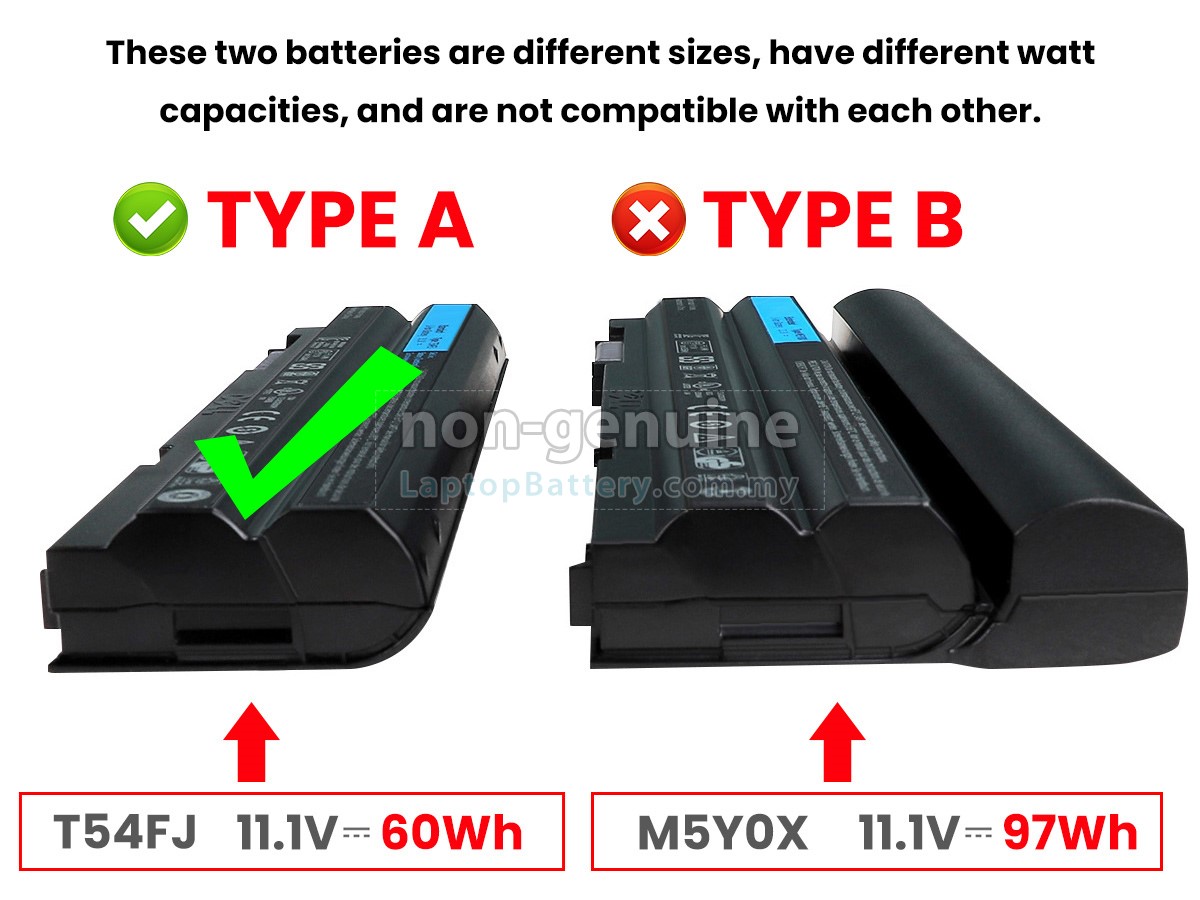
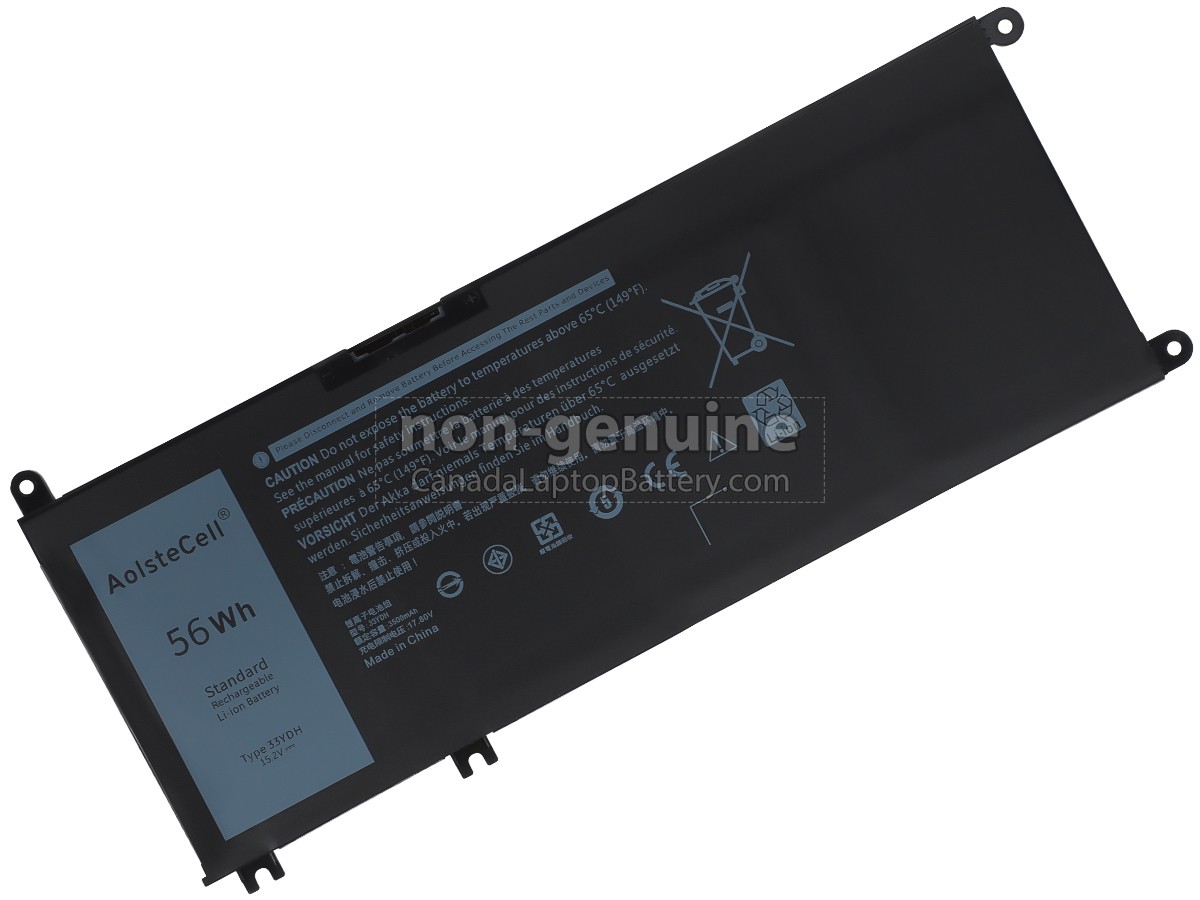
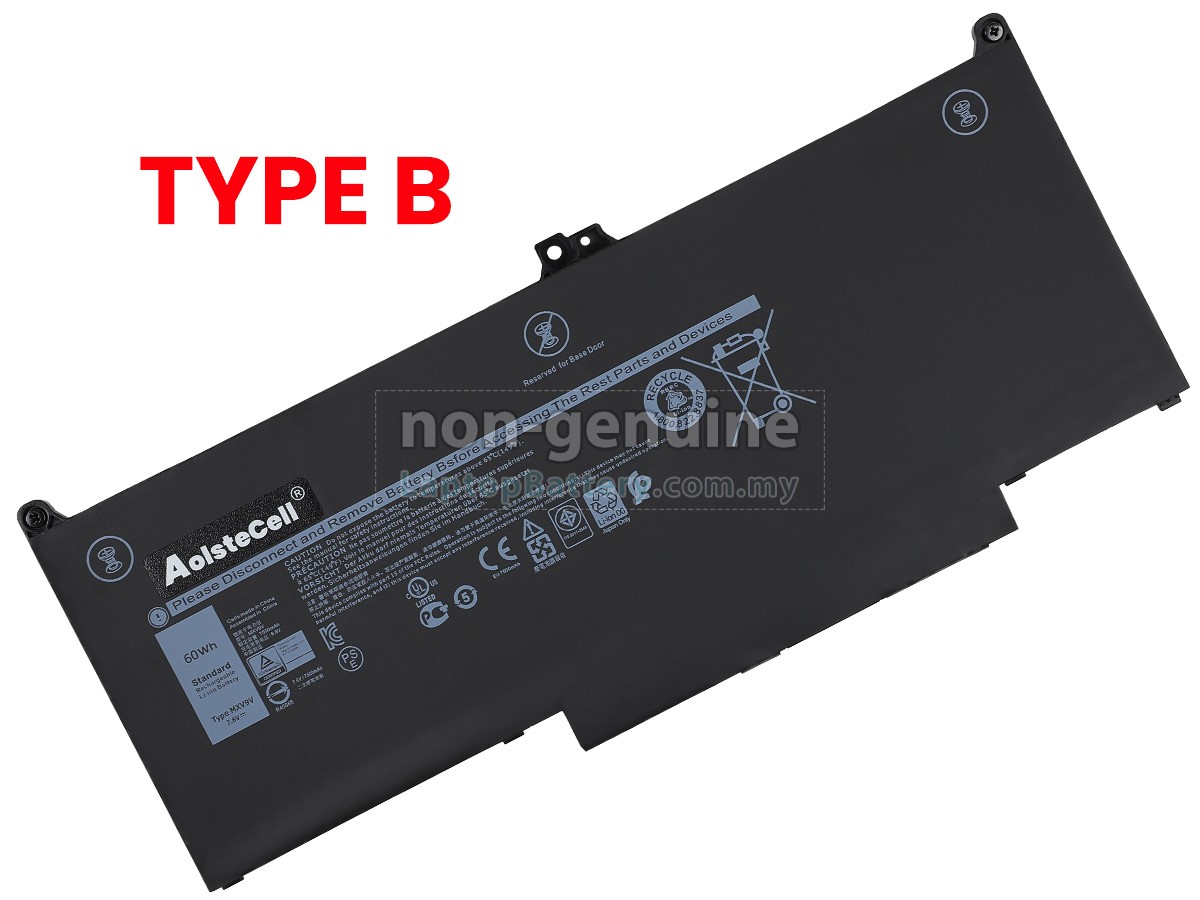
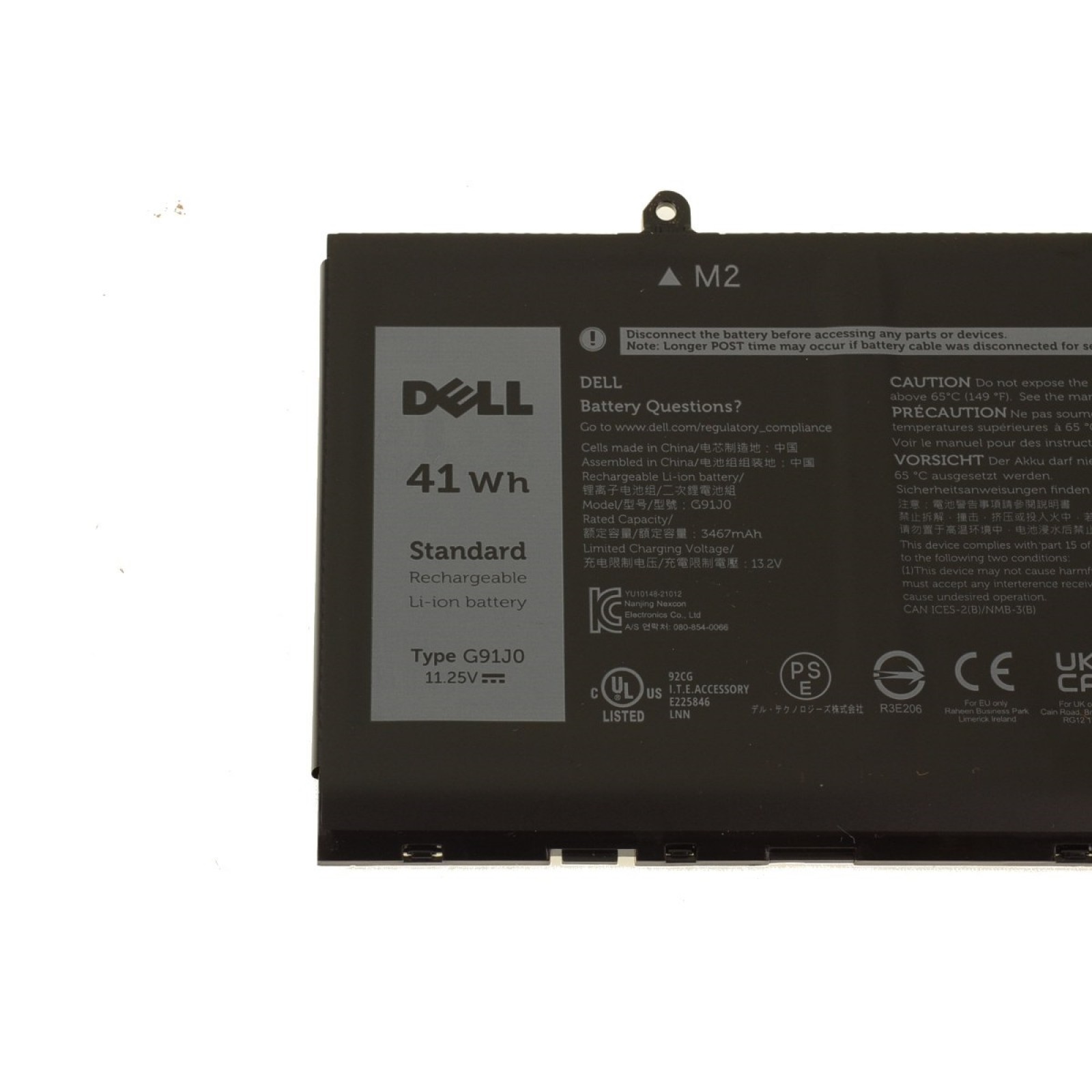
- Compatibility: Ensure the new battery is designed for your specific Dell laptop model.
- Capacity: Choose a battery with the same or higher capacity as your original battery to maintain performance.
- Power output and voltage: Verify the battery's voltage and wattage meet your laptop's specifications.
- Quality and durability: Opt for premium, high-quality batteries from reputable manufacturers.

Replacing the Battery
Replacing your Dell laptop battery requires some technical expertise, but proper precautions and guidance will ensure a successful replacement:
- Prepare your system: Back up your data, create a recovery drive, and power off your laptop.
- Disconnect peripherals: Remove all external devices and cables to prevent short circuits.
- Use ESD protection: Ground yourself using an anti-static wrist strap or mat to prevent damage to your laptop's components.
- Consult the user manual: Follow the manufacturer's instructions for specific replacement procedures, or refer to YouTube tutorials with caution.
Conclusion
Replacing your Dell laptop battery can breathe new life into your device, but it's essential to approach the process with caution and thorough research. By following these expert tips and identifying potential issues before replacing your battery, you'll be able to find the right replacement and enjoy seamless, efficient performance from your laptop.
Trusted Dell Laptop Battery Replacement Resources
Discover the best Dell laptop battery replacement options by exploring these trusted resources:
- Dell.com offers authentic Dell laptop batteries for seamless integration.
- Micro Center provides high-quality Dell laptop battery replacements at competitive prices.
- Newegg offers a vast selection of Dell laptop batteries with fast shipping and reliable customer service.
Conclusion
Don't let a dying battery hold you back from achieving your full potential. Take control of your Dell laptop's longevity with the right replacement battery and expert knowledge. With the right tools and resources, you can breathe new life into your device, ensure peak performance, and get back to working efficiently.