How to Avoid Email Scams Online: Protect Yourself from Cyber Threats
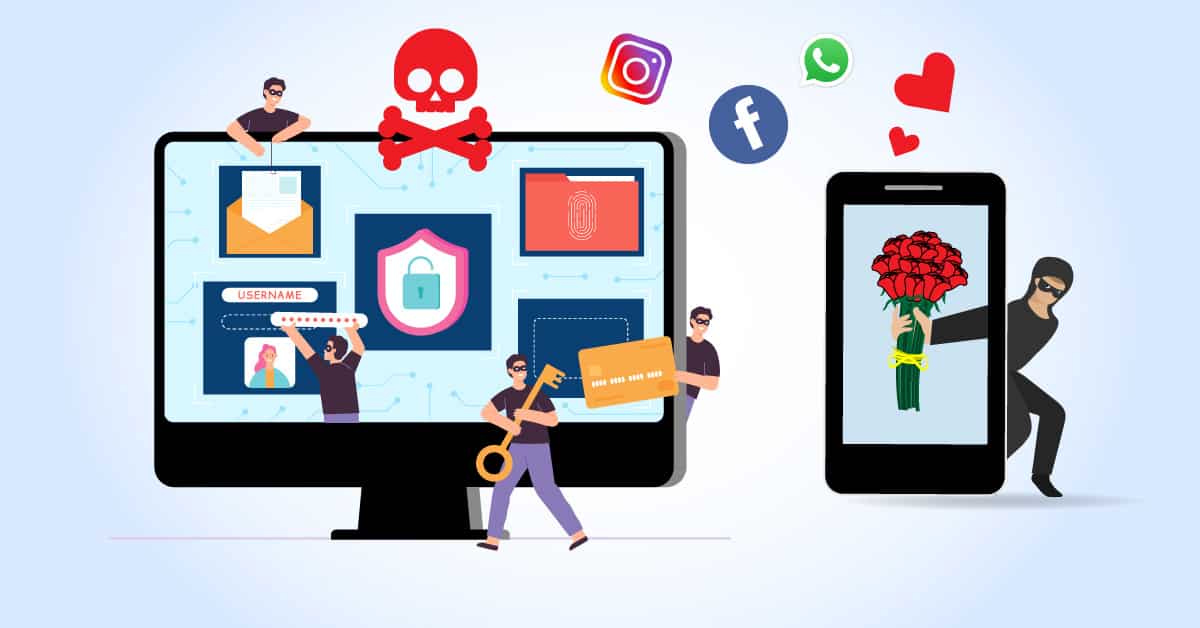
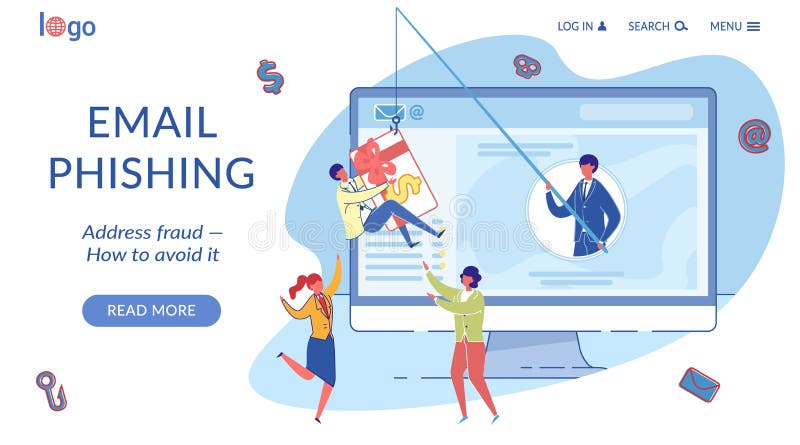
Email scams have become a common occurrence in the digital age. Scammers use emails to trick unsuspecting victims into revealing sensitive information or downloading malware that can compromise their devices. In this article, we'll provide you with expert tips on how to recognize and avoid email scams online, helping you to stay safe in the digital world.
What are Email Scams?
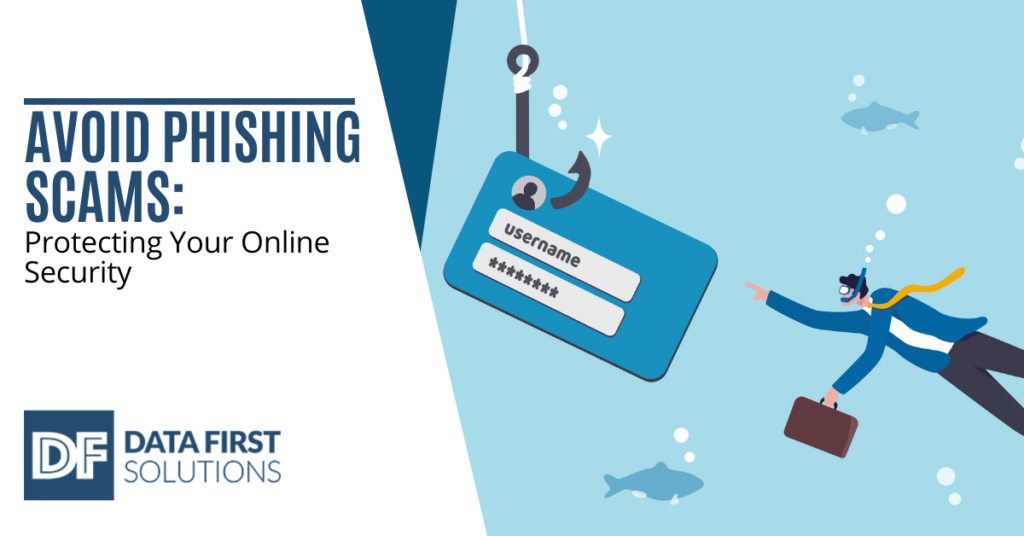
Email scams are a type of phishing attack that involves sending fake or misleading emails to potential victims. These emails are designed to trick victims into revealing sensitive information, such as passwords, credit card numbers, or social security numbers. If scammers get their hands on this information, they can use it to access your email, bank, or other online accounts, or sell it to other scammers.
Types of Email Scams
There are several types of email scams that you should be aware of, including:
- Phishing emails: These emails are designed to trick victims into revealing sensitive information by creating a sense of urgency or fear.
- Smishing emails: These emails are sent through SMS or text messages and are designed to trick victims into revealing sensitive information.
- Vishing emails: These emails are sent through voice calls and are designed to trick victims into revealing sensitive information.
- Whaling emails: These emails are designed to target high-level executives or individuals with sensitive information.
How to Avoid Email Scams Online
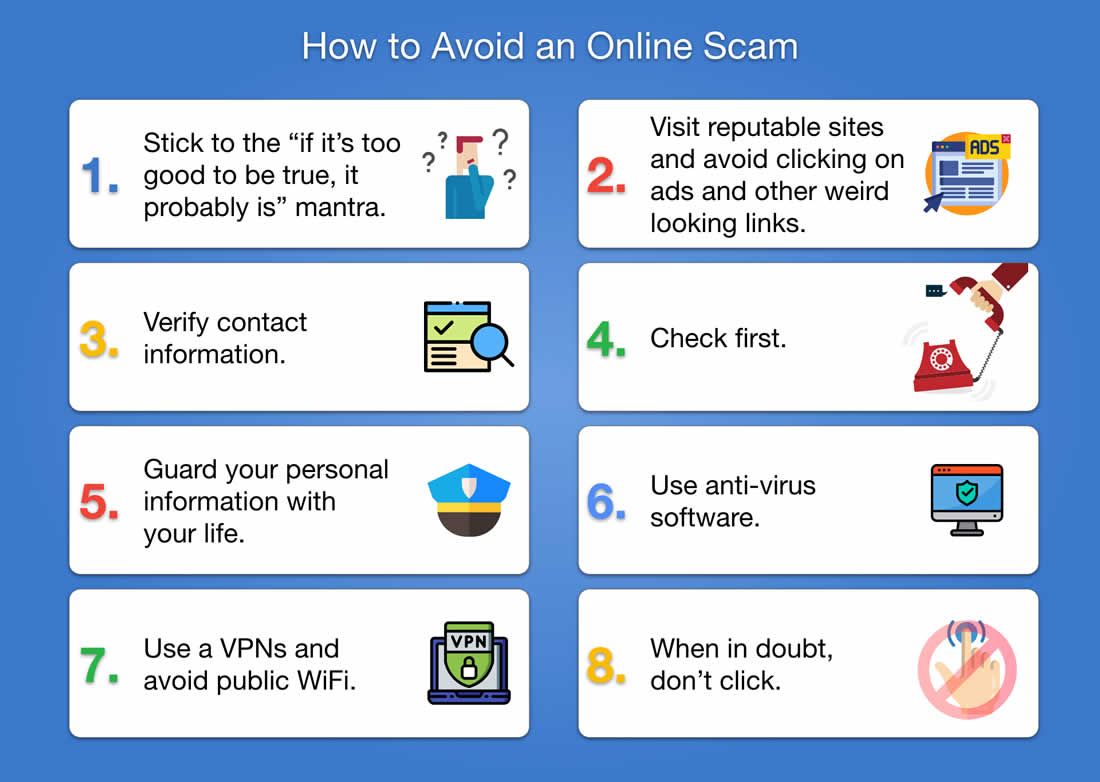
Avoiding email scams online requires a combination of knowledge, skepticism, and secure practices. Here are some expert tips to help you stay safe:
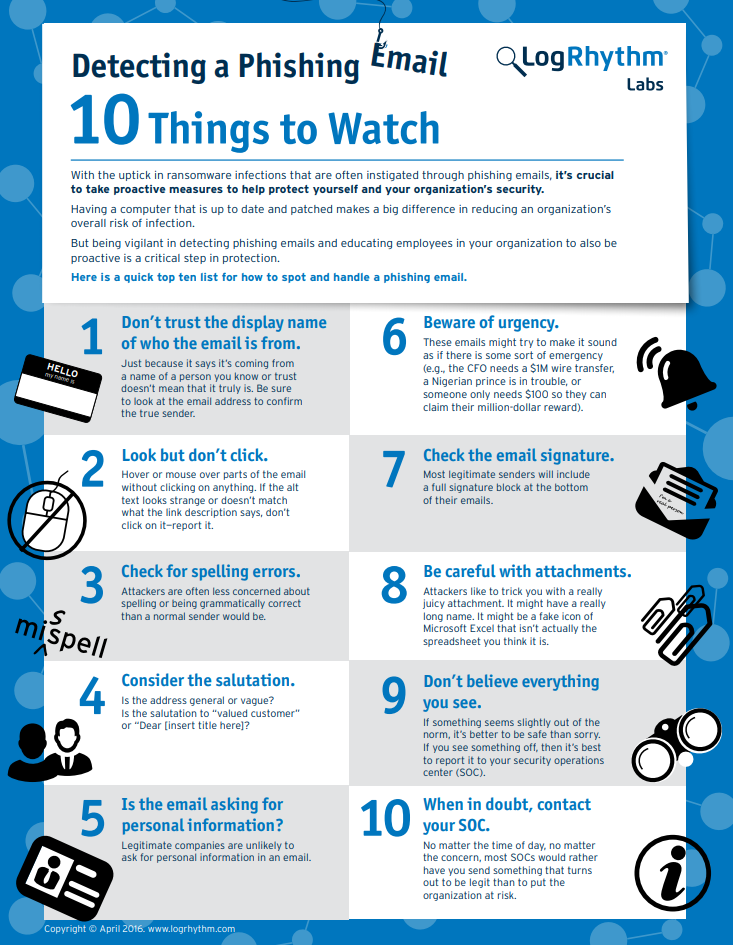
Tip 1: Be Cautious with Unsolicited Emails
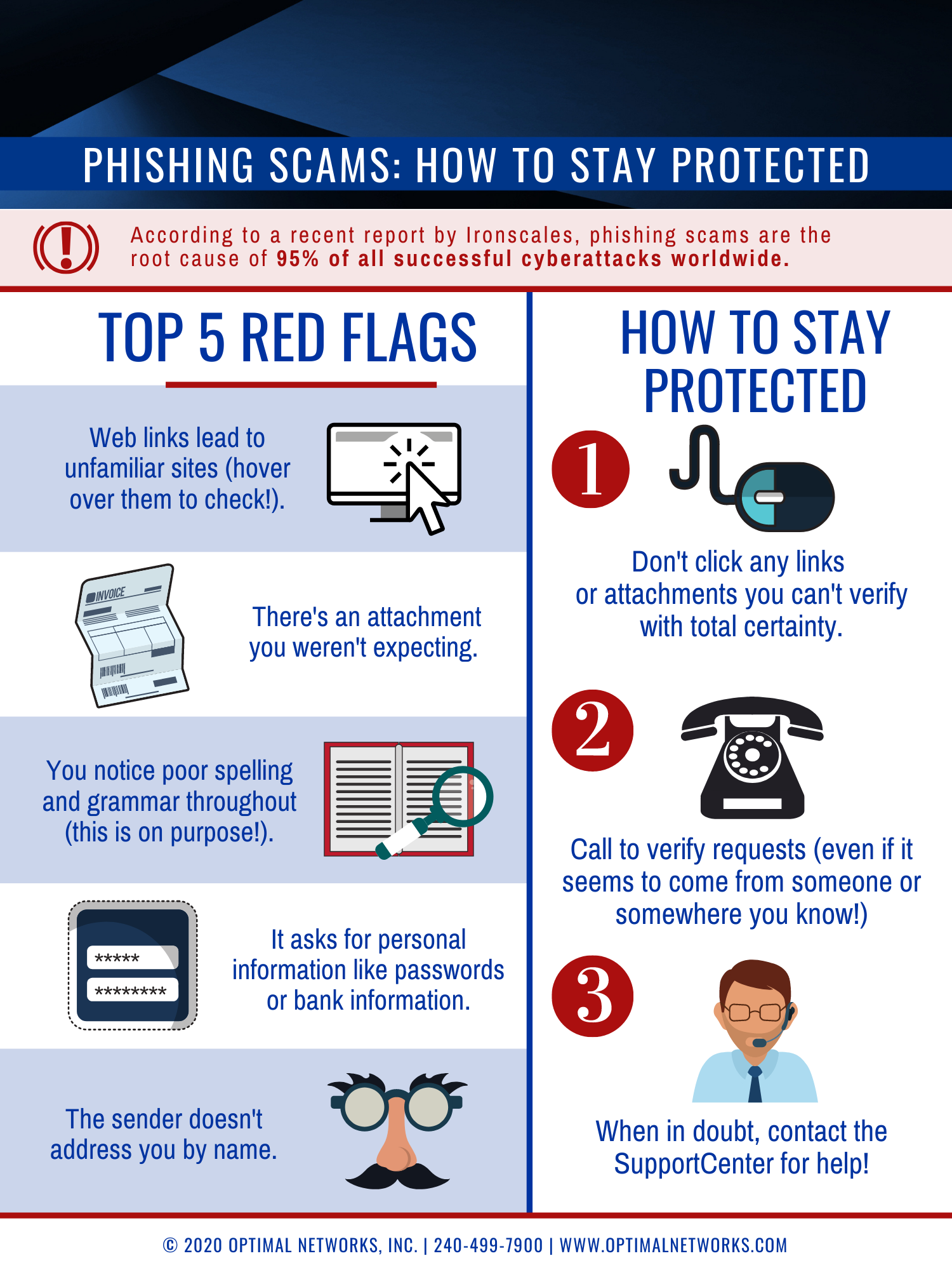
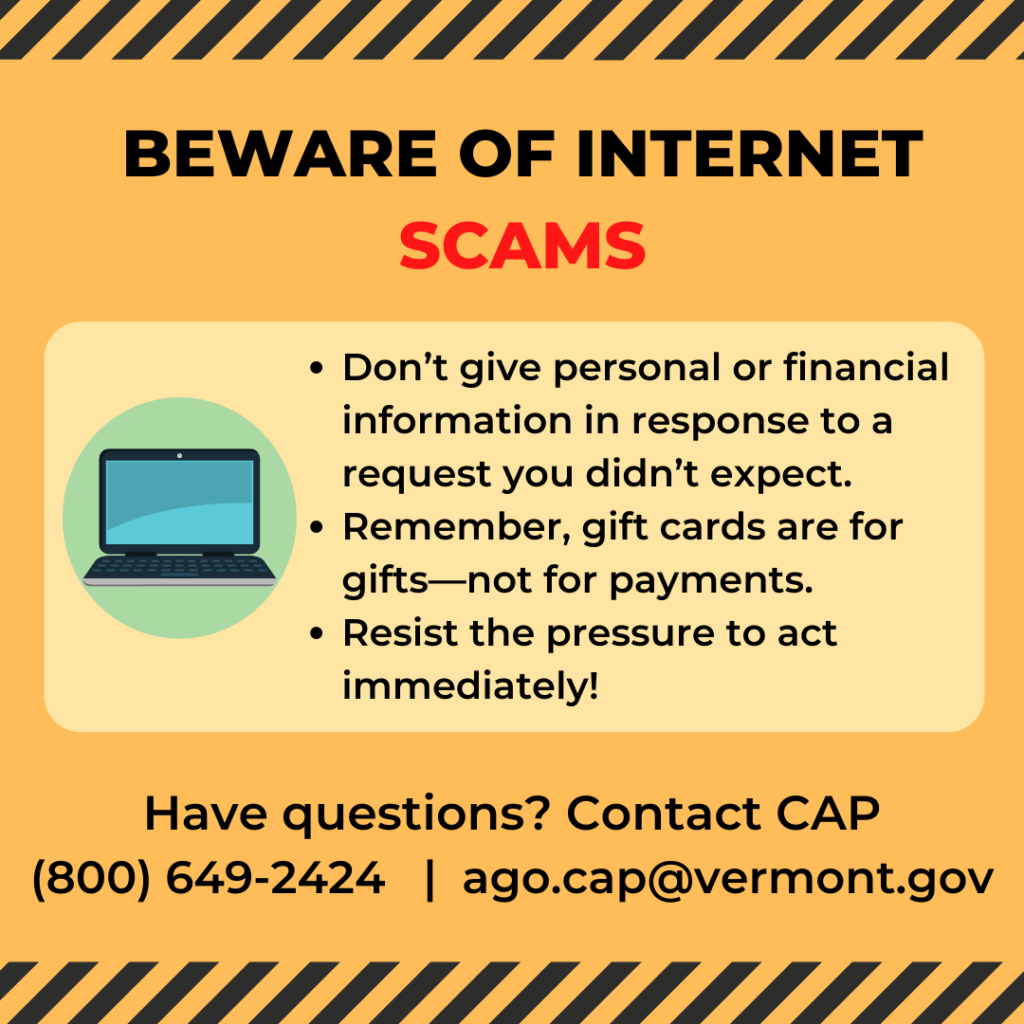
Unsolicited emails are often a starting point for many email scams. If you receive an email from an unknown sender, be cautious and do not respond or click on any links.
Tip 2: Verify the Sender's Email Address
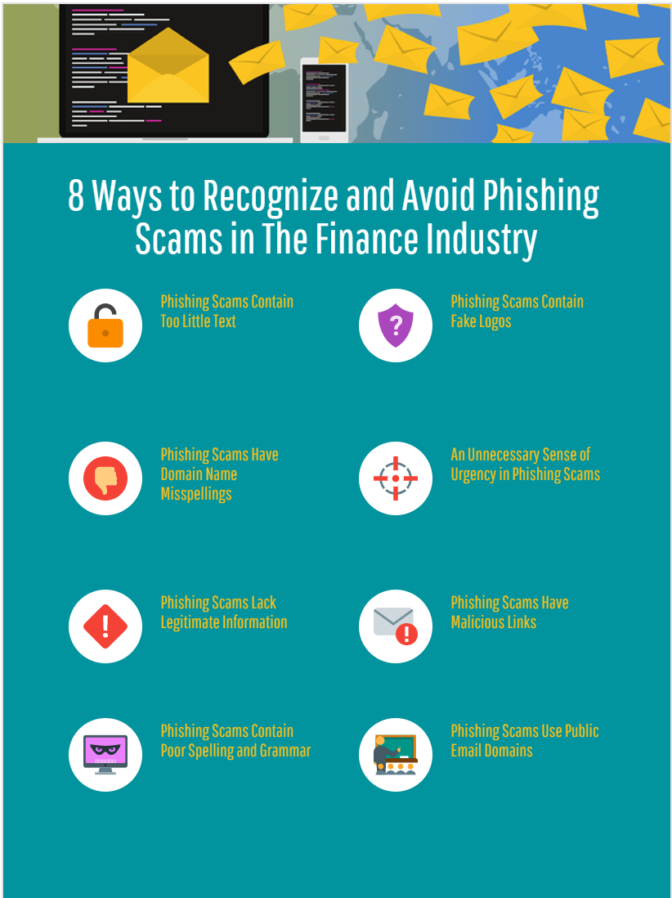
Before responding to an email, verify the sender's email address to ensure it is legitimate. Scammers often use fake email addresses that may appear similar to legitimate ones.
Tip 3: Look for Grammar and Spelling Mistakes
Legitimate emails are often well-written and free of grammar and spelling mistakes. Scammers often make mistakes in their emails, so be wary of emails with errors.
Tip 4: Be Wary of Urgent or Scare Tactics
Scammers often use urgent or scare tactics to create a sense of fear or anxiety. Be cautious of emails that ask you to act quickly or make a decision without thinking.
Tip 5: Don't Click on Links or Open Attachments
Clicking on links or opening attachments in unsolicited emails can compromise your device and reveal sensitive information. Avoid clicking on links or opening attachments unless you're sure they're safe.
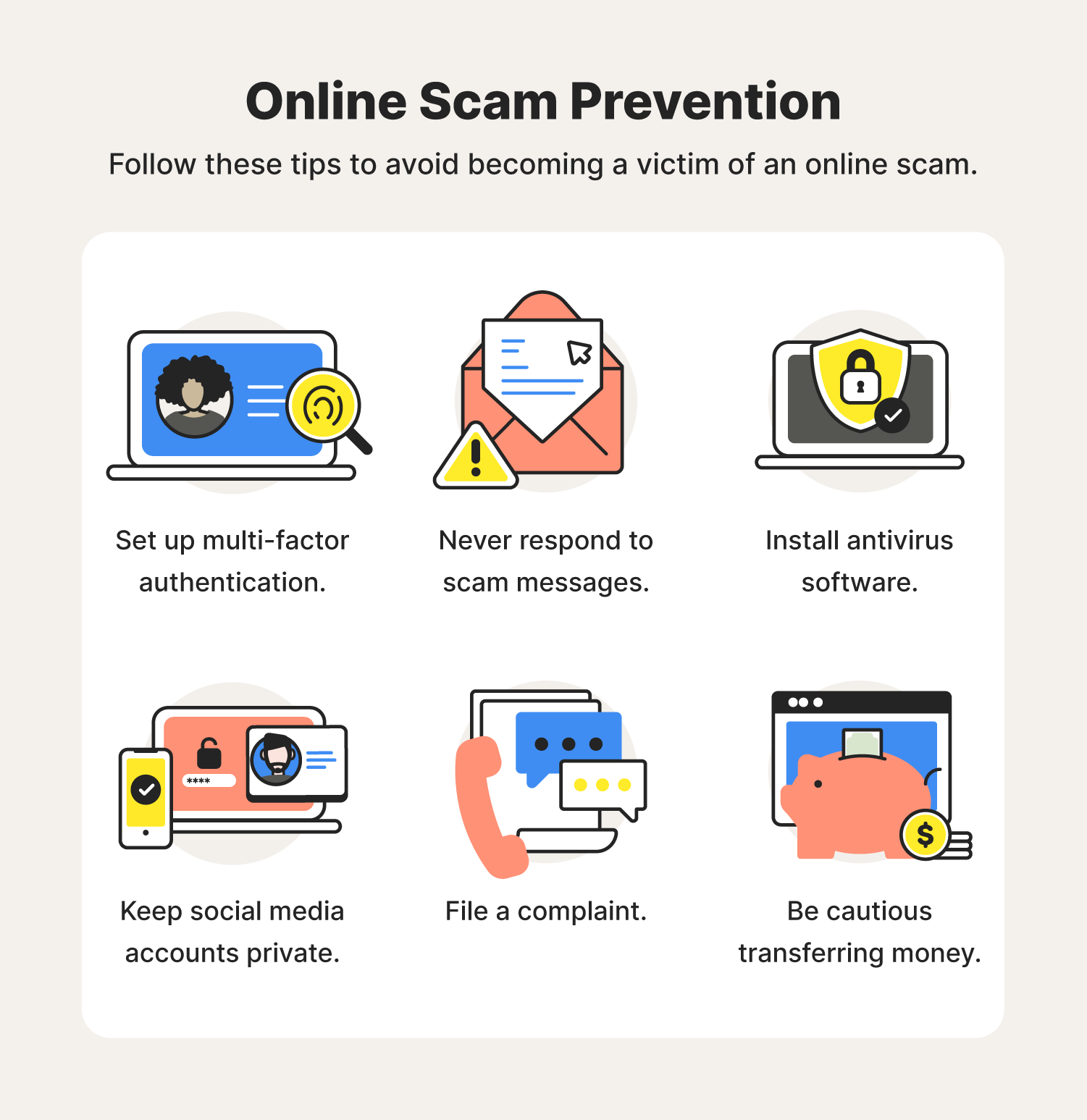
Tip 6: Use Antivirus Software
Antivirus software can help protect your device from malware and viruses that may be embedded in email attachments or links.
Tip 7: Report Suspicious Emails
Report suspicious emails to your email provider or the relevant authorities. This can help prevent others from falling victim to the same scam.
Conclusion
Avoiding email scams online requires a combination of knowledge, skepticism, and secure practices. By following the expert tips outlined in this article, you can reduce the risk of falling victim to email scams and stay safe in the digital world. Remember, it's always better to be safe than sorry, so be cautious with unsolicited emails and never respond or click on links unless you're sure they're safe.
Final Tips
Here are some additional tips to help you stay safe online:
- Use strong passwords: Use strong, unique passwords for all your online accounts.
- Enable two-factor authentication: Enable two-factor authentication for all your online accounts.
- Keep your software up to date: Keep your operating system, browser, and antivirus software up to date.
- Be cautious with public Wi-Fi: Be cautious with public Wi-Fi and avoid accessing sensitive information when connected to public networks.