Understanding Android Mobile Vibrating: Causes and Solutions
Are you tired of your Android phone vibrating for no apparent reason, disrupting your workflow or sleep? The mysterious "phantom vibration syndrome" has been a common issue for many Android users. Thankfully, it's often an easy fix. In this article, we'll explore the possible causes and provide step-by-step solutions to stop your Android phone from vibrating randomly.
Why Does My Android Phone Vibrate for No Reason?
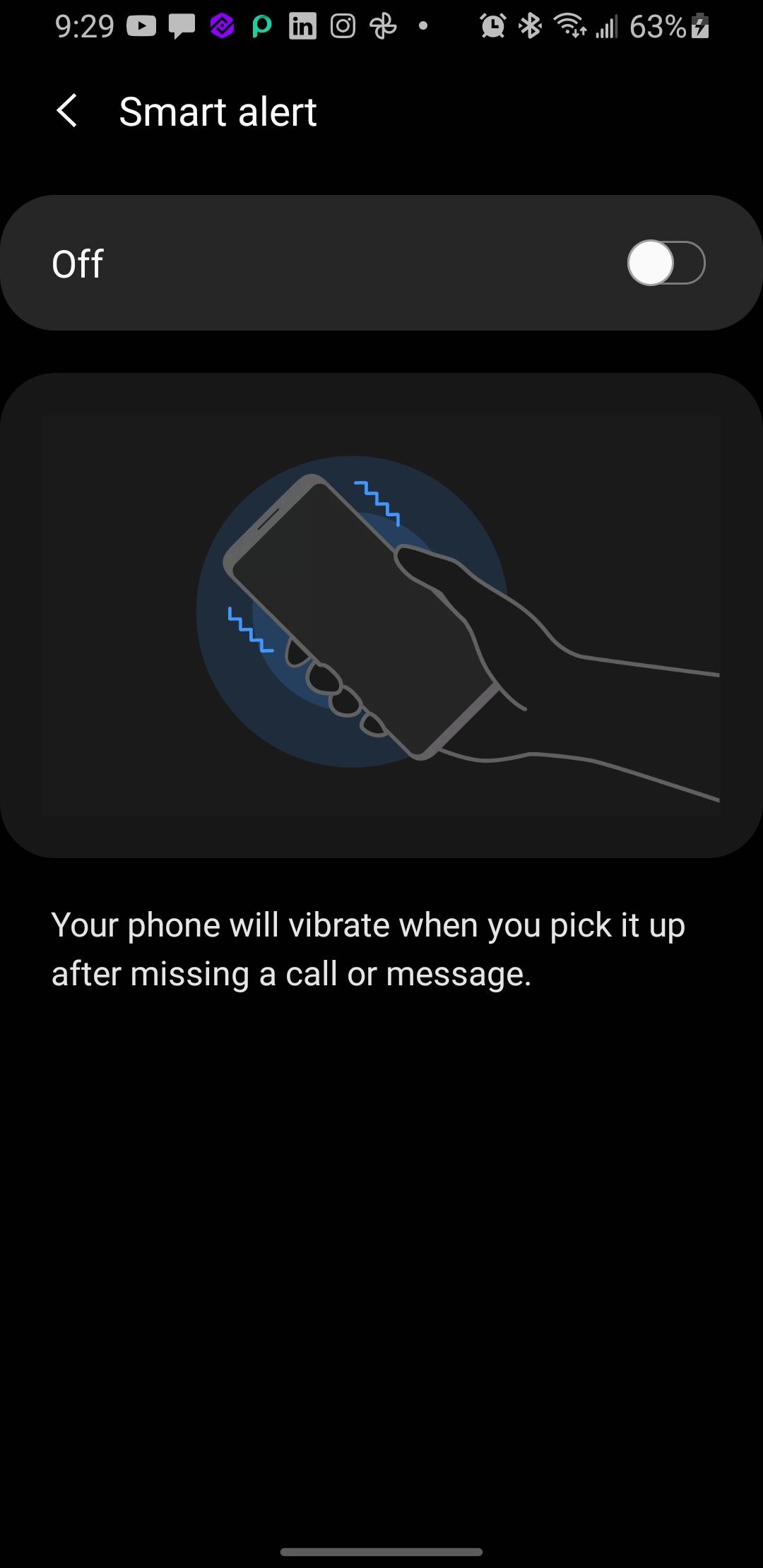
Smartphones use a tiny motor to generate vibrations. When a phone rings or receives a notification, the motor spins a small weight, producing centrifugal force, causing the phone to vibrate, providing tactile feedback. If your Android phone vibrates unexpectedly, it could be due to software or app-related issues, a problem with the phone's physical mechanism, or even a software glitch.
Common Causes of Random Vibrations:
- Software issues: Bugs or glitches in the operating system, apps, or firmware
- App conflicts: Third-party apps might be causing vibrations in the background
- Hardware problems: Issues with the vibration motor or its components
- Settings misconfigurations: Default settings or changes made by the user
Solving Android Mobile Vibrating Problems
Fixing random vibrations on an Android phone is often a matter of trial and error. Try the following steps one after the other to resolve the issue:
Method 1: Restart Your Phone
Restarting your device clears the RAM, resets processes, and gets rid of bugs. This basic troubleshooting step can often resolve the issue.
Method 2: Update Your Phone and Apps
Ensure your phone and apps are up-to-date, as software updates can fix bugs and improve performance.
Method 3: Check Your Settings
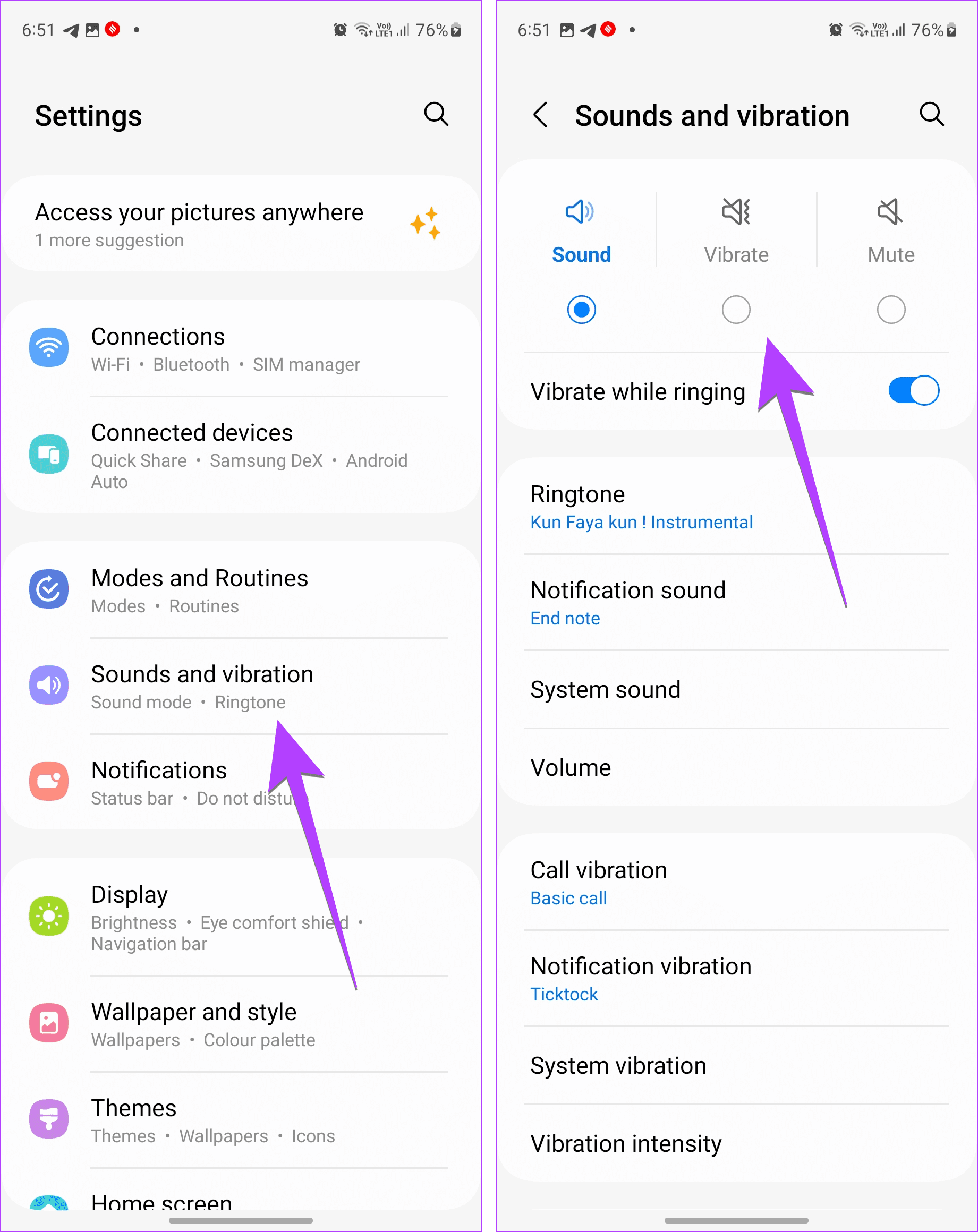
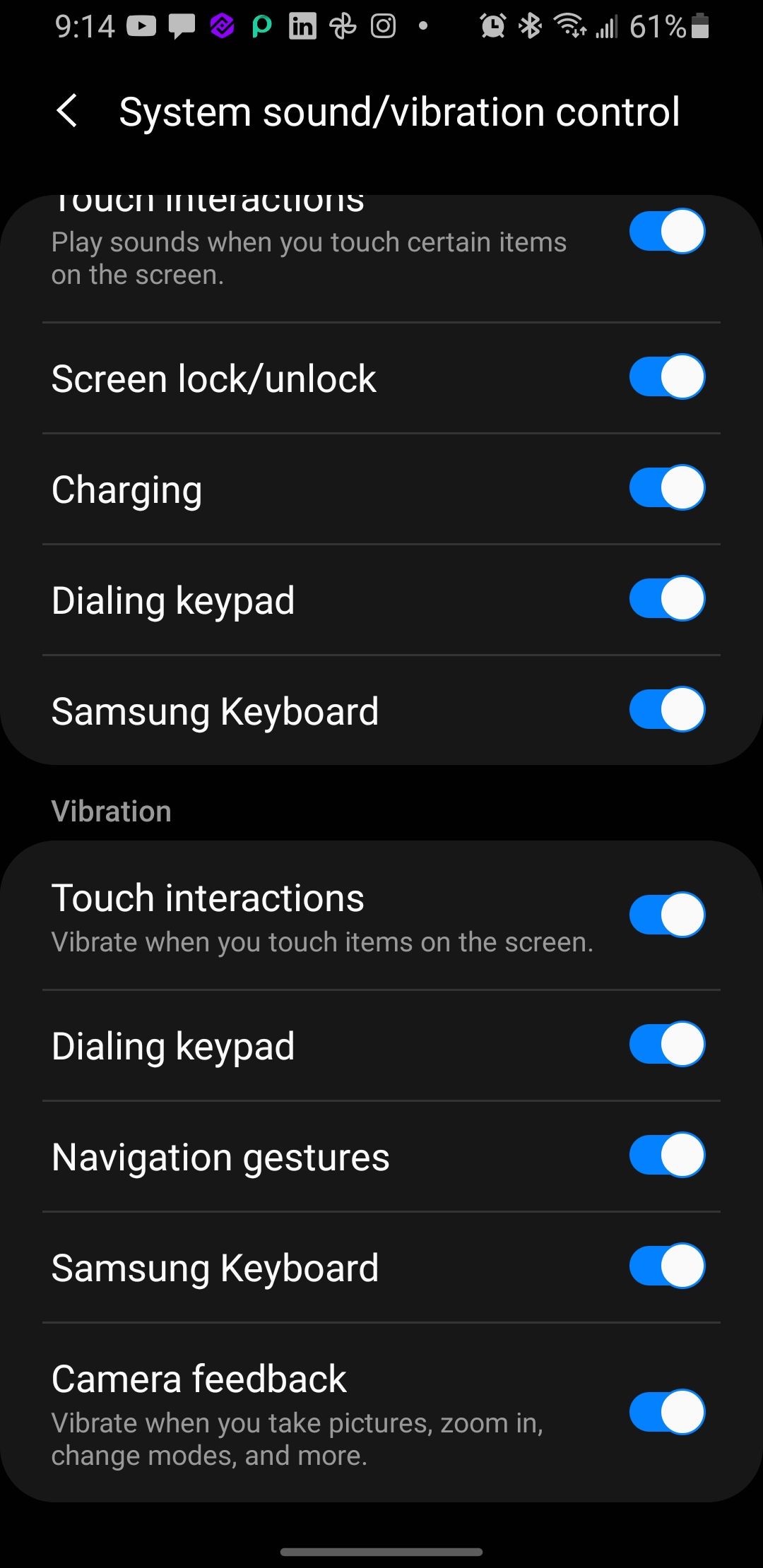
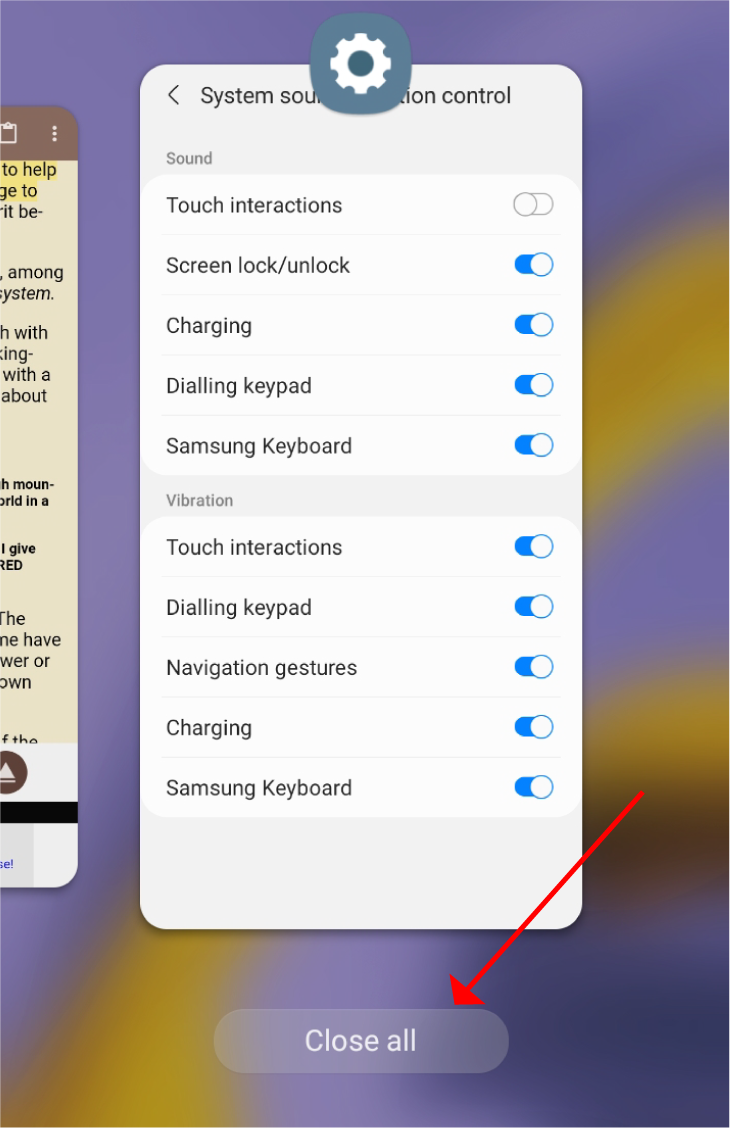
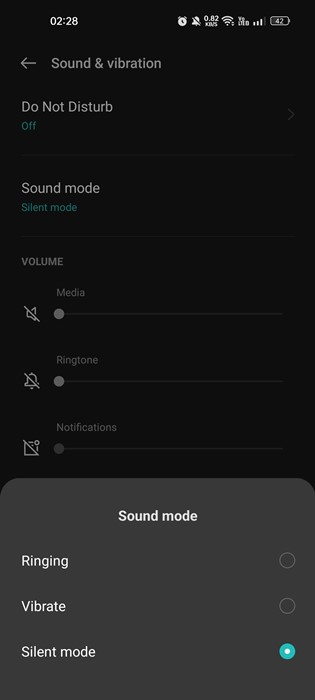
Go to Settings > Sound & vibration > Vibration & haptics and turn off system vibration and haptic feedback.

Method 4: Uninstall Unused Apps
Delete any third-party apps you no longer use or recognize, as they might be causing vibrations in the background.
Method 5: Adjust Vibration Patterns and Intensity
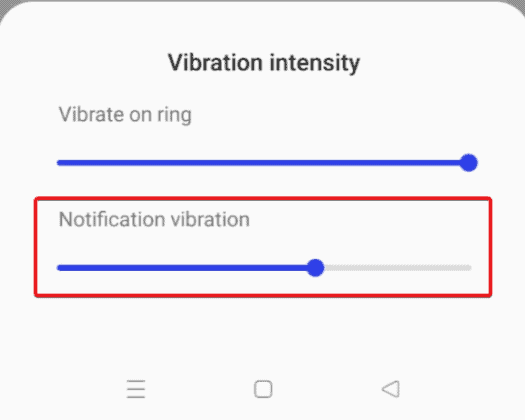
Turn on the device's accessibility settings and adjust vibration patterns and intensity for ringing, notifications, and touch feedback.
Method 6: Disable Keyboard Vibration
Turn off keyboard vibration for apps like Gboard or the default Samsung Galaxy Keyboard.
Method 7: Reset Your Phone
As a last resort, consider a factory reset to wipe your phone's data and settings and start with a clean slate.
Preventing Android Mobile Vibrating Issues
To avoid random vibrations, ensure you regularly:
- Update your phone's software
- Clear junk files and cache
- Close unused apps
- Use a quality vibration motor protectant
By following these tips and troubleshooting methods, you should be able to stop your Android phone from vibrating randomly and enjoy a more peaceful daily experience.




![[Working] Top 10 Ways to Fix Vibrations Not Working on Android](https://static1.howtogeekimages.com/wordpress/wp-content/uploads/2023/09/downloadbutton-for-software-updates.png "[Working] Top 10 Ways to Fix Vibrations Not Working on Android")