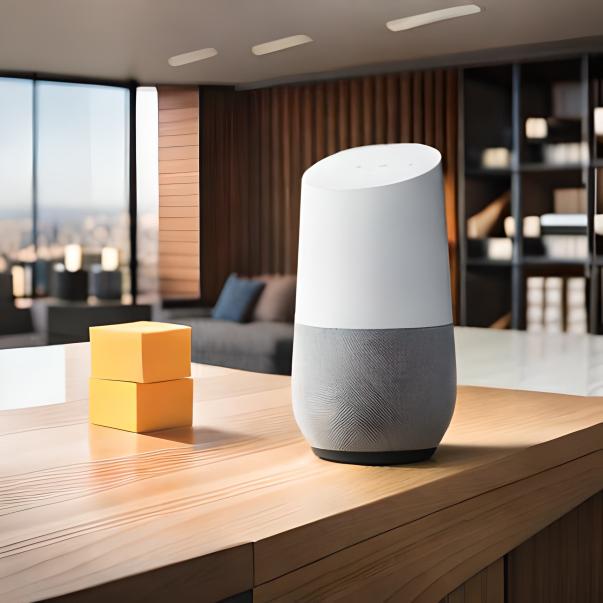
Setting up Google Home for Smart Blinds Control: A Comprehensive Guide
In today's smart home era, automating your window treatments using Google Home has become a convenient and stylish way to enhance your living space. With Google Home and smart blinds, you can control your shades with just your voice, schedule automation, and integrate various smart devices for a seamless home experience. In this article, we'll guide you through the process of setting up Google Home for smart blinds control, highlighting the benefits, steps, and compatible brands.
Benefits of Integrating Google Home with Smart Blinds
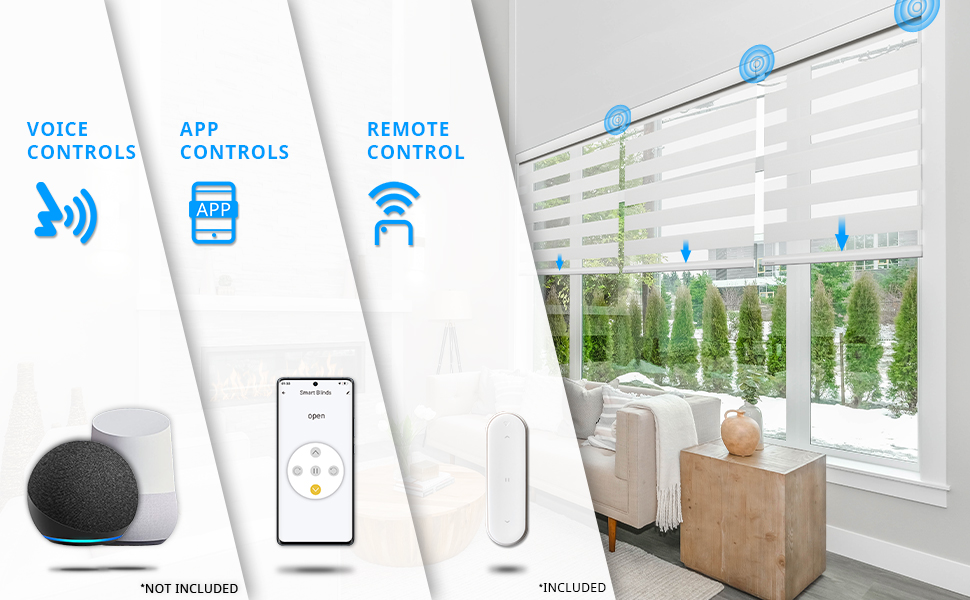
- Convenience: Control your blinds with your voice or remotely through the Google Home app, making it hassle-free to adjust the lighting in every room.
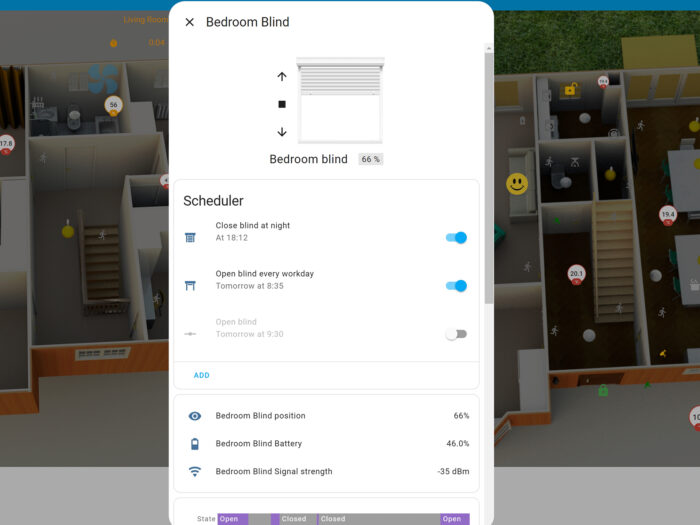
- Automation: Set schedules for automated control of your shades, ensuring perfect timing for natural light and darkness.
- Integration: Combine your smart blinds with other smart devices for customized routines and enhanced home control.
Prerequisites for Setting Up Google Home for Smart Blinds Control
- Smart blinds: You'll need motorized blinds compatible with Google Home, such as those with Z-Wave or Zigbee connectivity.
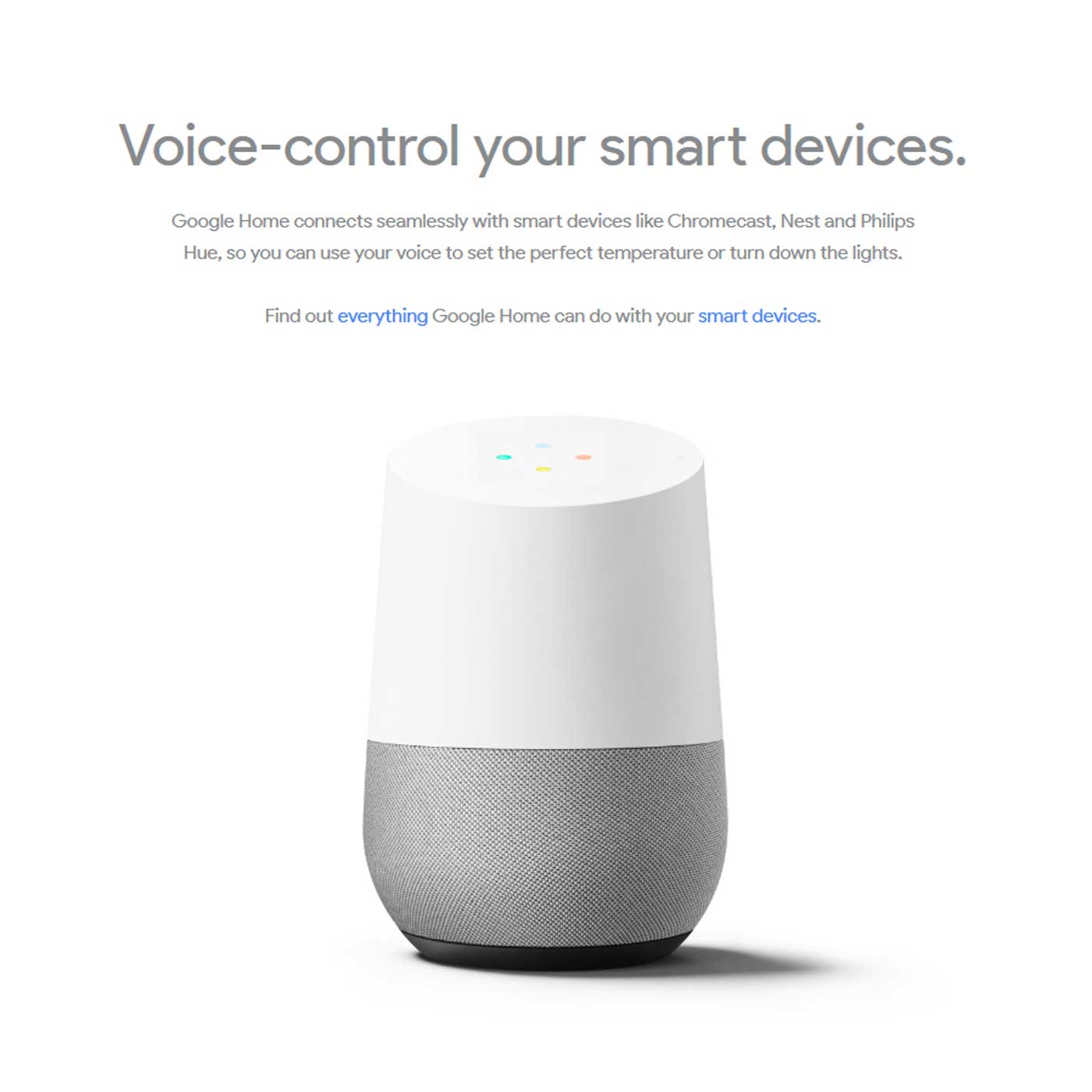
- Google Home device: A Google Home speaker, display, or smart display is required for voice control.
- Google Home app: Ensure your Google Home device is linked to the Google Home app and connected to your Google account.
Step-by-Step Setup Guide
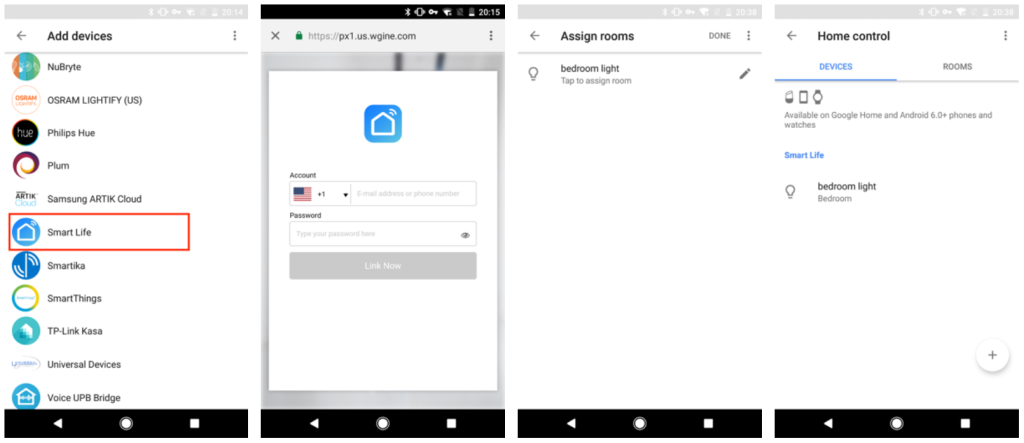
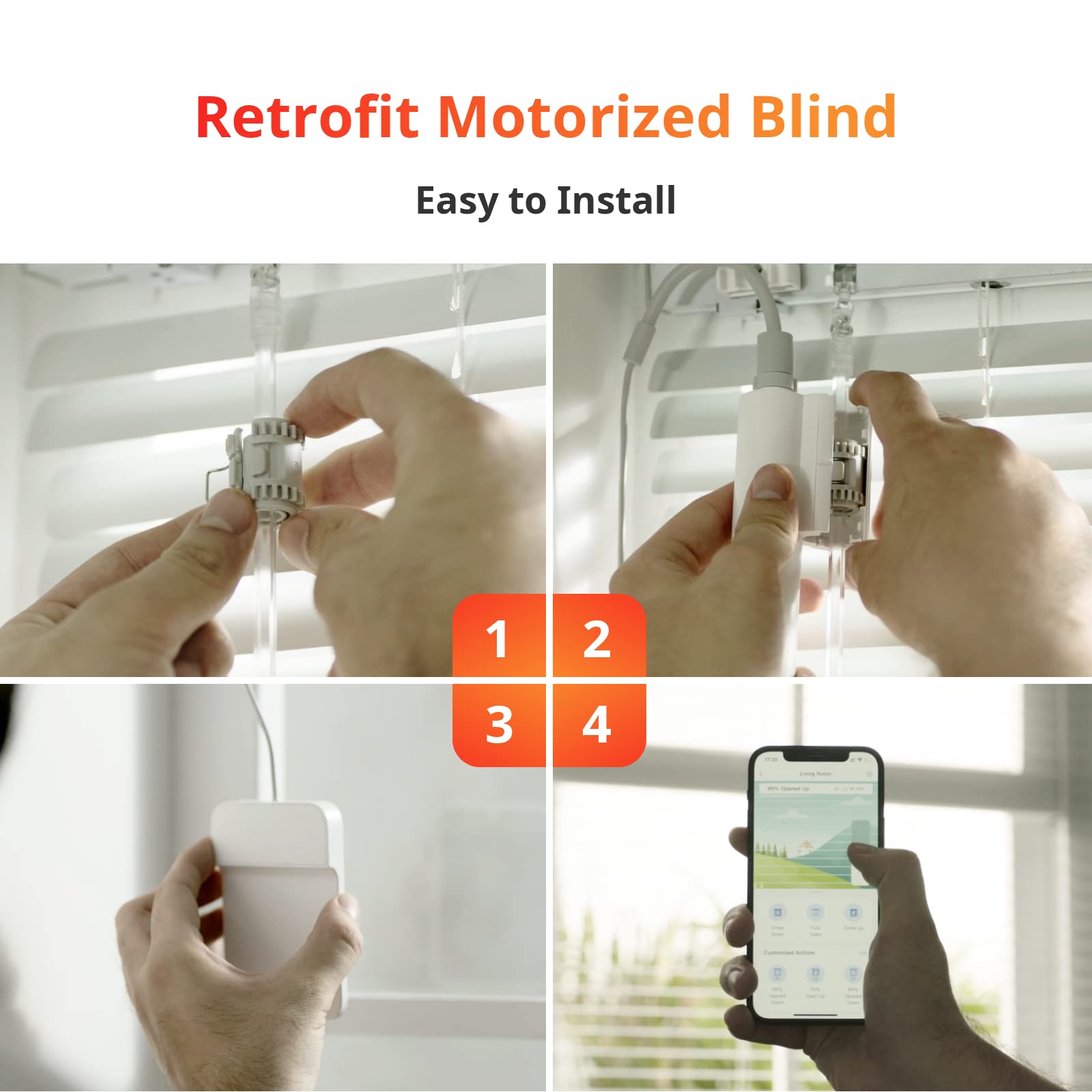
Connecting your smart blinds to Google Home is a straightforward process:
- Download and install the Google Home app.
- Add your smart blinds to the Google Home app, selecting the brand and model.
- Link your smart blinds hub to the Google Home account.
- Enable voice control for your smart blinds in the Google Home app.
Popular Smart Blind Brands Compatible with Google Home
- Lutron Caseta: Offers seamless integration with Google Home for voice control and automation.
- Hunter Douglas: Compatible with Google Home, providing stylish and intuitive control over your shades.
- Somfy: Powering smart window treatments with Google Assistant, TaHoma, and Google Home, for easy voice control.
Customizing Your Smart Blind Control Experience
Upon setting up your Google Home and smart blinds, you can customize your experience with voice commands and automation routines:
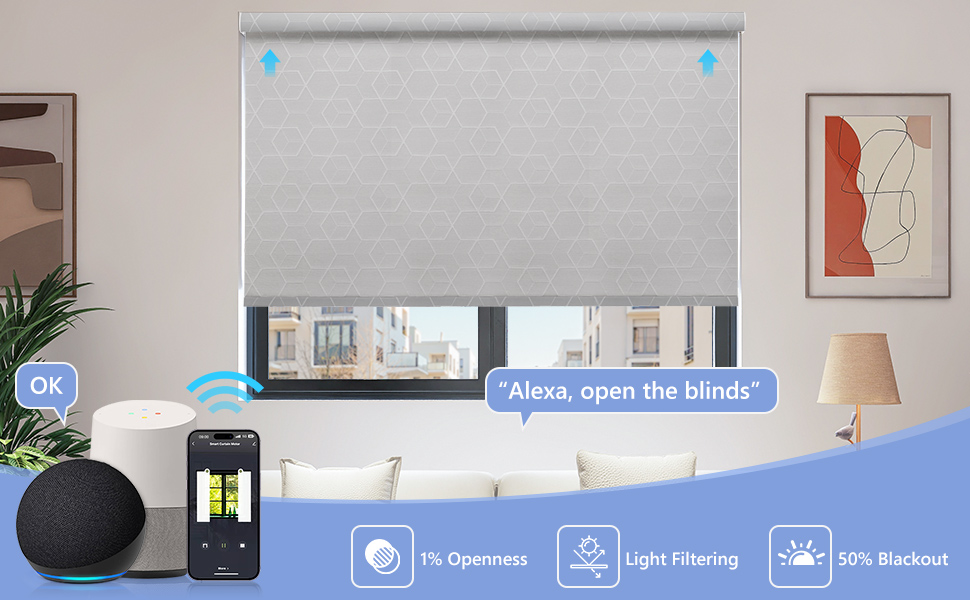
- Use voice commands to open, close, or set your blinds to a specific position.
- Integrate your smart blinds with other smart devices for customized routines and schedules.
- Take advantage of Google Home's advanced features, such as finding and using rooms, areas, and window coverings to match your home's layout.
Conclusion
Setting up Google Home for smart blinds control offers a convenient and elegant way to take control of your window treatments. With this comprehensive guide, you'll be able to seamlessly integrate your smart blinds with Google Home, enhancing your living space's lighting and ambiance. Say goodbye to tedious adjusting of blinds and hello to a smarter, more connected home experience.