Setting Up Alexa with Smart Lights: A Comprehensive Guide
Learn how to effortlessly connect and control your smart lights with Alexa, the ultimate virtual assistant, and unlock a world of convenience, energy efficiency, and unparalleled home automation.
What are Smart Lights and How Do They Work with Alexa?
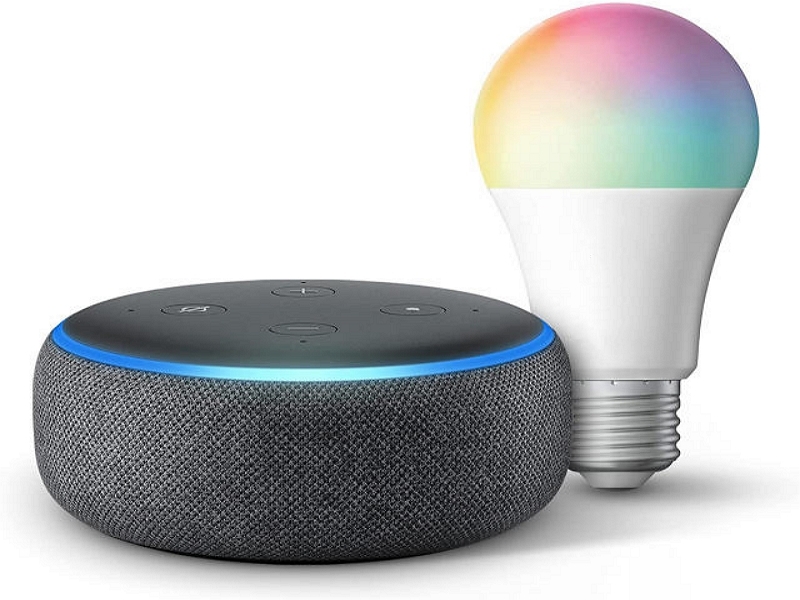
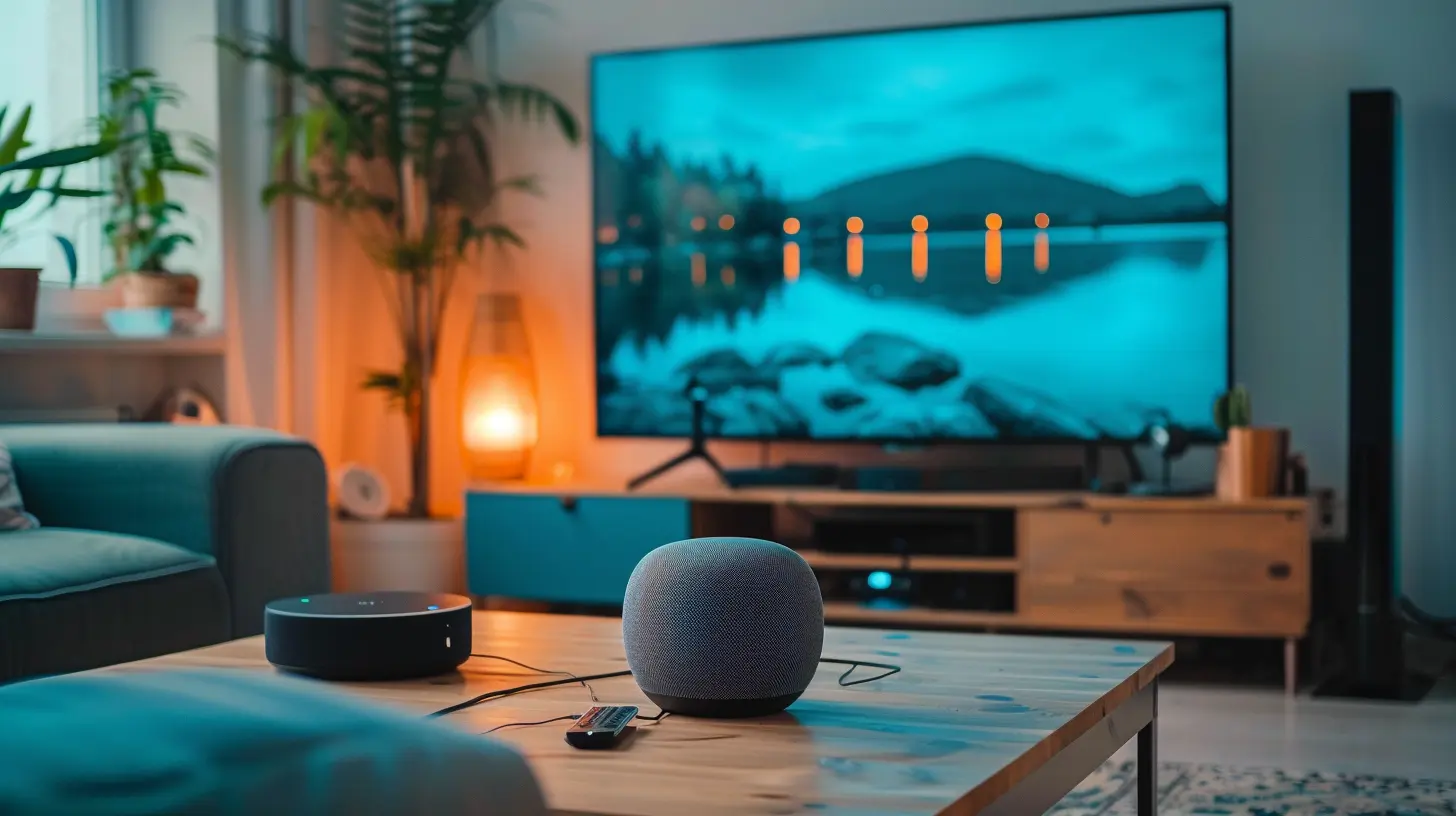
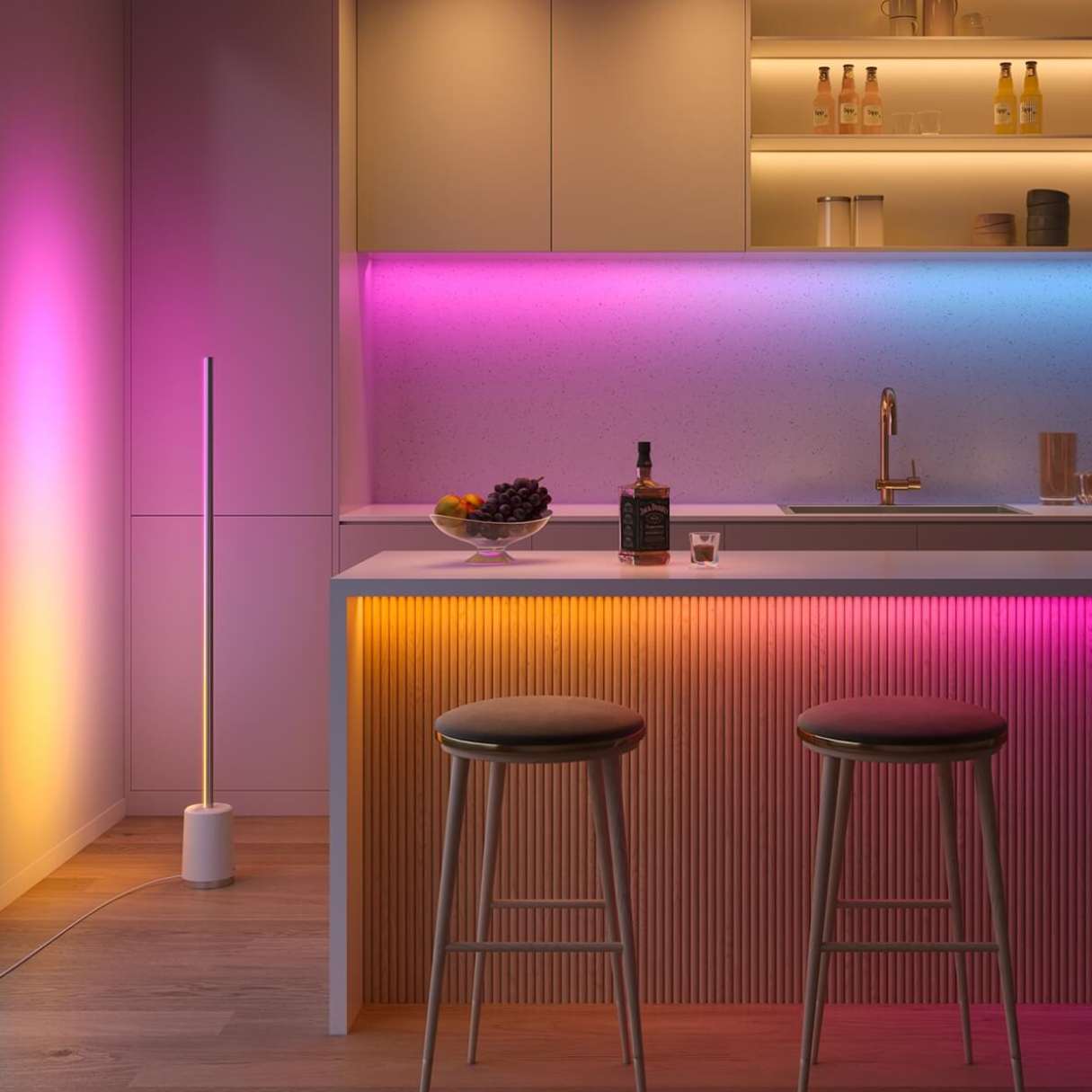
Smart lights are lighting fixtures that can be controlled wirelessly using a smartphone, tablet, or other device, providing users with unparalleled flexibility and customization options. They can be integrated with various smart home systems, including the Amazon Alexa platform. When connected to Alexa, users can control their smart lights with voice commands, creating an unparalleled home automation experience.
The Benefits of Setting Up Alexa with Smart Lights
Setting up Alexa with smart lights offers numerous benefits, including:
- Convenience:** Control your lights from anywhere using voice commands, eliminating the need for multiple remotes or physical devices.
- Energy Efficiency:** Dim or turn off lights remotely to reduce energy consumption and save on utility bills.
- Personalization:** Customize lighting scenes, schedules, and alarms to match your preferences and daily routines.
- Enhanced Security:** Add an extra layer of security by automating lights to turn on and off when you're away from home.
Popular Smart Lights Compatible with Alexa
The following smart lights can be connected with Alexa:
- Philips Hue:** Philips Hue is one of the most popular and versatile smart light systems on the market.
- LIFX:** LIFX is known for its energy-efficient LED bulbs and seamless integration with Alexa.
- Sengled:** Sengled offers a wide range of smart bulbs and strips, compatible with Alexa and other smart home systems.
- TP-Link:** TP-Link's smart lighting solutions offer affordability and ease of use.
- Wyze:** Wyze is a budget-friendly option that integrates perfectly with Alexa.
How to Set Up Alexa with Smart Lights

Setting up Alexa with smart lights is a straightforward process:
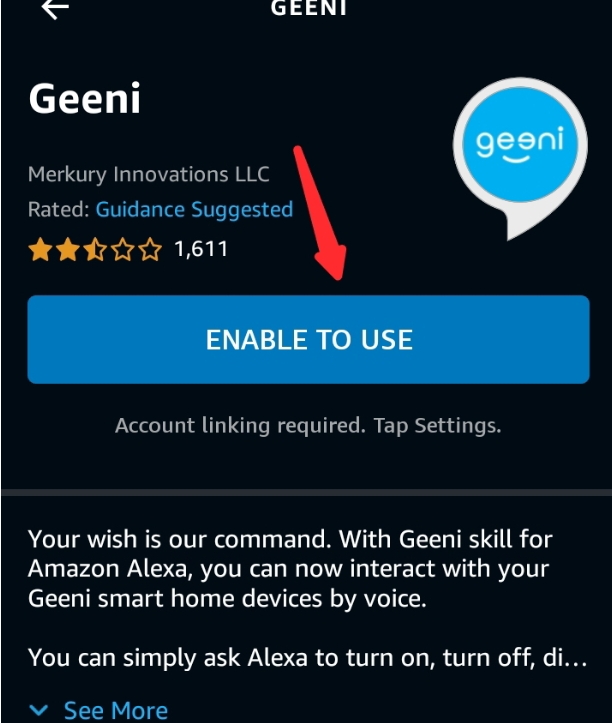
- Step 1:** Download and install the Alexa app on your smartphone or tablet.
- Step 2:** Sign in to your Amazon account and connect your smart lights to the Alexa app.
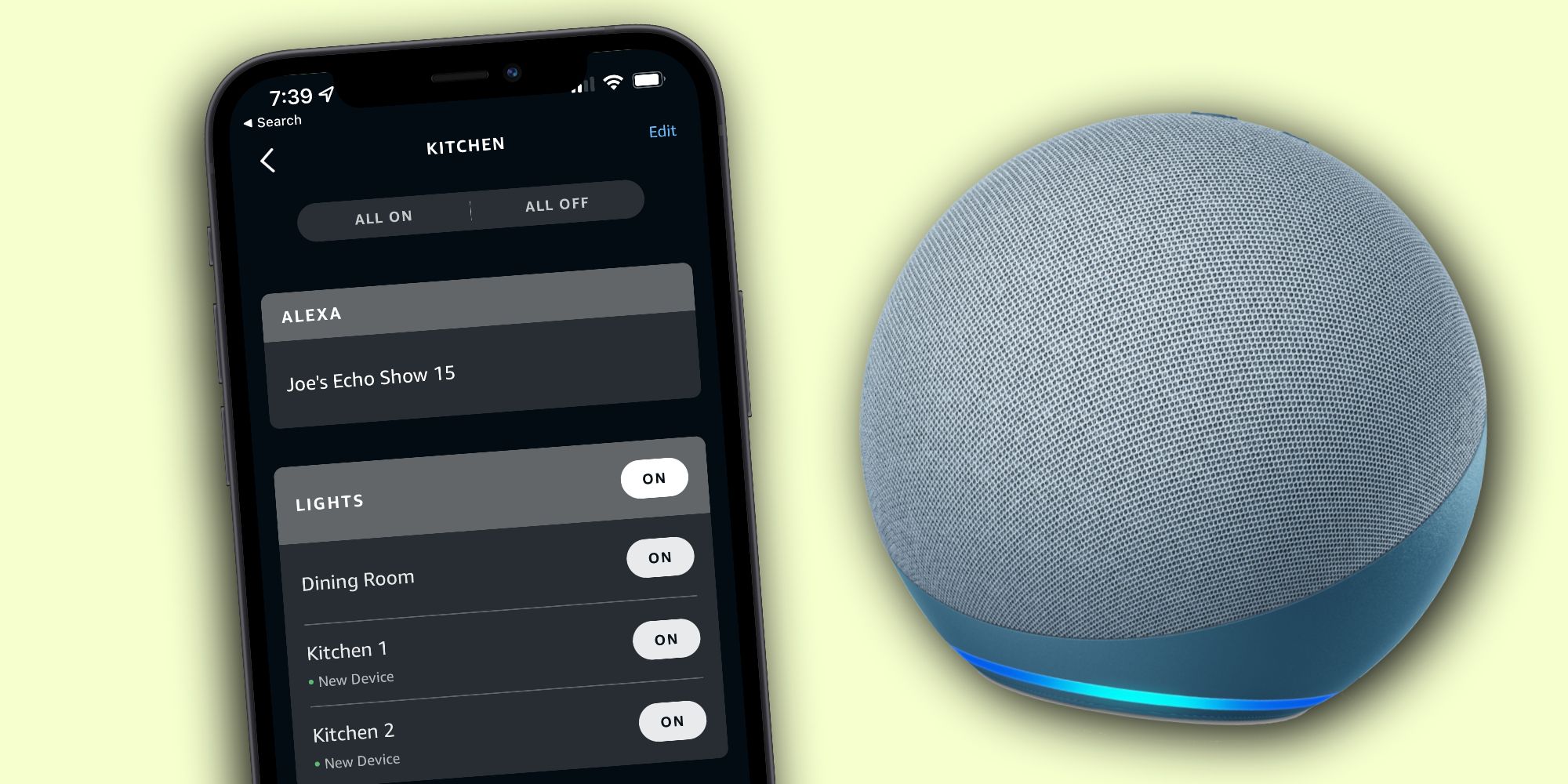
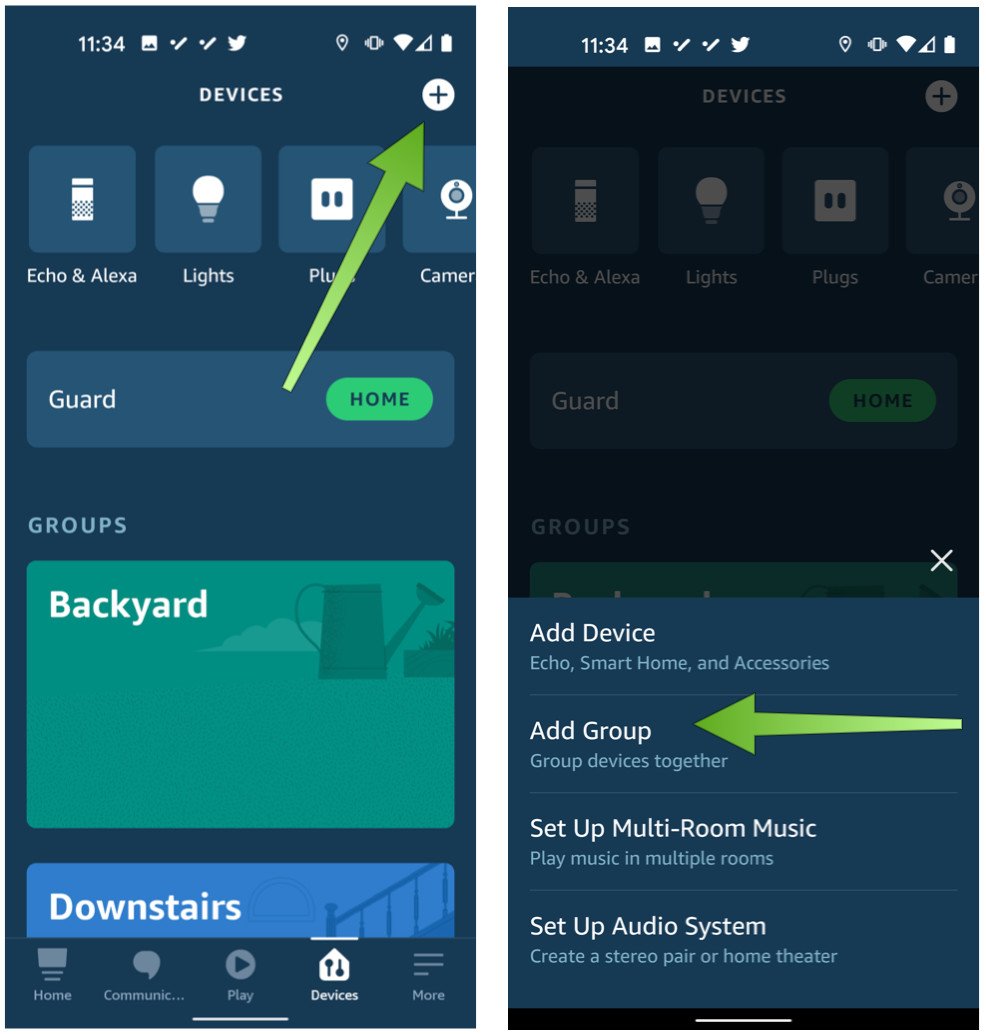
- Step 3:** Name and organize your lights in the Alexa app.
- Step 4:** Link your smart lights to Alexa Routines or Scenes to control multiple devices at once.
- Step 5:** Voice-enable your smart lights using Alexa voice commands.
Troubleshooting Common Issues with Alexa and Smart Lights
Common issues and solutions:
- Alexa fails to detect lights:** Restart your router, ensure the light is paired with Alexa, or check for firmware updates.
- Voice control issues:** Update the Alexa app, check for voice command recognition issues, or reset the smart light device.
- Inconsistent responses:** Check for software updates, reset the device, or consult the manufacturer's support page.
Getting Started with Smart Lights
Getting started with smart lights is easier than ever:
- Most smart lights come with simple installation instructions:** Follow the manufacturer's guidelines to install and pair the device.
- Use the manufacturer's app or hub to set up schedules and scenes:** Configure your smart lights to turn on and off automatically or adjust based on specific events.
Conclusion
Setting up Alexa with smart lights is a gateway to a seamless and immersive smart home experience. By following this comprehensive guide, you can seamlessly connect and control your smart lights with Alexa, enjoy unparalleled convenience, and unlock the full potential of your home automation system.