Securing Wireless Router from Hackers: Essential Tips for Protecting Your Network
Your home network is vulnerable to cyber threats, and a weak wireless router security can leave your entire network exposed. To prevent hackers from accessing your home network and devices, it's essential to follow these tips for securing your wireless router.Understand the Risks
Your wireless router is the gateway to your home network, and it requires proper security to protect your devices and data from cyber threats. If you don't secure your home Wi-Fi network, hackers can steal sensitive information, hack into your devices, and even use your network to perform malicious acts.Basic Router Security
To secure your wireless router, follow these basic steps:- Change your router's default admin password and username.
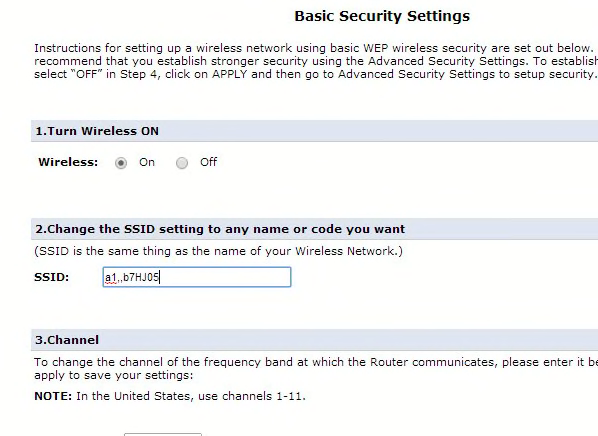
- Change your Wi-Fi network name (SSID) and password.
- Use WPA3 encryption.
- Update your router's firmware regularly.
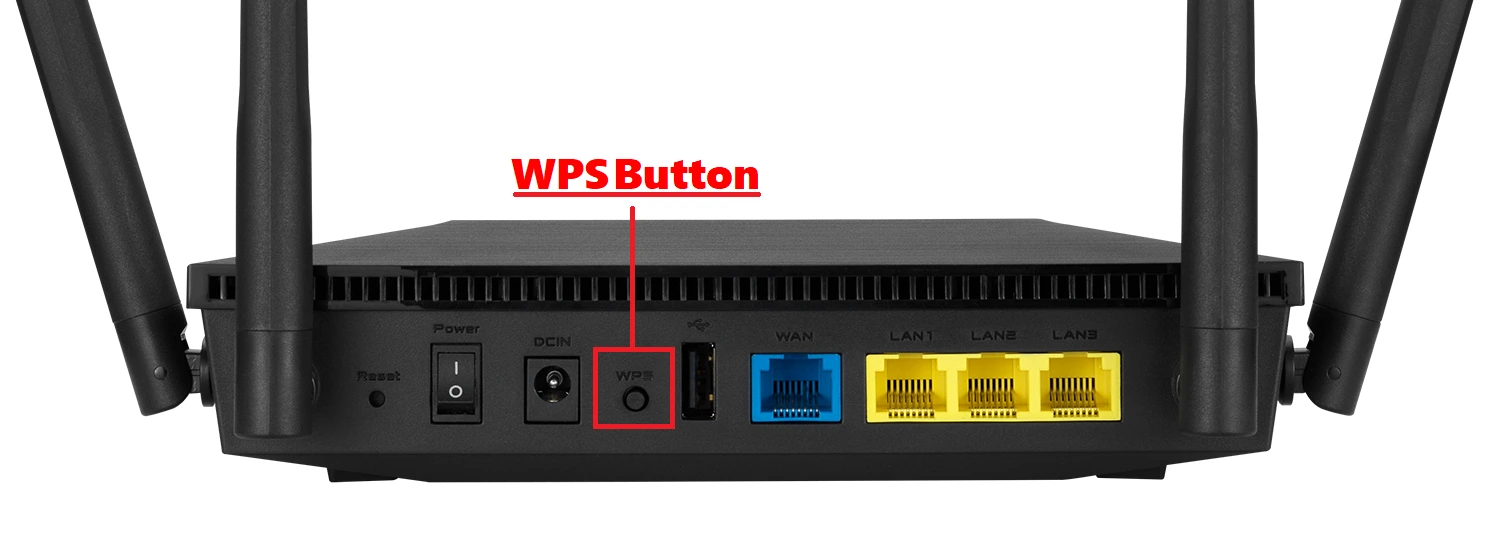
- Disable the WPS feature.
Optimize Your Wi-Fi Settings
Optimizing your Wi-Fi settings can help improve your network's security and performance:- Change your Wi-Fi channel to avoid overlap and interference.
- Enable Quality of Service (QoS) to prioritize traffic.
- Use a guest network to isolate visitors and devices.
- Set up a schedule to turn off your Wi-Fi at night or when not in use.
Monitor Your Network
Monitoring your network can help you detect any suspicious activity and prevent hacking attempts:- Use a network monitoring tool to track network activity.
- Check your router's logs for any suspicious activity.
- Use a port scanning tool to detect unauthorized devices.
Update Your Router's Firmware
Updating your router's firmware regularly can help patch security vulnerabilities and improve performance:- Check your router manufacturer's website for firmware updates.
- Update your router's firmware regularly, especially after major security patches.

Protect Your Devices
To protect your devices from hacking, follow these tips:- Enable remote access for devices only when necessary.
- Use two-factor authentication (2FA) to add an extra layer of security.
- Keep your device's operating system and software up to date.
- Use antivirus software and a firewall to protect your devices.