Secure Router Wireless Security: Protecting Your Home Network
In today's digital age, securing your home network is more crucial than ever. With the increasing number of devices connected to the internet, the risk of cyber threats and data breaches is greater than ever. In this article, we will guide you on how to protect your home network with a secure router wireless security setup.
What is Secure Router Wireless Security?
Secure router wireless security refers to the measures taken to protect your home network from unauthorized access, cyber threats, and data breaches. A secure router wireless security setup ensures that your network is safe and protected from hackers, malware, and other online threats.
Why is Router Security Important?
Router security is crucial because it protects your home network from various types of threats, including:
- Unauthorized access: Strangers may access your network and steal sensitive information.
- Data breaches: Hackers may steal your personal data and use it for malicious purposes.
- Malware and viruses: Your devices may become infected with malware and viruses, which can lead to system crashes and data loss.
- Denial of Service (DoS) attacks: Your network may be overwhelmed with traffic, causing it to become unresponsive or crash.
How to Constitute a Secure Router Wireless Security Setup
Here are some tips to help you constitute a secure router wireless security setup:
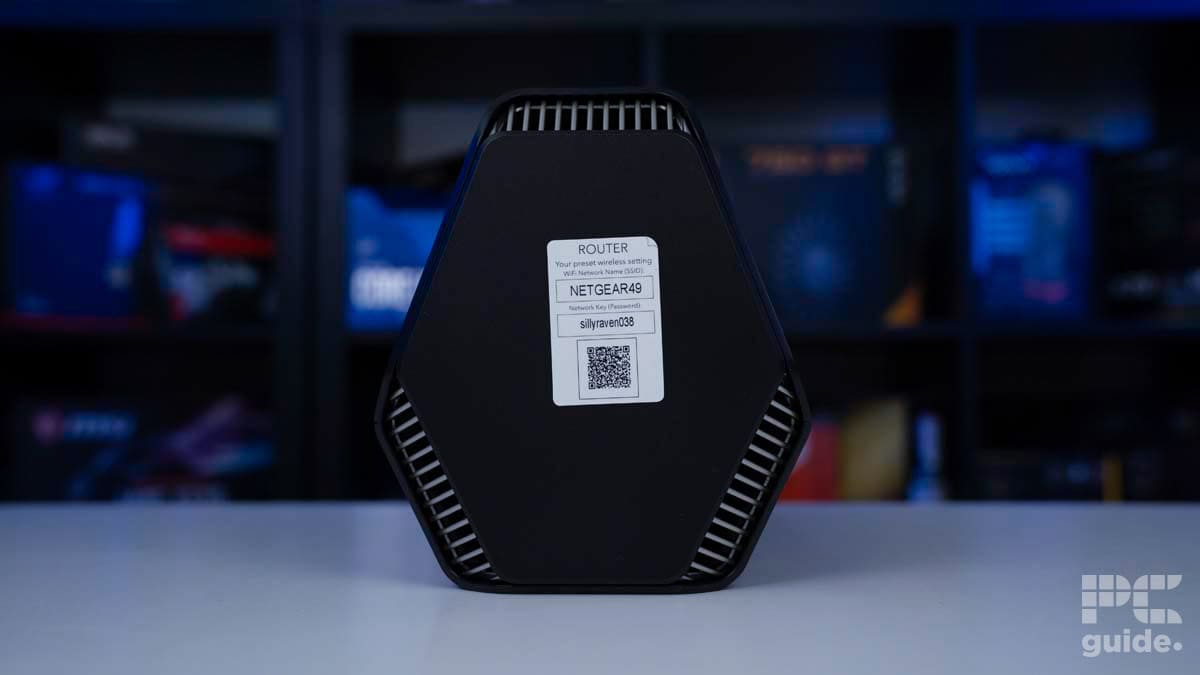
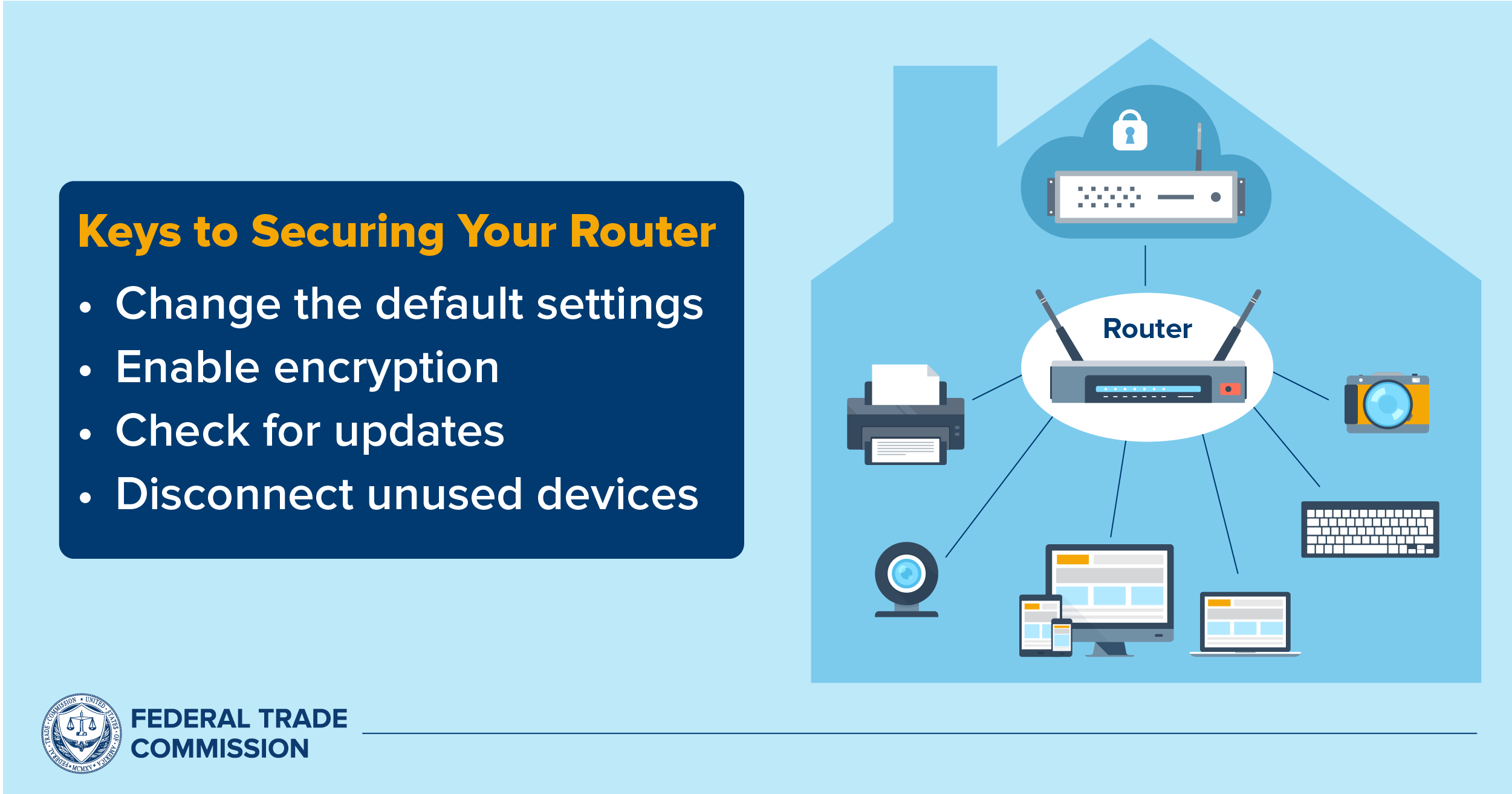
1. Change the Default Router Password
The default router password is easily guessable and can be accessed by hackers. Change the default password to a strong and unique one to prevent unauthorized access.
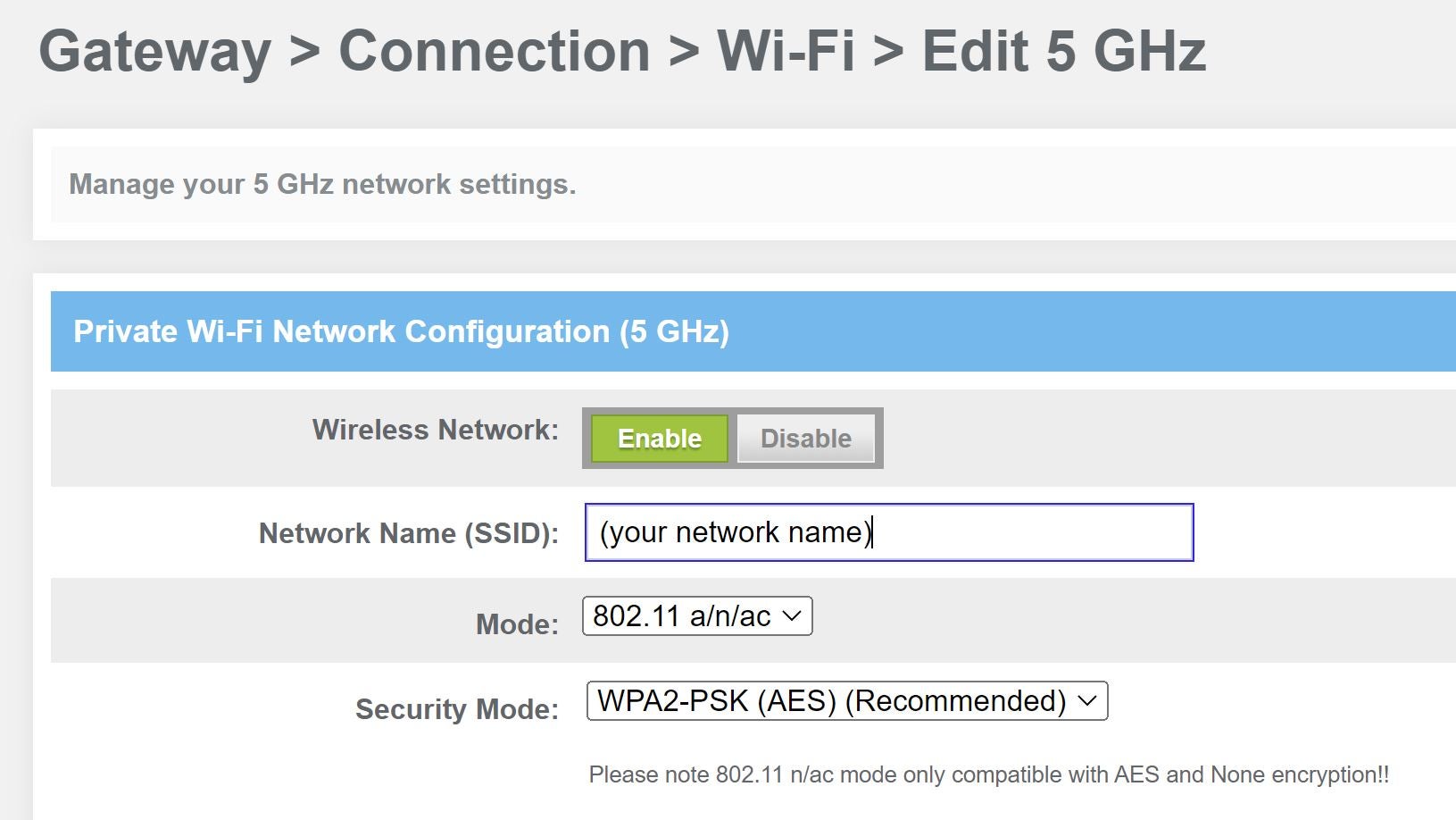
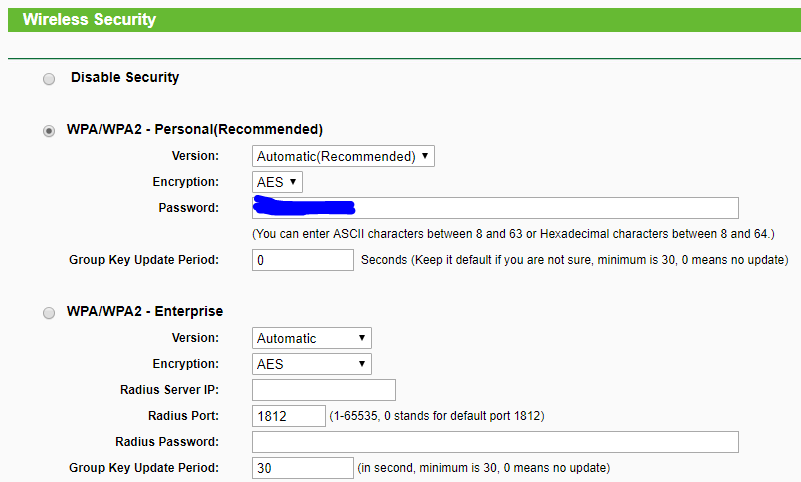
2. Enable WPA3 Encryption
WPA3 (Wi-Fi Protected Access 3) is a newer encryption protocol that provides stronger security than WPA2. Enable WPA3 encryption on your router to ensure that your data is encrypted and protected.
3. Use a VPN (Virtual Private Network)
A VPN creates a secure and encrypted tunnel between your device and the internet. Use a VPN to protect your data from hackers and surveillance agencies.
4. Update Your Router Firmware Regularly
Regularly update your router firmware to ensure that you have the latest security patches and features. This will help you stay protected from known vulnerabilities and threats.
5. Use a Strong SSID (Network Name)
Choose a strong and unique SSID (network name) that is not easily guessable. Avoid using your name, email address, or other personal information in your SSID.
6. Disable WPS (Wi-Fi Protected Setup)
WPS is a feature that allows you to easily connect devices to your network. However, it can also be exploited by hackers to gain unauthorized access. Disable WPS to prevent this.
Conclusion
Securing your home network with a secure router wireless security setup is crucial in today's digital age. By following the tips outlined in this article, you can protect your network from unauthorized access, cyber threats, and data breaches. Remember to always keep your router firmware up to date, use strong passwords, and enable WPA3 encryption to ensure that your network is secure and protected.
Featured Routers for Secure Router Wireless Security
-
TP-Link Archer AX21 Router:
Enabled with WPA3 encryption and a strong SSID.
-
ASUS RT-AC86U Router:
Features a robust security system with WPA3 encryption and a secure VPN.
-
Netgear Nighthawk R7000 Router:
Comes with a strong SSID and advanced security features, including WPA3 encryption.
Shop for Secure Routers
Visit our website to shop for secure routers that meet your needs. Our expert team will help you find the perfect router for your home network.
Stay secure and connected with the best router for your needs!