Router Security Configuration: Protecting Your Home Network from Cyber Threats
As a homeowner, you rely on your router to provide a secure and stable internet connection for all your devices. However, with the ever-growing number of connected devices and the increasing sophistication of cyber threats, it's essential to ensure that your router security configuration is up to par. A weak or outdated router security configuration can leave your entire network vulnerable to attacks, compromising your personal data and putting your devices at risk.
Understanding Router Security Configuration
A router security configuration refers to the settings and features that help protect your network from unauthorized access, malicious activities, and other cyber threats. This includes configuring your router's firewall, setting up a secure password, and enabling features like WPA3 encryption and VLANs. By implementing a robust router security configuration, you can significantly reduce the risk of your network being compromised.
Essential Router Security Configuration Settings
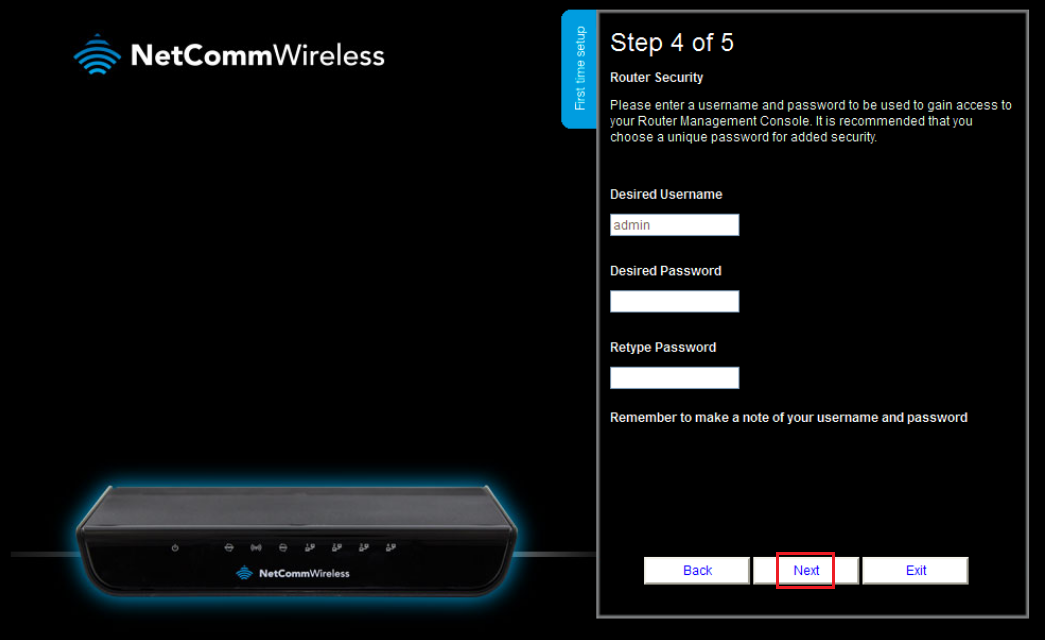
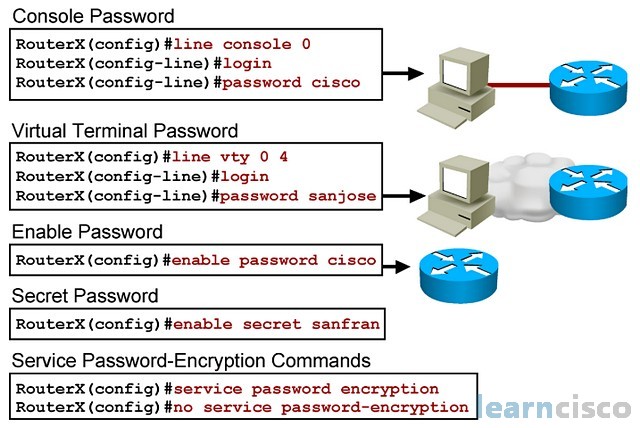
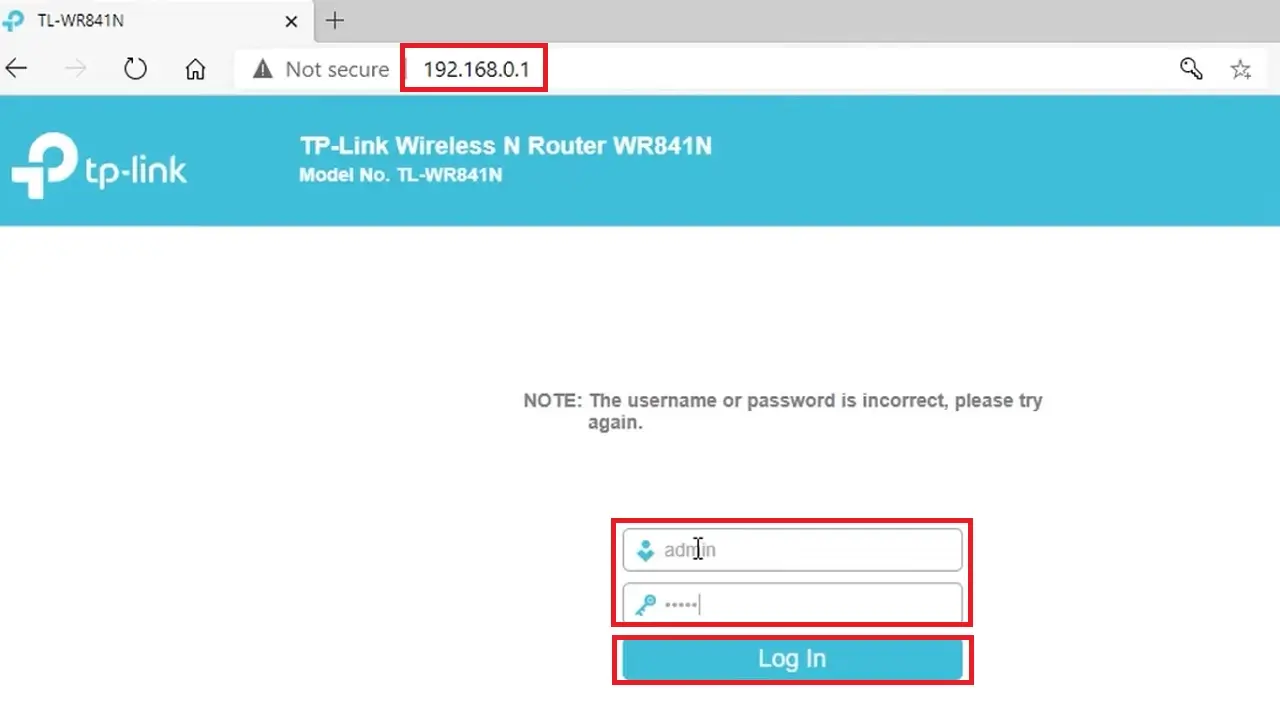
- Change your router login username and password: The default username and password that come with your router are easily guessable and should be changed immediately to prevent unauthorized access.
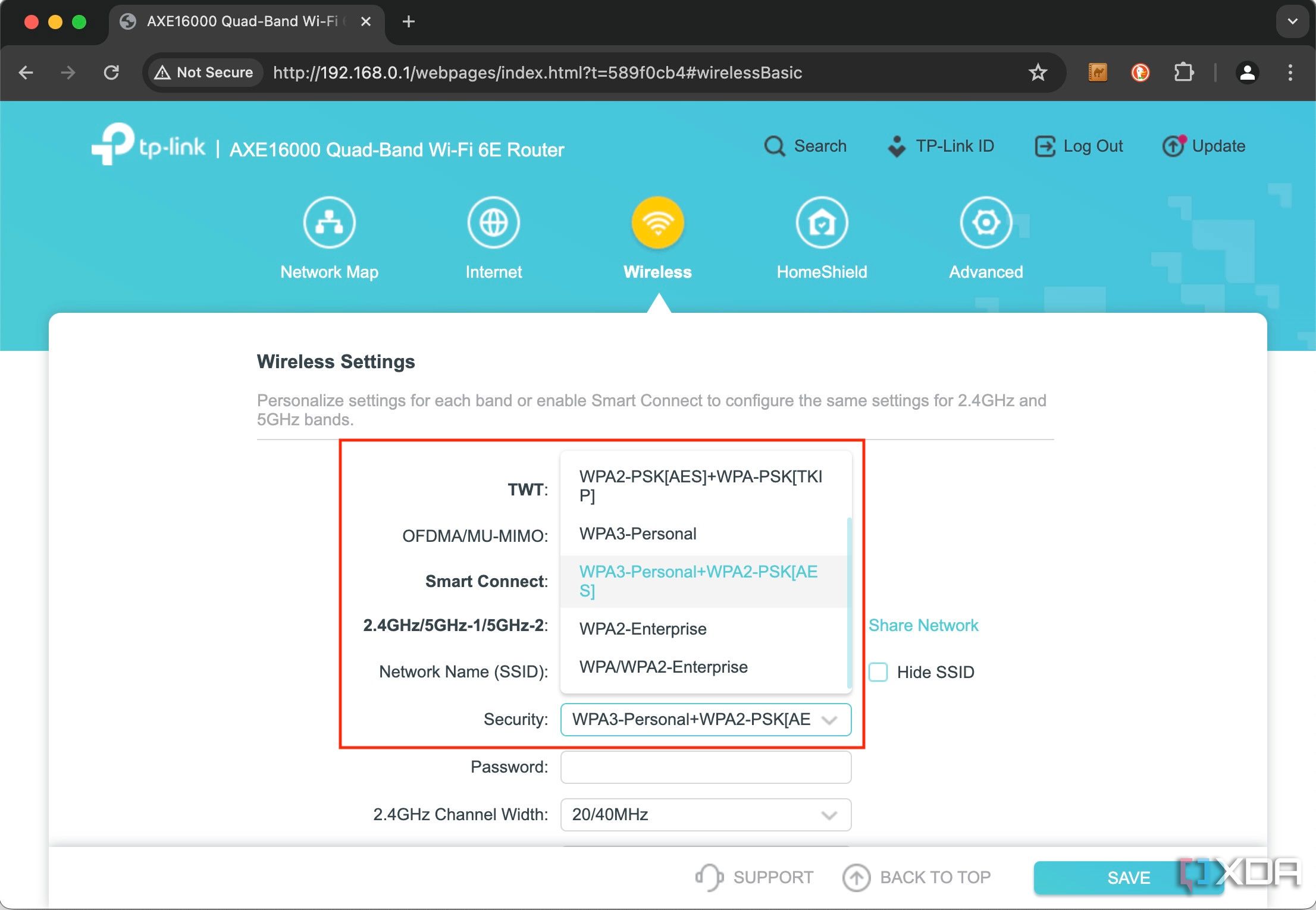
- Enable WPA3 encryption: WPA3 is the latest Wi-Fi encryption standard, offering the strongest security for your network.
- Set up a guest network: A guest network allows visitors to access the internet without being able to traverse your main network, providing an additional layer of security. li>Disable remote access: Remote access allows you to manage your router from the internet, but it also poses a security risk. If you don't need remote access, disable it to prevent unauthorized access to your router.
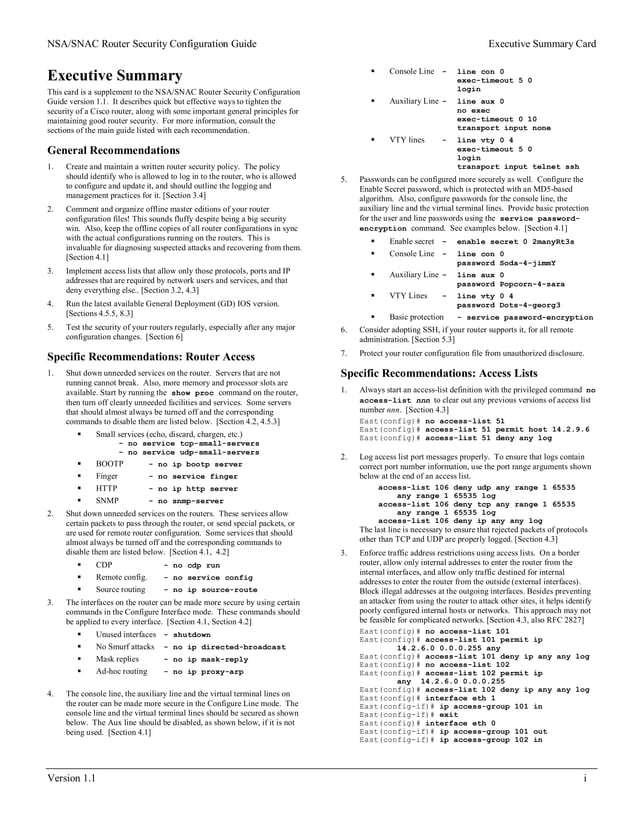
- Update your router's firmware regularly: Firmware updates usually include security patches and new features, so it's essential to keep your router's firmware up to date.
- Set up a VPN: A virtual private network (VPN) encrypts your internet traffic, making it more difficult for hackers to intercept your data.
- Enable firewall rules: Firewalls help block unauthorized incoming and outgoing traffic, protecting your network from attacks.
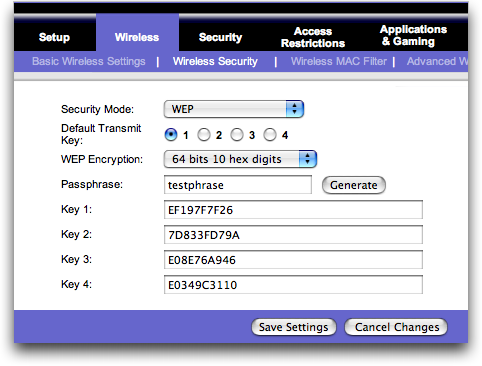
- Set up a secure password for your wireless network: A strong password should include a mix of characters, numbers, and special characters to prevent brute-force attacks.
Best Practices for Router Security Configuration
To ensure your router security configuration is robust, follow these best practices:
- Regularly update your router's firmware and software.
- Use strong and unique passwords for your router and wireless network.
- Enable WPA3 encryption and disable WPS for added security.
- Regularly inspect your router's logs for suspicious activity.
- Consider setting up a VPN and firewall for added security.
Conclusion
Ensuring your router security configuration is up to par is crucial for protecting your home network from cyber threats. By following the essential router security configuration settings and best practices outlined in this article, you can significantly reduce the risk of your network being compromised and enjoy a secure and stable internet connection for all your devices.
_20240830055723o.jpg "How to Secure Your Router & Protect Your Network | Essential Tips - NETGEAR")
![[Wireless] How to make my router more secure? - ASUS](https://r2.ecomputertips.com/imgs/article/how-to-change-router-security-settings/8.webp "[Wireless] How to make my router more secure? - ASUS")


![[Wireless Router] How do I enter my ASUS router's setting page using ...](https://askanydifference.com/wp-content/uploads/2025/06/fundamental-router-security-settings.jpeg "[Wireless Router] How do I enter my ASUS router's setting page using ...")