Protecting Computer From Ransomware Infection: Tips and Best Practices
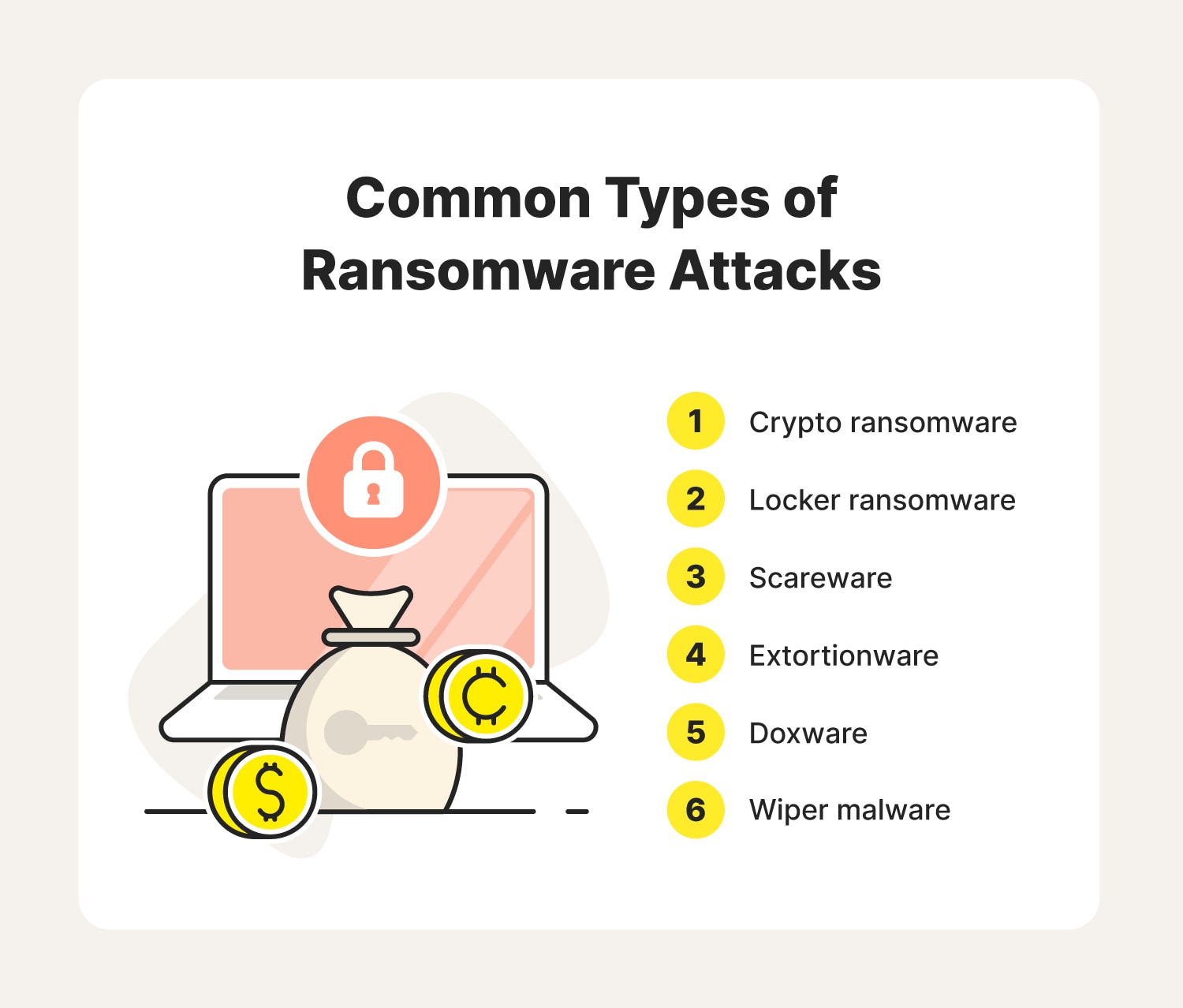
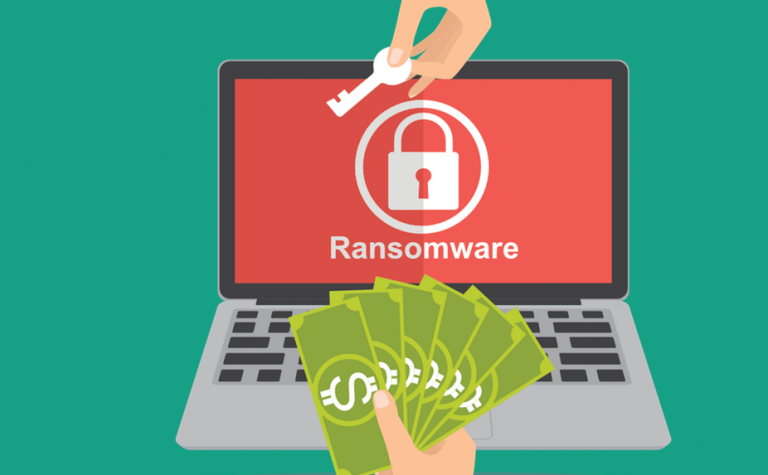
Ransomware is a type of malware that encrypts your files or stops you from using your computer until you pay money (a ransom) for them to be unlocked. If your computer is connected to a network, ransomware may also spread to other computers or storage devices on the network. It's essential to understand the ways you can get infected by ransomware and take preventive measures to protect your computer and data.
How Ransomware Infection Happens
Some of the ways you can get infected by ransomware include:
- Visiting unsafe, suspicious, or untrusted websites
- Opening email attachments or downloading software from unknown sources
- Installing malware-infected applications
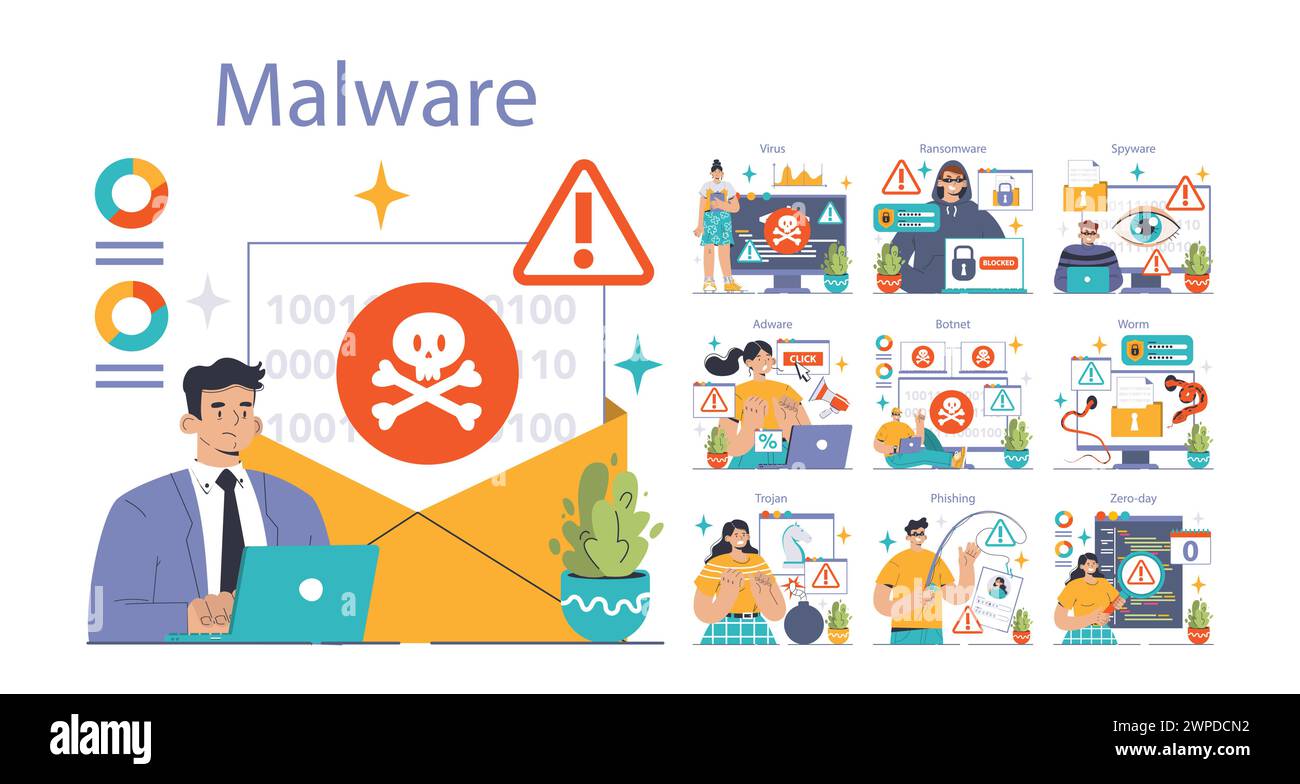
- Clicking on phishing emails or pop-ups
- Using outdated operating systems or software
- Not keeping your operating system and software up-to-date
Prevention Measures Against Ransomware Infection
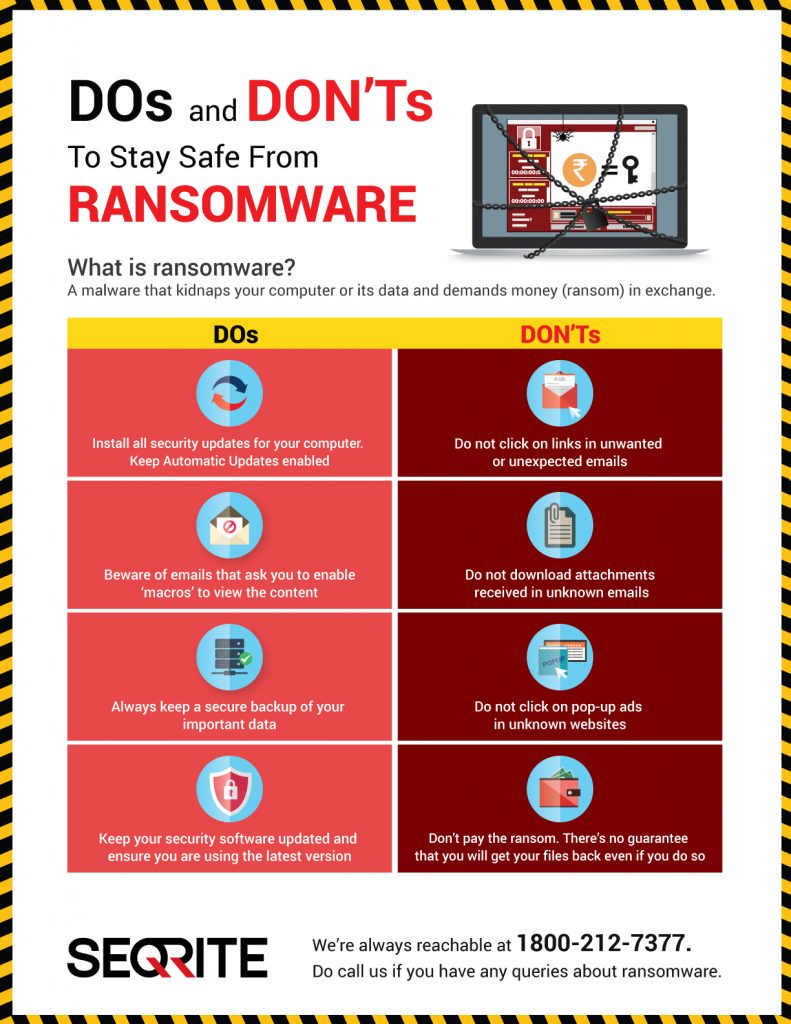
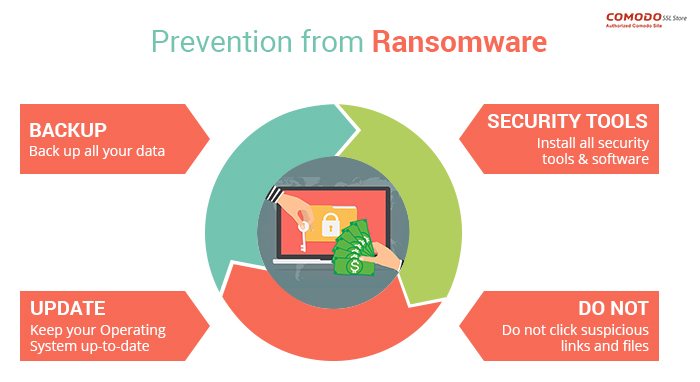
In addition to these infection-prevention measures, it is also essential to use appropriate software to protect against ransomware. For example, using virus scanners and content filters on your mail servers is a smart way to prevent ransomware. Regularly update your operating system, software, and applications to ensure you have the latest security patches and features. Additionally, back up your data regularly and store it on removable media or in online storage to protect your information from malware and computer damage.
Protecting Against Ransomware
- Keep your operating system and software up-to-date
- Use antivirus software and keep it updated
- Use firewalls and other network security measures
- Be cautious when clicking on links or downloading attachments from unknown sources
- Regularly back up your data
- Use strong passwords and avoid using the same password for multiple accounts
- Use two-factor authentication
- Monitor your computer's performance and look for signs of ransomware infection

Responding to Ransomware Infection
If you suspect your computer has been infected with ransomware, do not pay the ransom. Paying the ransom does not guarantee that your data will be unlocked, and it may encourage the attackers to continue their malicious activities. Instead, immediately disconnect your computer from the network to prevent the spread of the malware. Then, call in a professional to assess the situation and help you decide the best course of action.
Prevention and Recovery
Protect your PC from ransomware infection by using reputable antivirus software, updating your operating system and software regularly, and regularly backing up your data. In case of a ransomware attack, having a data backup can help you recover your data quickly and minimize the negative impact of the attack. Create backup copies of files and store them on removable media or in online storage to protect your information from malware and computer damage.
Best Practices for Home Users, Organizations, and Technical Staff
CISA recommends that you further protect your organization by identifying assets that are searchable via online tools and taking steps to reduce that exposure. Cyber hygiene services can help you prevent ransomware infections by providing free scanning and testing services.
Conclusion
Protecting your computer from ransomware infection requires a layered defense strategy that includes up-to-date software, robust cybersecurity measures, and frequent backups. By following these tips and best practices, you can significantly reduce the risk of a ransomware infection and minimize the damage if one occurs. It is essential to stay vigilant and proactive in protecting against this growing threat.


.jpg "How to Protect Yourself from Ransomware Attacks - Cybernews")