Protecting Your Computer From Ransomware: A Comprehensive Guide
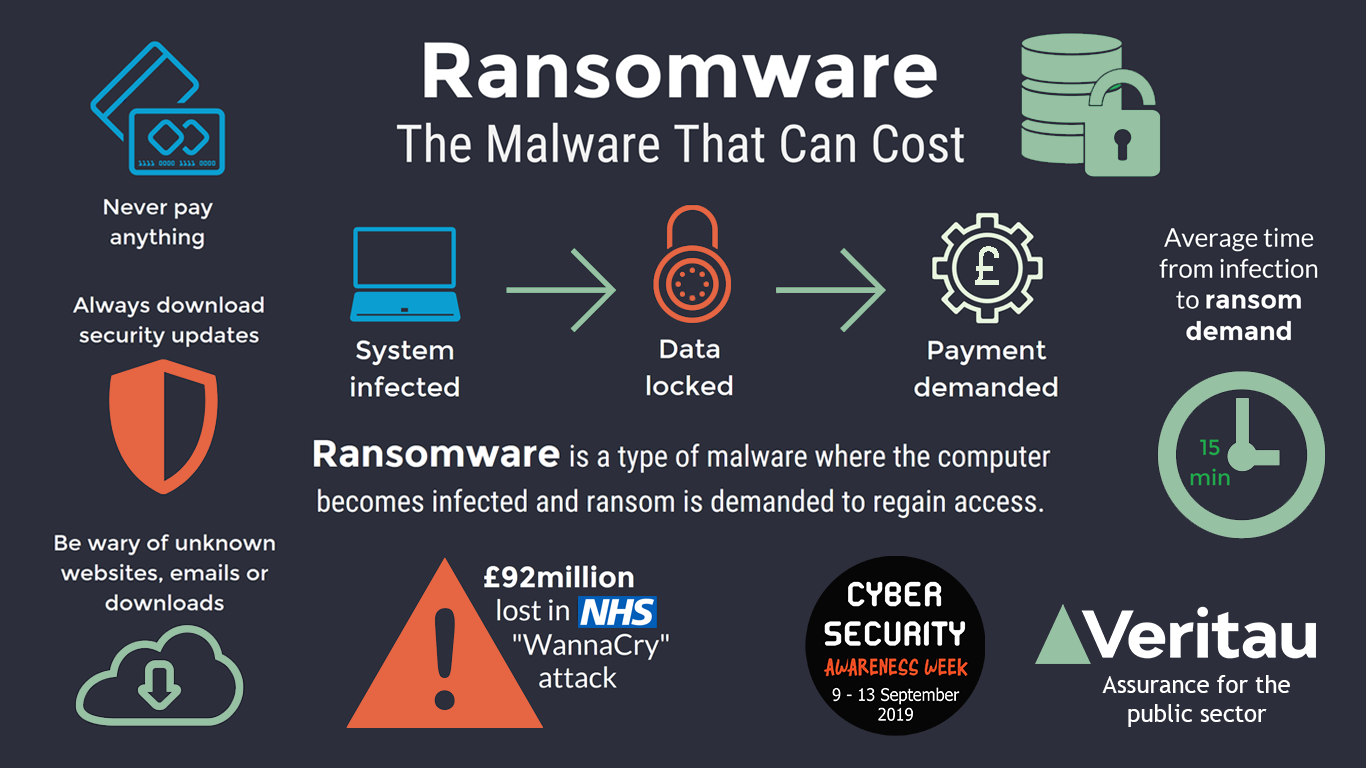
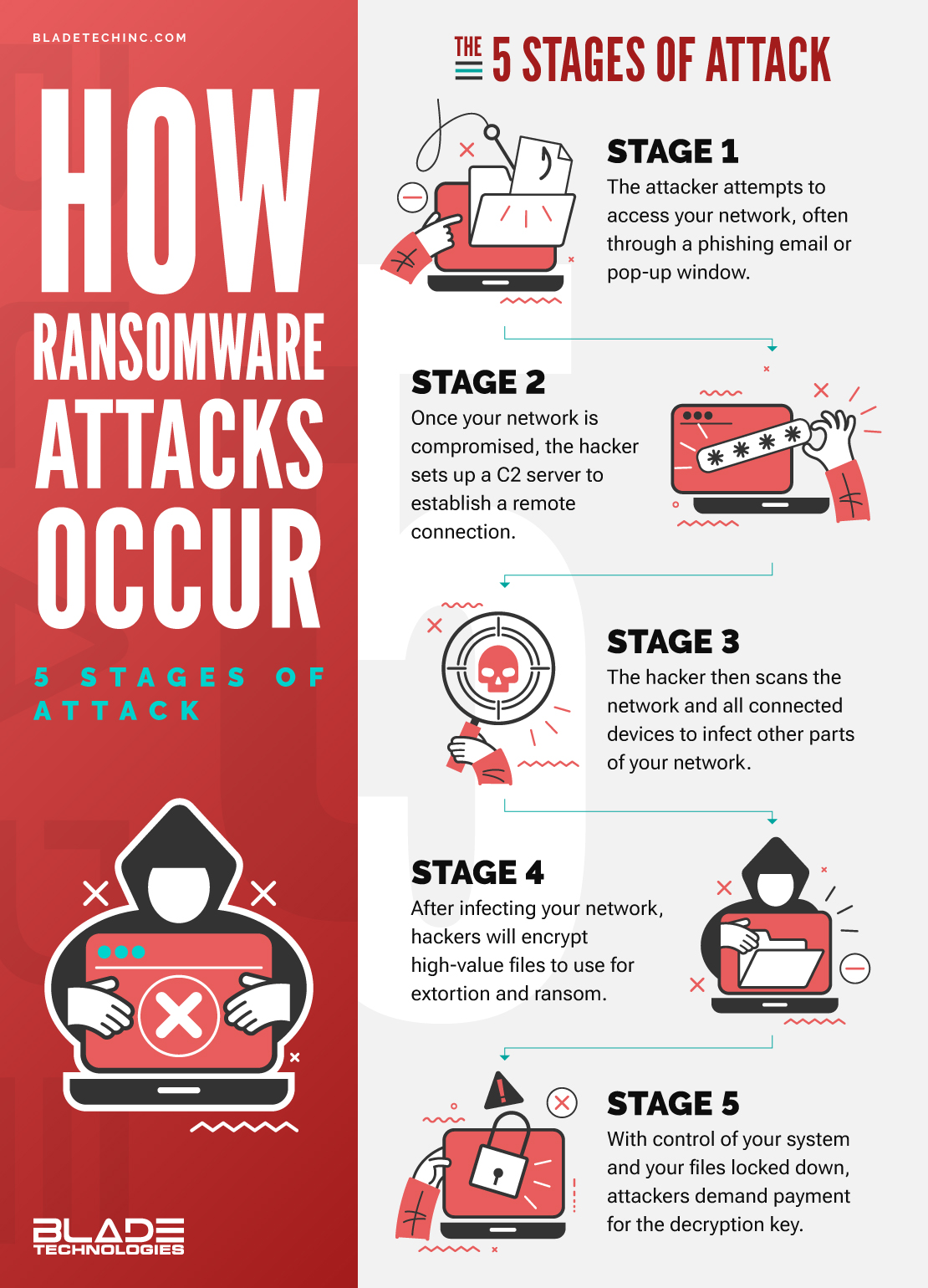
Ransomware is a type of malware that encrypts your files or stops you from using your computer until you pay money (a ransom) for them to be unlocked. In this article, we'll explore the dangers of ransomware, how to prevent it, and what to do if your computer is infected.The Risks of Ransomware
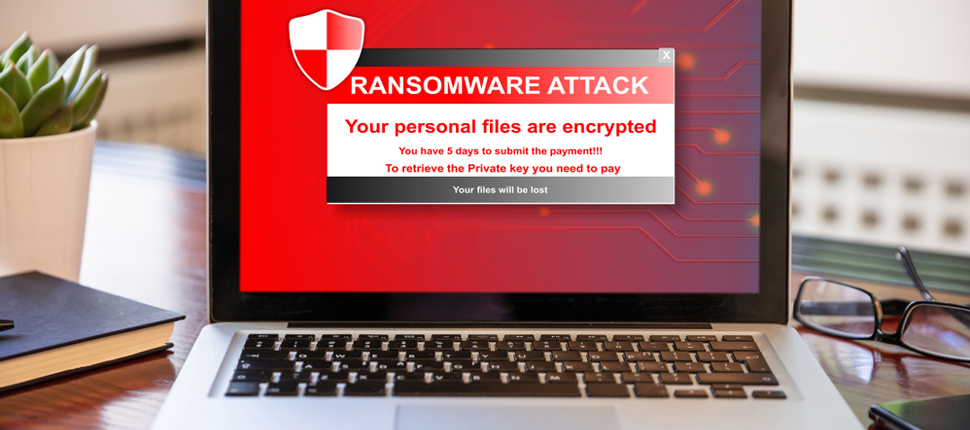
Ransomware is a sophisticated type of malware that can infect a computer and hold sensitive data or personally identifiable information (PII) hostage until a fee, or "ransom," is paid. Cybercriminals often use a binary encryption key to restrict data access and extort money from victims. Ransomware attacks can be especially dangerous for businesses, hospitals, and other organizations that rely on their computer systems to operate.The Consequences of Ransomware Attacks
Ransomware can prevent you from accessing your computer and encrypt your files so you can't use them. Backing up your files regularly on a secured cloud service or external hard drive is your best defense. In the event of a successful ransomware or file-encrypting attack, the backup data will be recovered, reducing the negative impact of the attack.How to Prevent Ransomware
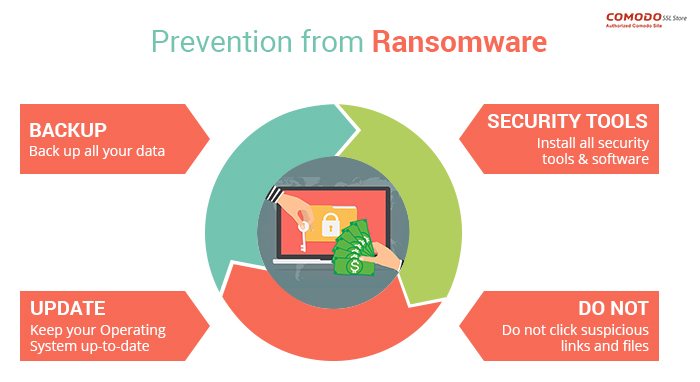
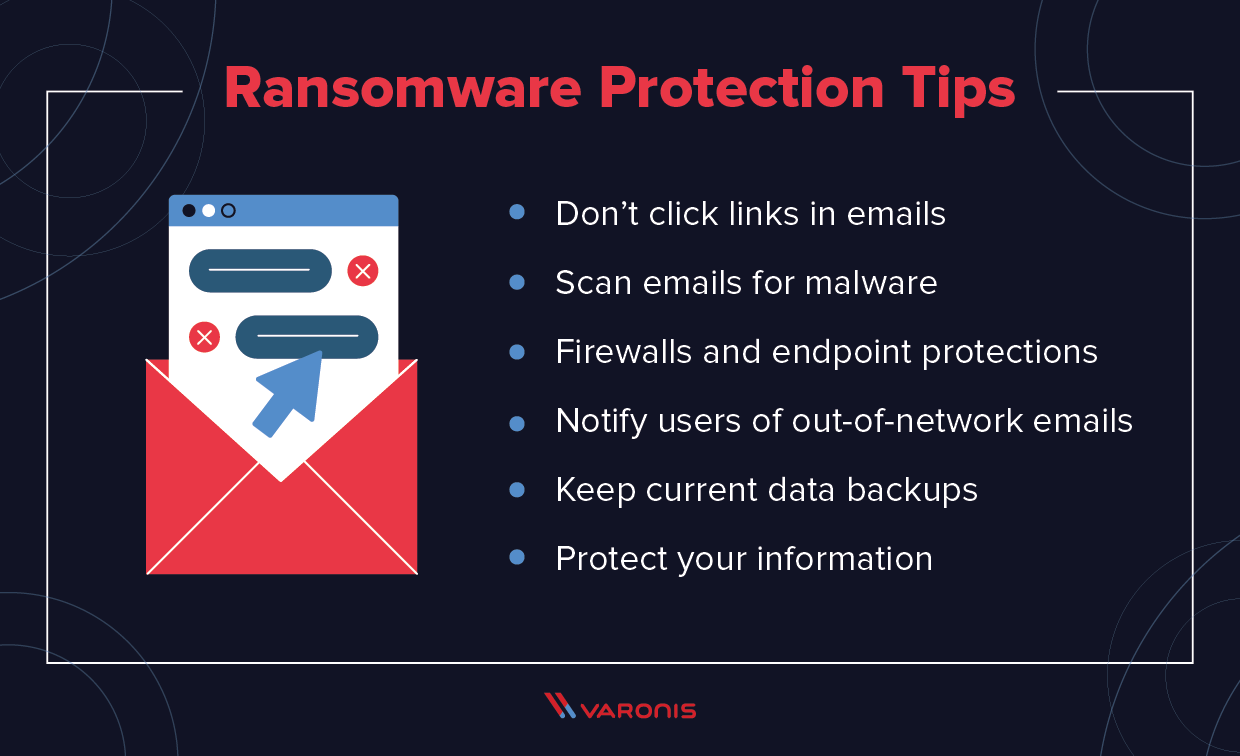
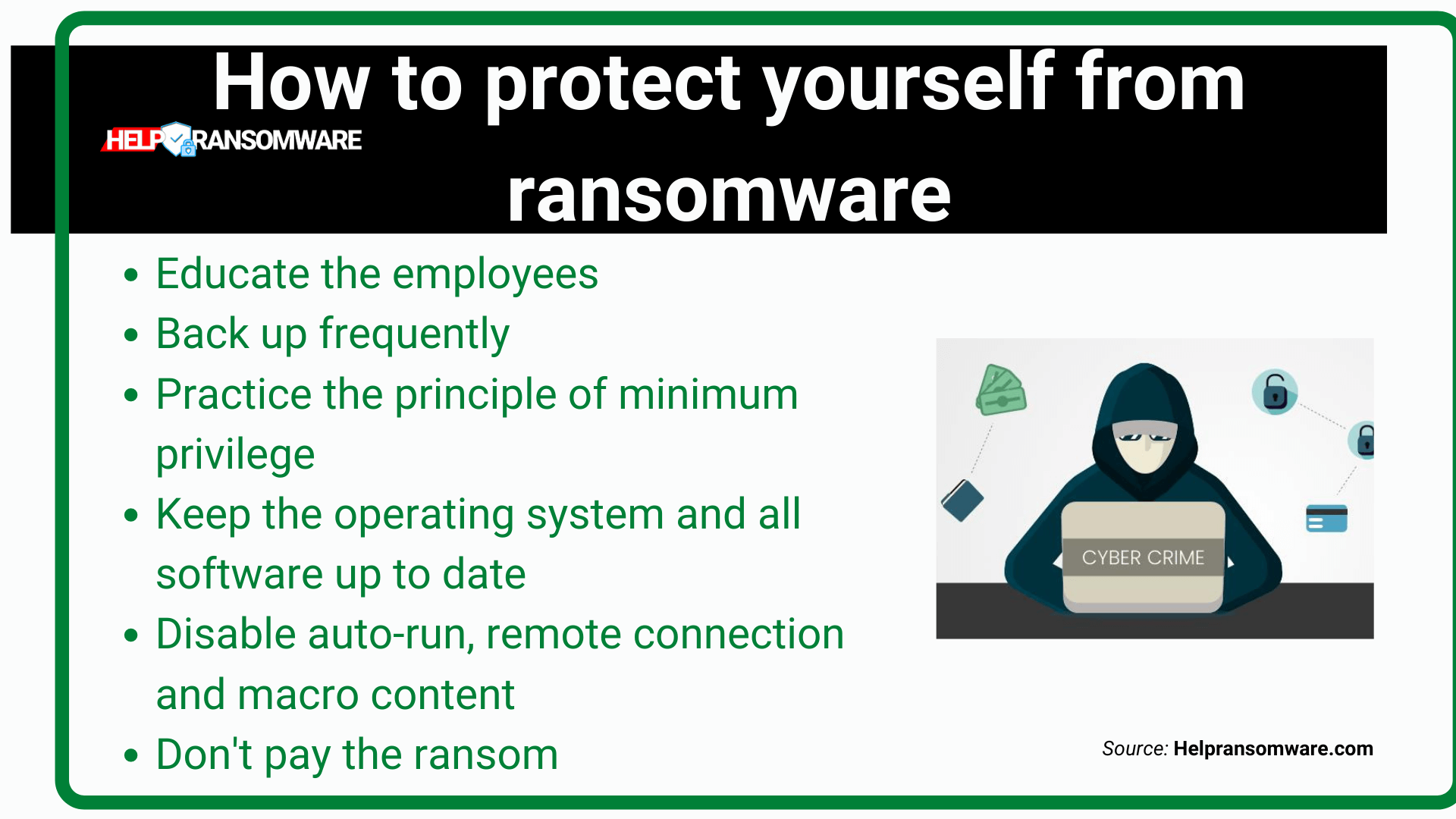
To protect your computer from ransomware, you should:- Use security software that is set to update automatically. This will ensure that your software deals with any new security threats.
- Protect your cell phone by setting software to update automatically. These updates could give you critical protection against security threats.
- Protect your accounts by using multi-factor authentication.
- Use anti-ransomware settings to protect your PC from ransomware (malware that holds your PC hostage).
- Use a reputable antivirus software that provides real-time protection and has a good detection rate.
- Be cautious when opening emails and attachments from unknown sources.
- Avoid using public Wi-Fi networks or unsecured networks to access sensitive information.
- Regularly back up your important files to an external hard drive or a cloud storage service.
What to Do If Your Computer is Infected
If your computer is infected with ransomware, do not pay the ransom. Instead, try the following:- Disconnect your computer from the internet to prevent the malware from spreading.
- Remove the malware using an antivirus software.
- Restore your computer to a previous point using a backup.
- Seek professional help from a reputable data recovery specialist.