Protect IP Address from Hackers: 7 Proven Methods to Safeguard Your Online Security
In today's digital age, protecting your IP address from hackers is a crucial concern for anyone with an internet connection. Your IP address is a unique identifier that exposes your online activities, location, and personal information to advertisers, hackers, and authorities. In this article, we will explore 7 proven methods to protect your IP address from hackers, ensuring your online security and anonymity.
Understanding IP Address and Its Importance in Online Security
An IP address is a unique numerical label assigned to each device connected to a network that uses the Internet Protocol for communication. It serves two main purposes: identifying a device on the network and locating the device to enable communication with other devices over a network like the internet.
However, an IP address also poses a significant risk to online security. Hackers can use your IP address to scan for vulnerabilities, launch DDoS attacks, track your location, or access insecure IoT devices, potentially compromising your network or data. Therefore, it is essential to take steps to protect your IP address from hackers.
Method 1: Use a Virtual Private Network (VPN)
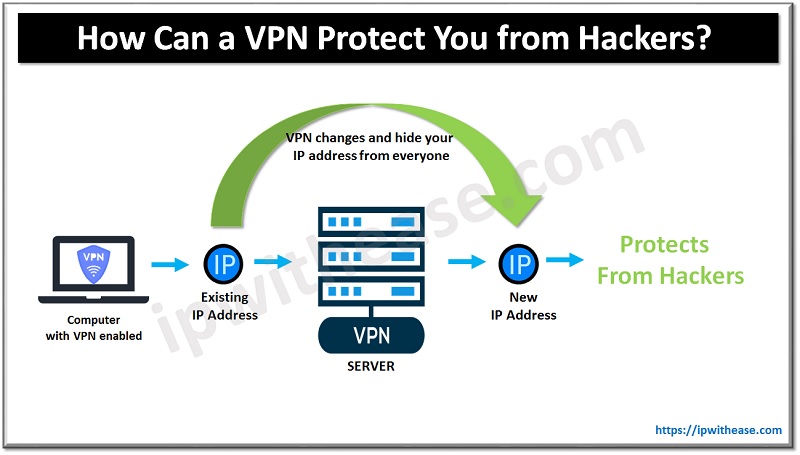
A VPN creates a secure and encrypted tunnel between your device and the internet, masking your IP address and personal data from hackers. By connecting to a VPN server, you can hide your IP address, location, and online activities from anyone who tries to monitor your internet traffic.
Many VPN services offer free trials or subscriptions, providing you with a reliable and affordable way to protect your IP address from hackers. When selecting a VPN, ensure it has a strong encryption protocol, a zero-logging policy, and a user-friendly interface.
Method 2: Enable a Firewall
Enabling a firewall on your computer or network router acts as a barrier between your device and the internet, blocking unauthorized access to your IP address and personal data. Firewalls can detect and prevent potential threats, such as malware, Trojan horses, and hackers attempting to scan your network for vulnerabilities.
Most operating systems, including Windows, macOS, and Linux, have built-in firewalls that you can configure to suit your needs. Additionally, you can install a third-party firewall to enhance your online security and protect your IP address from hackers.
Method 3: Secure Your Router
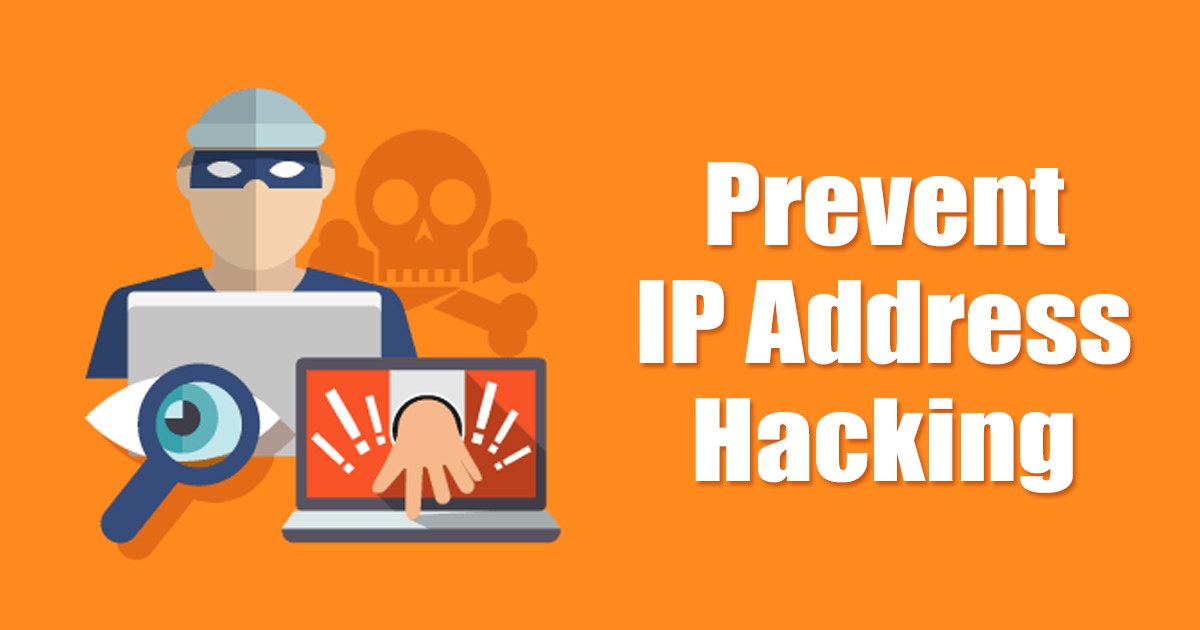
Securing your router is a critical step in protecting your IP address from hackers. Ensure you change the default administrator password for your router and update its firmware regularly to prevent exploitation of known vulnerabilities.
Most routers come with a built-in firewall, which you should enable to block unauthorized access to your network and IP address. You should also disable any remote access features that may pose a security risk.
Method 4: Use Tor Browser
Tor Browser is a free, open-source web browser that anonymizes your internet traffic by routing it through multiple relays worldwide. This makes it difficult for hackers to track your IP address, location, and online activities.
By using Tor Browser, you can protect your IP address from hackers and maintain your online anonymity. However, keep in mind that Tor Browser may be slower than traditional browsers due to the routing process.
Method 5: Disable Any Unnecessary Network Services
Disabling any unnecessary network services reduces the attack surface of your network, making it harder for hackers to find vulnerabilities and exploit them.
Regularly review your network services and disable any unnecessary ones to minimize the risk of unauthorized access to your IP address and personal data.
Method 6: Regularly Update Your Operating System and Software
Regularly updating your operating system and software ensures that any known vulnerabilities are patched, reducing the risk of unauthorized access to your IP address and personal data.