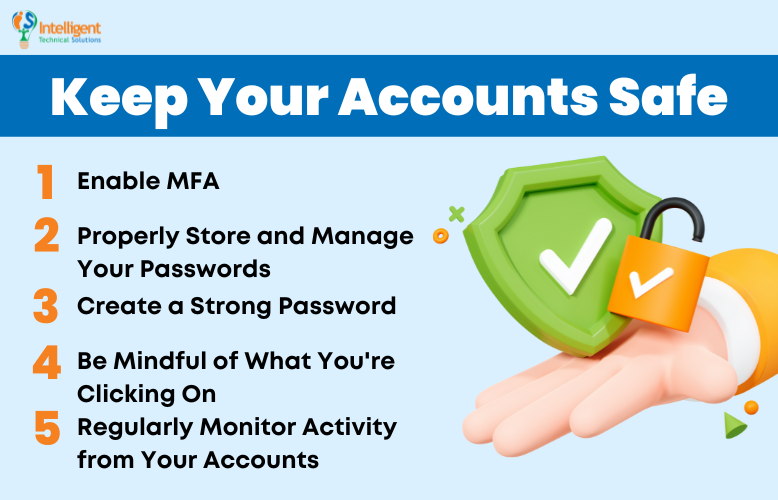
Keep Your Facebook Account Safe: Expert Tips and Best Practices
Facebook is an incredibly popular social media platform with over 2.7 billion monthly active users. With so many people using the platform, it's no surprise that hackers and scammers are constantly looking for ways to break into accounts and steal personal information.
In this article, we will provide expert tips and best practices to help you keep your Facebook account safe and secure. From password protection and two-factor authentication to avoiding suspicious links and staying informed about the latest security features, we've got you covered.
Why Keeping Your Facebook Account Safe is Crucial
When your Facebook account is compromised, you risk losing access to important information, such as personal photos, contacts, and messages. Moreover, if hackers gain access to your account, they can spread malware, phish your friends, and even engage in malicious activities on your behalf.
Fortunately, there are simple steps you can take to protect your account and keep it safe from hackers. In the following sections, we will outline these steps and provide expert advice from Cyber Safety Specialist and Police Sergeant Scott Nelson, JD.
The Importance of Strong Passwords
Using a strong password is the first line of defense against hackers. When choosing a password, make sure it is at least 12 characters long, includes a mix of uppercase and lowercase letters, numbers, and special characters, and is unique to your Facebook account.
Here are some tips for creating a strong password:
- Use a combination of letters, numbers, and special characters
- Make it at least 12 characters long
- Use a unique password for your Facebook account
- Avoid using easily guessable information, such as your name, birthdate, or common phrases
- Consider using a password manager to generate and store unique, complex passwords
Enabling Two-Factor Authentication (2FA)
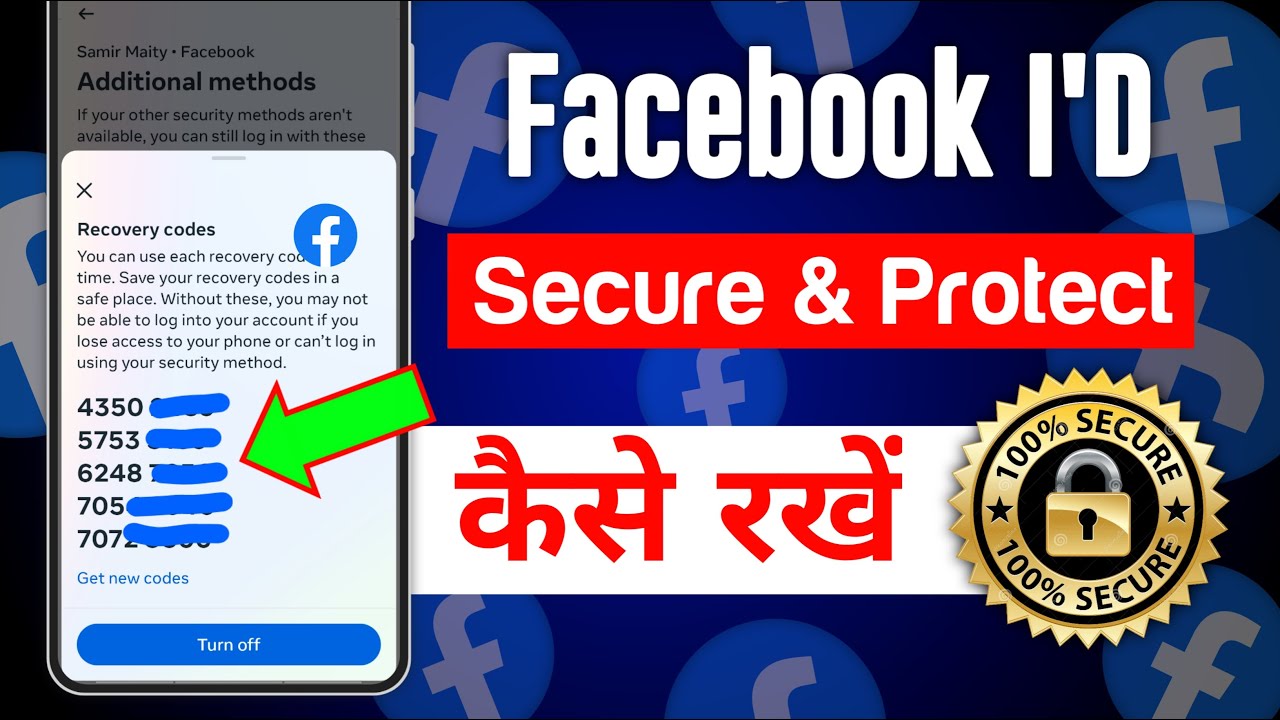
Two-factor authentication is an additional layer of security that requires you to verify your identity using a second form of verification (such as a code sent to your phone or an authenticator app) in addition to your password.
Here are the benefits of enabling 2FA:
- Significantly reduces the risk of account compromise
- Provides an additional layer of security against phishing and hacking attempts
- Helps to prevent unauthorized access to your account

Staying Informed and Vigilant
Staying informed about the latest security features and best practices is crucial to keeping your Facebook account safe. Here are some ways to stay vigilant:
- Regularly review your Facebook security settings and update your permissions as needed
- Be cautious when clicking on links or accepting friend requests from strangers
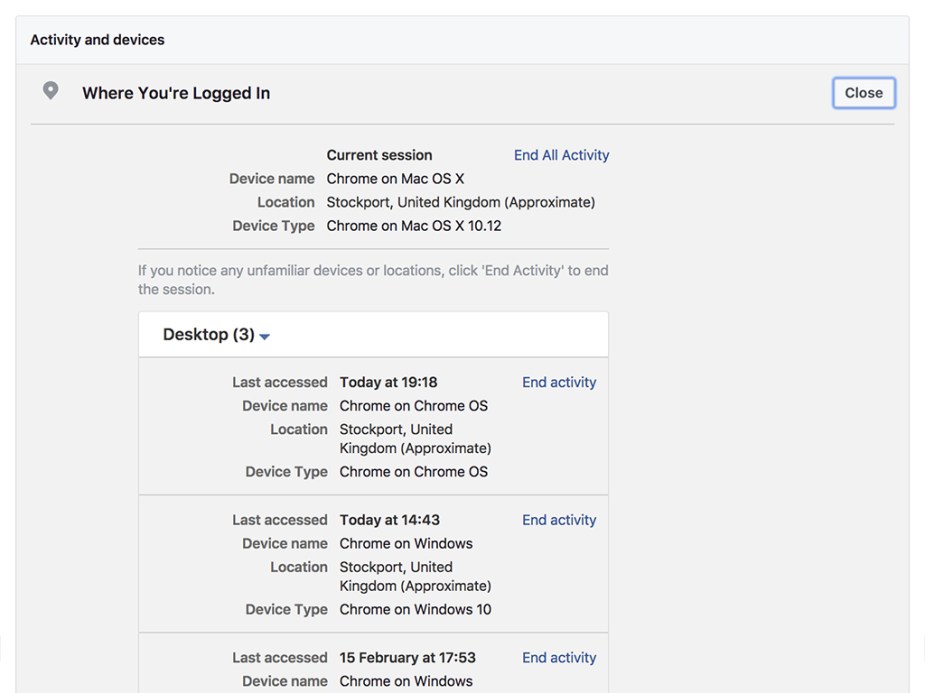
- Enable login alerts to receive notifications when someone accesses your account from an unfamiliar location
- Monitor your account activity regularly for suspicious behavior
- Keep your account up to date with the latest security features and updates
What to Do If Your Account is Compromised
If you believe your account has been compromised, don't panic! Facebook has a robust system in place to help you recover your account and regain control of your personal information.
Here are the steps to take if your account is compromised:
- Change your password immediately
- Review your recent login activity and identify any suspicious behavior
- Report any suspicious activity to Facebook
- Enable two-factor authentication to prevent further unauthorized access
- Seek further assistance from Facebook's support team if needed
Conclusion
Keeping your Facebook account safe is a top priority for any Facebook user. By following these expert tips and best practices, you can significantly reduce the risk of account compromise and maintain control of your personal information. Remember to stay informed, vigilant, and proactive in protecting your account from hackers and scammers.
Final Tips
Here are some final tips to keep in mind:
- Never share your password with anyone
- Use a password manager to generate and store unique, complex passwords
- Regularly review your Facebook security settings and update your permissions as needed
- Enable login alerts to receive notifications when someone accesses your account from an unfamiliar location
- Stay up to date with the latest security features and updates