How to Erase Digital Footprint: The Complete Guide
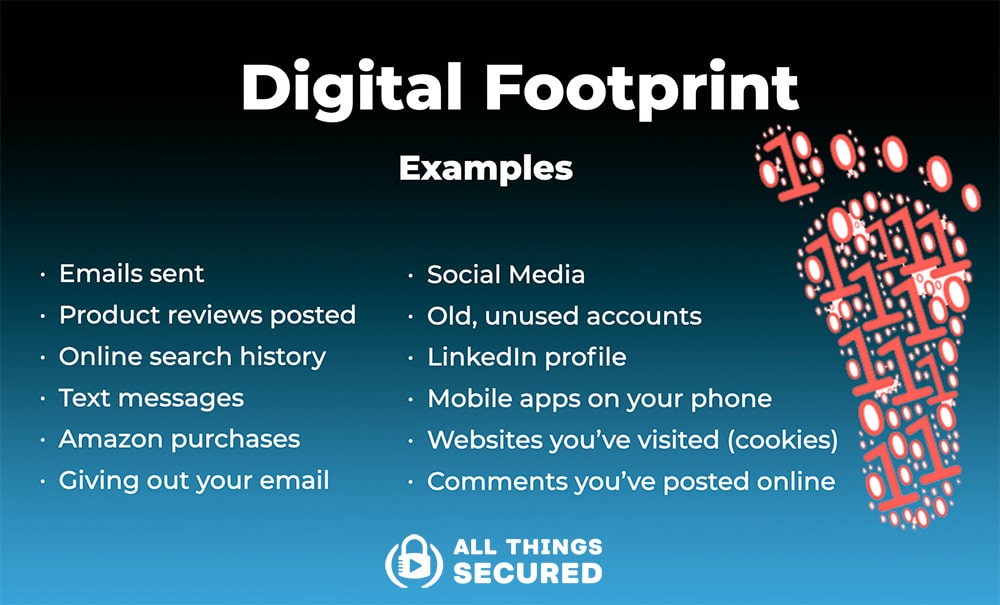
Every website you visit records information about you, and many websites solicit information from you directly. Your digital footprint is a trail of data online that represents your online identity, including both active data like posts and comments, and passive data like browsing history and cookies. In this comprehensive guide, we'll show you exactly how to delete, minimize, and control your online presence for maximum privacy.
What is a Digital Footprint?
Every time you use an online service, you leave a trace. This includes social media profiles, online forums, email accounts, and even simple actions like browsing or searching the internet. Your digital footprint is a collection of these traces, which can be used to create a detailed profile of you.
Why Should You Erase Your Digital Footprint?
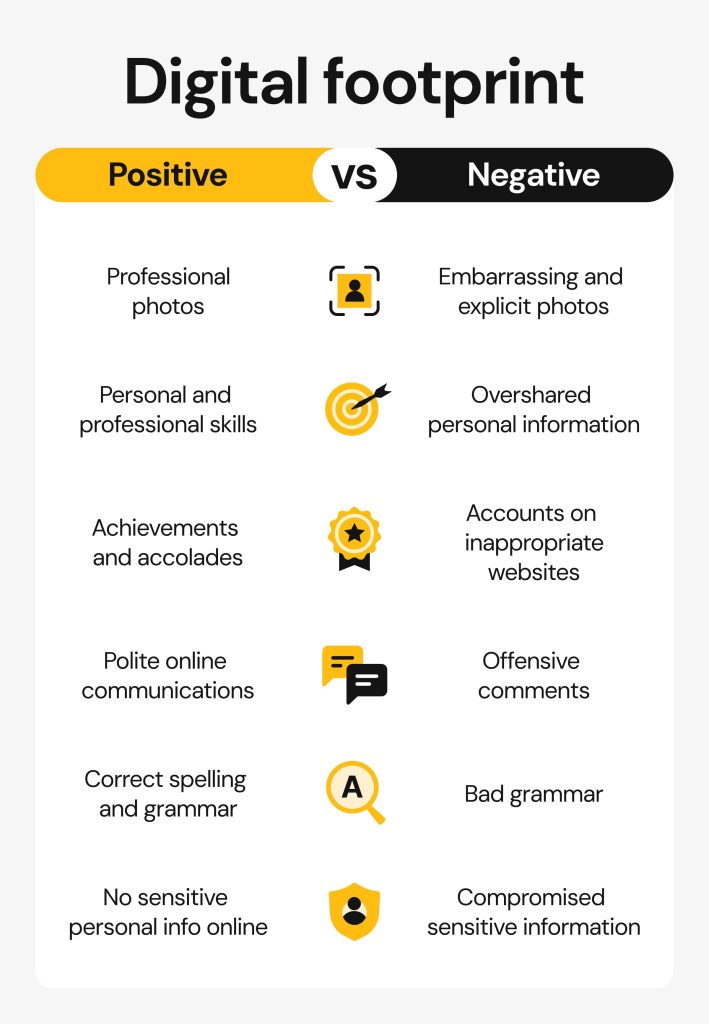
Erasing your digital footprint is essential for protecting your online privacy and reputation. A negative digital footprint can include old social media posts, online reviews, and other information that you may not want to be associated with. By erasing your digital footprint, you can:
- Protect your personal data from data brokers and cyber attackers
- Regain control of what the internet knows about you
- Prevent online harassment and cyber attacks
- Improve your online reputation
How to Erase Your Digital Footprint
Erasing your digital footprint can be a challenging and time-consuming process, but it's worth it for the benefits mentioned above. Here's a step-by-step guide on how to erase your digital footprint:
Step 1: Identify Your Digital Footprint
Start by searching for your name online to see what information is publicly available about you. Use search engines like Google and alternative search engines like DuckDuckGo to find mentions of your name. Make a list of all the websites on which your name appears.
Step 2: Remove Personal Information
Once you've identified your digital footprint, start removing personal information from the internet. This includes:
- Social media profiles
- Online forums and discussion boards
- YouTube videos and comments
- Online reviews and ratings
- Public records and directories
Step 3: Secure Personal Information
Make sure to secure your personal information by:
- Using strong and unique passwords
- Enabling two-factor authentication
- Updating your email address and phone number
- Monitoring your credit reports and bank statements
Step 4: Delete Search History and Cookies
Finally, delete your search history and cookies to prevent tracking by advertisers and data brokers. Here's how to do it on popular browsers:
Google Chrome:
Go to the menu, select "More tools," and then "Clear browsing data." Select the types of data you want to delete and click "Clear browsing data."
Firefox:
Go to the menu, select "Library," and then "History." Select the time range for which you want to delete your search history and then click "Clear now."
Edge:
Go to the menu, select "Settings," and then "Clear browsing data." Select the types of data you want to delete and click "Clear browsing data."
Conclusion:
Erasing your digital footprint is a challenging process, but it's essential for protecting your online privacy and reputation. By following these steps, you can delete, minimize, and control your online presence and regain control of what the internet knows about you.
Additional Resources:
Here are some additional resources to help you erase your digital footprint:
- Clean Email's Unsubscriber: An email cleanup tool that helps you remove unwanted emails and delete your email footprint.
- DeleteMe: A website that helps you remove your personal data from data brokers and online directories.
- Privacy Rights Clearinghouse: A website that provides information and resources on how to protect your online privacy and erase your digital footprint.