How to Use Two Factor Authentication on Social Media
Two-factor authentication (2FA) has become an essential security measure for anyone maintaining an active presence on social media platforms. With cybercriminals constantly evolving their tactics, relying solely on passwords leaves your accounts vulnerable to hacks, phishing attempts, and unauthorized access.
Why Two-Factor Authentication is Important
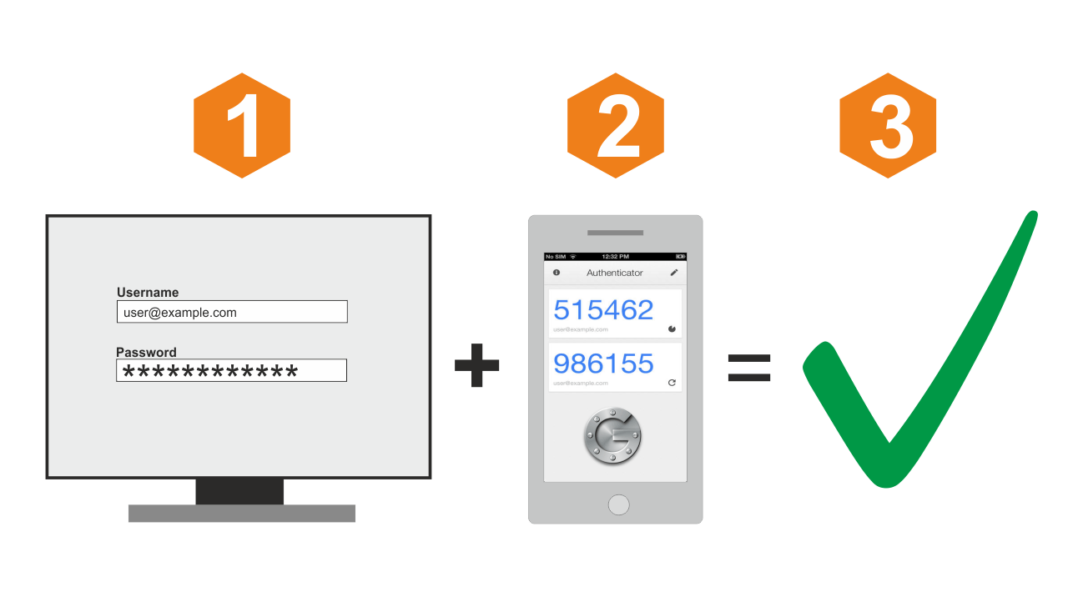
Social media accounts are prime targets for cyber attackers. Hackers use various methods to gain access to your information, including phishing, password cracking, and social engineering. Two-factor authentication adds an extra layer of security to your accounts, making it more challenging for hackers to access your data.
Benefits of Two-Factor Authentication
The benefits of two-factor authentication are numerous:
- Enhanced security: Two-factor authentication adds an additional layer of security to your accounts, making it more difficult for hackers to access your data.
- Reduced risk: With two-factor authentication, the risk of unauthorized access to your accounts decreases significantly.
- Improved peace of mind: Two-factor authentication provides an added sense of security and peace of mind, knowing that your accounts are more protected.
Setting Up Two-Factor Authentication
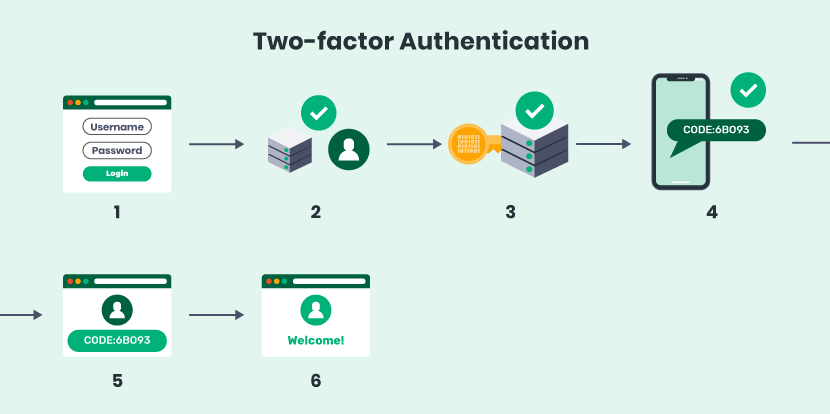
Setting up two-factor authentication on social media platforms is a straightforward process:
- Sign in to your social media account.
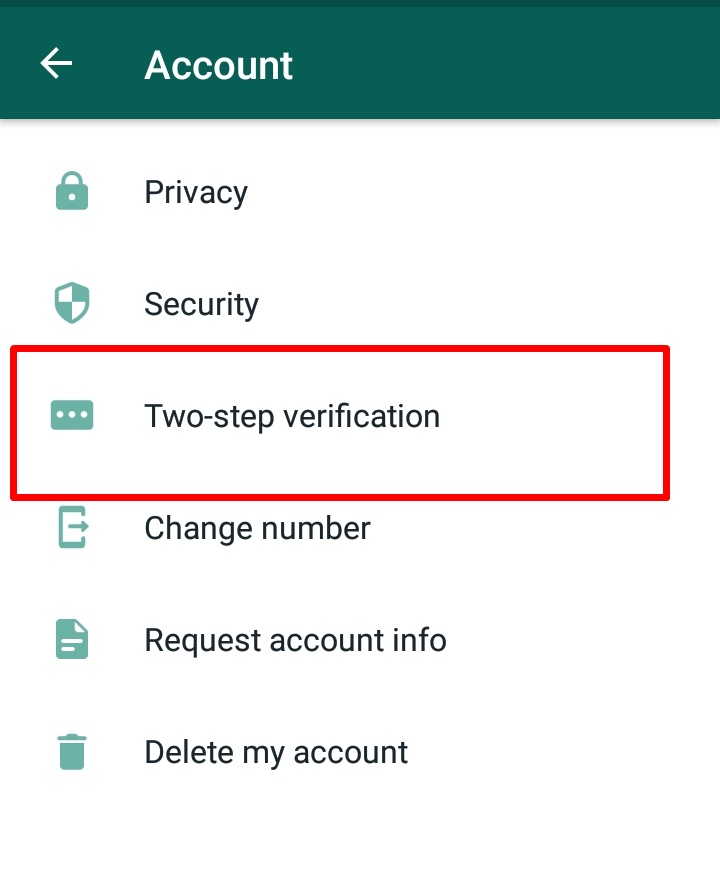
- Look for the settings or security section.
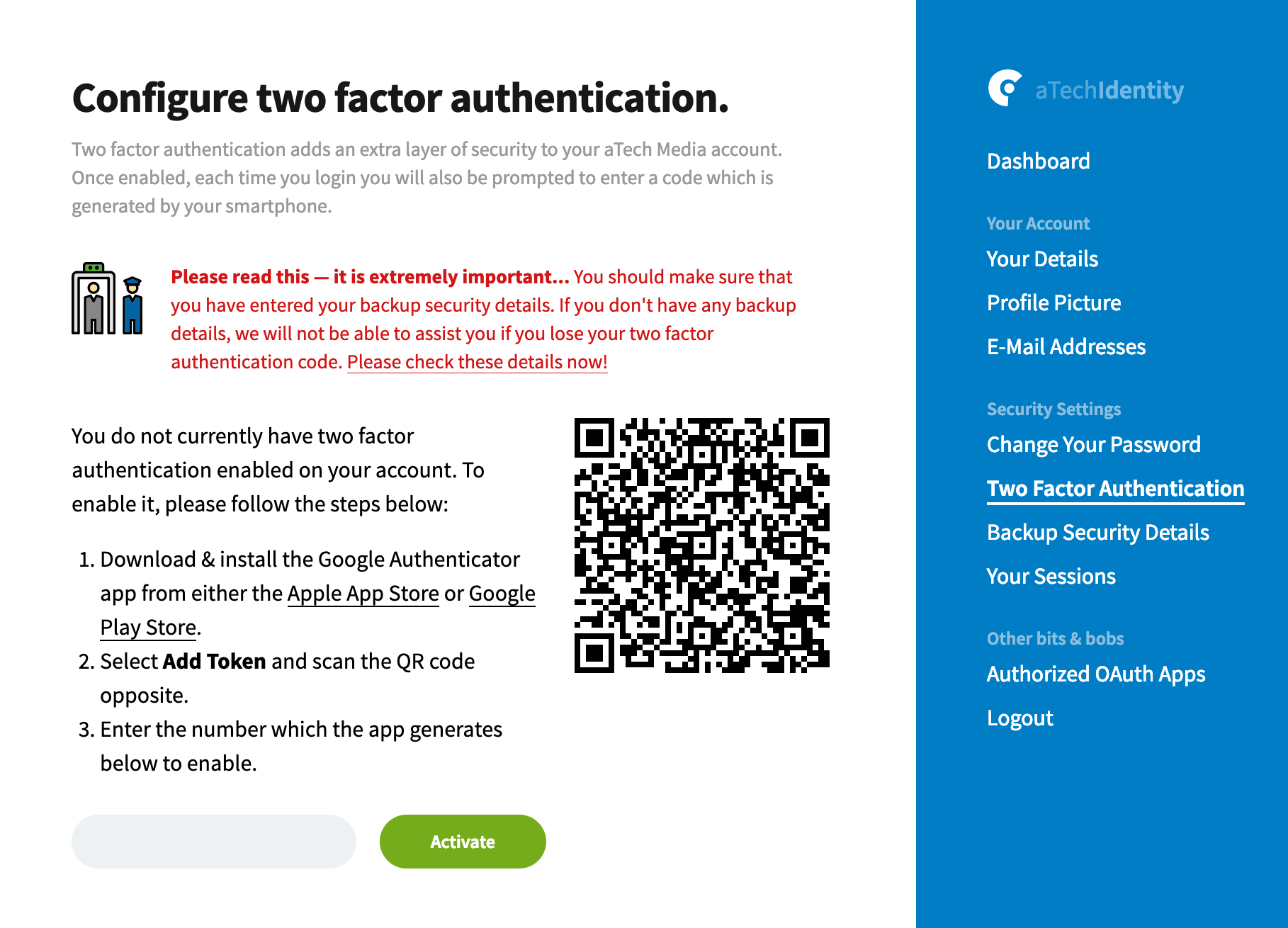
- Enable two-factor authentication.
- Choose your authentication method (e.g., SMS, authenticator app, or email).
- Verify your new setup.
How to Enable Two-Factor Authentication on Popular Social Media Platforms
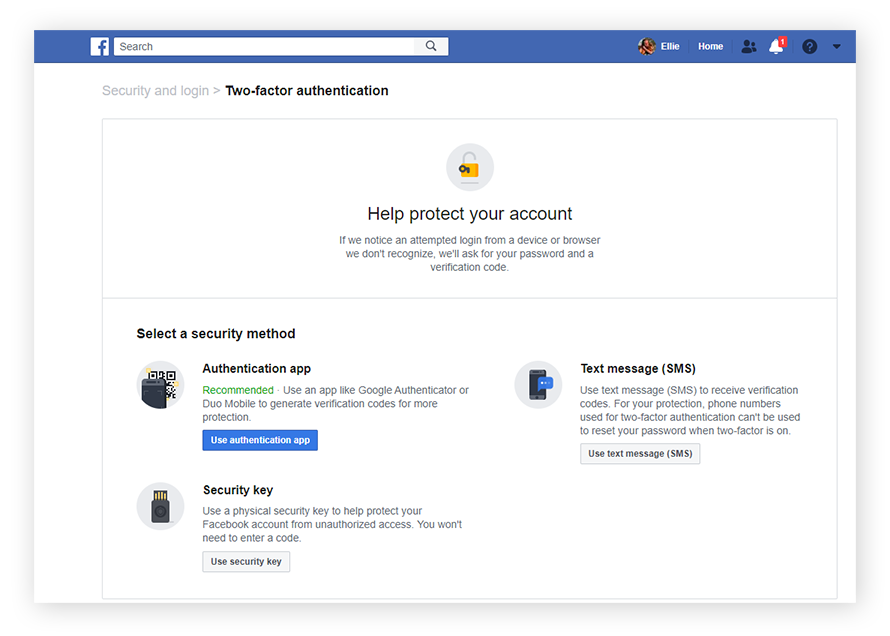
To enable two-factor authentication on Facebook:
- Go to your Facebook account settings.
- Click on "Security and Login" and then click on "Turn On Two-Factor Authentication."
- Choose your authentication method (e.g., SMS, authenticator app, or email).
To enable two-factor authentication on Instagram:
- Go to your Instagram account settings.
- Click on "Security" and then click on "Two-Factor Authentication."
- Choose your authentication method (e.g., SMS, authenticator app, or email).
To enable two-factor authentication on Twitter:
- Go to your Twitter account settings.
- Click on "Account" and then click on "Security and account access.".
- Click on "Two-factor authentication."
- Choose your authentication method (e.g., SMS, authenticator app, or email).
Common Two-Factor Authentication Methods
There are several two-factor authentication methods available:
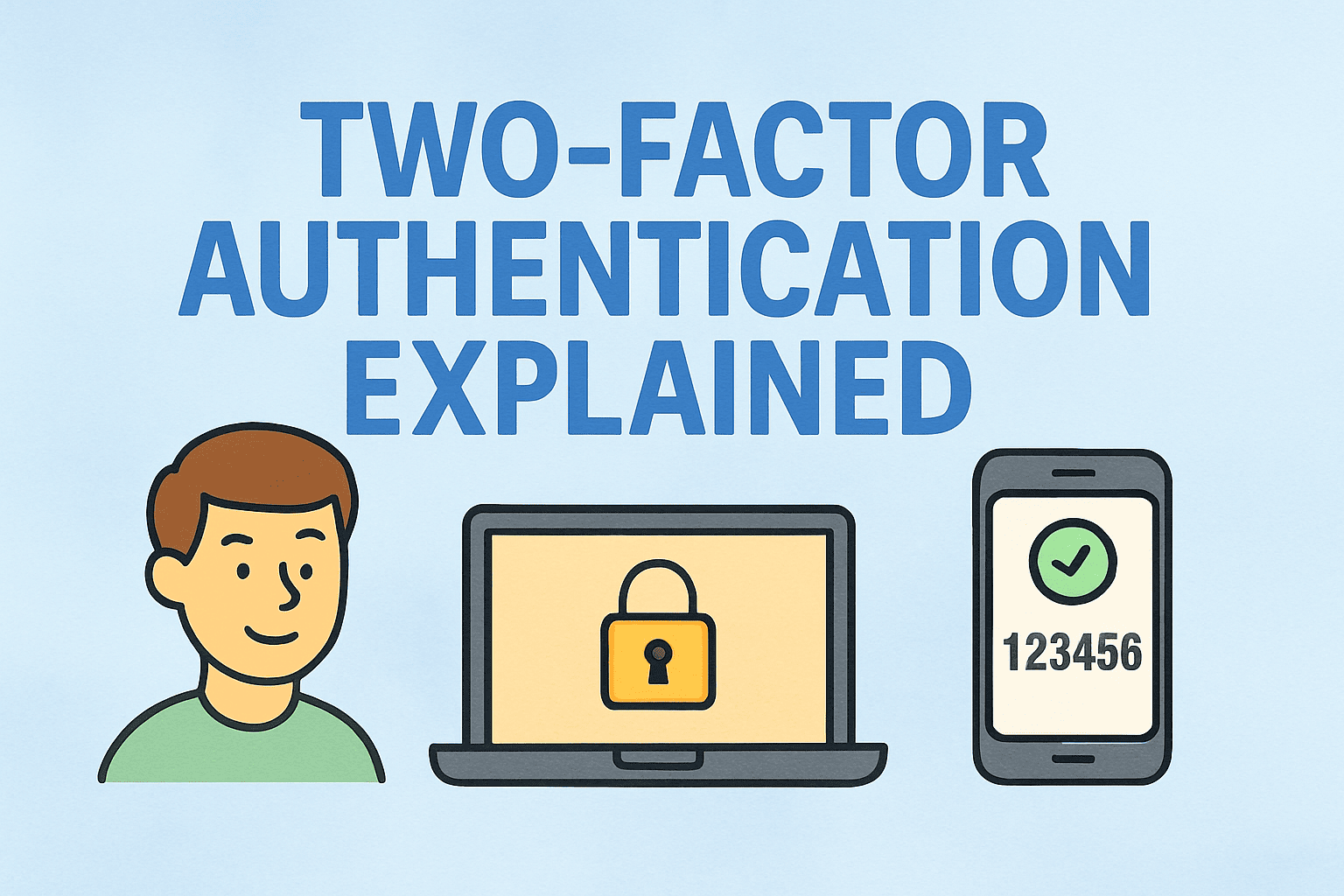
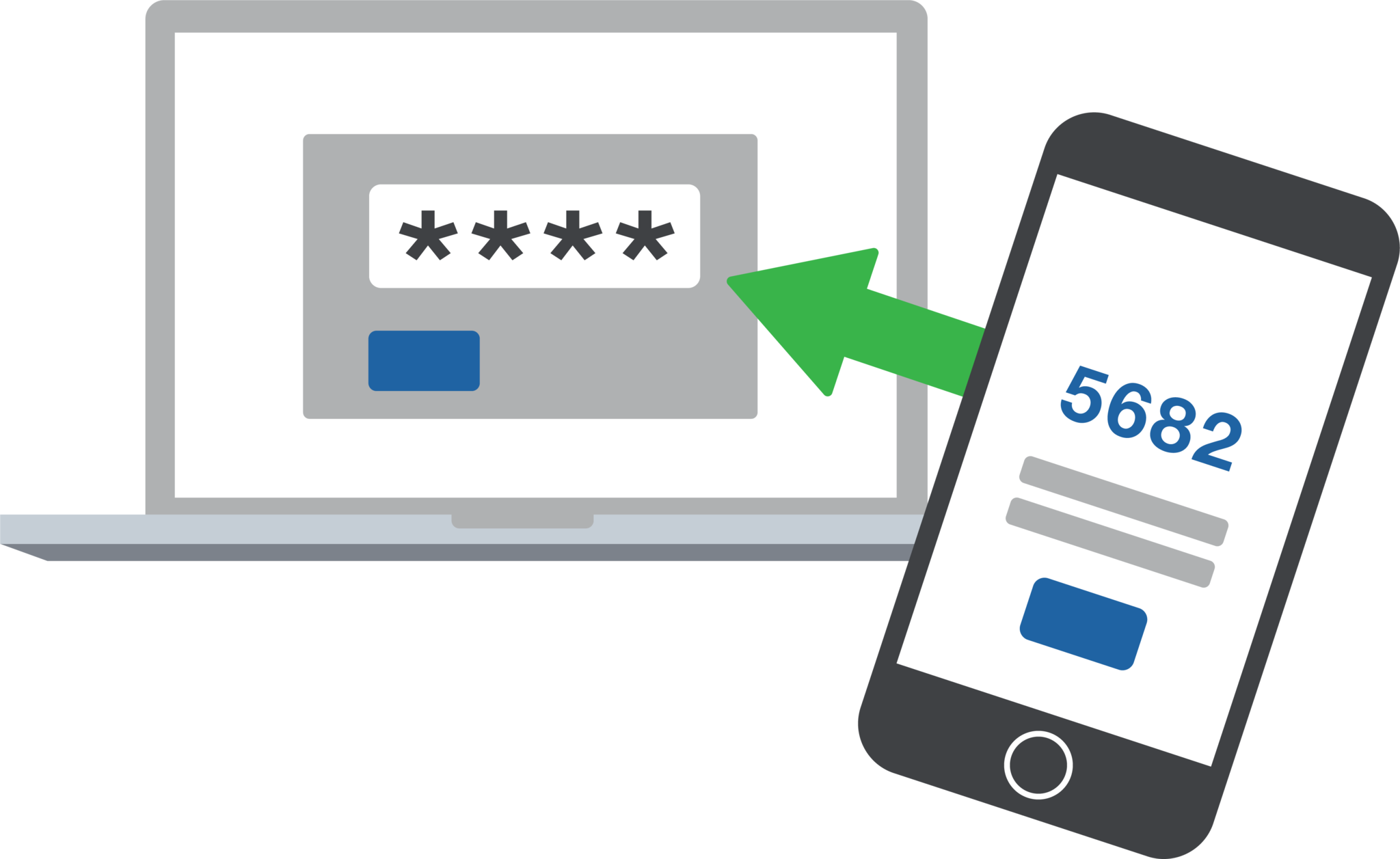
- SMS: Receive a verification code via SMS to your mobile phone.
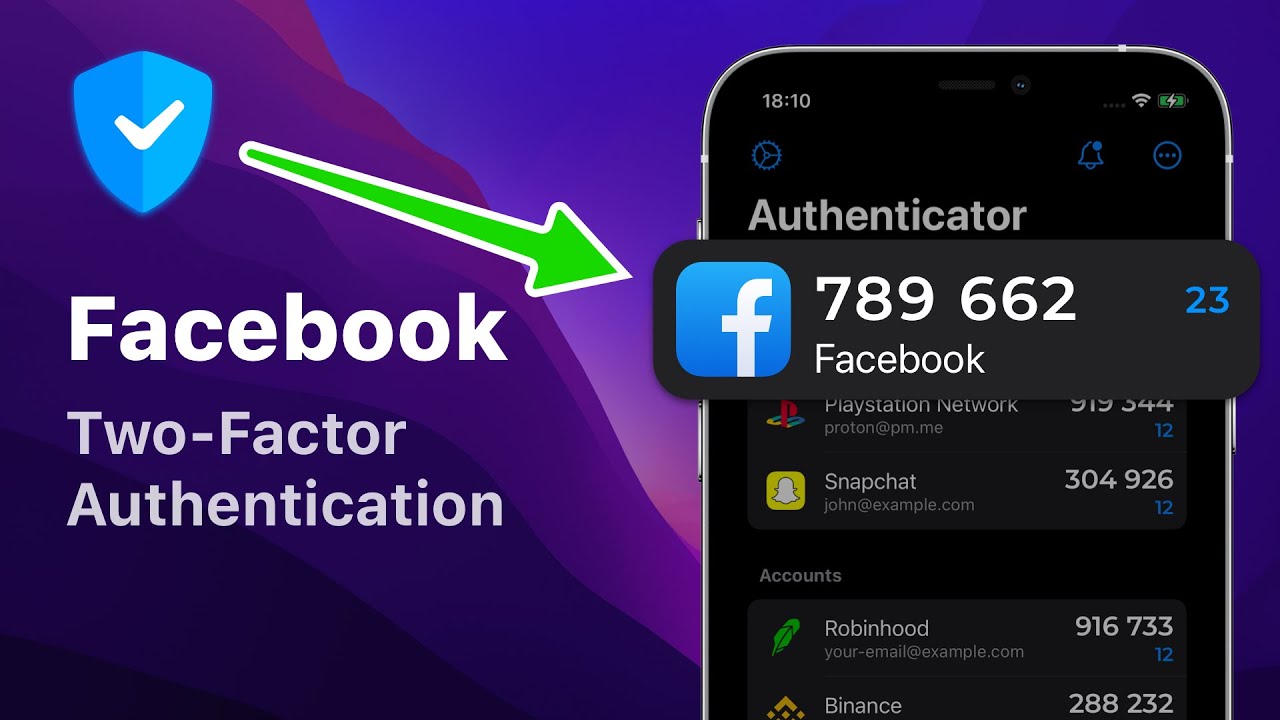
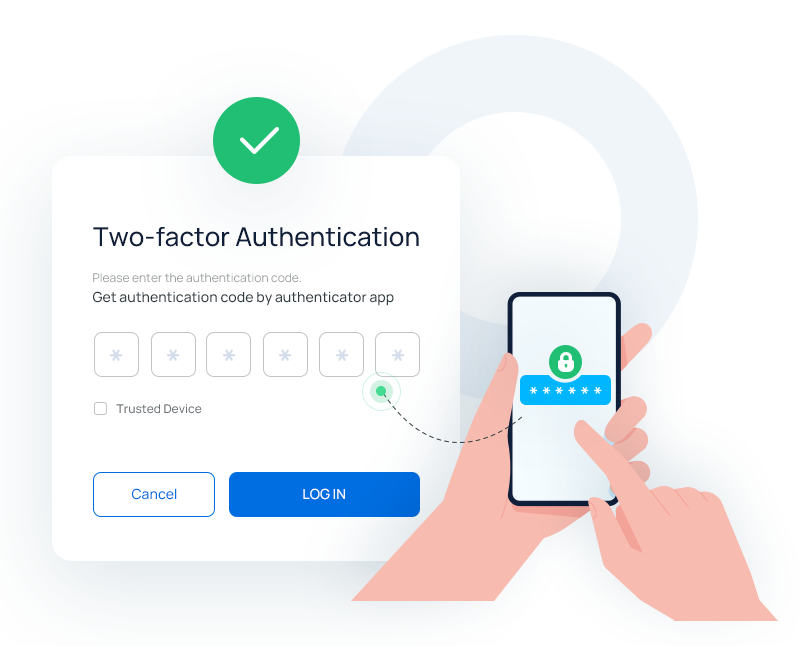
- Authenticator app: Use an authenticator app (e.g., Google Authenticator or Authy) to generate verification codes.
- Email: Receive a verification code via email to your registered email address.
- Biometric authentication: Use facial recognition or fingerprint scanning for secure login.
Conclusion
Two-factor authentication is an essential security measure for anyone maintaining an active presence on social media platforms. By following these simple steps, you can enhance the security of your accounts and reduce the risk of unauthorized access.