Setup Voicemail on Android 10: A Step-by-Step Guide
Setting up voicemail on your Android 10 device is an essential step to stay connected with family, friends, and colleagues. Whether you're in a meeting, driving, or just need some quiet time, voicemail is a handy feature to have. In this article, we'll walk you through the process of setting up voicemail on Android 10 using the Google Phone app or Samsung Galaxy Phone app.
Accessing Your Voicemail Settings
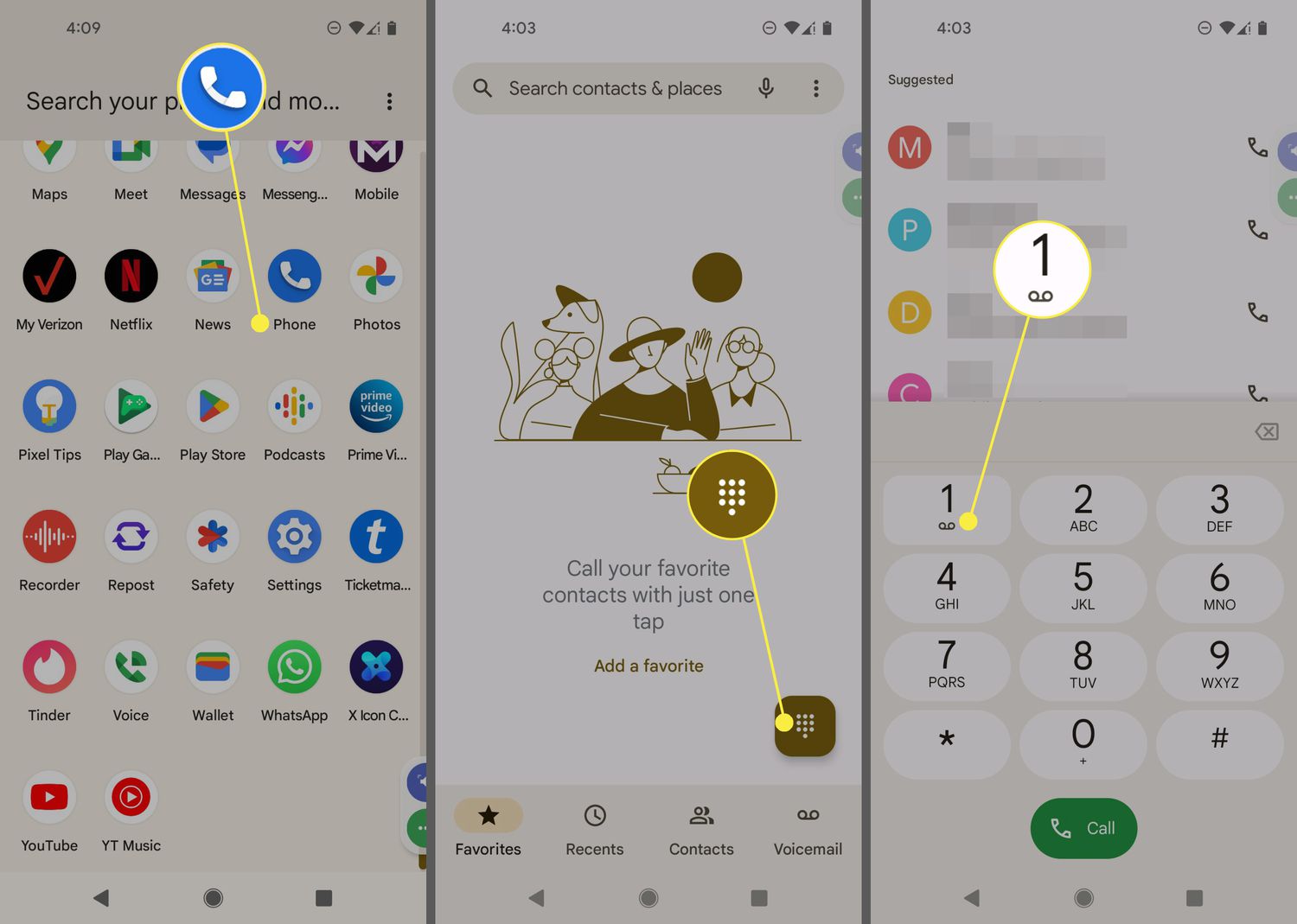
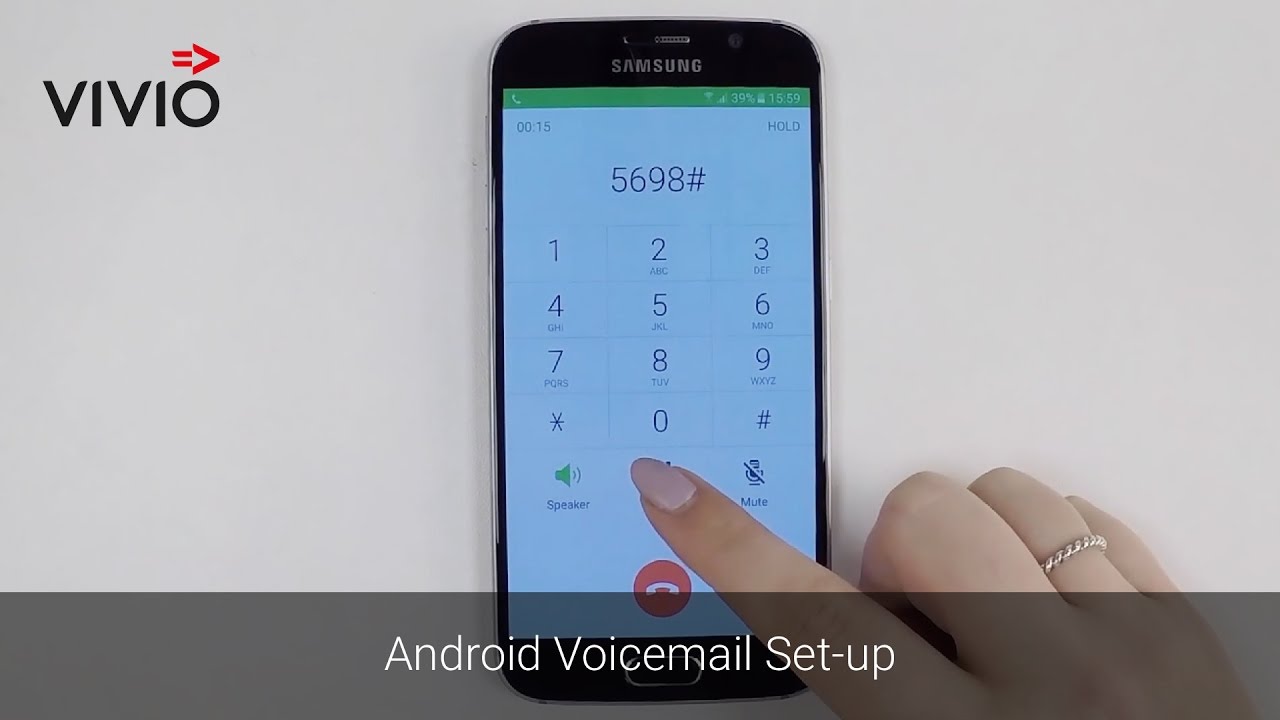
To access your voicemail settings, you need to open the Phone app on your Android 10 device. The Phone app is usually located on the home screen or in the app drawer. Once you've opened the Phone app, look for the keypad icon and select it. From here, you can follow the on-screen instructions to access your voicemail settings.
Setting Up Voicemail on Android 10
Here's a step-by-step guide to setting up voicemail on Android 10:
-
Open the Phone app on your Android 10 device.
-
Look for the keypad icon and select it.
-
Press and hold the number 1 on the keypad. This will access your voicemail settings.
-
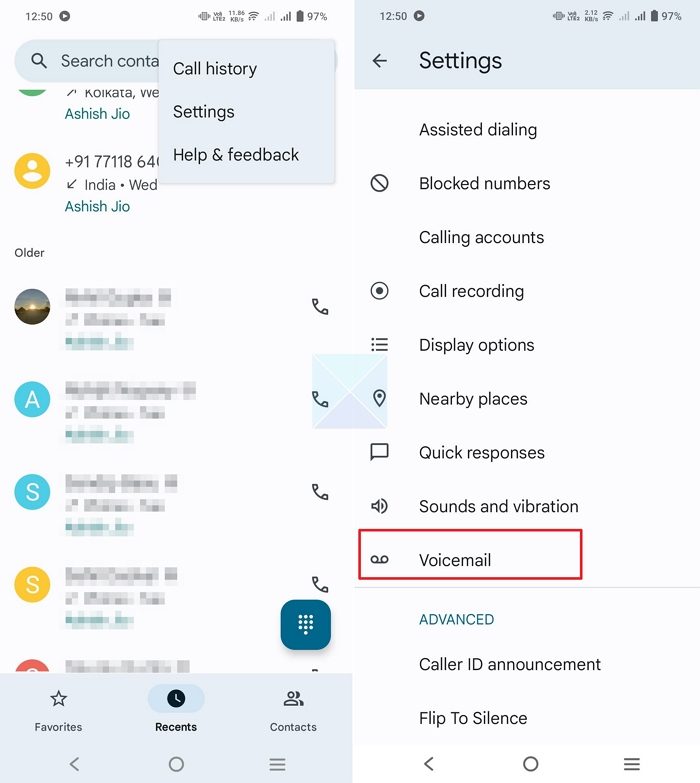
Enter your PIN or password to access your voicemail settings.
-
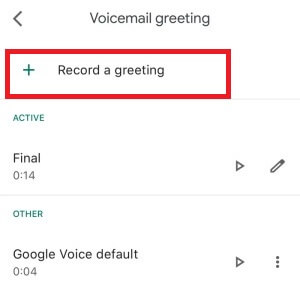
Follow the on-screen instructions to set up your voicemail greeting. You can record a custom greeting or use the default greeting for Google Voice.
-
Save your voicemail settings and you're good to go!
Customizing Your Voicemail Settings
Once you've set up your voicemail, you can customize your settings to suit your needs. Here are a few tips to help you customize your voicemail settings:

-
You can record up to 10 voicemail greetings and select the one that you want callers to hear.
-
You can set up voicemail transcription, which allows you to read your voicemail messages as text.
-
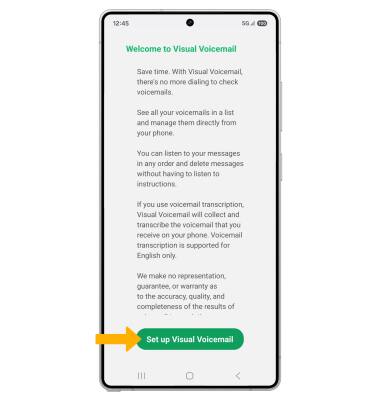
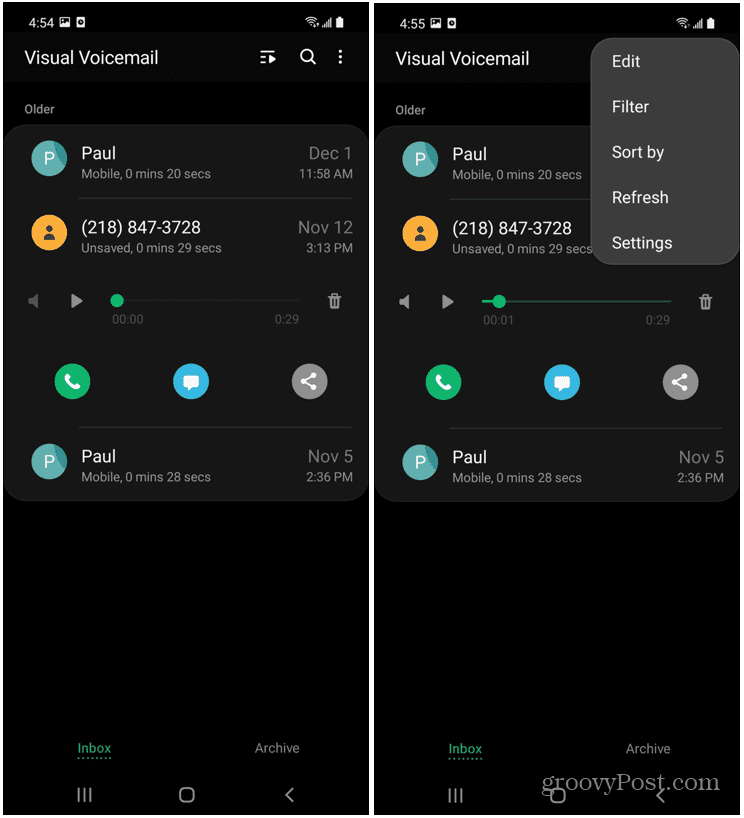
You can also set up visual voicemail, which allows you to interact with your voicemail messages in any order you please.
-
Don't forget to check your voicemail settings regularly to ensure that your voicemail is working correctly.
Integrating Voicemail with Other Services
Voicemail on Android 10 often integrates seamlessly with other communication and productivity apps. Users can learn how to set up voicemail on Android devices and forward voicemail to email, share them through messaging apps, or even integrate them into task management apps for follow-up.
Troubleshooting Voicemail Issues
If voicemail isn't working on your Android 10 device, you may need to tweak your voicemail settings, reboot your device, or update its operating system. Here are a few ways to fix your voicemail on Android 10:
-
Check your voicemail settings to ensure that they're set up correctly.
-
Reboot your device and try accessing your voicemail again.
-
Update your device's operating system to the latest version.
Conclusion
Setting up voicemail on Android 10 is an easy process that requires just a few steps. By following the guide above, you should be able to set up your voicemail and customize your settings to suit your needs. Whether you're in a meeting, driving, or just need some quiet time, voicemail is a handy feature to have. So, take a few minutes to set up your voicemail today and stay connected with the people who matter most.

:max_bytes(150000):strip_icc()/002-what-is-voicemail-3426793-56826b60d2ae453d9708118b0335d4fc.jpg "Set Up Android Voicemail in Minutes - Lifewire")