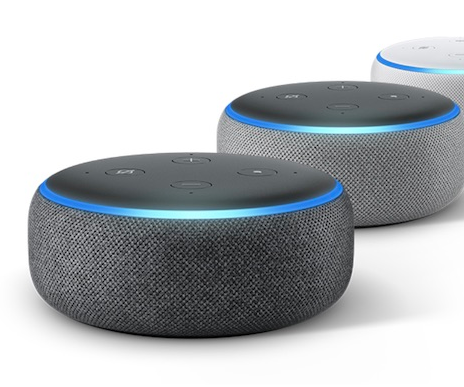
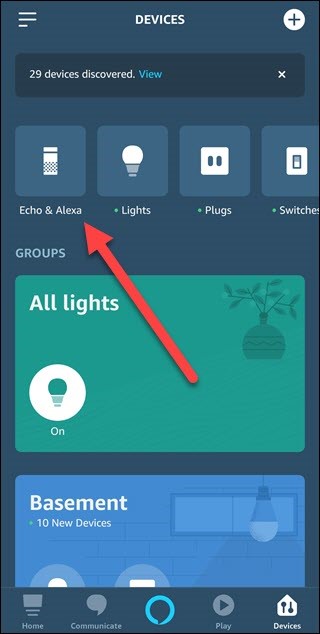
Setting Up Echo Dot Without Smartphone: A Comprehensive Guide
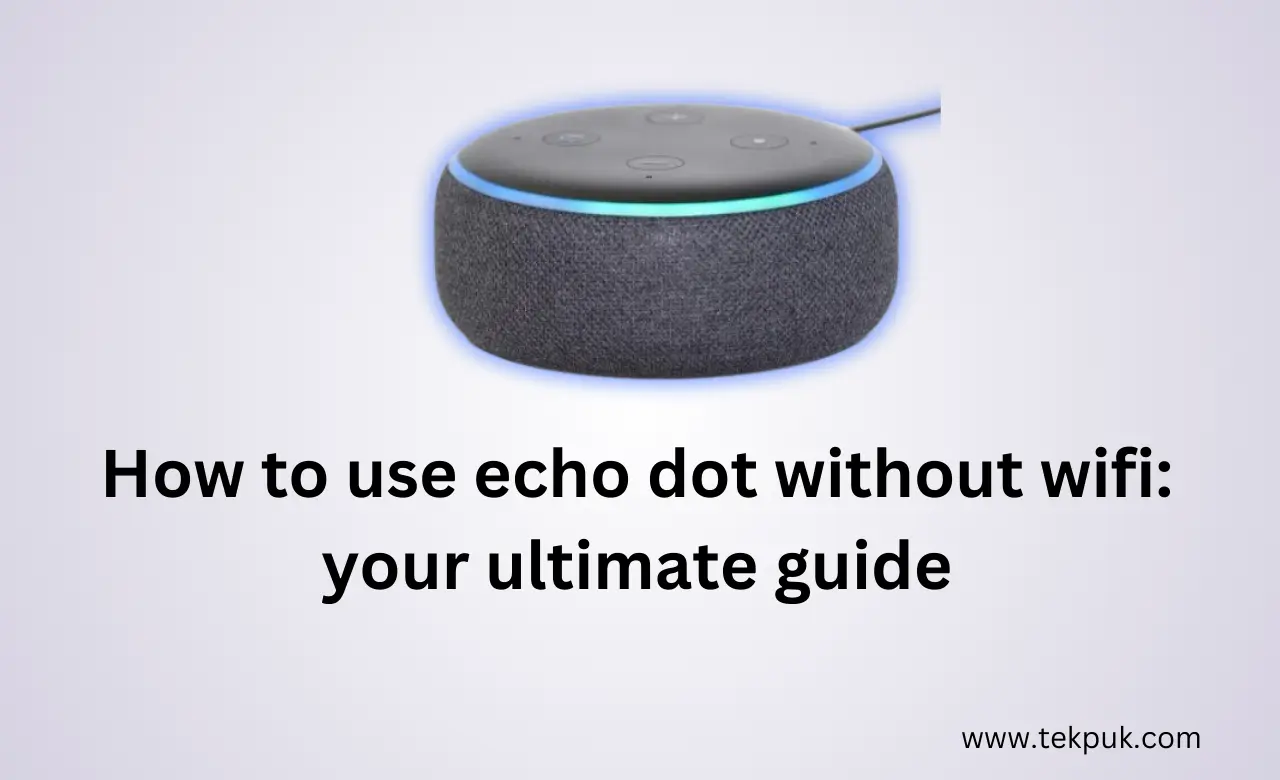
Are you looking to set up your Amazon Echo Dot without the need for a smartphone? If yes, you're in the right place! In this article, we'll guide you through the process of setting up your Echo Dot without a smartphone with ease.
Benefits of Setting Up Echo Dot Without Smartphone
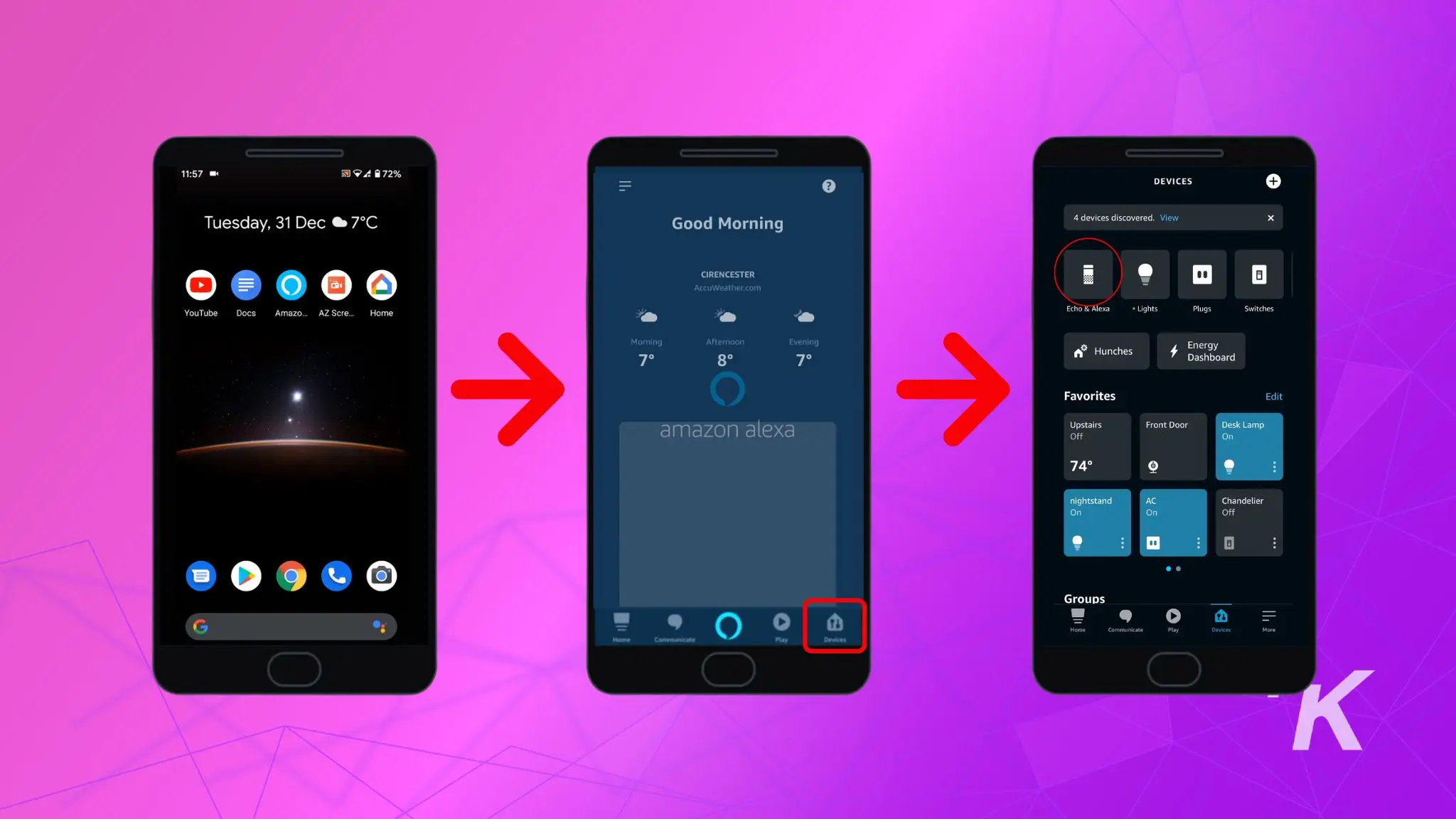
Setting up your Echo Dot without a smartphone can be beneficial in several ways. Firstly, it allows you to get started with your Device without having to download and install the Alexa app. Secondly, it gives you more control over your device and allows you to explore its features in a more hands-on way.
Equipment Needed for Setting Up Echo Dot Without Smartphone
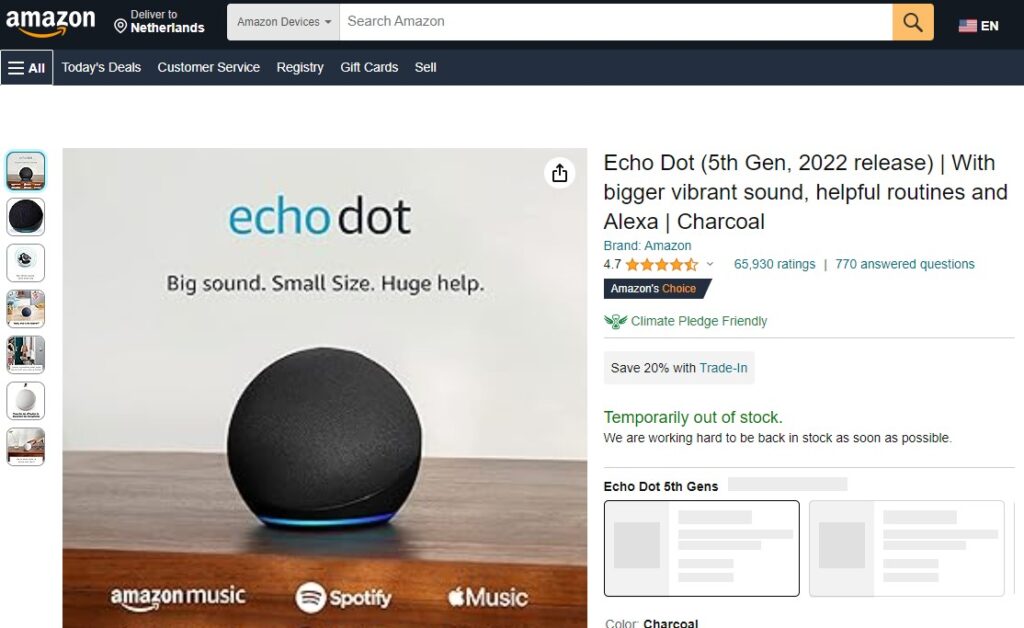
To set up your Echo Dot without a smartphone, you'll need the following equipment:
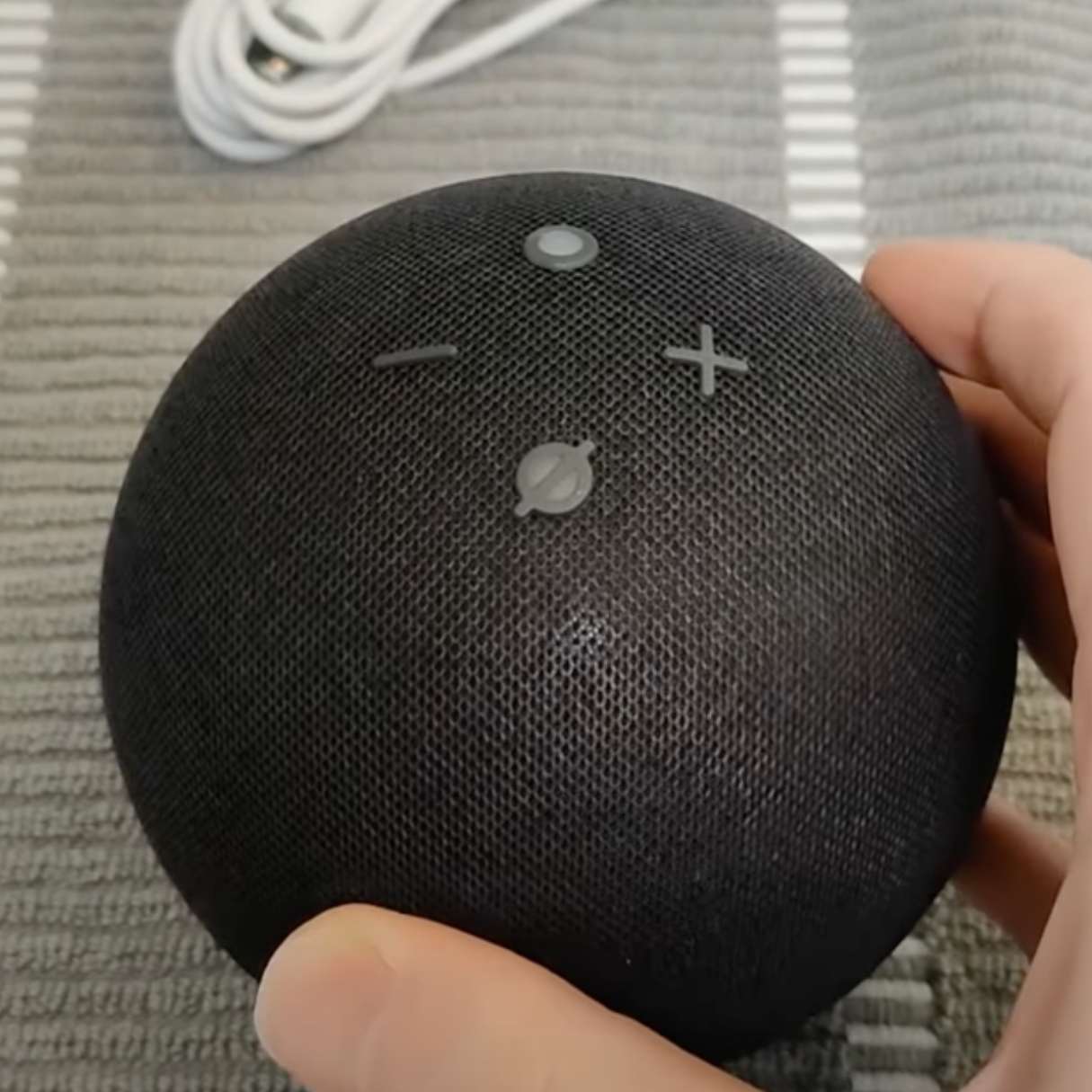
- Echo Dot device
- Computer or laptop with internet connection
- Web browser (e.g. Google Chrome, Mozilla Firefox)
Step-by-Step Guide to Setting Up Echo Dot Without Smartphone
Follow these steps to set up your Echo Dot without a smartphone:
Step 1: Open Alexa Website on Computer or Laptop
First, open a web browser on your computer or laptop and go to the Alexa website by typing https://alexa.amazon.com in the address bar.
Step 2: Sign in to Your Amazon Account
Next, sign in to your Amazon account using your email and password. Make sure you're using the same account you used to purchase your Echo Dot.
Step 3: Register Your Echo Dot
Once you're logged in, click on the "Register a Device" button and follow the on-screen instructions to register your Echo Dot. You'll be prompted to enter the device's serial number and follow some basic setup steps.

Step 4: Connect Your Echo Dot to Wi-Fi
After registering your Echo Dot, you'll be prompted to connect your device to your Wi-Fi network. Follow the on-screen instructions to do this.
Step 5: Customize Your Echo Dot's Settings
Now that your Echo Dot is connected to Wi-Fi, you can customize its settings to your liking. You can change the device's name, set up voice commands, and explore other features.
Troubleshooting Tips for Common Setup Issues
Sometimes, you may encounter issues while setting up your Echo Dot without a smartphone. Here are some troubleshooting tips to help you overcome common issues:
- Make sure you're using the correct serial number for your Echo Dot device.
- Check that your computer or laptop is connected to the internet.
- Ensure that your Wi-Fi network is working properly.
Conclusion
Setting up your Echo Dot without a smartphone is a straightforward process that requires some patience and attention to detail. With the steps outlined above, you should be able to set up your device in no time. Remember to troubleshoot common issues if you encounter any problems during the setup process.
Additional Tips and Resources
Here are some additional tips and resources to help you get the most out of your Echo Dot:
- Make sure to explore your Echo Dot's features and settings to get the most out of your device.
- Check out the Alexa website for more information on how to use your Echo Dot.
- Consider purchasing a smart speaker with a display to streamline your setup process.
By following the steps outlined in this article, you should be able to set up your Echo Dot without a smartphone with ease. Happy setup!


![How to Connect Alexa to Wi-Fi Without the App [Updated]](https://homecomfortelevated.com/wp-content/uploads/2025/11/istockphoto-1305025489-612x612-Picsart-AiImageEnhancer-1140x760.jpg "How to Connect Alexa to Wi-Fi Without the App [Updated]")