Password Management for Teams: The Ultimate Guide to Secure Collaboration
The Importance of Password Management for Teams
As a team leader, you understand the importance of effective collaboration to achieve success. However, password management is often overlooked, leaving your team vulnerable to security breaches and productivity issues. In this article, we'll explore the best password managers for teams and provide you with a comprehensive guide to implementing a secure password management system.Why Password Management for Teams is Crucial
Poor password management can lead to a significant drain on IT support resources, as well as compromised security and lost productivity. According to a recent survey, password-related issues account for a substantial portion of help desk tickets. With the rise of remote work, password management has become even more crucial, as teams rely on shared passwords and access to sensitive information.The Best Password Managers for Teams
When choosing a password manager for your team, consider the following key features:- Security**: Look for encryption, two-factor authentication, and regular security audits.
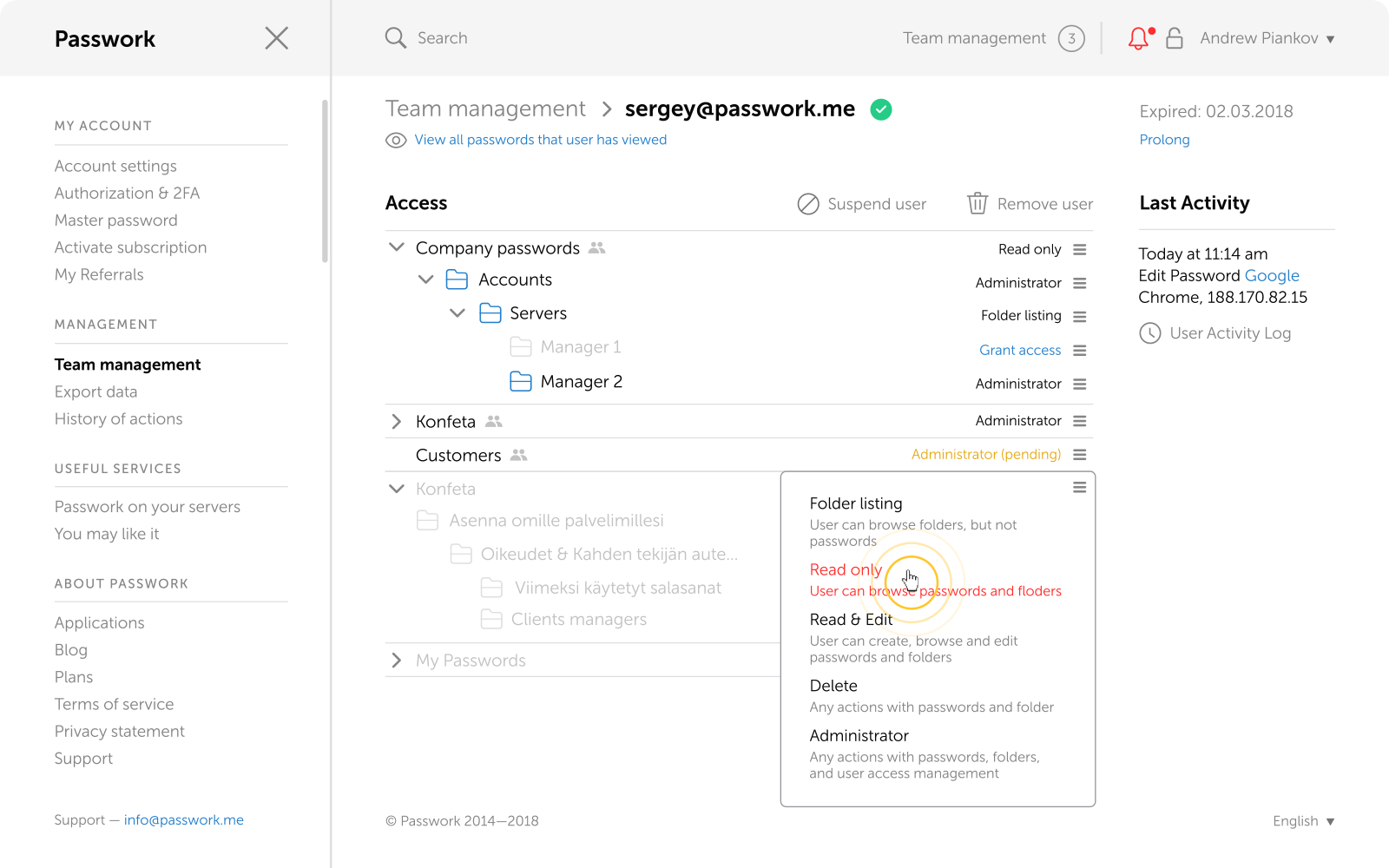
- Collaboration**: Ensure the password manager allows seamless sharing and collaboration among team members.
- Ease of use**: Choose a solution that's intuitive and easy to use, reducing the likelihood of user error.
- Scalability**: Select a password manager that can grow with your team, without compromising performance or security.
- Passpack**: Offers advanced features like Active Directory integration, JIT provisioning, and SOC 2 Type II certification, starting at $1.50/user/month.
- Bitwarden**: Provides a free plan, business, and enterprise pricing options, with features like password sharing, access controls, and advanced security.
- Netwrix Password Secure**: Offers a self-hosted workforce password management solution with data ownership and hosting flexibility.
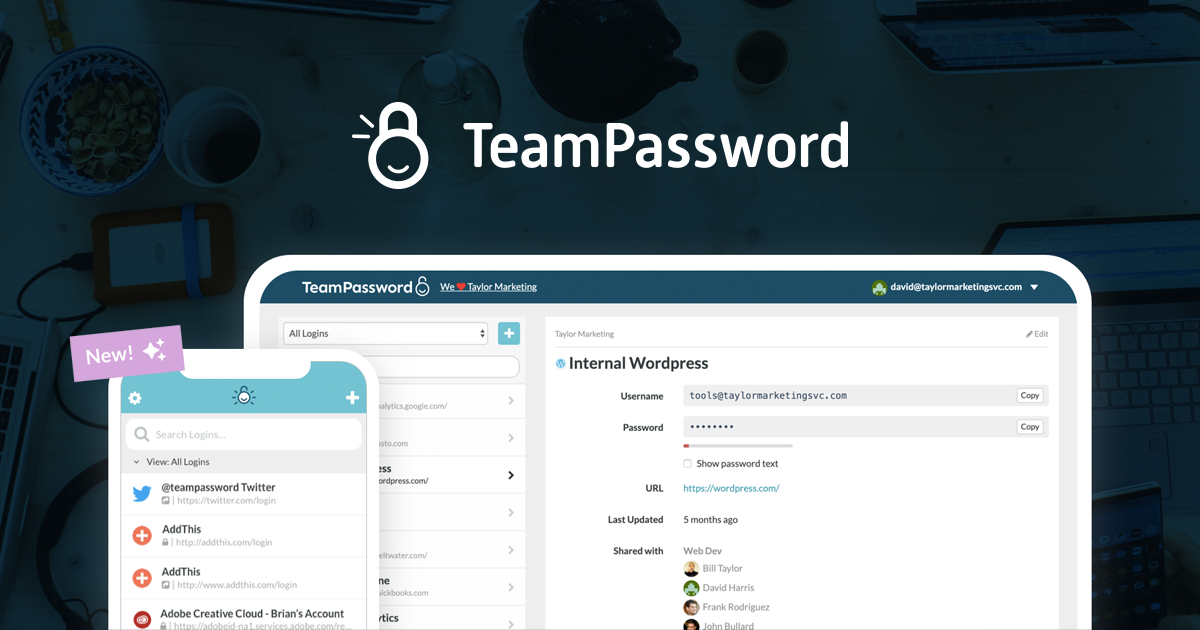
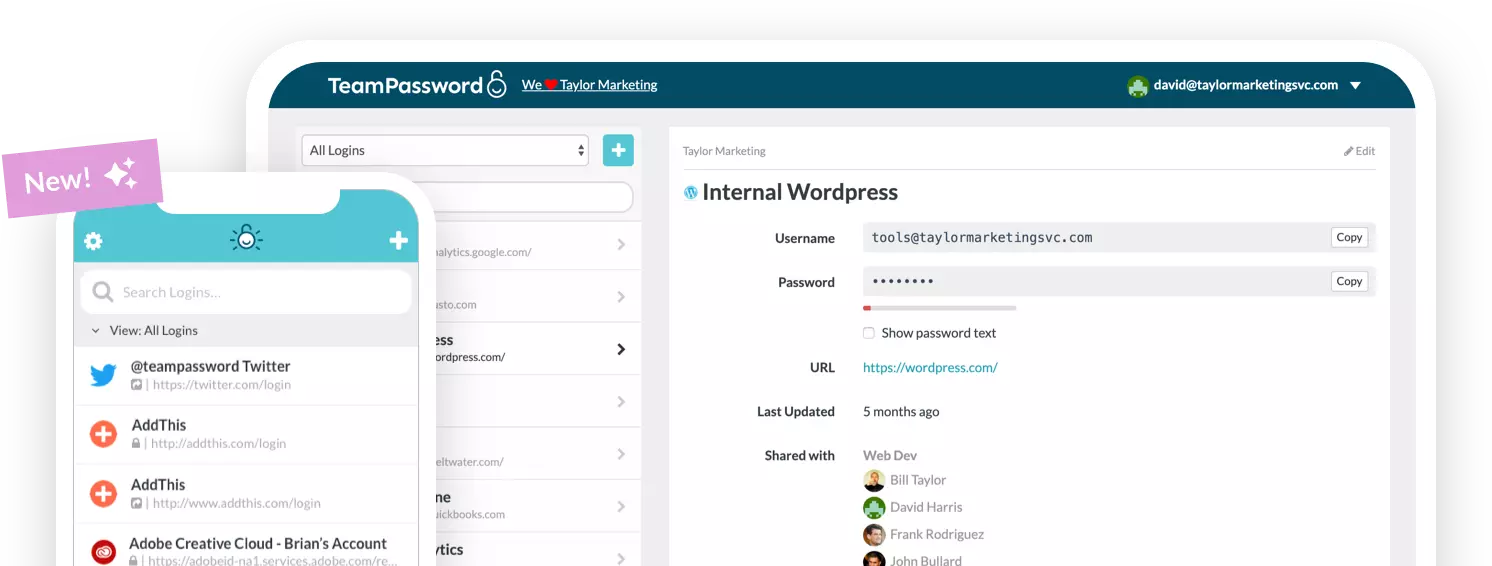
- TeamPassword**: Designed with ease of use and collaboration in mind, with features like password sharing, access controls, and advanced security.
- 1Password**: Provides a Business and Enterprise plan, with features like password sharing, access controls, and advanced security, as well as a free trial.
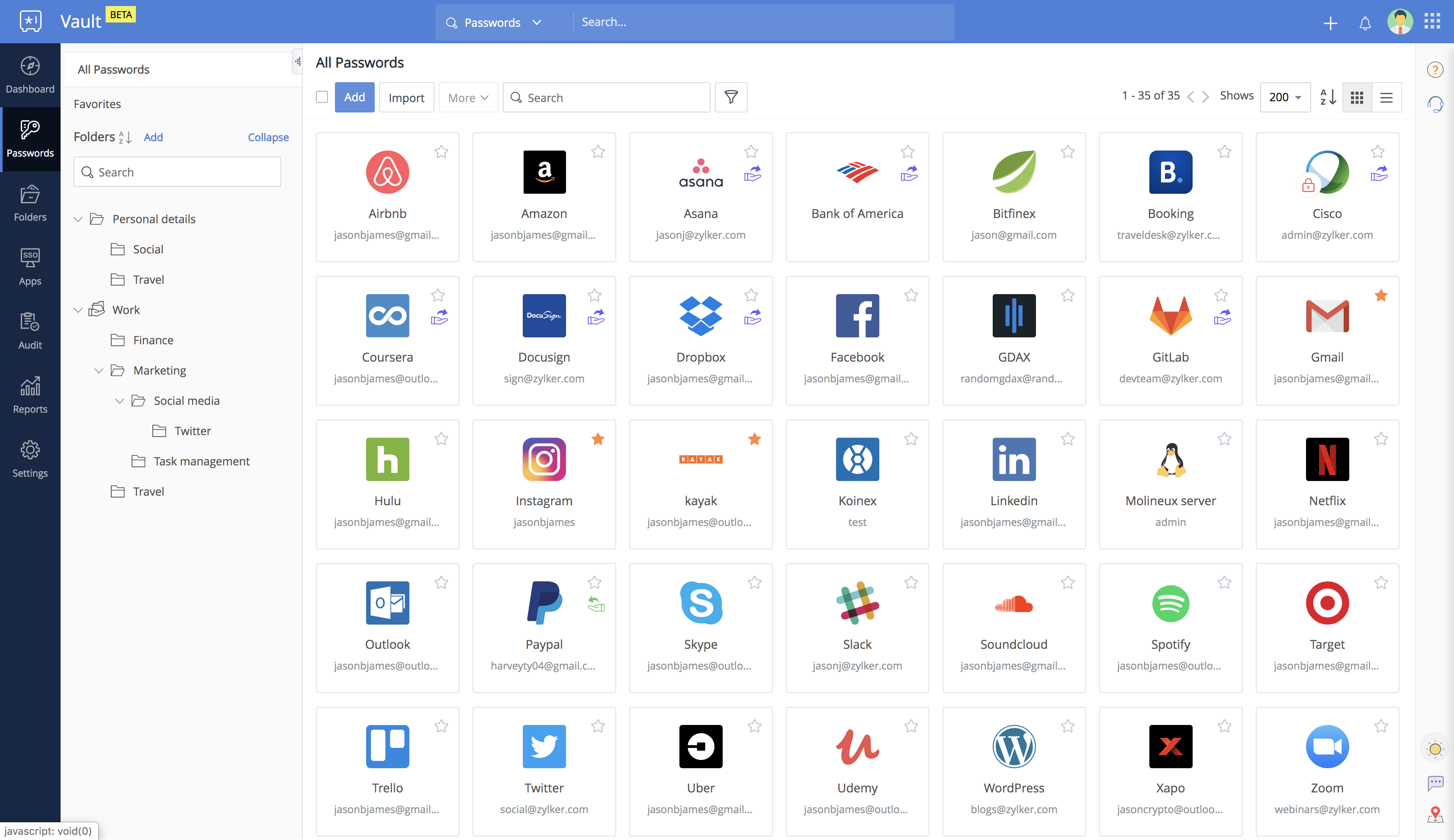
- Zoho Vault**: Offers a secure password manager for teams and enterprises, with features like password sharing, access controls, and advanced security.
Implementation and Best Practices
To get started with a password manager for your team, follow these best practices:- Assess your team's needs**: Consider factors like team size, security requirements, and collaboration needs.
- Choose a suitable solution**: Select a password manager that meets your team's needs and budget.
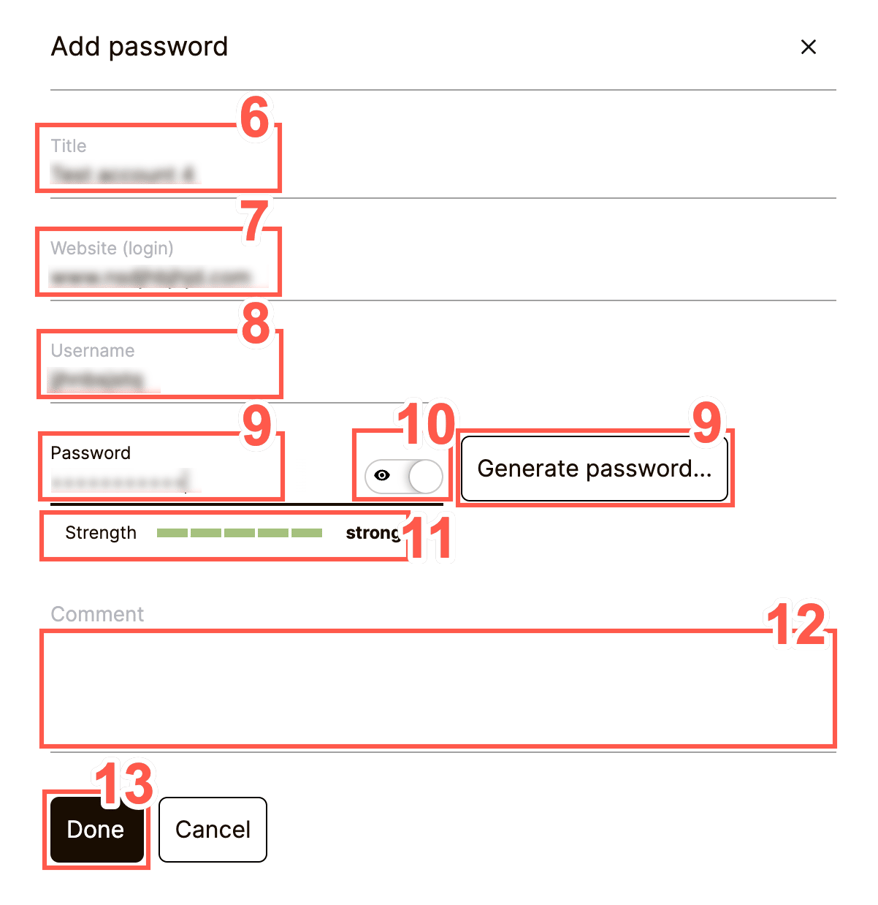
- Implement the solution**: Set up the password manager, create user accounts, and configure access controls.
- Train your team**: Educate your team members on how to use the password manager effectively.
- Regularly review and update**: Regularly review and update your password manager configuration to ensure it continues to meet your team's evolving needs.
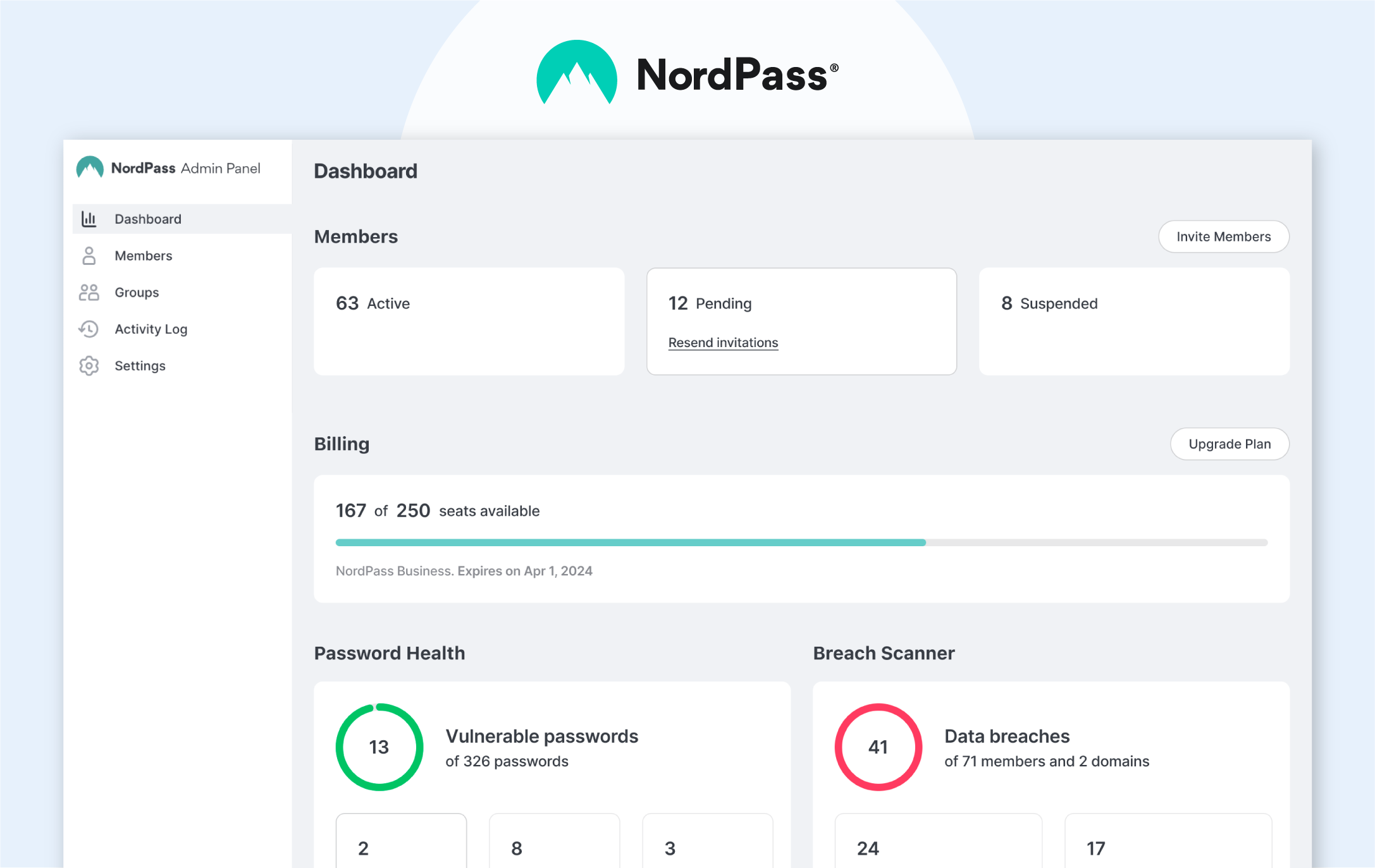

![Best Password Manager for Teams 2026: [List And Reviews]](https://s1.npass.app/nordpass/media/1.1965.0/images/web/teams/thumbnail-teams.png "Best Password Manager for Teams 2026: [List And Reviews]")