Unlock the Power of OBS for Advanced Streamers: A Comprehensive Tutorial
If you're an experienced streamer looking to take your live streams to the next level, you're in the right place. In this article, we'll delve into the world of advanced Obs for streamers, covering topics such as scene setups, hotkeys, transitions, and more. By the end of this tutorial, you'll be equipped with the knowledge to create professional-grade streams that engage your audience and leave a lasting impression.
Understanding the Power of OBS
Obs (Open Broadcaster Software) is a free and open-source software that has revolutionized the world of live streaming. With its extensive array of features and customization options, Obs has become the go-to choice for many professional streamers. But what makes Obs stand out from other streaming software is its ability to be tailored to the needs of each individual streamer. Whether you're streaming on Twitch, YouTube, or Facebook, Obs has the capabilities to meet your specific requirements.
Mastering Scene Setups
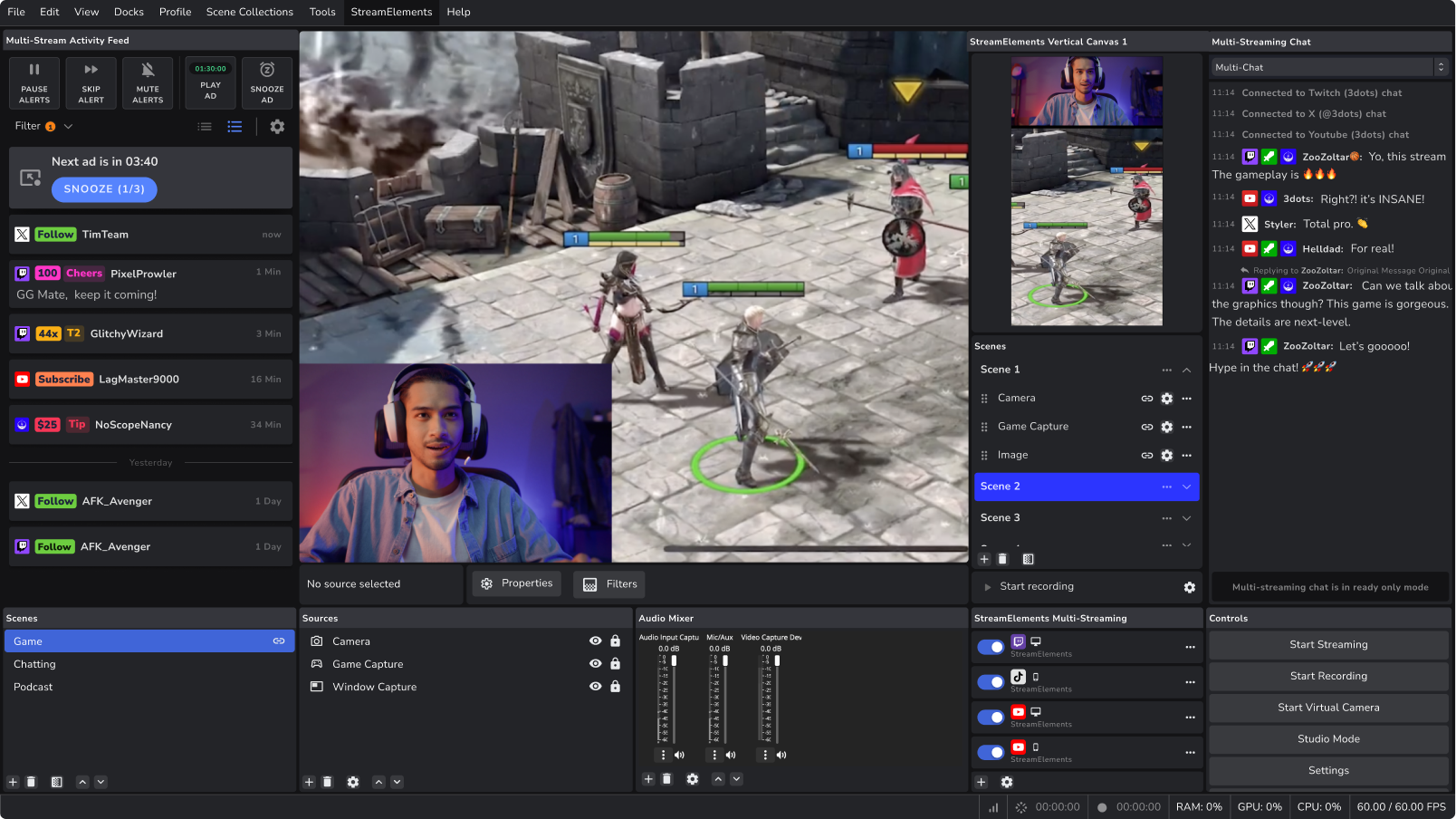
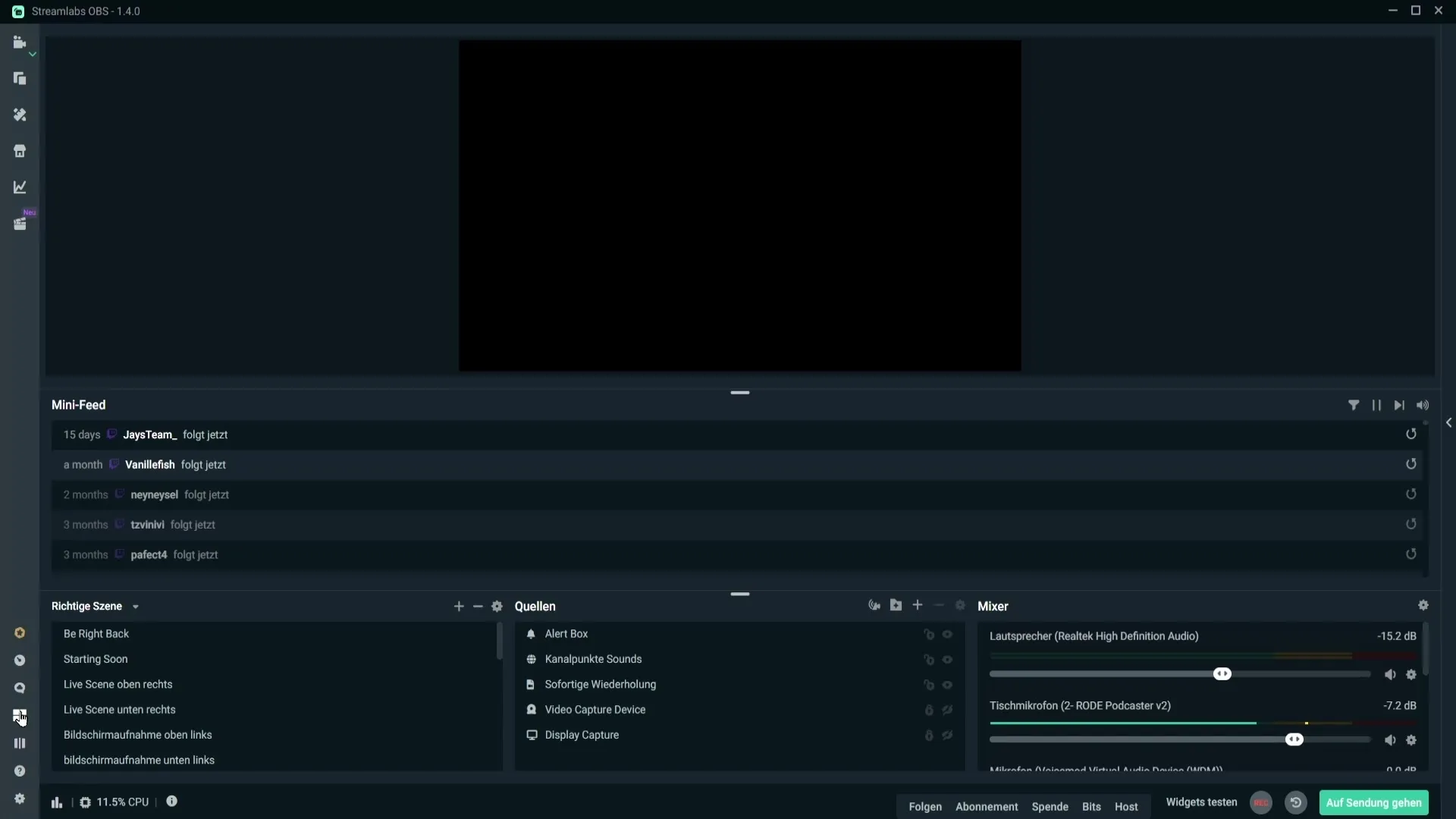
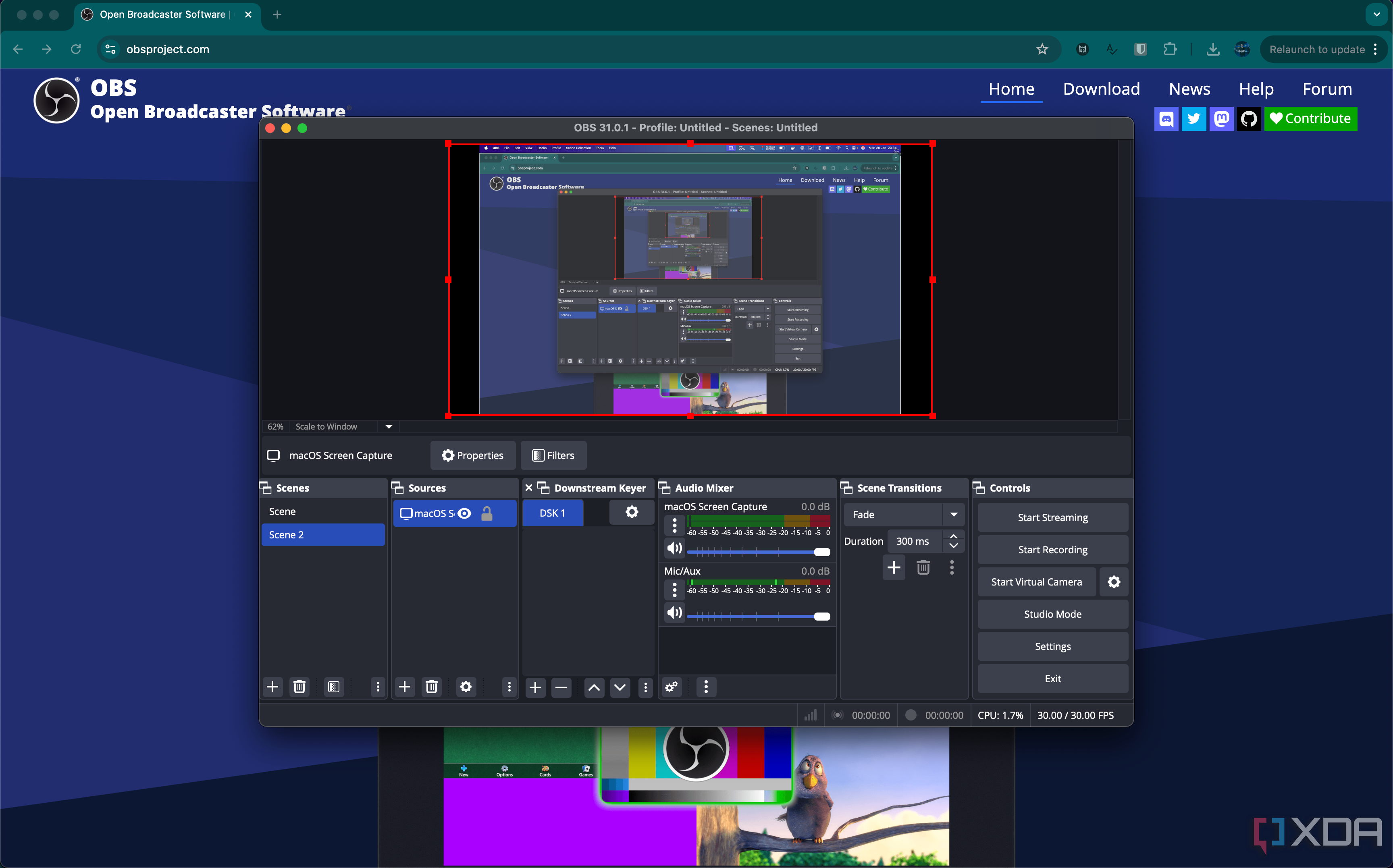
One of the most powerful features of Obs is its scene system. By setting up multiple scenes, you can easily switch between different layouts, transitions, and effects without interrupting your stream. To create a complex scene setup, follow these steps:
- Go to the "Scenes" tab in Obs and click on the "+" button to create a new scene.
- Give your scene a name and select the layouts you want to include (e.g., stream source, webcam, overlays, etc.).
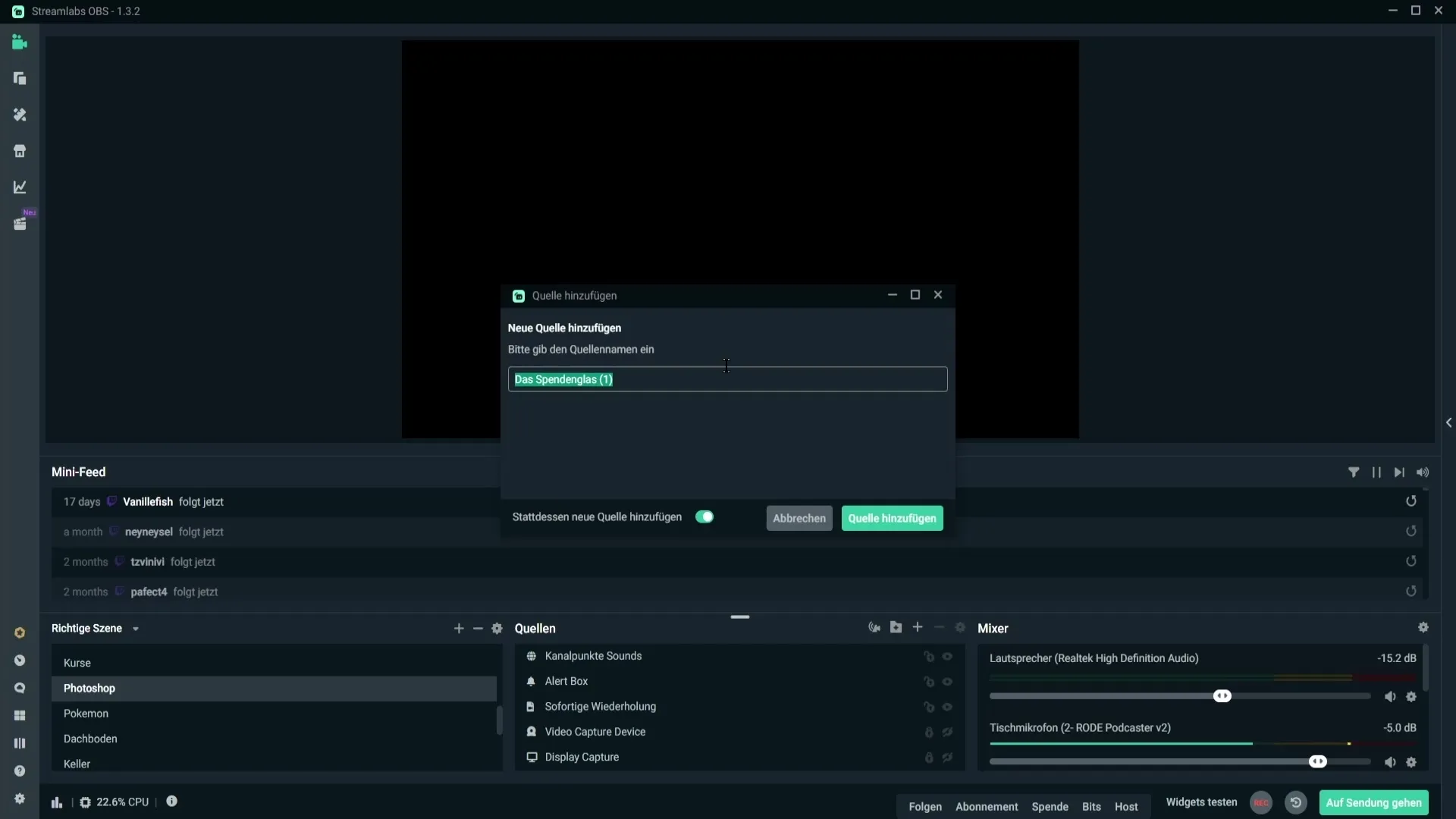
- Use the "Source" tab to add multiple sources to your scene. You can add images, videos, or other files as sources.
- Experiment with different layouts and transitions to find the perfect combination for your stream.
Hotkeys for Streamers
Obs offers an extensive range of hotkeys that can help you streamline your streaming experience. By setting up custom hotkeys, you can perform actions such as: * Toggle scenes * Start/stop recording * Switch between sources * Adjust audio settings To create a custom hotkey, follow these steps:
- Go to the "Hotkeys" tab in Obs and click on the "+" button.
- Choose the action you want to assign a hotkey to (e.g., switching between scenes).
- Assign a keyboard shortcut to the action using the "Shortcuts" dropdown menu.
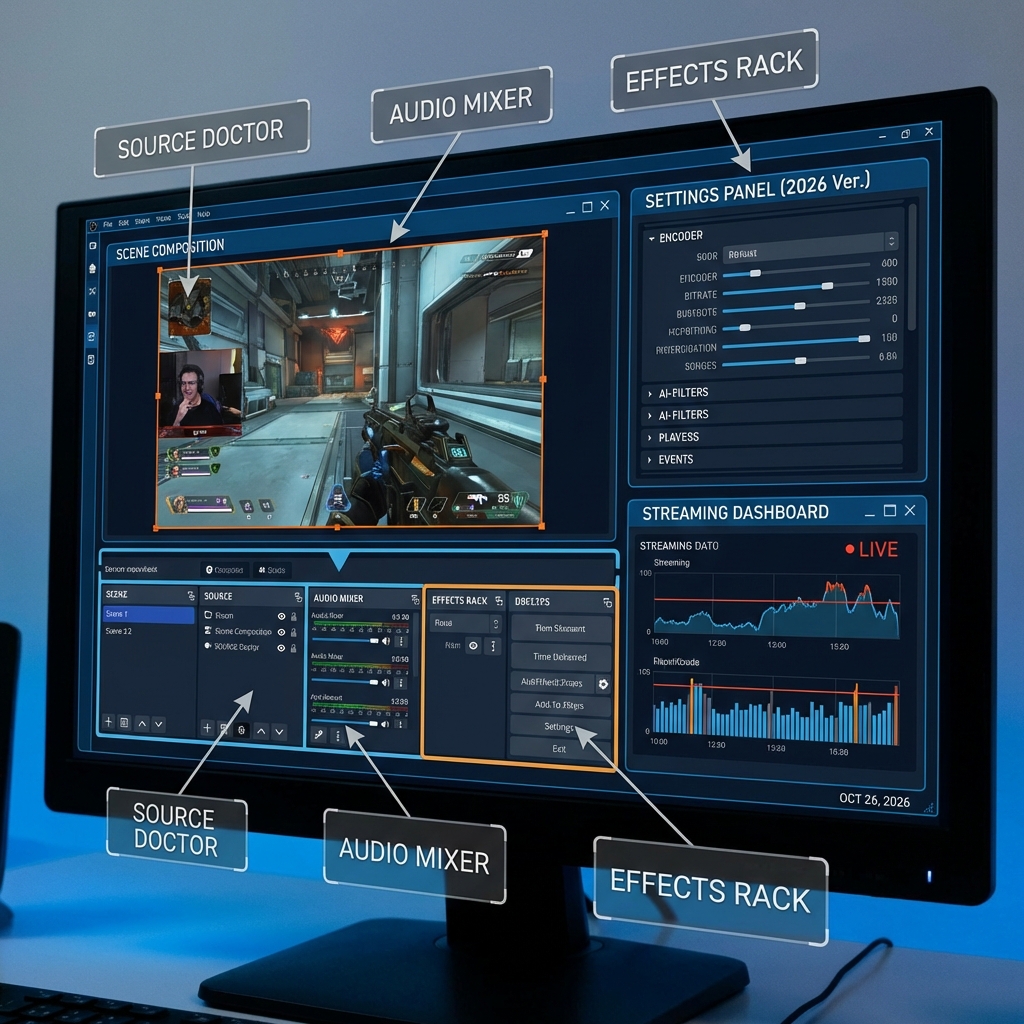
Advanced Audio Mixing
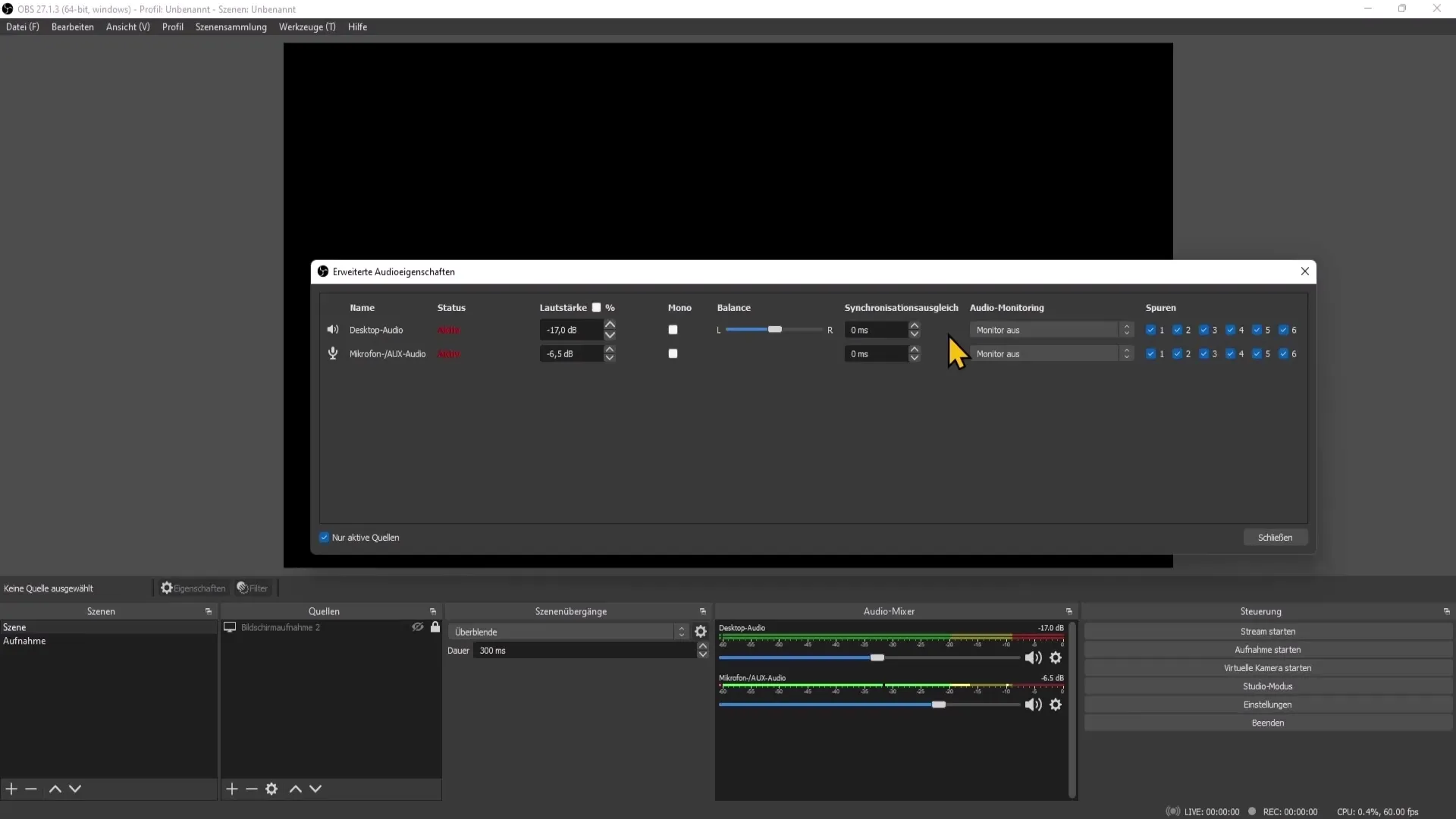
As an advanced streamer, you'll want to ensure that your audio is crystal clear and professional-sounding. Obs offers advanced audio mixing options that allow you to: * Mix multiple audio sources * Adjust gain levels and EQ settings * Use noise reduction and compression To access the audio mixing options, follow these steps:
- Go to the "Audio" tab in Obs and click on the "Mixing" button.
- Adjust the gain levels and EQ settings to your liking.
- Use noise reduction and compression to enhance your audio quality.
Customizing Your Overlays and Transitions
Overlays and transitions are a vital part of creating an engaging live stream. Obs offers an extensive range of customization options for overlays and transitions, allowing you to: * Add text overlays and animations * Create custom transitions * Upload your own graphics and images To customize your overlays and transitions, follow these steps:
- Go to the "Overlays" tab in Obs and select the " Text" or "Image" option.
- Customize your overlay settings to your liking, including font, color, and size.
- Upload your own graphics and images to use as overlays.
Conclusion
In this tutorial, we've covered some of the advanced features of Obs, including scene setups, hotkeys, audio mixing, and customizing overlays and transitions. With these tips and tricks, you'll be able to take your live streams to the next level and attract a larger and more engaged audience. Don't forget to keep experimenting with Obs to find what works best for you!



![[ STEP BY STEP] OBS STUDIO - Complete Setup 2026 - YouTube](https://www.tiktok.com/api/img/?itemId=7176787276108713258&location=0&aid=1988 "[ STEP BY STEP] OBS STUDIO - Complete Setup 2026 - YouTube")
