Instagram Password Protection Tips: Stay Safe Online
Protecting your Instagram account from scammers and hackers is crucial in today's digital age. With millions of active users, Instagram is a hotspot for cyber threats. However, by implementing strong password protection tips, you can safeguard your account and enjoy a secure online experience. In this article, we will delve into the world of Instagram password protection tips, covering topics such as password requirements, 2FA options, and how to prevent account compromises.
What are Instagram's Password Requirements?
When signing up for a new Instagram account or updating your existing password, you must adhere to specific criteria. These password requirements are designed to fortify each account and make it challenging for hackers to access it. To create a strong Instagram password, follow these guidelines:
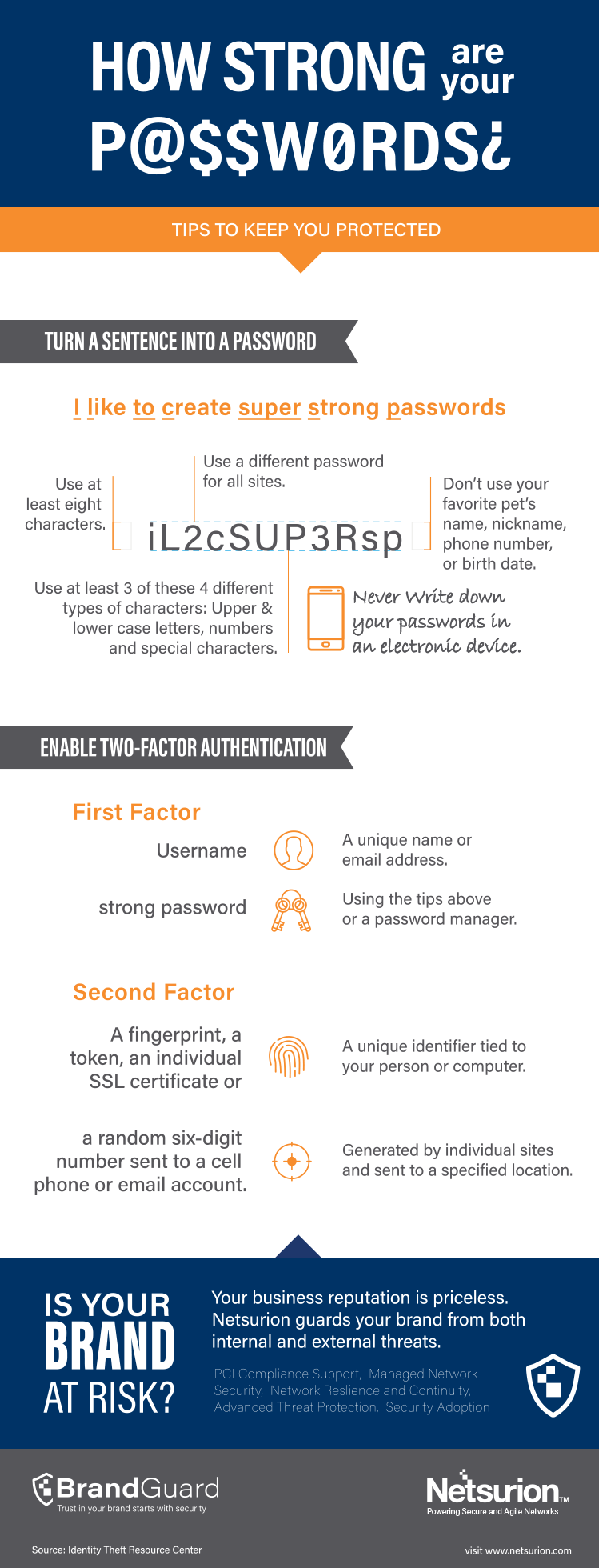
- Minimum length: Instagram passwords must be at least 8 characters long.
- Character rules: Include a mix of uppercase and lowercase letters, numbers, and special characters in your password.
- 2FA options: Enable two-factor authentication (2FA) to add an extra layer of security to your account.
Utilize Instagram's Security Tips and Tools
Instagram offers an array of security features to secure your account and prevent it from being compromised or hacked. These tools include:
- Two-factor authentication (2FA): This adds an extra layer of security to your account by requiring a code sent to your phone or email in addition to your password.
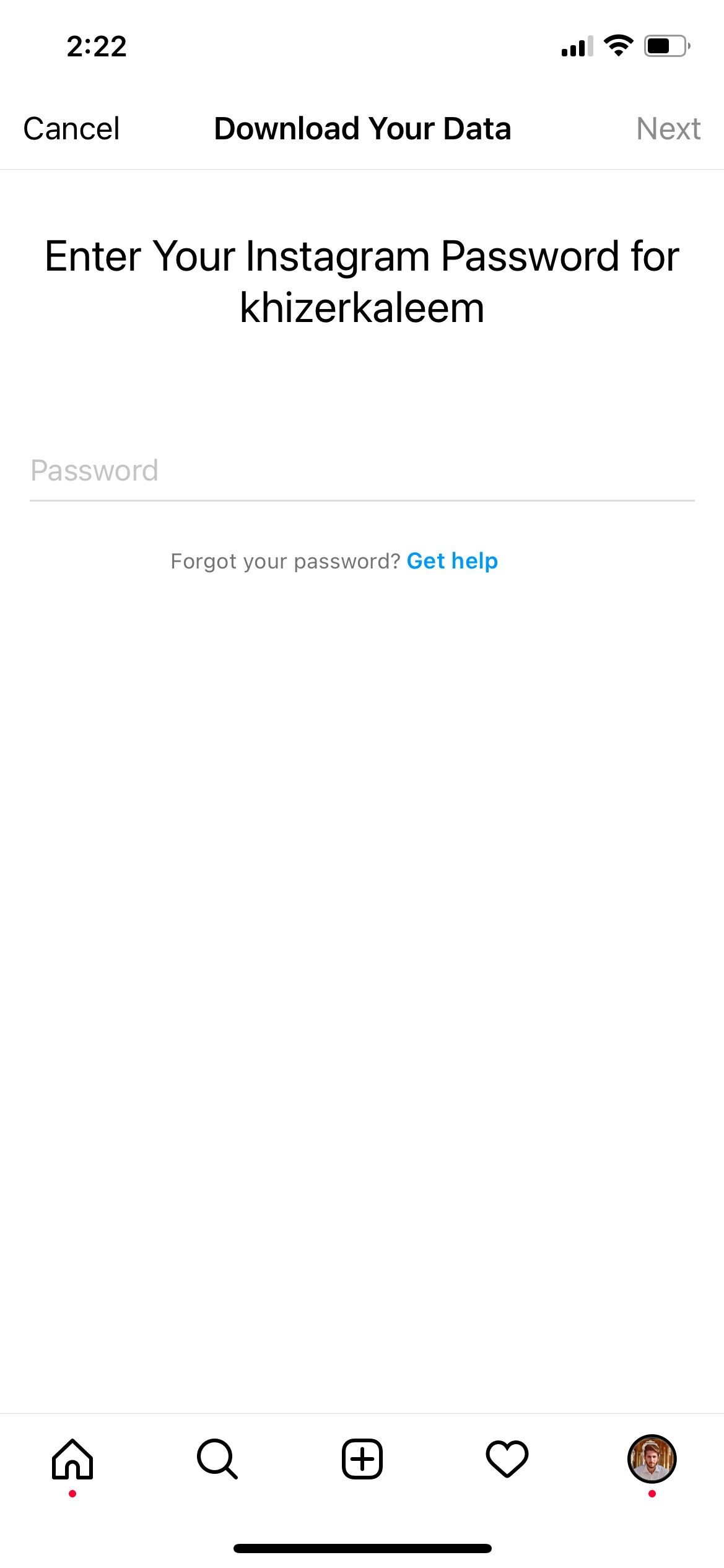
- Secure login: Instagram's secure login feature ensures that your login details are encrypted and protected from unauthorized access.
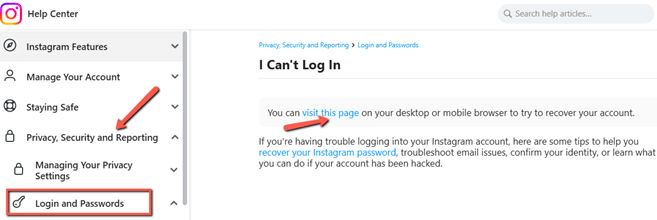
- Account recovery: If you forget your password or your account is compromised, Instagram's account recovery system can help you regain access to your account.
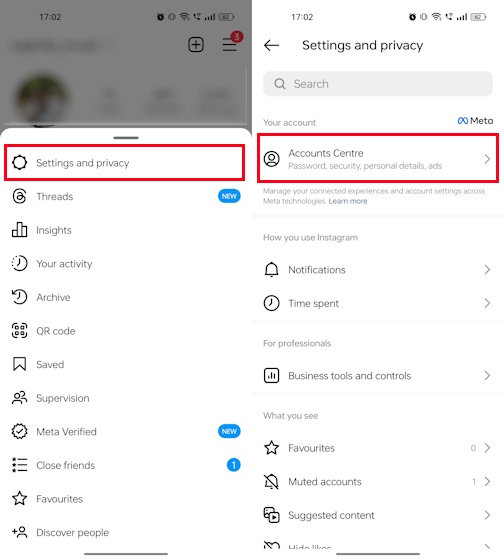
Protect Your Account from Hackers with Strong Passwords and MFA
Developing a strong password is crucial for protecting your Instagram account against hackers or unwanted entry. By combining strong passwords with multi-factor authentication (MFA), you can significantly reduce the risk of your account being compromised. Here are some additional tips to secure your account:
- Use a password manager: A password manager can help you generate and store unique, complex passwords for all your online accounts.
- Avoid easy-to-guess passwords: Refrain from using common words, phrases, or easily identifiable information in your password.
- Monitor your account: Regularly review your account activity and report any suspicious behavior to Instagram's support team.
Conclusion
Instagram password protection tips are essential for maintaining a secure online presence. By following these guidelines, you can safeguard your account against scammers and hackers. Remember, implementing strong password protection measures, enabling 2FA, and utilizing Instagram's security tools and features can help you enjoy a secure online experience on this popular social media platform.
Staying safe online is a collective responsibility. By taking the necessary steps to protect your Instagram account and being aware of common scams and threats, you can contribute to a safer digital environment for everyone.