How to Set Up WiFi Network in Factory: A Comprehensive Guide
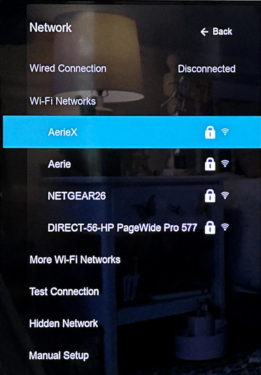
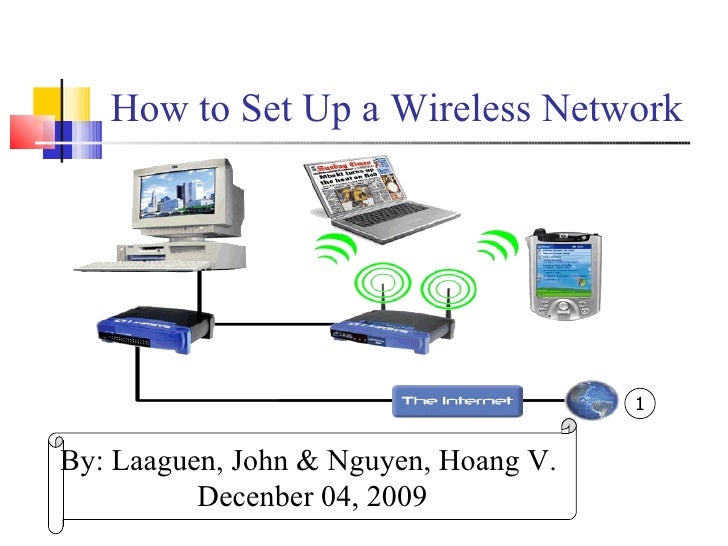
A modernized factory can't be running without a network. Normally, a factory network will be separate into working network and entertainment network. Considering the security of the information and the safety of the work, network in the offices and workshops are usually deployed with Ethernet cable. While in the dormitory and the mess hall, wireless access point should be installed as the main source of internet access.
Understanding Factory Network Requirements
Before setting up a WiFi network in a factory, it's essential to understand the network requirements. This includes the number of devices that will be connected, the type of devices, and the level of security needed. The factory network should be designed to support the specific needs of the factory, such as high-speed data transfer, secure communication, and remote monitoring.
Choosing the Right WiFi Equipment
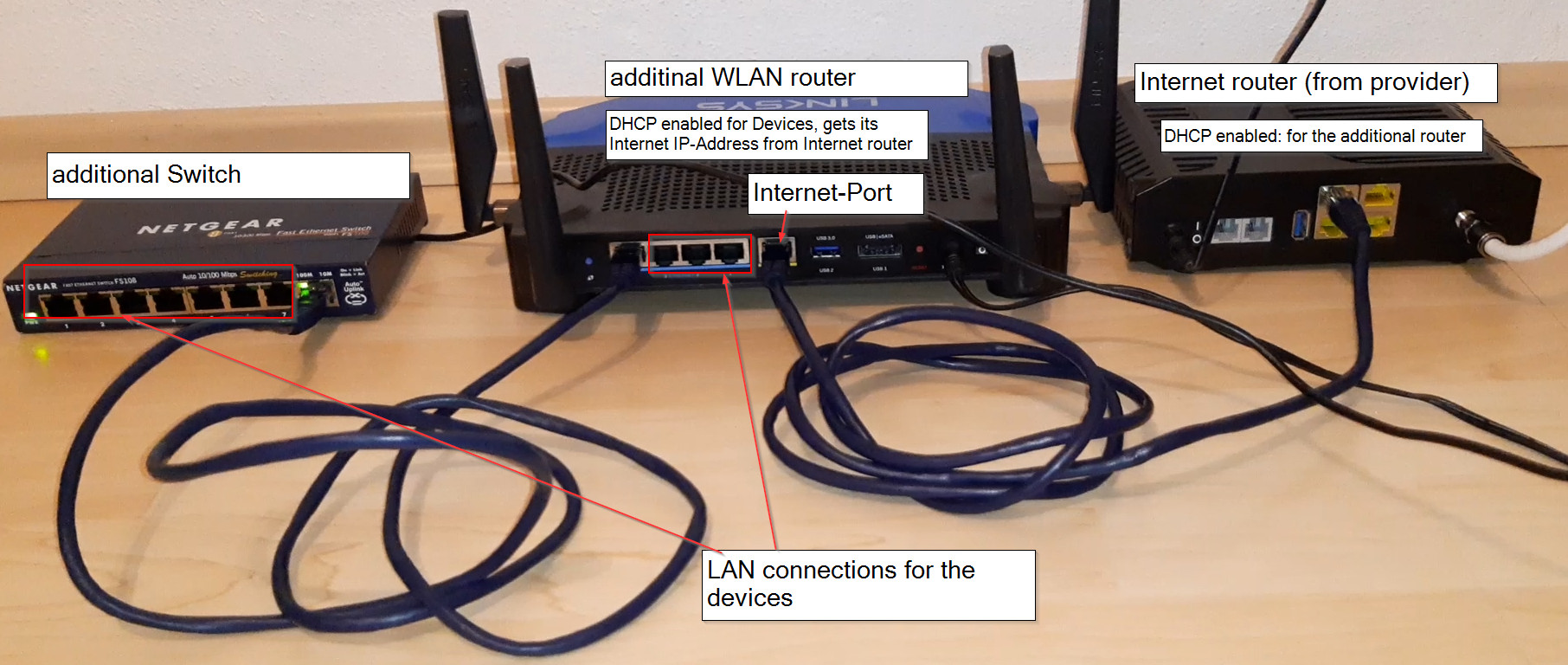
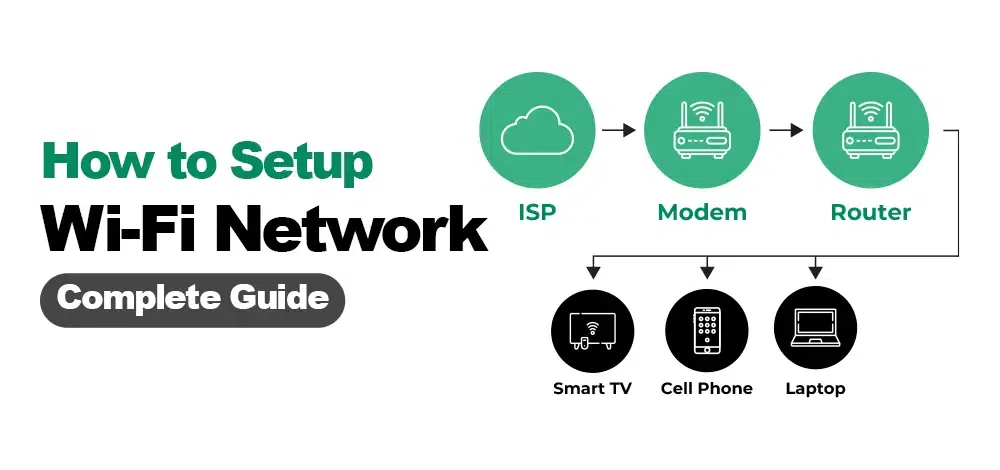
To set up a WiFi network in a factory, you'll need the right equipment. This includes a WiFi router, access points, switches, and network cables. When selecting WiFi equipment, consider the factory's size, the number of devices that will be connected, and the level of security needed. You should also choose equipment that is compatible with your factory's existing network infrastructure.
Planning the Network Layout
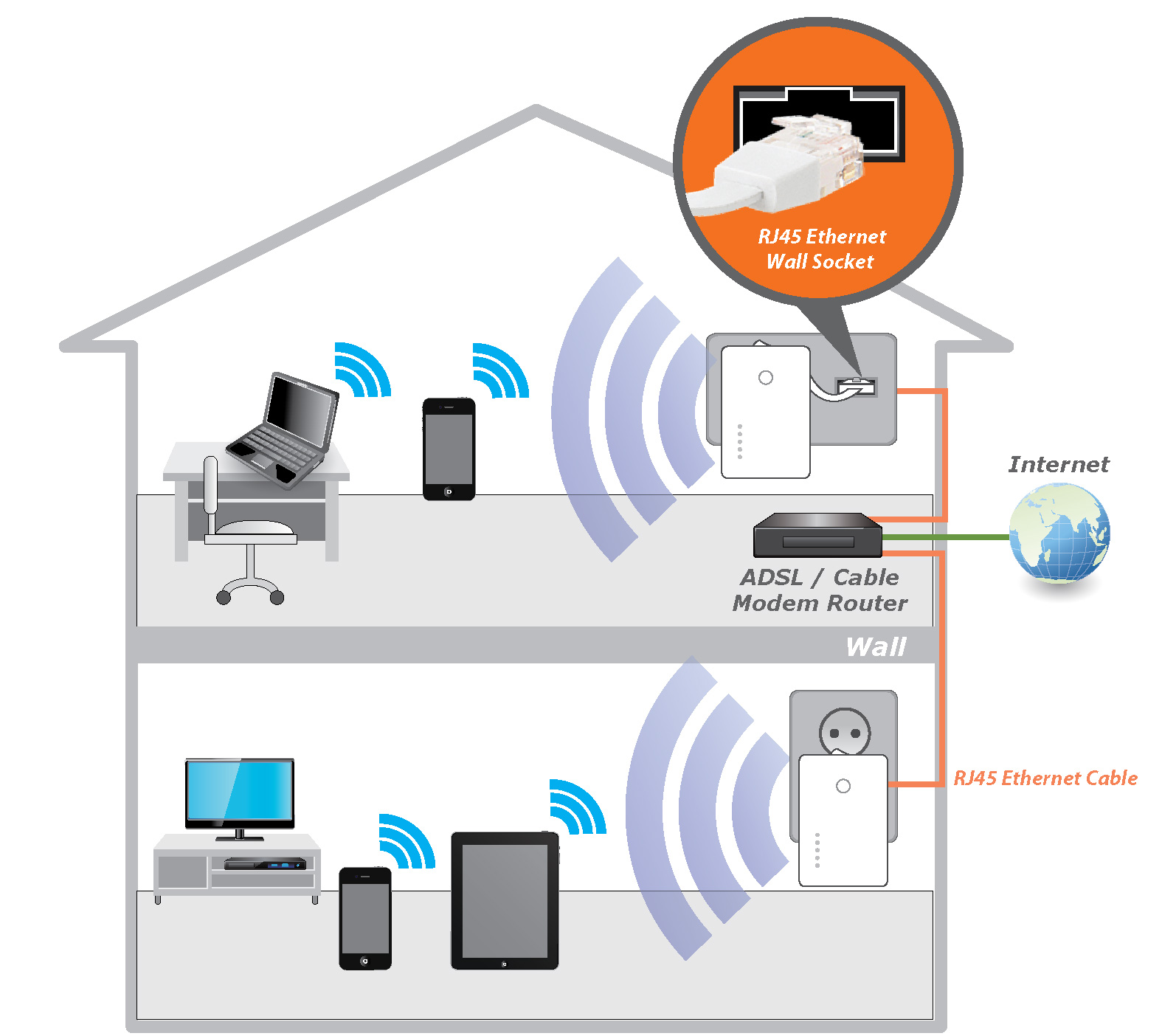
Once you have the right equipment, it's time to plan the network layout. This includes determining the number of access points needed, the placement of these access points, and the configuration of the network. You should also consider the physical environment of the factory, including any obstacles that may affect WiFi signal strength.
Configuring the WiFi Network
With the equipment and layout planned, it's time to configure the WiFi network. This includes setting up the WiFi router, configuring the access points, and setting up the network settings. You should also consider implementing network security measures, such as firewalls, intrusion detection, and encryption.
Testing and Optimizing the Network
Once the WiFi network is set up, it's essential to test and optimize it. This includes testing the network speed and coverage, identifying any issues, and making adjustments as needed. You should also consider implementing network monitoring and management tools to ensure the network is running smoothly and securely.

Benefits of a Well-Designed WiFi Network in a Factory
A well-designed WiFi network in a factory offers numerous benefits, including increased productivity, improved communication, and enhanced security. With a reliable and fast WiFi network, factory workers can access critical information and communicate with each other more efficiently, leading to improved productivity and reduced errors. Additionally, a secure WiFi network helps protect sensitive information and prevents cyber threats.
Common Challenges and Solutions
Interference from Other Devices
Interference from other devices can affect WiFi signal strength and coverage. To solve this issue, consider using a WiFi analyzer tool to identify the sources of interference and take steps to mitigate them.
Insufficient Network Coverage
Insufficient network coverage can lead to dropped connections and slow data transfer. To solve this issue, consider adding more access points or using a WiFi range extender to increase coverage.
Security Threats
Security threats can compromise the integrity of the factory network. To solve this issue, consider implementing robust network security measures, such as firewalls, intrusion detection, and encryption.
Conclusion
Setting up a WiFi network in a factory requires careful planning, configuration, and optimization. By following the steps outlined in this guide, you can create a reliable, fast, and secure WiFi network that supports the specific needs of your factory. Remember to test and optimize the network regularly to ensure it continues to meet the needs of your factory workers and operations.





:max_bytes(150000):strip_icc()/006_connect-echo-and-alexa-to-wi-fi-4158308-5c7d8fbcc9e77c000136a7c8.jpg "How to Connect Your Printer to a Wireless Network Using Wi-Fi ...")