How to Protect Your Privacy on Google
As one of the largest and most used internet companies in the world, Google collects and processes vast amounts of data about its users. However, this data collection often raises concerns about user privacy, security, and the potential for data misuse. In this article, we'll discuss the importance of protecting your privacy on Google and provide practical tips on how to do so.
Protecting Your Privacy on Google: Why It Matters
Google collects data from various sources, including your search history, browsing habits, location history, and email communications. While this data collection can improve your overall Google experience, it also raises concerns about how your personal information is being used. Google's data collection can indeed be used for various purposes, such as targeted advertising, analytics, and interoperability services. However, this raises questions about what you can do to protect your own privacy.
How to Protect Your Privacy on Google
Protecting your privacy on Google starts with understanding how the company collects and uses your data. Here are some key settings to know about and steps to protect your privacy.
Google Account Settings
1. Pause Web & App Activity: Google records your interactions across its apps and services. By pausing Web & App Activity, you can limit the types of data Google collects about you. To access this setting, go to google.com/settings and click on Manage my account settings.
2. Location History: Google also collects your location data, which can be used to personalize ads, recommendations, and other services. To disable Location History, go to google.com/locationhistory and click on Temporary Pause or Pause Location History.
3. Web & App Activity Limit: By setting a limit on Web & App Activity, you can control how long Google retains your data. To do so, go to google.com/settings and click on Manage your account settings.
Google Privacy Tools
1. Google Dashboard: Check your Google account dashboard to see what the company knows about you. To access your dashboard, go to google.com/dashboard.
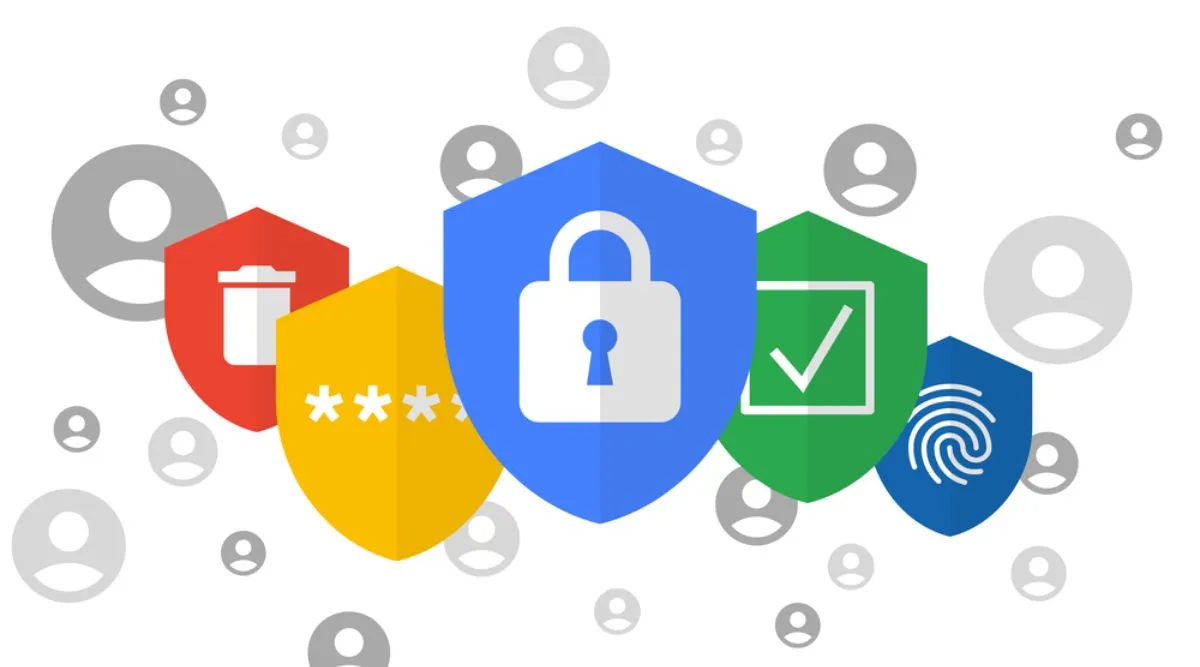
2. Google Takeout: Use Google Takeout to download a copy of your data, including emails, contacts, and other personal information. To access Google Takeout, go to takeout.google.com.
Limiting Data Collection
1. Disable Smart Features: Some Google services, such as Gmail, may use machine learning to analyze your data and provide personalized recommendations. To disable these features, go to the specific service settings (e.g., Gmail settings).
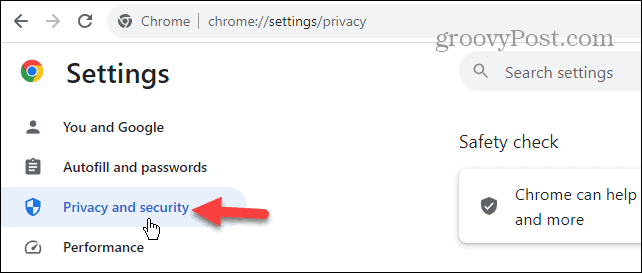
2. Block Google Ads: If you're concerned about targeted advertising, consider using an ad blocker or revoking third-party cookies. To revoke third-party cookies, go to Chrome settings.
3. Clear Search History: Clear your Google search history to control what data Google retains. To clear your search history, go to google.com/settings and click on Clear search cookies and other site data.
Additional Tips
1. Use Google'sTwo-Factor Authentication: Enable two-factor authentication (2FA) to add an extra layer of security to your Google account.
2. Use Strong Passwords: Use unique, complex passwords for your Google and other online accounts.
3. Monitor Your Account Activity: Regularly review your account activity to detect any suspicious behavior.
Conclusion
Protecting your privacy on Google is a crucial step in maintaining control over your personal data. By understanding Google's data collection practices and using the tips outlined above, you can limit what data is collected and how it is used. While Google offers a range of tools and settings to control data collection, it's essential to stay vigilant and proactive in safeguarding your digital identity.