How to Apply for a Social Security Card Online: A Step-by-Step Guide
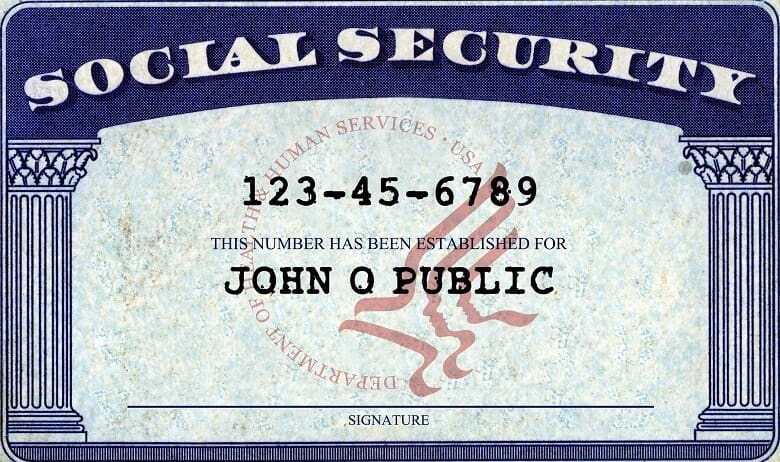
If you're one of the millions of Americans who need to apply for a Social Security card, you may be wondering how to do it online. Appplying for a Social Security card online is a convenient and efficient way to get your card, and it can save you time and effort.
Eligibility for Online Application
To apply for a Social Security card online, you must be a U.S. citizen or have a current lawful work-authorized immigration status. Additionally, you must have a valid email address and a printer to print your application.
Step 1: Create a My Social Security Account
The first step to applying for a Social Security card online is to create a my Social Security account. You can create an account by visiting the Social Security Administration's website and following the instructions. You will need to provide some personal information, such as your name, date of birth, and Social Security number.
- Go to the Social Security Administration's website and click on "Create an Account."
- Fill out the online application for a my Social Security account.
- Verify your identity by providing required documents and information.
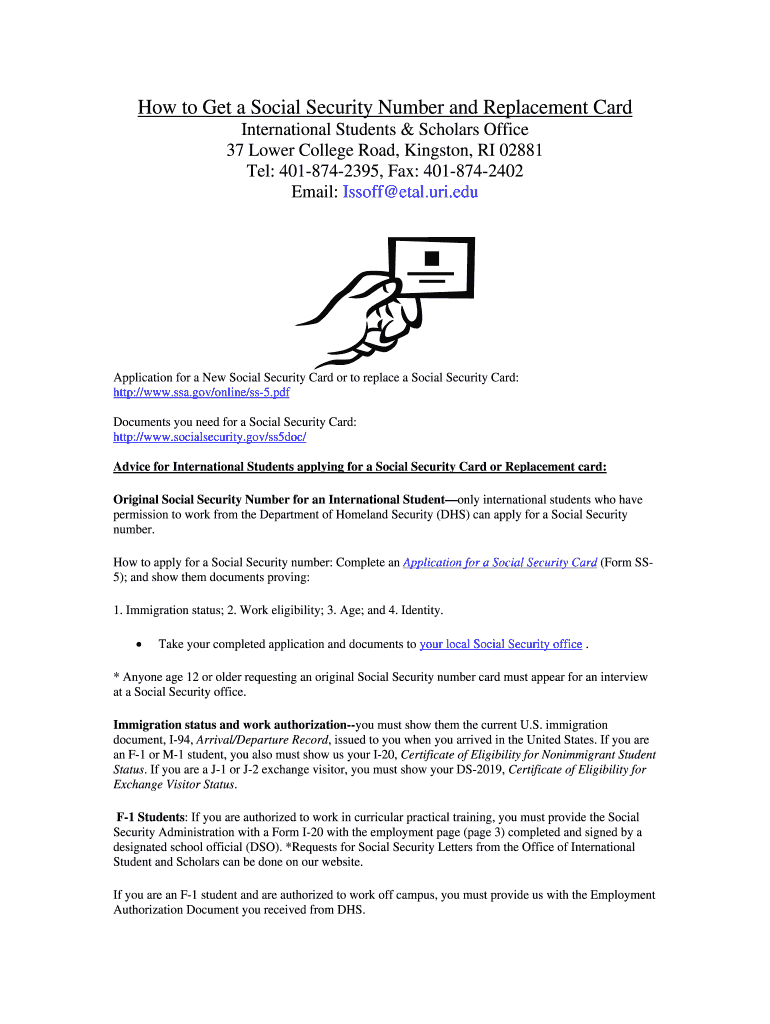
Step 2: Gather Required Documents
Before you can apply for a Social Security card online, you will need to gather some required documents. These documents may include:
- Proof of age: Your birth certificate or proof of age (such as a passport or a youth ID card).
- Proof of identity: Your driver's license or government-issued photo ID.
- Proof of citizenship or current lawful immigration status: Your U.S. passport or valid visa.

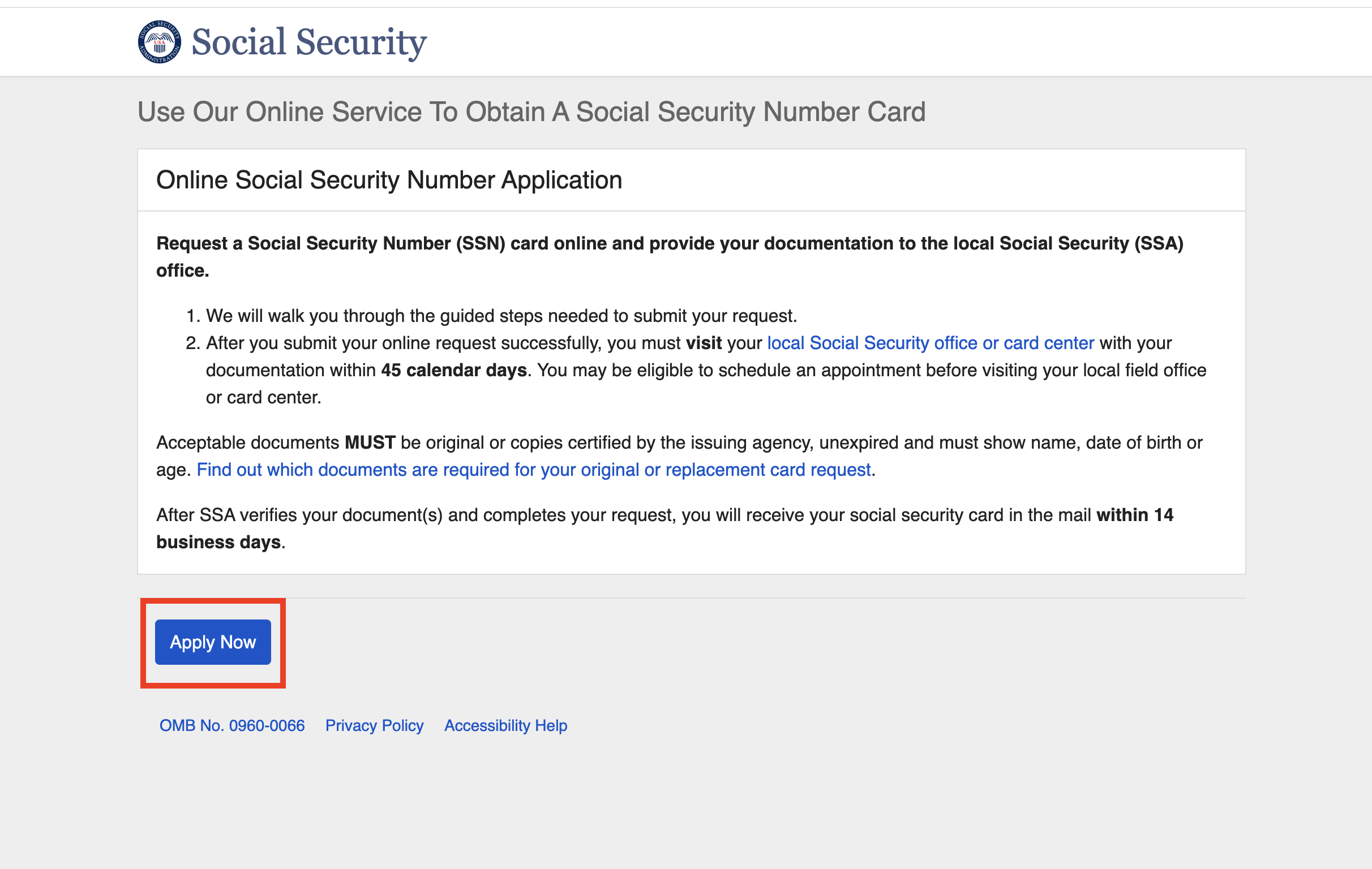
Step 3: Apply for a Social Security Card Online
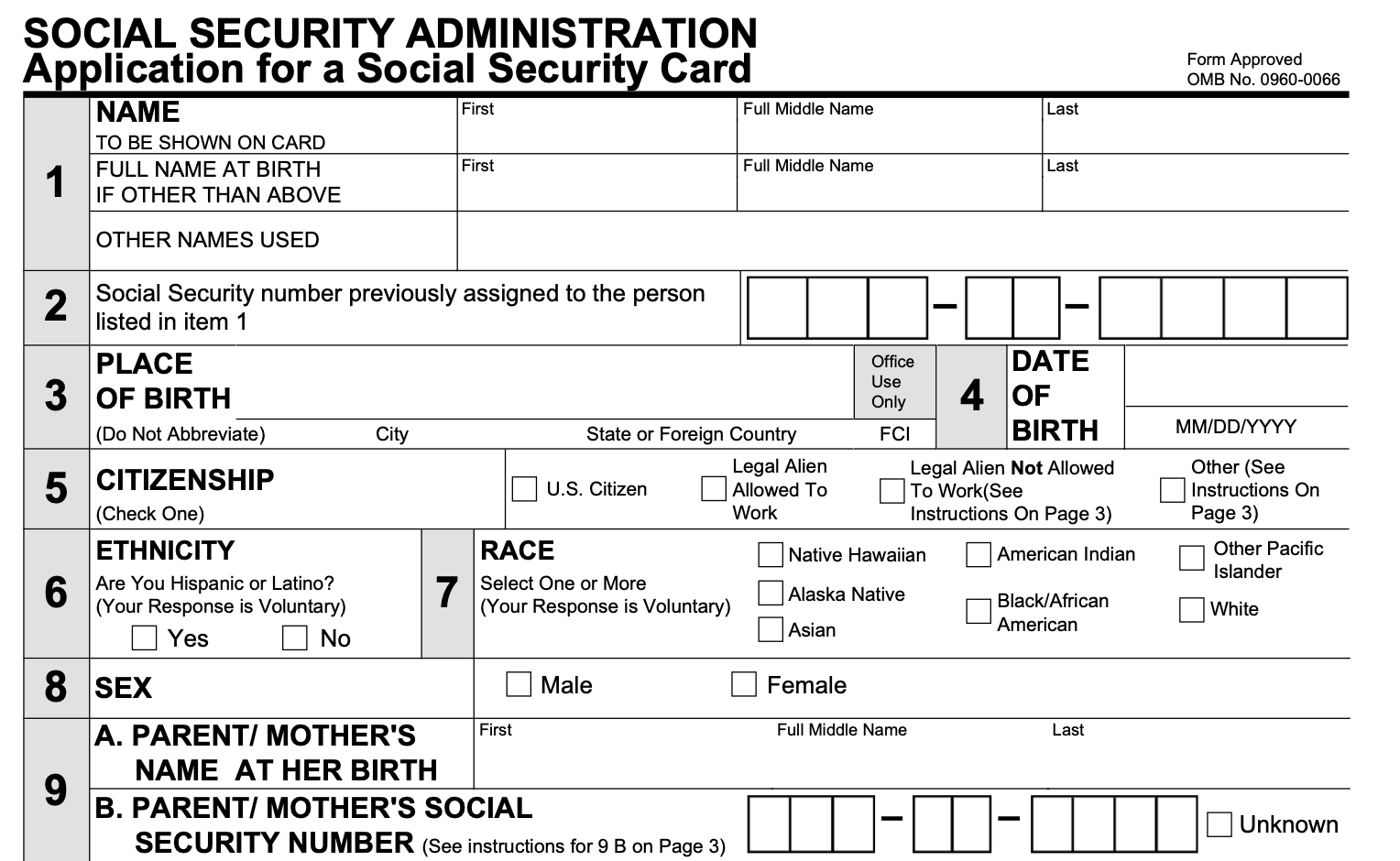
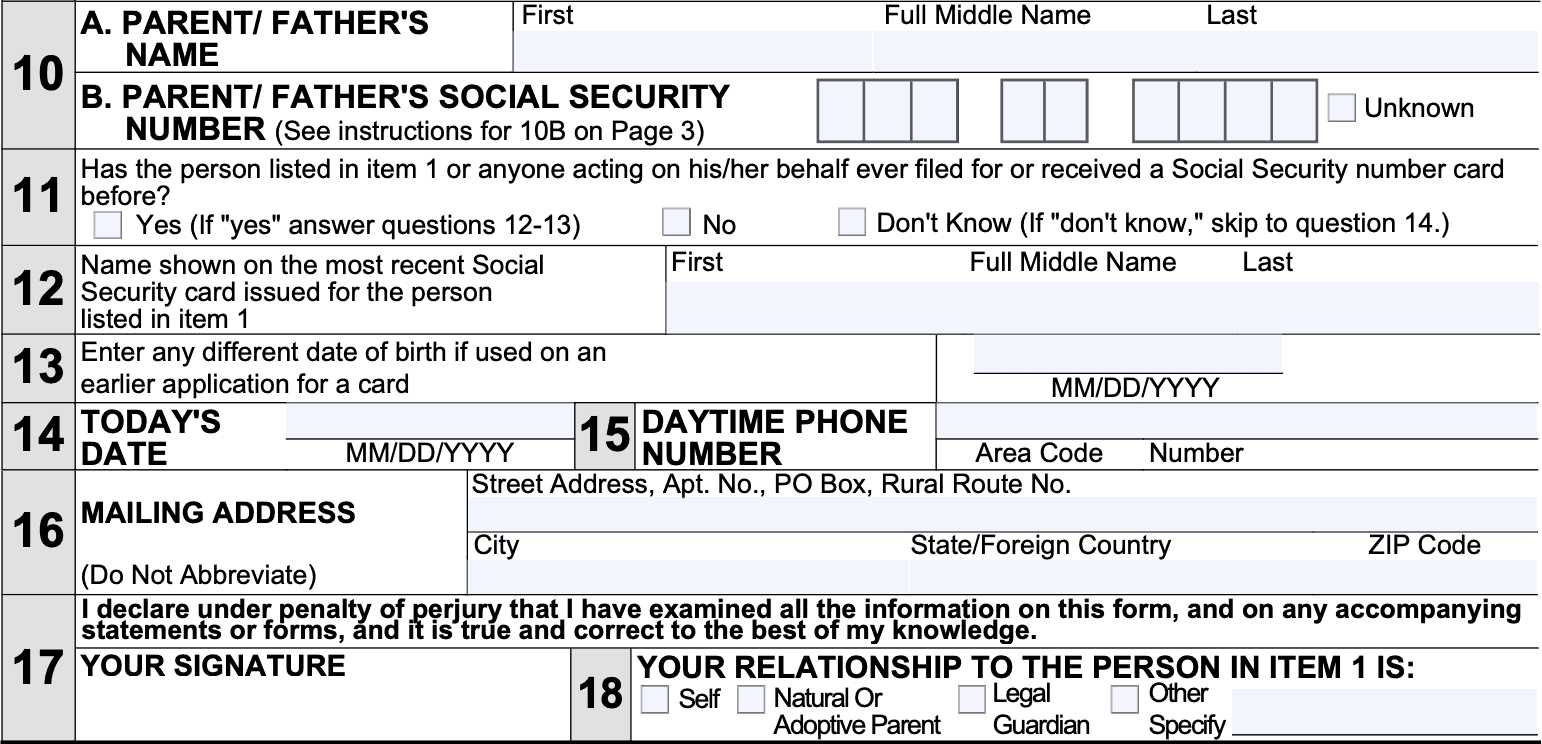
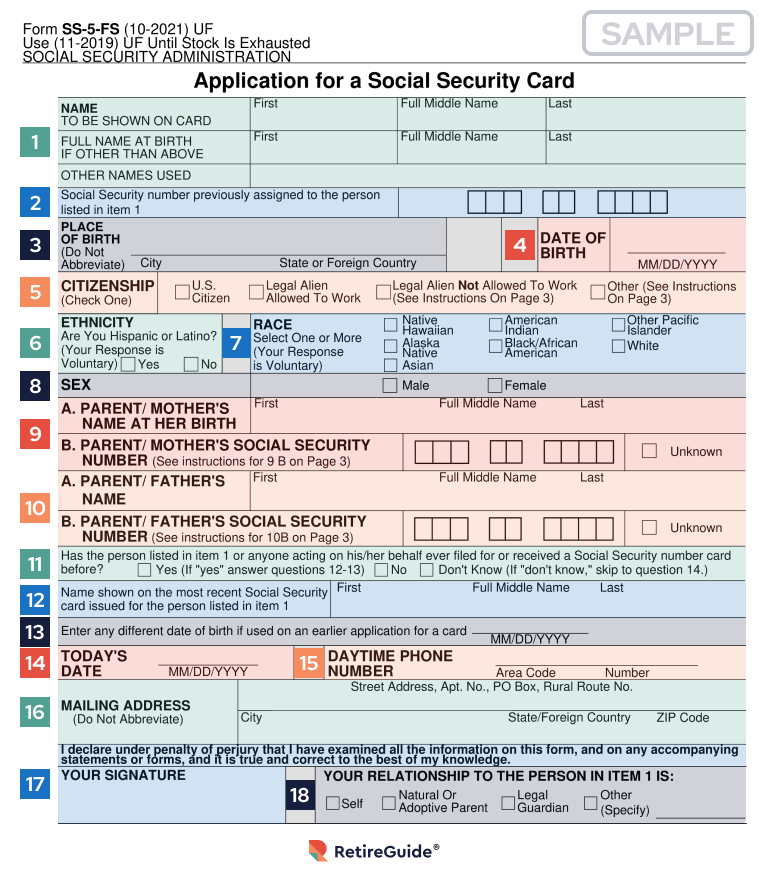
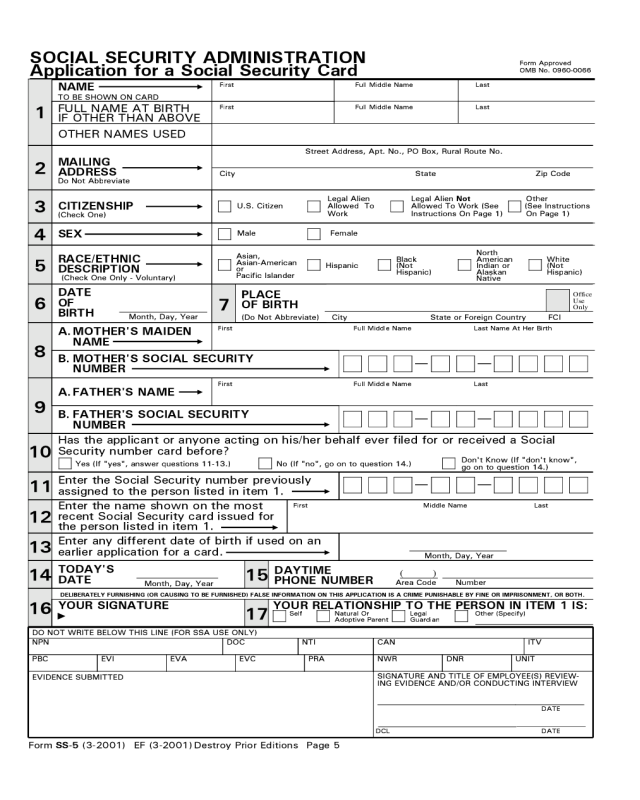
Once you have created your my Social Security account and gathered the required documents, you can apply for a Social Security card online. You will need to log in to your account and fill out the online application for a Social Security card.
- Log in to your my Social Security account.
- Click on "Apply for a Social Security Card."
- Fill out the online application and provide required documents.
- Submit your application.
Step 4: Complete the Application Process
Once you have submitted your online application, you will need to complete the application process in a local Social Security office or card center. This may involve providing additional documentation and biographical information.
- Visit a local Social Security office or card center.
- Provide additional documentation and biographical information.
- Take an oath to the information you provided.
Conclusion
Applying for a Social Security card online is a convenient and efficient way to get your card. By following these steps, you can apply for a Social Security card online and avoid the need to visit a local Social Security office in person. Remember to gather the required documents and complete the application process in a timely manner to ensure that your application is processed as quickly as possible.