Amazon Echo Dot Setup with Smart Bulb: A Step-by-Step Guide
Are you looking to upgrade your home with smart lighting and voice control? Look no further than the Amazon Echo Dot and smart bulbs! In this article, we'll walk you through the simple steps to connect your Echo Dot to smart bulbs, creating a seamless and voice-controlled lighting system.Choose Your Smart Bulb Brand
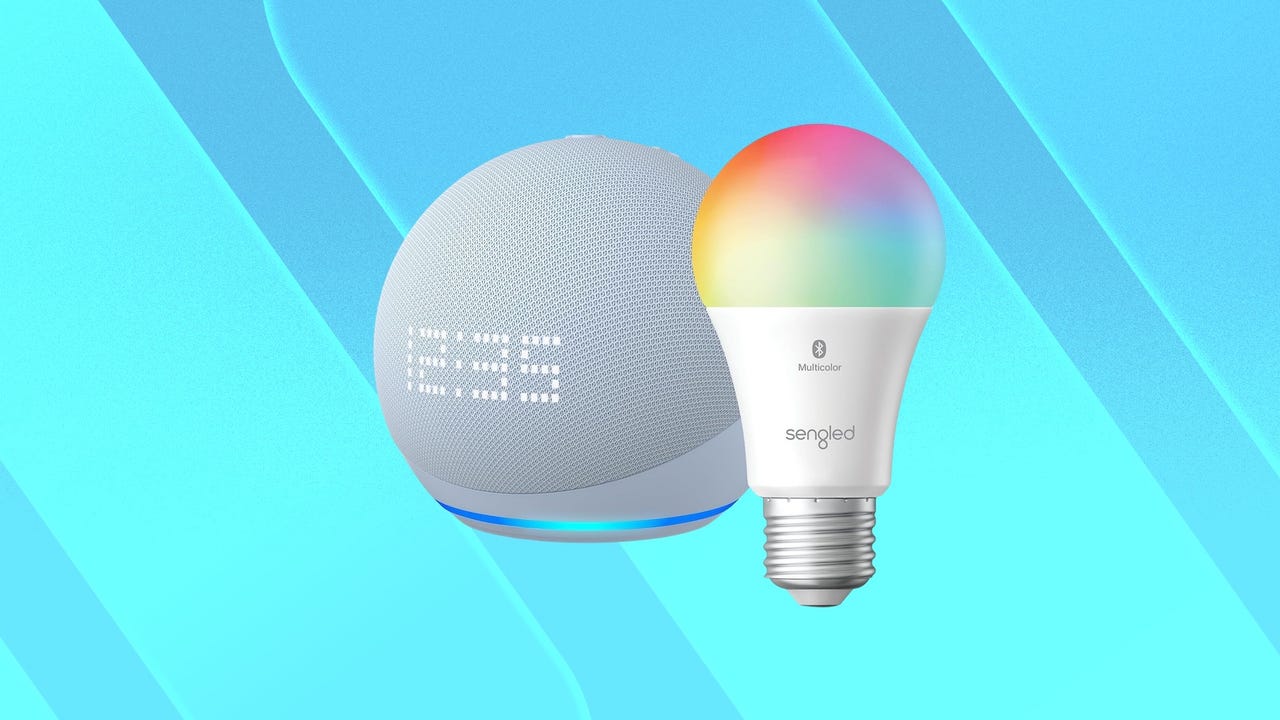
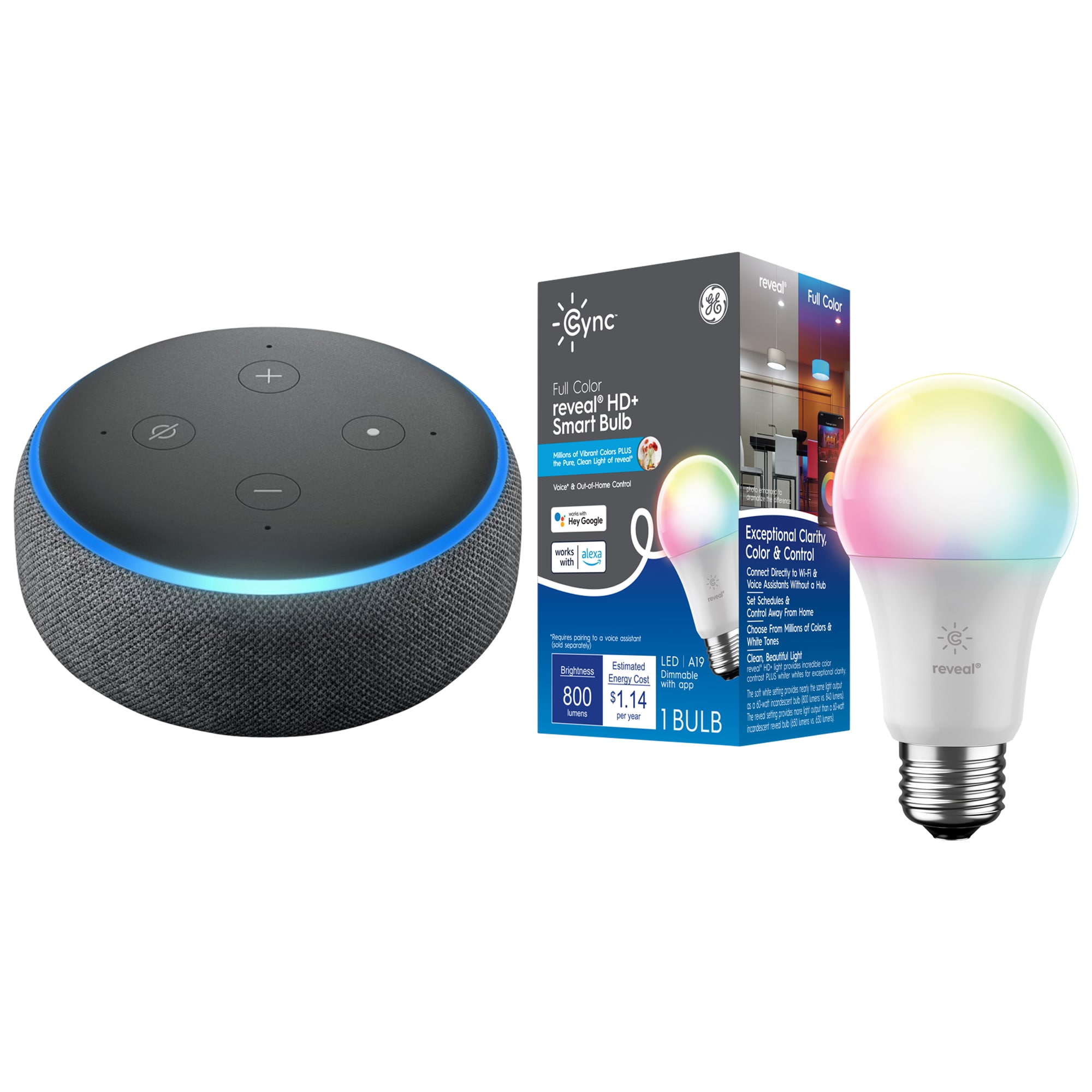
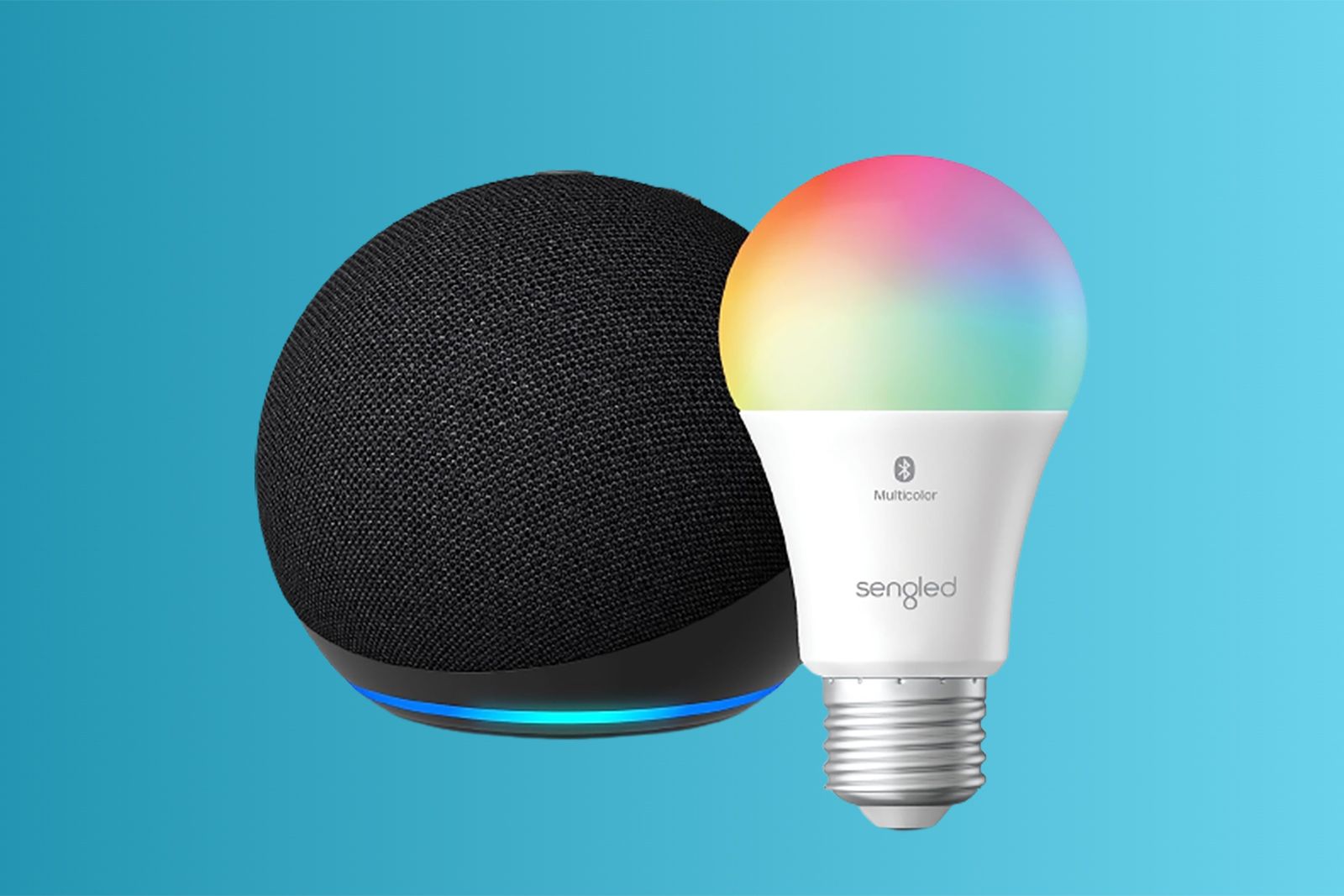
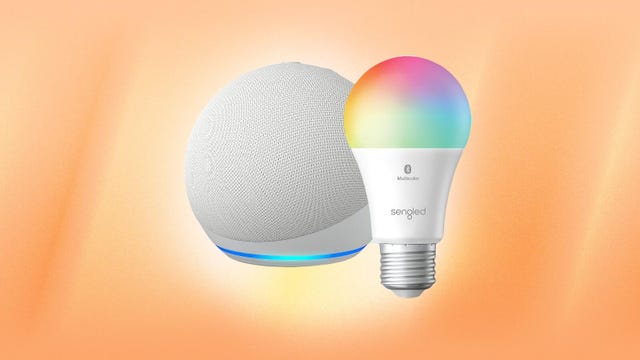
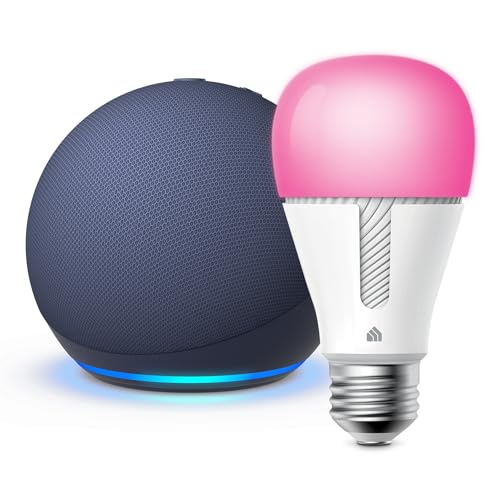
Before we begin, make sure you have a smart bulb brand in mind. Some popular options include Philips Hue, Sengled, TP-Link, LIFX, and Wyze. Each brand has its own unique features and requirements, so be sure to check the manufacturer's instructions for specific setup instructions.Requirements
To get started, you'll need the following: * An Amazon Echo Dot (3rd Generation or later) * Smart bulbs (make sure they are compatible with the Echo Dot) * A smart home hub or bridge (optional) * A smartphone or tablet with the Alexa app installedStep 1: Connect Your Echo Dot to Wi-Fi
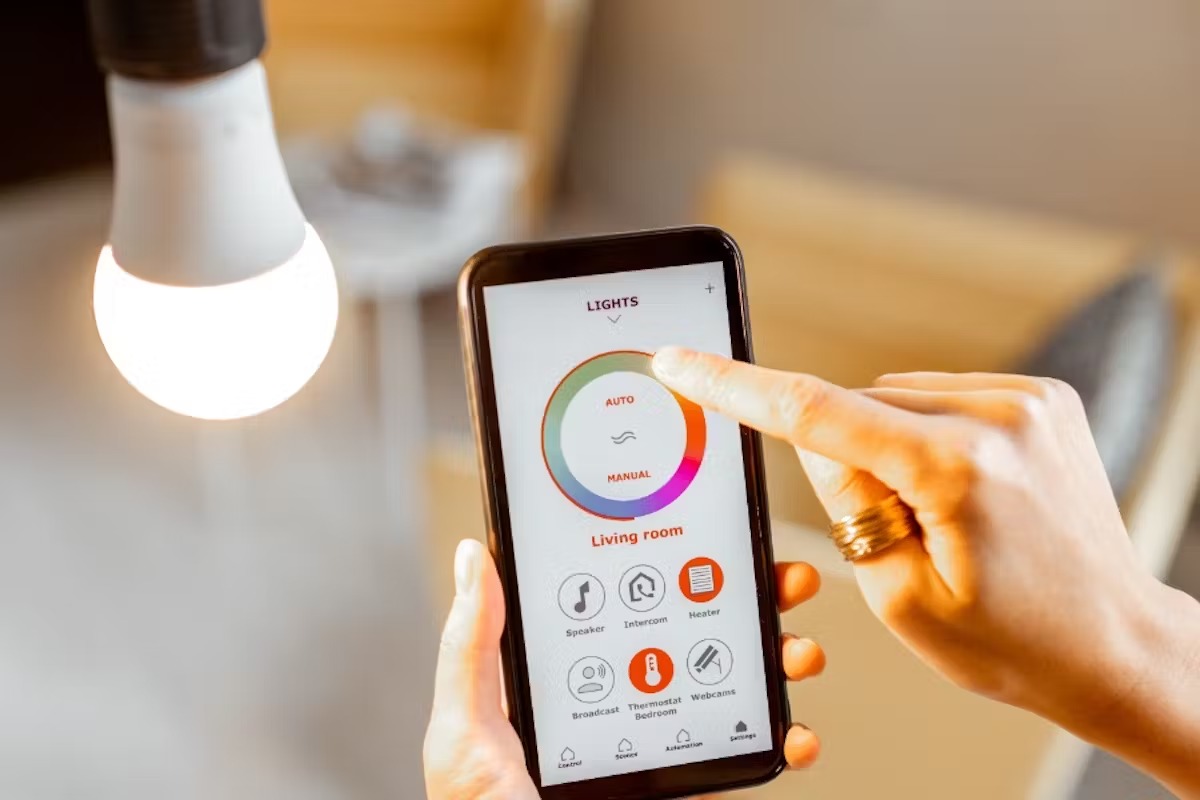
To begin, connect your Echo Dot to your Wi-Fi network using the Alexa app. This will ensure that your Echo Dot can communicate with the smart bulbs and other connected devices.Step 2: Enable the Smart Bulb Skill
Enable the smart bulb skill on your Echo Dot by saying "Alexa, discover devices" or by going to the Alexa app and selecting the "Devices" tab. Then, select "Skills" and search for the manufacturer's name (e.g., "Philips Hue"). Follow the prompts to enable the skill.Step 3: Connect Your Smart Bulbs
Connect your smart bulbs to the Echo Dot by following the manufacturer's instructions. Typically, this involves pressing the LED button on the smart bulb to start the pairing process. Your Echo Dot will then detect the smart bulbs and add them to your Alexa app.Step 4: Configure Your Smart Bulbs