Setting Up a Twitch Account for Beginners: A Step-by-Step Guide
Are you new to the world of live streaming and eager to start your journey on Twitch? Setting up a Twitch account is the first step to becoming a streamer. In this comprehensive guide, we'll walk you through the process of setting up your Twitch account, choosing the right equipment and software, and going live for the first time.
What is Twitch?
Twitch is a live streaming platform that allows users to broadcast their passions, talents, and creative content to a global audience. With millions of active users, Twitch has become a go-to destination for gamers, artists, and creators alike. Whether you're a seasoned gamer or a newcomer to the world of streaming, Twitch offers a platform for anyone to share their unique voice and connect with like-minded individuals.Creating Your Twitch Account
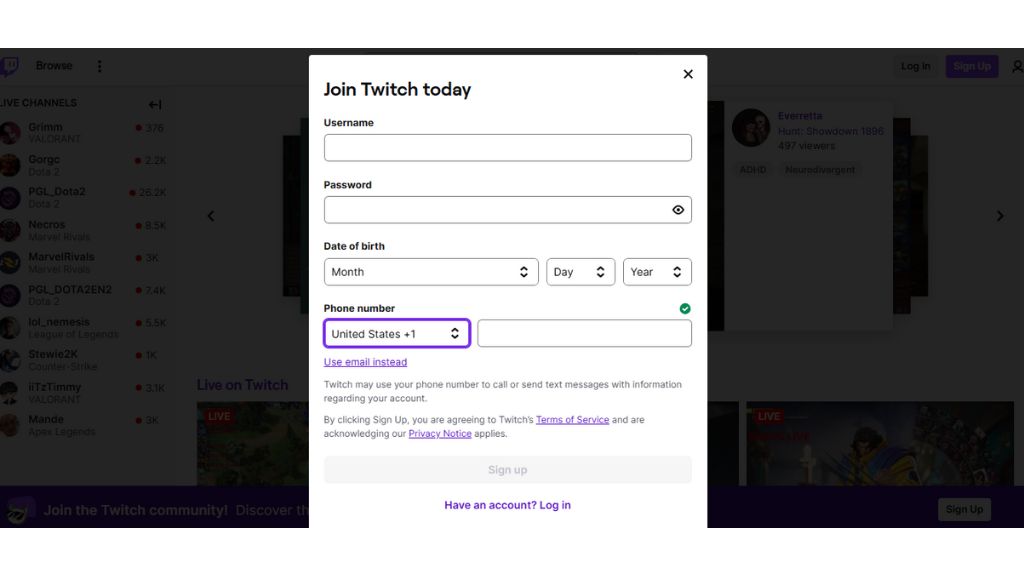
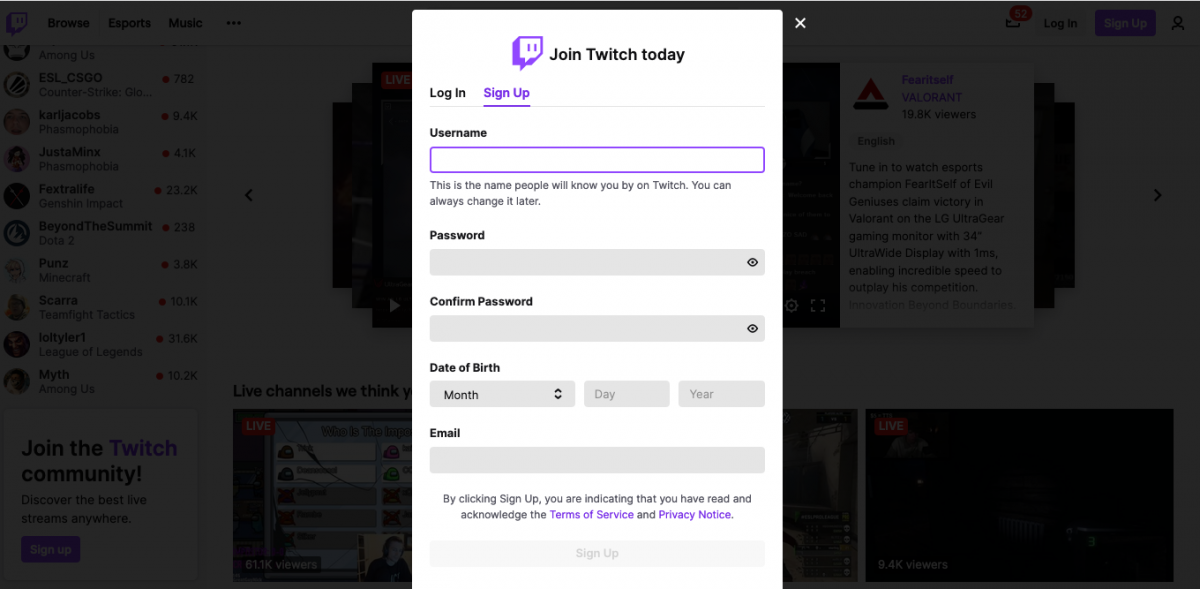
Creating a Twitch account is a straightforward process that can be completed in just a few minutes. To get started:
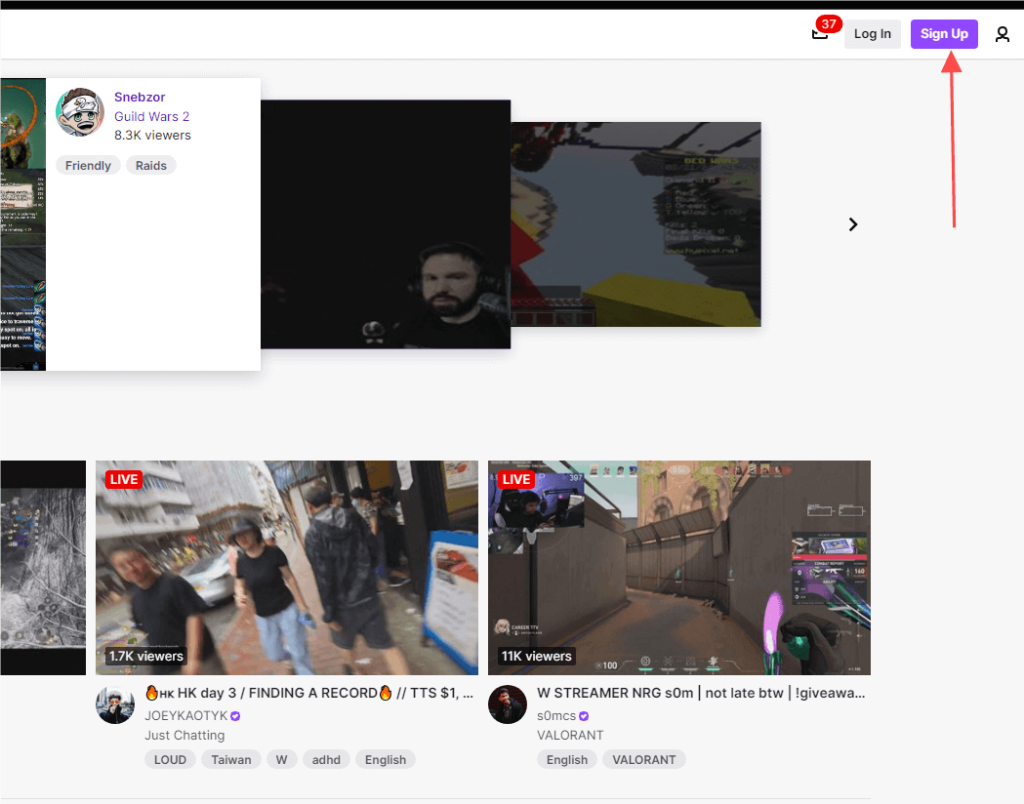
- Visit Twitch.tv and click on the "Sign up" button.
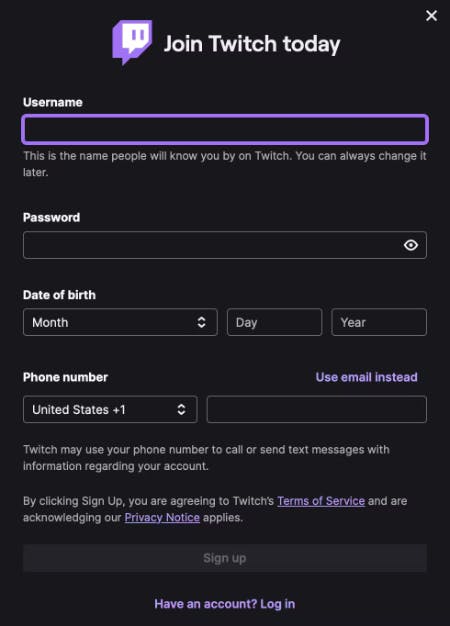
- Fill out the registration form with your email address, password, and other basic information.
- Verify your email address by clicking on the link sent by Twitch.
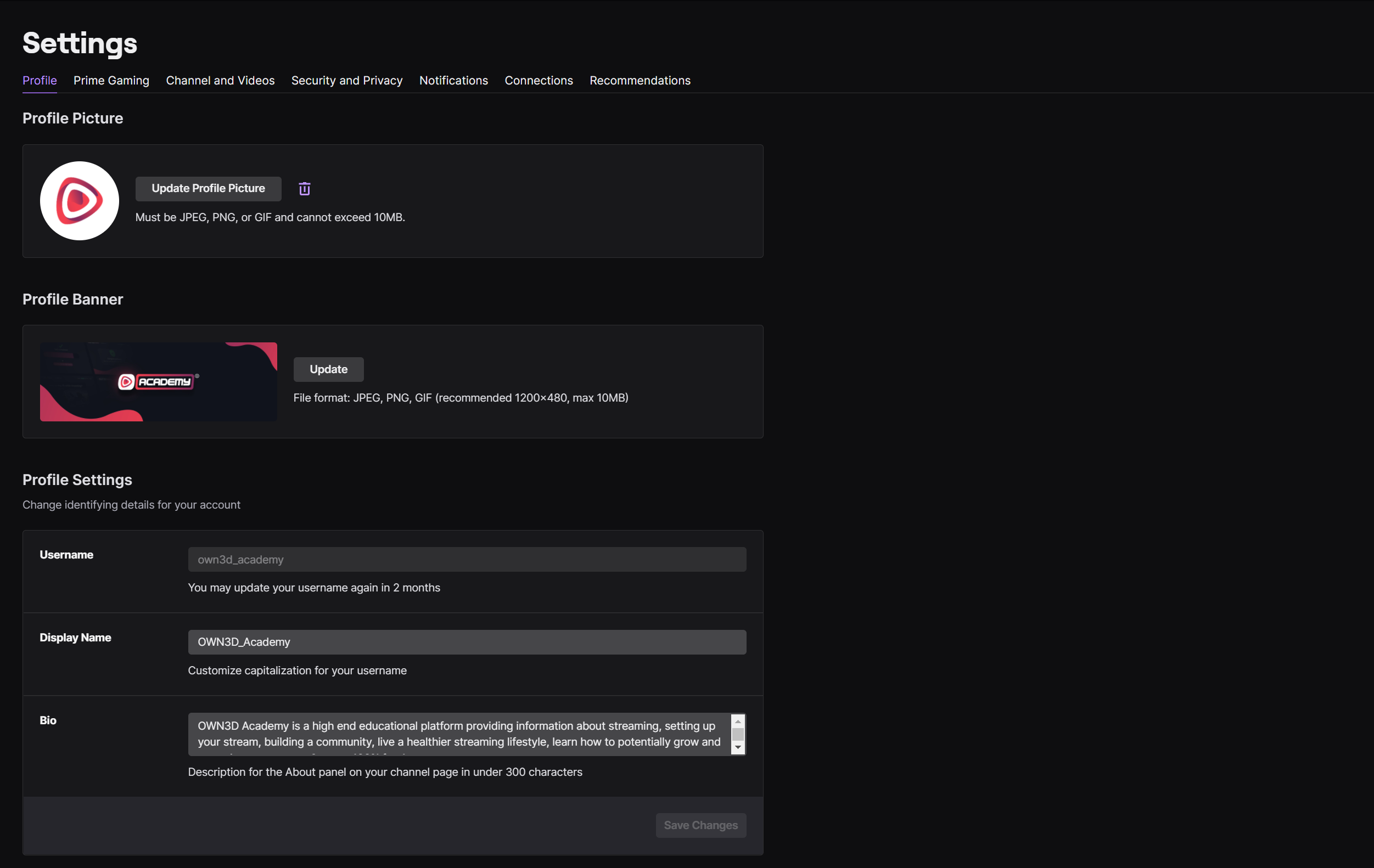
- Complete your profile by adding a profile picture, bio, and other details.
Setting Up Your Account Security
Once your account is created, it's essential to set up two-factor authentication (2FA) to protect your account from unauthorized access. Here's how to do it:
- Go to your account settings and click on the "Security" tab.
- Click on "Enable 2-step verification" and select the authentication method (SMS or authenticator app).
- Enter the verification code sent to your phone or authenticate using your chosen method.
Configuring Your Streaming Software
Choosing the right streaming software is crucial for a smooth and high-quality broadcast. The most popular streaming software for Twitch is OBS Studio. Here's how to set it up:
- Download OBS Studio from the official website and install it on your computer.
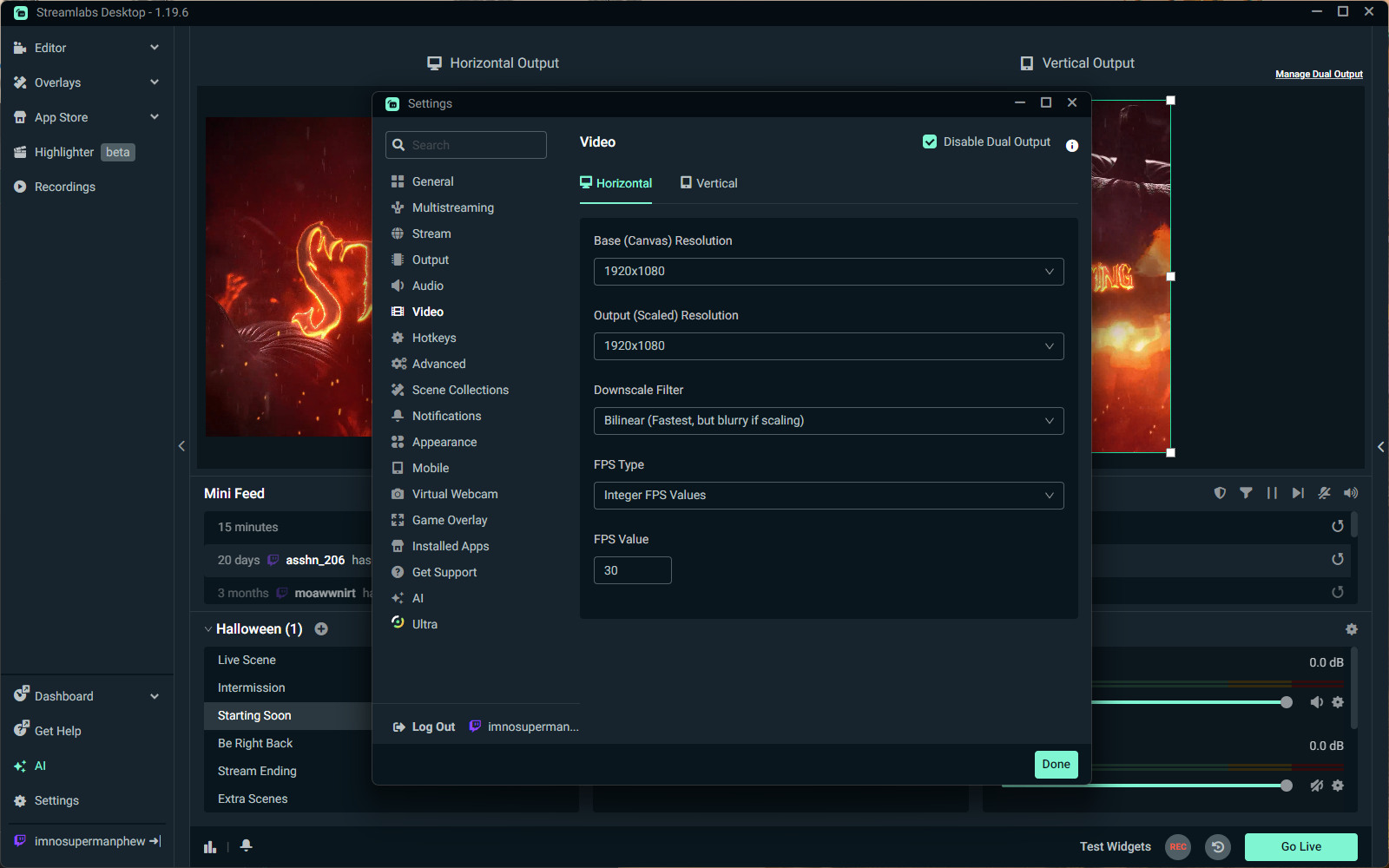
- Configure your video and audio settings, such as resolution, frame rate, and bitrate.
- Connect your camera, microphone, and other hardware devices to OBS.
- Test your setup by broadcasting a test stream to ensure everything is working correctly.
Choosing the Right Equipment
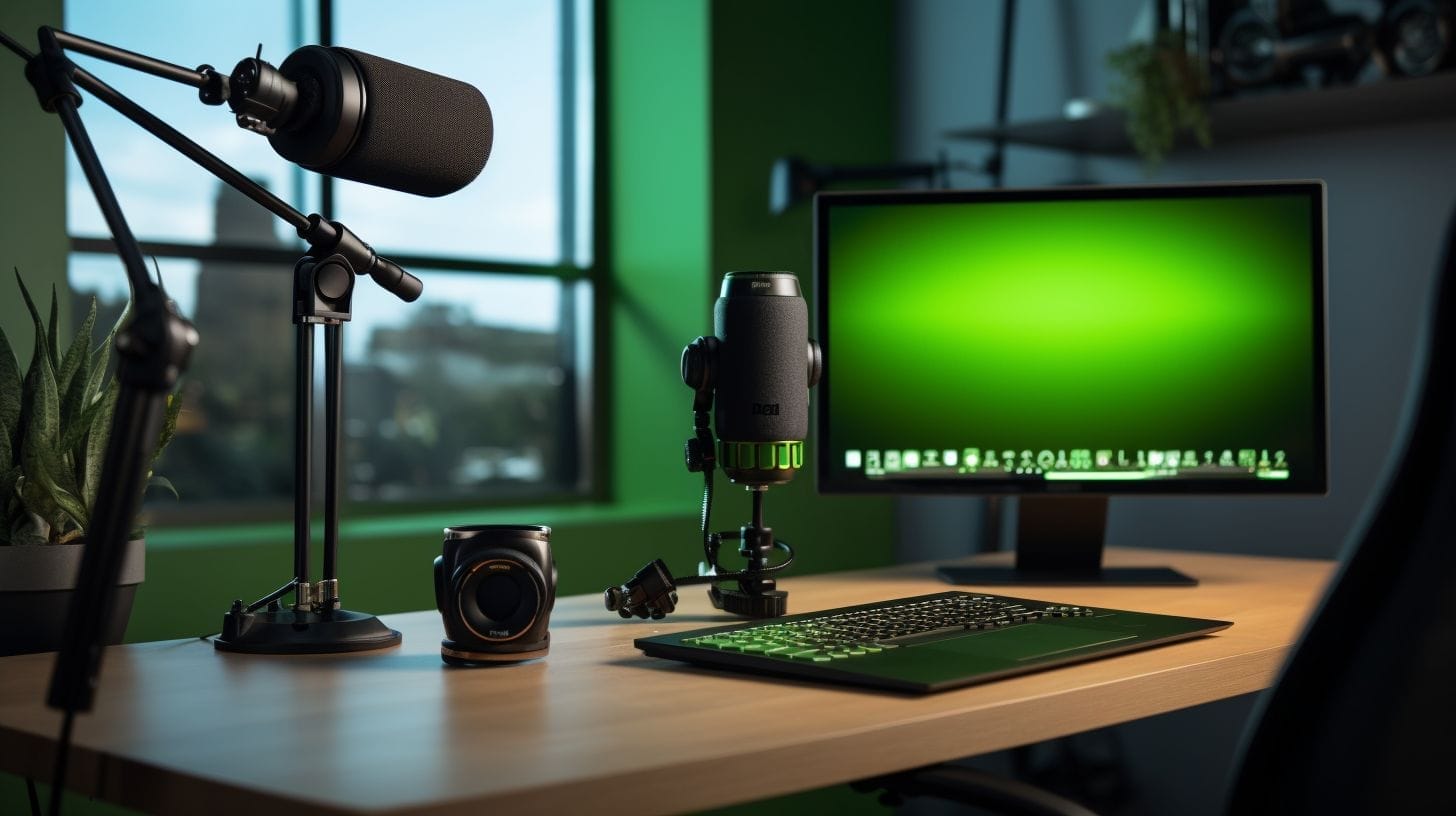
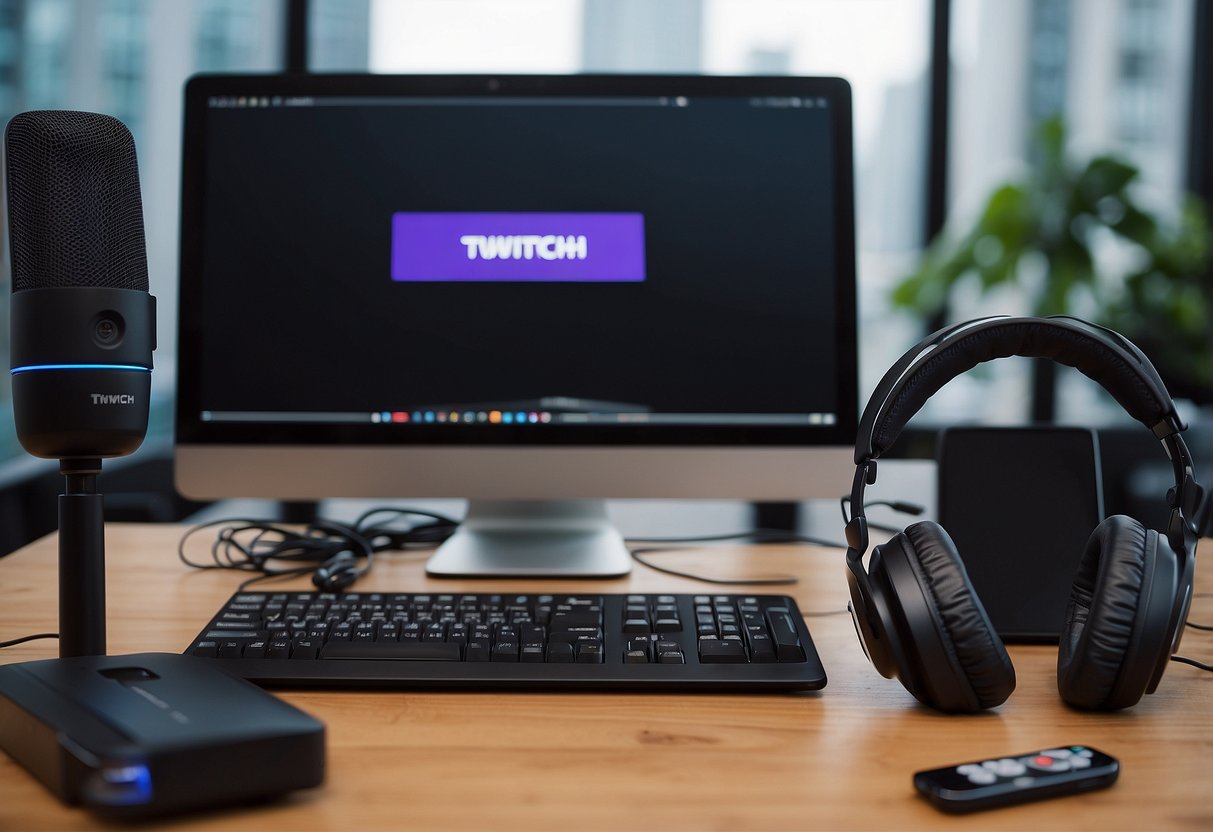
While Twitch is available on various platforms, including PC, smartphone, and gaming consoles, the equipment required for streaming can vary. Here are some recommendations for beginners:
- Computer or gaming console with a stable internet connection.
- Webcam or camera for video capture.
- Microphone for clear audio.
- Lighting and graphic design software (optional).
Going Live for the First Time
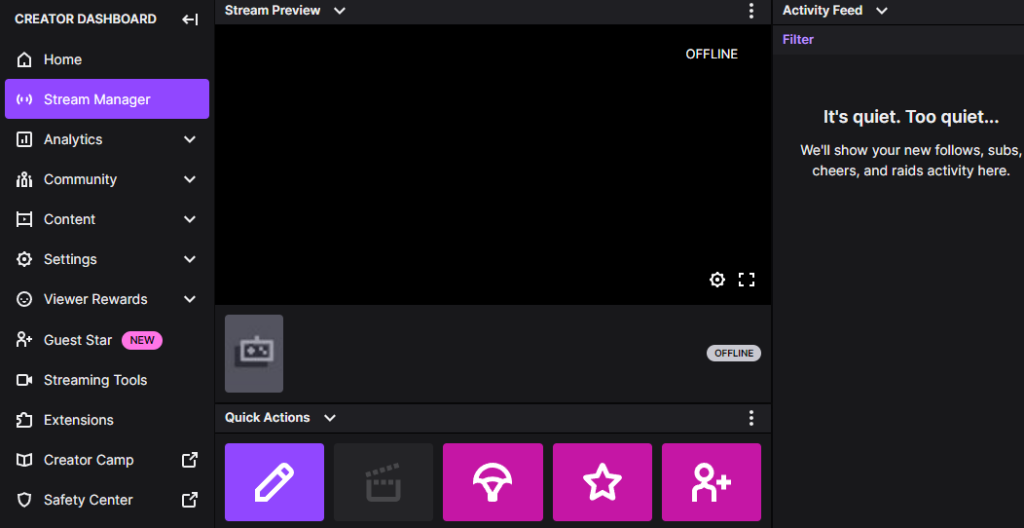
Now that you have your equipment and software set up, it's time to go live. Here's a step-by-step guide:
- Log in to your Twitch account and click on the "Go Live" button.
- Set your stream title, description, and tags.
- Configure your channel settings, such as chat and subscriber settings.
- Start your stream and engage with your audience.
Congratulations!
Setting up a Twitch account for beginners can seem daunting, but with this guide, you've taken the first step towards becoming a successful streamer. Remember to continuously improve your setup, engage with your audience, and promote your channel to grow your following.